
As the holiday season approaches, many homeowners look for ways to add festive cheer without the daily hassle of turning lights on and off. With smart home technology, you can do more than just control your Christmas lights with voice commands—you can automate them entirely. Amazon’s Alexa offers a powerful feature called Routines that lets you schedule, customize, and coordinate your holiday lighting display effortlessly. Whether you're aiming for subtle porch ambiance or a full-blown synchronized light show, this guide will walk you through setting up automated Christmas lights using Alexa, ensuring your home shines bright—on time, every time.
Understanding Alexa Routines and Smart Lighting
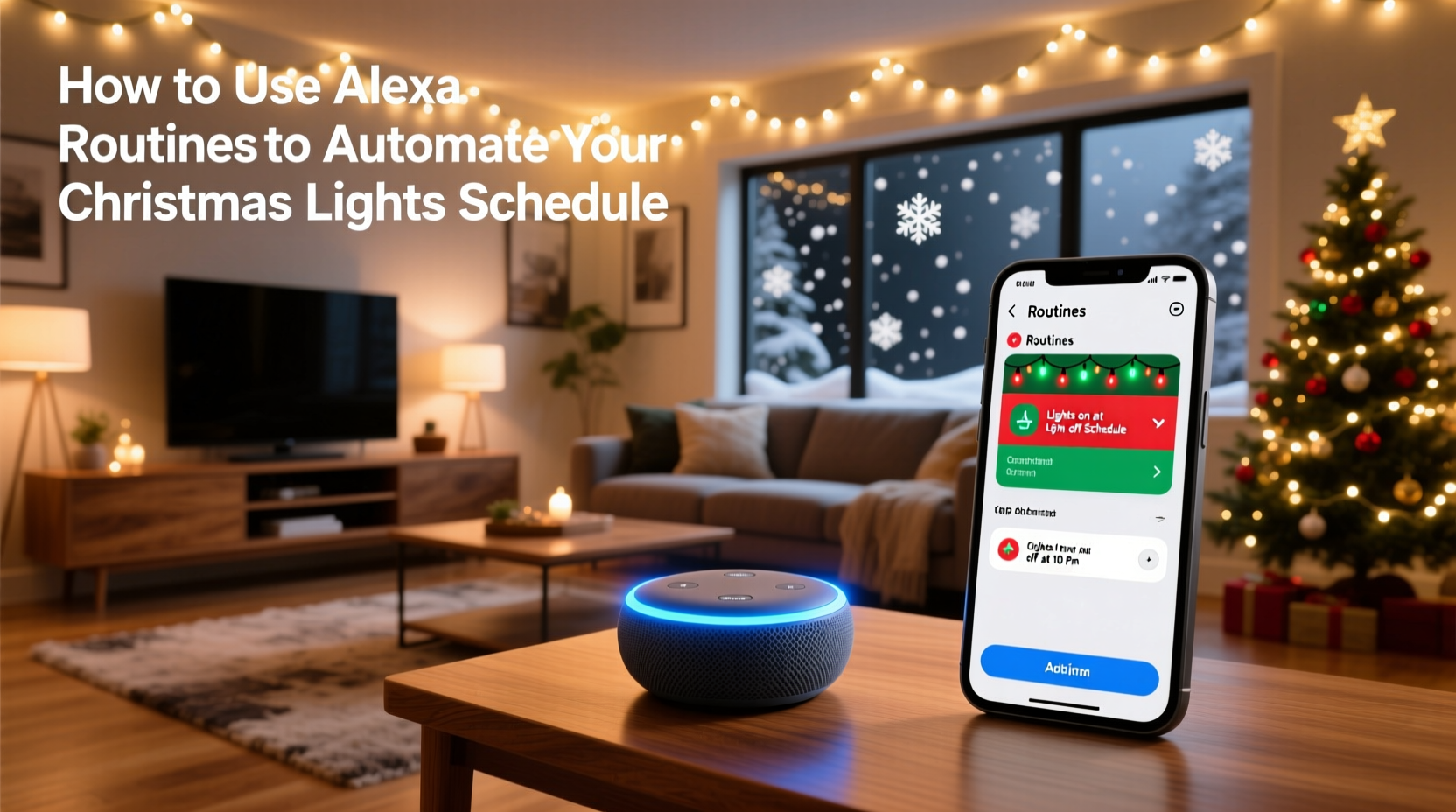
Alexa Routines allow you to trigger multiple actions across your smart devices with a single command or schedule. When applied to Christmas lights, routines can power them on at dusk, turn them off at bedtime, or even sync their activation with music or weather conditions. The key requirement is compatible smart lighting—such as Philips Hue, LIFX, TP-Link Kasa, or any Alexa-enabled plug or bulb connected to your network.
The beauty of automation lies in its precision and convenience. Instead of remembering to switch lights on each evening, you define a rule once, and Alexa handles the rest. You can set routines based on time, sunrise/sunset, device status, or even custom voice phrases like “Alexa, start Holiday Mode.” This level of control not only enhances your holiday experience but also promotes energy efficiency by preventing lights from staying on unnecessarily.
Step-by-Step Guide to Setting Up Your Christmas Lights Routine
Setting up an Alexa routine for your Christmas lights takes less than 10 minutes and requires only the Alexa app and a compatible device. Follow these steps to get started:
- Connect your smart lights or plug to Wi-Fi – Ensure your smart bulbs or outlets are powered on and properly linked to your Alexa account via the Alexa app under \"Devices.\"
- Open the Alexa app – Navigate to the “More” menu (bottom right), then select “Routines.”
- Create a new routine – Tap the “+” icon to build a new routine. Give it a festive name like “Christmas Lights On” or “Evening Glow.”
- Set the trigger – Choose when the routine activates. Options include:
- Time-based: e.g., “Every day at 5:30 PM”
- Sunrise/Sunset: e.g., “Sunset + 15 minutes”
- Custom voice command: e.g., “Alexa, light up the holidays”
- Add an action – Tap “Add action,” go to “Smart Home,” then “Turn on device.” Select your Christmas lights (bulbs or plug). You can also adjust brightness or color if supported.
- Save the routine – Review settings and tap “Save.” Repeat the process for a second routine to turn lights off, such as “Every night at 11:00 PM” or “Midnight.”
Once saved, Alexa will execute the routine automatically. Test it manually in the app to confirm everything works before relying on the schedule.
Advanced Automation Strategies
Basic on/off scheduling is useful, but Alexa supports far more sophisticated routines. By layering triggers and actions, you can create dynamic, responsive lighting experiences tailored to your lifestyle.
For example, combine your Christmas lights with other smart home features:
- Play holiday music when lights turn on
- Dim indoor lights while activating outdoor displays
- Send a notification when the display shuts down
- Activate only if no one is detected away from home (using geolocation)
To enable location-based triggers, ensure the Alexa app has access to your phone’s location. Then, in the routine setup, choose “When I arrive” or “When I leave” as the trigger. This ensures your lights don’t turn on during the day when you’re out shopping or on vacation.
You can also use conditional logic. While Alexa doesn’t support full “if/then” statements natively, workarounds exist. For instance, use IFTTT (If This Then That) integrations to trigger lights only when the weather is below a certain temperature or during specific dates in December.
“Automation isn’t just about convenience—it’s about creating memorable moments. A well-timed light display that greets your family at sunset can elevate everyday routines into holiday traditions.” — Jordan Lee, Smart Home Integration Specialist
Optimizing Your Schedule: A Holiday Timeline
Timing matters. Turning lights on too early in winter afternoons may waste energy; leaving them on until dawn increases electricity costs. Use this optimized holiday lighting timeline as a reference:
| Time of Day | Action | Recommended Trigger |
|---|---|---|
| 30–45 minutes after sunset | Turn Christmas lights ON | Sunset + 30 minutes |
| 9:00 PM – 10:30 PM | Maintain full brightness | N/A (passive state) |
| 11:00 PM | Turn lights OFF | Daily at 11:00 PM |
| December 26 onward | Disable all holiday routines | Manual deactivation or scheduled end date |
Consider adjusting the schedule during weekends or special events. You might extend the runtime to midnight on Fridays or Saturdays when guests are more likely to visit. Use the Alexa app to temporarily override routines or duplicate them with modified times for holidays like Christmas Eve.
Real Example: The Thompson Family’s Automated Display
The Thompsons live in a suburban neighborhood where holiday decorations are a friendly competition among neighbors. Each year, they aim to improve their display while minimizing daily effort. In 2023, they upgraded to smart plugs for their roofline lights, tree, and pathway markers—all controlled through Alexa.
They created three routines:
- “Holiday Glow On” – Activated at sunset + 20 minutes. Turns on all exterior and tree lights at 90% brightness.
- “Bedtime Dim” – At 10:30 PM, reduces indoor tree brightness to 30% and turns off outdoor lights.
- “Vacation Mode” – Enabled remotely when traveling. Randomizes light patterns every 2 hours to simulate occupancy.
During Christmas week, they added a fourth routine triggered by saying, “Alexa, let it snow,” which plays “Carol of the Bells” and pulses the lights in rhythm. Their setup reduced manual interaction to zero, and their energy usage dropped by 18% compared to the previous year due to precise timing.
Do’s and Don’ts of Alexa Christmas Light Automation
To help you avoid common pitfalls, here’s a quick-reference table outlining best practices:
| Do | Don't |
|---|---|
| Use sunset-based triggers for seasonal consistency | Set fixed times that become outdated as daylight changes |
| Group devices logically (e.g., “Outdoor Lights”) for easy control | Assign vague names that make routines confusing |
| Test routines manually before relying on automation | Assume the routine works without verification |
| Set an end date for holiday routines (e.g., January 2) | Forget to disable routines, leading to unintended activations |
| Combine lights with sounds for immersive effects | Overload routines with too many actions that delay execution |
Frequently Asked Questions
Can I schedule different lighting scenes for different days?
Yes. While Alexa doesn’t offer day-specific conditions within a single routine, you can create separate routines for weekdays vs. weekends. For example, have lights run until 11 PM on weekdays and midnight on Fridays and Saturdays. Disable individual routines manually or use third-party tools like Alexa Blueprints or IFTTT for more granular control.
What if my internet goes down? Will the lights still work?
If your Wi-Fi is offline, scheduled routines that rely on cloud processing may fail. However, some smart plugs and bulbs support local execution—if enabled in the device settings, basic on/off commands can still function. For critical reliability, consider pairing Alexa with a UPS (uninterruptible power supply) to keep your router and hub online during brief outages.
Can I use Alexa routines with non-Amazon smart lights?
Absolutely. As long as the lights are certified for Alexa (via brands like Philips Hue, Nanoleaf, or TP-Link), they’ll work seamlessly. Simply link the respective skill in the Alexa app and discover the devices before creating routines. Always check compatibility on the manufacturer’s website before purchasing.
Final Checklist Before Launching Your Display
Before flipping the switch on your automated holiday lights, run through this final checklist to ensure everything operates smoothly:
- ✅ All smart devices are connected and responding in the Alexa app
- ✅ Christmas lights are securely plugged into smart outlets or are smart bulbs
- ✅ Routines are named clearly and assigned correct triggers
- ✅ Test each routine manually to verify device response
- ✅ Set a clear end date for holiday automation (e.g., January 2)
- ✅ Share routine details with household members so they know how to adjust or disable if needed
- ✅ Confirm location services are enabled if using geofencing triggers
Conclusion: Bring the Magic Home—Automatically
Automating your Christmas lights with Alexa routines transforms a repetitive task into a seamless, joyful experience. No more forgotten switches or wasted energy—just reliable, radiant holiday cheer timed perfectly to your life. From simple daily schedules to coordinated light-and-music events, the tools are accessible, affordable, and easy to set up.
The holiday season should be about connection, celebration, and comfort—not chores. By investing an hour in setting up smart routines, you gain back countless evenings and ensure your home sparkles exactly when it matters most. This year, let technology handle the details so you can focus on what truly counts: making memories with loved ones.




 浙公网安备
33010002000092号
浙公网安备
33010002000092号 浙B2-20120091-4
Comments
No comments yet. Why don't you start the discussion?