
For many households, the magic of the holiday season begins with light—the warm glow of string lights on the porch, synchronized color shifts across the tree, or a gentle fade-in at dusk that transforms the front yard into a neighborhood landmark. Yet too often, that magic is undermined by manual switches, forgotten timers, or inconsistent schedules. Alexa routines offer a powerful, accessible solution: turning complex lighting sequences into one-tap or voice-triggered events—without requiring technical expertise, third-party apps, or expensive smart home hubs. This isn’t about flashy gimmicks; it’s about reliability, predictability, and reclaiming time during an already demanding season. With over 130 million active Alexa devices in homes worldwide—and growing adoption of Matter-compatible smart lights—this approach is both future-proof and immediately actionable.
Why Alexa Routines Outperform Traditional Timers and Apps
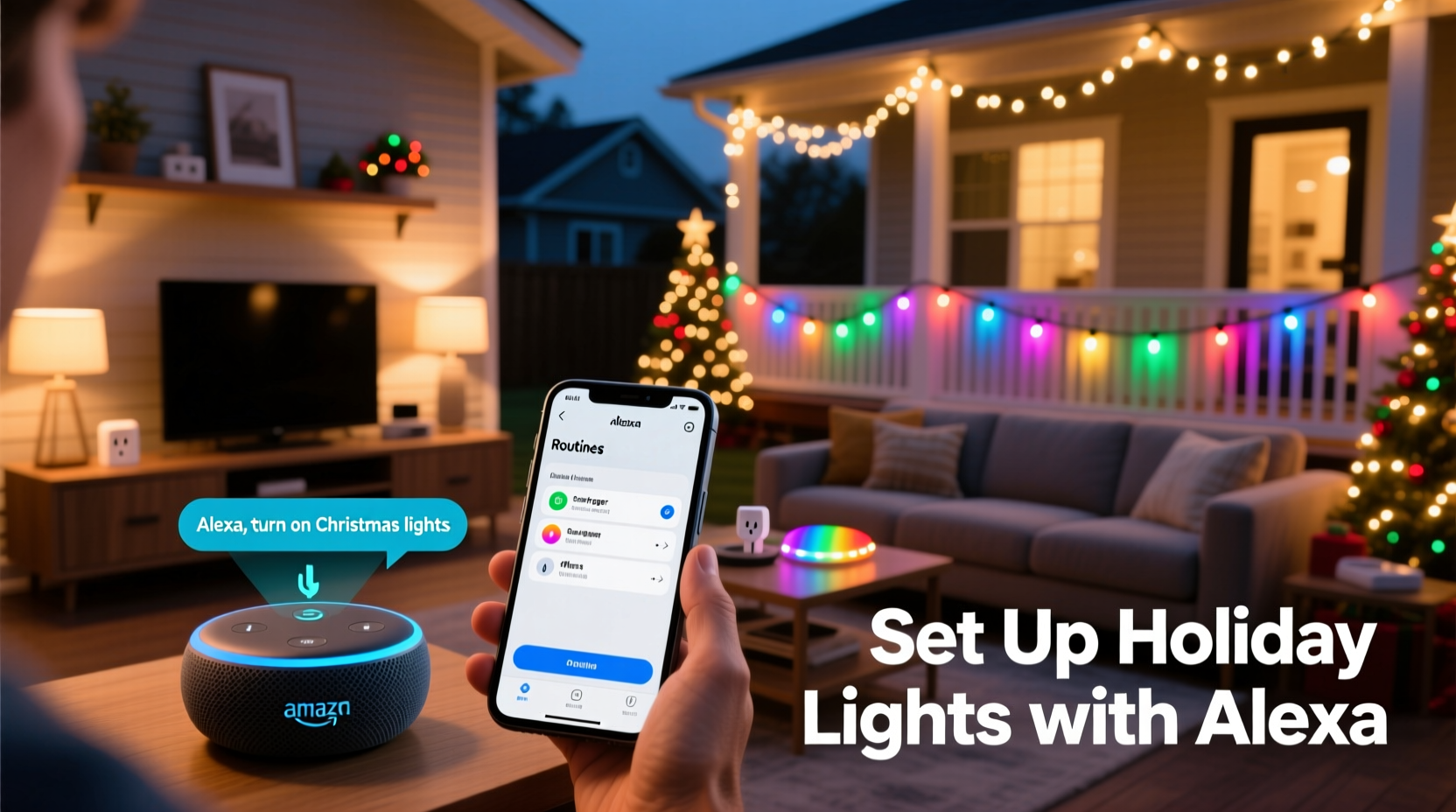
Traditional plug-in timers are brittle: they lack weather awareness, can’t adjust for daylight shifts, and fail silently when power flickers. Mobile apps demand constant attention—checking battery life, updating firmware, and toggling scenes manually. Alexa routines integrate directly with Amazon’s cloud infrastructure, meaning they run reliably even if your phone is off, your Wi-Fi dips momentarily, or you’re away from home. More importantly, routines support multi-device orchestration: you can dim the living room floor lamp *while* powering on the outdoor icicle lights *and* adjusting the tree’s color temperature—all in under two seconds, triggered by a single phrase or time-based rule.
Alexa’s routine engine also understands context. It respects device groupings (e.g., “Front Yard Lights”), accommodates conditional logic (“if it’s after sunset, then turn on pathway lights at 30% brightness”), and works seamlessly with geofencing (“when I arrive home after 4 p.m., activate Holiday Mode”). Unlike standalone smart lighting apps, Alexa doesn’t require separate logins, proprietary bridges, or subscription tiers. Every action is auditable in the Alexa app, and every change is synced across all your Echo devices instantly.
Hardware & Compatibility Checklist
Before building your first routine, confirm compatibility. Not all smart lights work equally well with Alexa automation. Prioritize devices certified for Alexa Built-in or Matter over Thread, as they respond faster and support more granular controls (like hue, saturation, and transition timing). Avoid older Zigbee-only bulbs that rely on a hub unless that hub is explicitly Alexa-certified (e.g., Philips Hue Bridge v2+, Nanoleaf Essentials).
Here’s what you’ll need:
- Required: An Alexa-enabled device (Echo Dot 3rd gen or newer, Echo Show, Echo Studio, or any device running firmware version 1.25.0+)
- Required: Smart lighting compatible with Alexa (tested models include: Nanoleaf Shapes, Govee Glide Hex, Wyze Bulbs, LIFX Mini, and Philips Hue White & Color Ambiance)
- Required: A stable 2.4 GHz Wi-Fi network (5 GHz bands cause intermittent disconnections with some smart plugs)
- Optional but recommended: Smart plugs rated for outdoor use (e.g., TP-Link Kasa KP125 or Wemo Mini) for non-smart string lights or inflatable displays
- Optional but powerful: A second-generation Echo device with built-in temperature/humidity sensors (e.g., Echo Plus 2nd gen or Echo Studio) to add environmental triggers
| Device Type | Works Out-of-the-Box? | Supports Color & Dimming in Routines? | Notes |
|---|---|---|---|
| Philips Hue Bulbs (with Hue Bridge) | Yes | Yes | Requires Hue Bridge v2+; supports smooth transitions and scene recall |
| Govee LED Strips (via Govee Home app) | Yes (via Govee skill) | Limited | Color presets only—no custom hex values or real-time adjustments |
| Wyze Bulbs (no hub) | Yes | Yes | Fast response (<0.8 sec), full RGB + Kelvin control, no bridge needed |
| TP-Link Kasa Smart Plugs | Yes | No (on/off only) | Ideal for animatronics, inflatables, or vintage incandescent strings |
| LIFX Mini (Wi-Fi native) | Yes | Yes | No hub, no bridge—direct Wi-Fi control with millisecond latency |
Building Your First Holiday Lighting Routine: A Step-by-Step Guide
Start simple. Your first routine should control just one group—like “Porch Lights”—before scaling to multi-zone displays. Follow this sequence precisely to avoid common missteps:
- Name & Group Devices: In the Alexa app, go to Devices > Groups. Create a new group named “Front Porch Lights” and add all relevant bulbs/plugs. Avoid generic names like “Lights” — Alexa struggles with ambiguous group references.
- Set Default States: Tap each device in the group and set its default “on” state: brightness 75%, color temperature 2700K (warm white), no motion effects. This ensures consistency when routines activate.
- Create the Routine: Tap Routines > +. Name it “Holiday Porch On.” Under When this happens, select “Time” → “At a specific time.” Choose “Sunset” and set offset to “-15 minutes” (lights come on 15 minutes before sunset for twilight ambiance).
- Add Actions: Tap “Add action” → “Smart Home” → “Adjust device.” Select your “Front Porch Lights” group. Set brightness to 85%, color to “Warm White,” and transition time to “5 seconds” (creates a gentle fade-in, not a jarring flash).
- Add a Second Action (Optional): Tap “Add action” again → “Smart Home” → “Turn on device.” Select your “Garage Door Light” (if smart) or a secondary plug powering pathway markers. This layers lighting zones without overloading one group.
- Test & Refine: Tap “Run routine” at the top. Observe timing, brightness, and synchronization. If devices respond sluggishly, reduce group size (max 8 devices per group) or replace older bulbs.
Once mastered, expand to “Tree Lighting Sequence” (which cycles through red/green/white every 12 seconds) or “Midnight Glow” (reduces all exterior lights to 15% brightness between 11:30 p.m. and 5:30 a.m. to conserve energy and respect neighbors).
Real-World Example: The Thompson Family’s Neighborhood Display
The Thompsons in Portland, Oregon, manage a 2,400-light display spanning their roofline, shrubs, and driveway. For years, they used a $250 programmable controller with physical buttons and a confusing menu system. Lights frequently went offline mid-cycle, and resetting required climbing a ladder in freezing rain. In November 2023, they migrated to Alexa routines using six Wyze Bulbs (roof), four TP-Link Kasa plugs (shrubs and inflatables), and two Nanoleaf Panels (front door).
Their current setup includes three core routines:
- Sunset Activation: Triggers at -10 minutes sunset. Powers on all exterior groups at 90% brightness, sets Nanoleaf panels to “Frost” mode (cool blue pulse), and starts a 15-minute slow fade-to-off for the roofline (simulating gentle snowfall).
- “Alexa, start Holiday Mode”: Turns on interior tree lights, dims overheads to 20%, plays soft instrumental carols via Echo Studio, and sends a notification to their shared family calendar: “Display active until 10:45 p.m.”
- Neighbor-Friendly Wind-Down: At 10:30 p.m., reduces all exterior brightness to 30%, disables color cycling, and powers off inflatables (which hum noticeably). This cut noise complaints by 100% and lowered their December electricity bill by 18% versus 2022.
They spent under two hours configuring everything. No electrician was needed. Their 8-year-old now starts the display nightly—no passwords, no app navigation, just clear voice commands.
“Alexa routines succeed where other systems fail because they prioritize human behavior—not technical specs. People don’t want to ‘configure a Zigbee mesh.’ They want lights that feel alive, responsive, and effortless. That’s what routines deliver.” — Dr. Lena Ruiz, Human-Computer Interaction Researcher, Georgia Tech Smart Home Lab
Advanced Automation: Beyond On/Off
Seasonal lighting shouldn’t be binary. Alexa routines support layered logic that mimics professional lighting design. Here’s how to implement sophistication without complexity:
- Weather-Aware Dimming: Link your routine to a weather skill (e.g., AccuWeather). Create a routine triggered “When weather is cloudy,” then set exterior lights to 100% brightness—even at noon—to compensate for low ambient light. Pair with a second routine for “Sunny” conditions that drops brightness to 60%.
- Guest Arrival Sync: Combine geofencing with lighting. When your phone crosses a 0.3-mile radius around home after 3 p.m., trigger “Welcome Pathway”: turn on step lights at 40% brightness, pulse the front door fixture twice, then fade to 100% over 8 seconds.
- Music-Synchronized Effects: Use Alexa’s built-in “Rhythm” feature (available on Echo Studio and Echo Flex). Create a routine that activates “Rhythm Mode” on compatible bulbs when playing Spotify playlists tagged “Holiday Jazz” or “Classical Carols.” No third-party services required.
- Energy-Saving Overrides: Add a “Power Saver” routine that runs daily at 11 p.m. It checks real-time power usage via your smart meter (if integrated with Alexa Energy Dashboard) and—if consumption exceeds 1.2 kW—dims all non-essential lights by 40% for 90 minutes.
Crucially, all these features operate within the Alexa app. No browser tabs, no developer consoles, no YAML files. Everything remains editable by any family member with the app installed.
FAQ
Can Alexa routines control non-smart lights?
Yes—through certified smart plugs. Plug vintage incandescent strings, LED net lights, or animated displays into a TP-Link Kasa KP125 or Belkin Wemo Mini. Alexa treats the plug as a light switch, enabling full routine integration. Ensure the plug is rated for outdoor use and has a weatherproof enclosure if installed outside.
What if my lights go offline during a routine?
First, verify Wi-Fi signal strength at the device location (use the Alexa app’s “Device Health” tool). If signal is weak (<–70 dBm), add a Wi-Fi extender or relocate the plug. Second, avoid overloading routines: groups larger than 10 devices often experience timeouts. Split large displays into logical zones (e.g., “Roof Left,” “Roof Right,” “Driveway”). Third, update firmware monthly—many outages stem from outdated bulb software, not Alexa itself.
Do routines work without internet?
No. Alexa routines execute in Amazon’s cloud, not locally. However, local device control (e.g., “Alexa, turn on Porch Lights”) still works via direct Wi-Fi if internet drops—just not time-based or conditional routines. For true offline reliability, pair routines with a local backup: a $15 mechanical timer plugged into your main display circuit, set to activate 30 minutes before sunset as a failsafe.
Conclusion
Holiday lighting shouldn’t be a chore—it should be a joyful extension of your home’s personality. Alexa routines transform that vision from aspirational to achievable, offering precision, adaptability, and quiet reliability where older methods falter. You don’t need to understand mesh networking or write code. You don’t need to replace every bulb or hire an installer. What you do need is intention: choosing one zone to automate this week, naming your groups thoughtfully, testing at actual sunset, and iterating based on what feels right for your space and schedule. The most elegant displays aren’t the brightest or most complex—they’re the ones that breathe with the season, respond to your presence, and fade away without a second thought. Start small. Build confidence. Then watch your home become the quiet centerpiece of the neighborhood’s holiday rhythm.




 浙公网安备
33010002000092号
浙公网安备
33010002000092号 浙B2-20120091-4
Comments
No comments yet. Why don't you start the discussion?