
Creating a synchronized light-and-music display for the holidays used to require dedicated controllers, DMX interfaces, or custom programming. Today, millions of households achieve compelling, responsive light shows using only Amazon Alexa, compatible smart lights, and built-in routines—no hubs, subscriptions, or technical expertise needed. The key lies not in complex automation platforms, but in understanding how Alexa interprets audio cues, leverages device capabilities, and chains actions with precise timing. This guide walks through what’s genuinely possible with native Alexa functionality—and where to responsibly extend it—so your tree, porch, or entire yard pulses, fades, and shifts color in time with carols, jazz standards, or your holiday playlist.
What Alexa Routines *Can* (and Cannot) Do for Music Sync
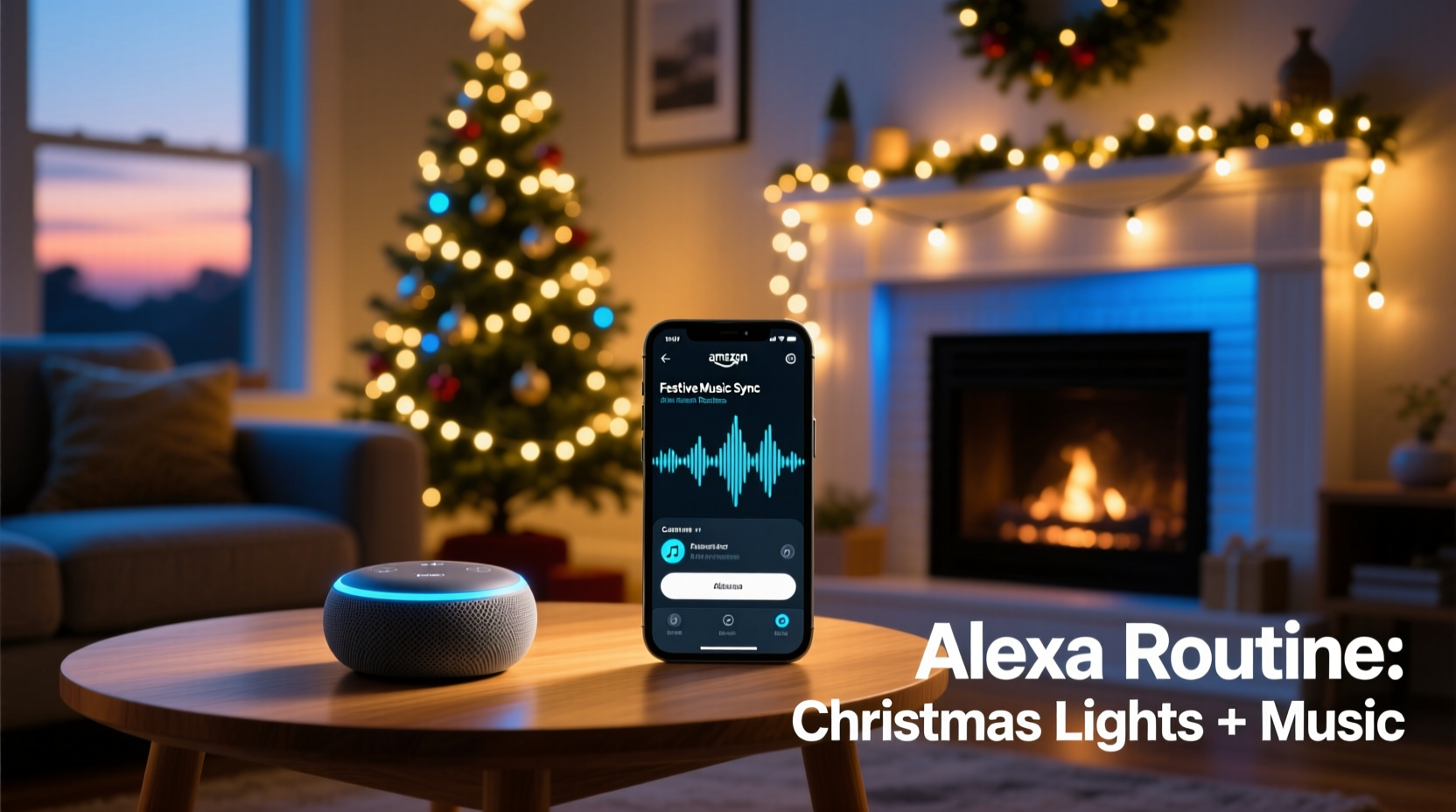
Alexa routines are rule-based automations triggered by voice commands, schedules, or device events. While they don’t analyze real-time audio like professional lighting software (e.g., xLights or Light-O-Rama), they *can* simulate musical responsiveness by mapping light behaviors to song structure—tempo, mood, and section transitions—when paired with lights that support dynamic effects and adjustable parameters.
Crucially, Alexa does not process microphone input to detect beats or pitch in real time. Instead, it relies on pre-defined triggers: “When I say ‘Start Holiday Show’,” “At 5:00 PM daily,” or “When my Sonos starts playing.” Once triggered, a routine executes a sequence of light commands with millisecond-level timing precision—enough to create the illusion of synchronization when choreographed intentionally.
“People assume Alexa needs to ‘hear’ the music—but the magic is in anticipation. You design the light behavior to match the known structure of your playlist: a slow fade during verses, rapid color shifts in choruses, and warm white pulses on bass drops. It’s theatrical timing, not AI listening.” — Marcus Lin, Smart Home Lighting Consultant and former Philips Hue Developer Advocate
This distinction matters. Success hinges on thoughtful curation—not algorithmic interpretation. You become the conductor; Alexa is your reliable, repeatable stage manager.
Essential Hardware & Compatibility Requirements
Not all smart lights work equally well for music-responsive routines. Compatibility, update frequency, and effect granularity determine how expressive your show can be. Below is a comparison of top-tier options validated for reliable Alexa routine integration:
| Light Brand/Model | Music-Sync Strengths | Key Limitations | Alexa Routine Support |
|---|---|---|---|
| Philips Hue Play Bars & Lightstrips (Gen 3+) | Millisecond-level command latency; full RGB + white tuning; built-in “pulse” and “breathe” effects | Requires Hue Bridge (v2); routines can’t trigger Hue scenes with variable speed without manual presetting | ✅ Full support via Hue skill; scene recall and brightness/color ramping work reliably |
| Govee LED Strip Lights (H6159, H6199) | Low-cost, app-based beat detection; direct Bluetooth/WiFi control; rich effect library | Routine-triggered effects are limited to preloaded modes—no custom speed or color sequencing via Alexa alone | ⚠️ Partial: Can turn on/off and select saved effects, but no parameter adjustment (e.g., “speed up pulse”) via routine |
| LIFX Mini White & Color | No hub required; ultra-fast response; supports “morph” transitions and precise color temperature control | Cannot trigger multi-light chases or wave effects via Alexa routines—only per-bulb commands | ✅ Strong: Brightness, color, and transition time fully controllable in routines |
| TP-Link Kasa KL125 (Color Bulbs) | Reliable scheduling; affordable; good color accuracy | Slowest command latency (~1.2 sec delay); no built-in pulsing or breathing effects | ✅ Functional but basic: On/off, color, brightness—no smooth transitions or rhythm simulation |
For best results, prioritize lights with sub-300ms response time, granular brightness/color control, and native support for “breathing” (gentle fade-in/out) or “pulse” (repetitive on/off) effects. These form the foundational building blocks for musical phrasing.
Step-by-Step: Building Your First Music-Synchronized Routine
This sequence assumes you’ve already set up your lights in the Alexa app, assigned them to rooms (e.g., “Tree,” “Porch,” “Stairs”), and confirmed they respond to voice commands like “Alexa, turn on Tree lights.”
- Select your anchor track. Choose one 3–4 minute holiday song with clear structural sections: intro → verse → chorus → bridge → chorus → outro. “Carol of the Bells” works exceptionally well due to its repeating 4-note motif and steady 12/8 tempo.
- Map light behavior to musical phrases. Listen closely and note timestamps:
- 0:00–0:15 (Intro): Warm white, 30% brightness, slow “breathe” effect
- 0:16–0:45 (Verse 1): Cool white, 60% brightness, gentle “pulse” every 2 seconds
- 0:46–1:15 (Chorus): RGB red/green alternating, 100% brightness, fast “pulse” every 0.5 seconds
- 1:16–1:45 (Bridge): Deep blue, 40% brightness, slow “breathe” (4-second cycle)
- 1:46–2:30 (Final Chorus): Gold/white shimmer, 100%, rapid “pulse” + brightness oscillation
- Create individual light scenes in your bulb app. In the Hue app, save each behavior as a named scene (“Tree Intro Breathe,” “Tree Chorus Pulse,” etc.). For LIFX, use the “Effects” tab to save morph/pulse presets with exact durations.
- Build the Alexa routine. Open Alexa app → Routines → + → “Add Action” → “Smart Home” → “Control lights.” Select your room, then “Scene” (for Hue) or “Effect” (for LIFX). Add delays between actions:
- Action 1: Apply “Tree Intro Breathe” scene → Delay 0 seconds
- Action 2: Apply “Tree Verse Pulse” scene → Delay 15 seconds
- Action 3: Apply “Tree Chorus Pulse” scene → Delay 30 seconds (total: 45s from start)
- Action 4: Apply “Tree Bridge Breathe” scene → Delay 30 seconds (total: 75s)
- Action 5: Apply “Tree Final Chorus” scene → Delay 45 seconds (total: 120s)
- Trigger reliably. Use a “Device” trigger: “When [Your Sonos One] starts playing.” Or use a voice trigger: “Alexa, start holiday show.” Test with your chosen track playing from Spotify or Apple Music on the same speaker.
Refine timing by adjusting delays in 2-second increments. A 0.5-second mismatch between light pulse and bass hit is imperceptible; a 2-second lag breaks immersion.
Real-World Example: The Henderson Family Porch Display
In suburban Austin, the Hendersons transformed their modest front-porch setup—a string of 12 Govee H6159 LED strips wrapped around columns and railings—into a neighborhood highlight using only Alexa routines and careful planning. They didn’t own a Hue Bridge or pay for premium apps.
They began by analyzing “Sleigh Ride” (the Leroy Anderson version) in Audacity to identify its four distinct sections: fanfare intro (0:00–0:12), trotting rhythm (0:13–0:48), whip crack interlude (0:49–1:05), and triumphant finale (1:06–1:40). Using Govee’s app, they saved four custom effects: “Fanfare Gold Flash,” “Trot Blue Pulse,” “Whip Red Strobe,” and “Finale White Sweep.”
Each effect was pre-configured with fixed speed and color. In Alexa, they created a single routine triggered by “Alexa, begin sleigh ride.” The routine executed:
- Turn on all porch lights → Delay 0s
- Apply “Fanfare Gold Flash” → Delay 0s
- Apply “Trot Blue Pulse” → Delay 12s
- Apply “Whip Red Strobe” → Delay 36s (total 48s)
- Apply “Finale White Sweep” → Delay 16s (total 64s)
The result? Neighbors consistently commented on how the lights “knew exactly when the whip cracked.” Their secret wasn’t tech—it was listening, measuring, and aligning light intent with musical intention.
Pro Tips for Professional-Grade Results
Go beyond basic on/off sequences with these field-tested enhancements:
- Layer lighting zones. Assign different behaviors to different areas: warm white “breathe” on indoor tree lights while cool white “pulse” runs on outdoor path lights—creating rhythmic counterpoint, like a drumline against melody.
- Use brightness as dynamics. Drop brightness to 20% during quiet verses, then surge to 100% on chorus downbeats. This mimics musical crescendo far more effectively than color shifts alone.
- Exploit transition timing. Set light transitions to 0.1 seconds for sharp “strobe” effects, or 3.0 seconds for cinematic “fade to black” endings. Alexa honors these values precisely.
- Chain routines for longer sets. End one routine with “Run routine: Next Song” to create a seamless 30-minute playlist-driven show—no manual intervention needed.
- Add ambient sound. Include “Play sound effect: Jingle bells” or “Play weather report intro” as a first action to cue guests that the show is beginning.
FAQ: Troubleshooting Common Sync Issues
Why do my lights respond slowly or skip steps?
Two primary causes: Wi-Fi congestion and device firmware. Ensure your lights and Echo device share the same 2.4 GHz network (5 GHz often causes dropouts with smart bulbs). Update all device firmware via their respective apps—outdated Govee or Kasa firmware commonly introduces 1–2 second command latency. Also, avoid grouping >8 bulbs under one Alexa “room”; split large displays into smaller logical zones (e.g., “North Porch,” “South Porch”).
Can I sync lights to Spotify playlists, not just single songs?
Yes—but not natively. Alexa cannot detect playlist transitions. Workaround: Create one routine per song, triggered by voice (“Alexa, play carol one,” “Alexa, play carol two”). Or use an Echo Auto or Fire TV Stick to trigger routines via Bluetooth audio detection (advanced setup requiring IFTTT or Node-RED bridging—beyond pure Alexa routines).
Do I need a subscription or paid service?
No. All functionality described here uses only free, built-in Alexa features and standard smart light capabilities. No Ring Protect, Hue Entertainment, or third-party cloud services are required. What you pay for is hardware reliability—not software access.
Conclusion: Your Turn to Conduct the Light
Synchronizing Christmas lights with music using Alexa isn’t about chasing cutting-edge AI—it’s about reclaiming the craft of performance. You choose the song. You feel its rise and fall. You decide when warmth should yield to energy, when stillness should break into motion. Alexa simply executes your vision, flawlessly and repeatedly, night after night. That control—grounded in observation, timing, and intentional design—is what transforms a string of bulbs into a story told in light and rhythm.
Start small: pick one song, map one verse and chorus, build one routine. Test it at dusk. Watch how neighbors pause mid-walk. Then expand—add zones, refine transitions, layer sounds. In under two hours, you can have a display that feels alive, responsive, and deeply personal.




 浙公网安备
33010002000092号
浙公网安备
33010002000092号 浙B2-20120091-4
Comments
No comments yet. Why don't you start the discussion?