
As the holiday season approaches, one of the most magical touches you can add to your home is a warm glow from Christmas lights. But constantly remembering to switch them on as daylight fades can become tedious. With Amazon Alexa, you don’t need to lift a finger. By setting up an Alexa Routine triggered at dusk, your lights can illuminate your space every evening—automatically, consistently, and in perfect timing with sunset.
This guide walks you through the entire process: from choosing compatible smart devices to building a reliable routine that activates your lights precisely when natural light begins to fade. Whether you're new to smart home automation or looking to refine your setup, this method ensures a festive ambiance without the daily hassle.
What You’ll Need to Get Started
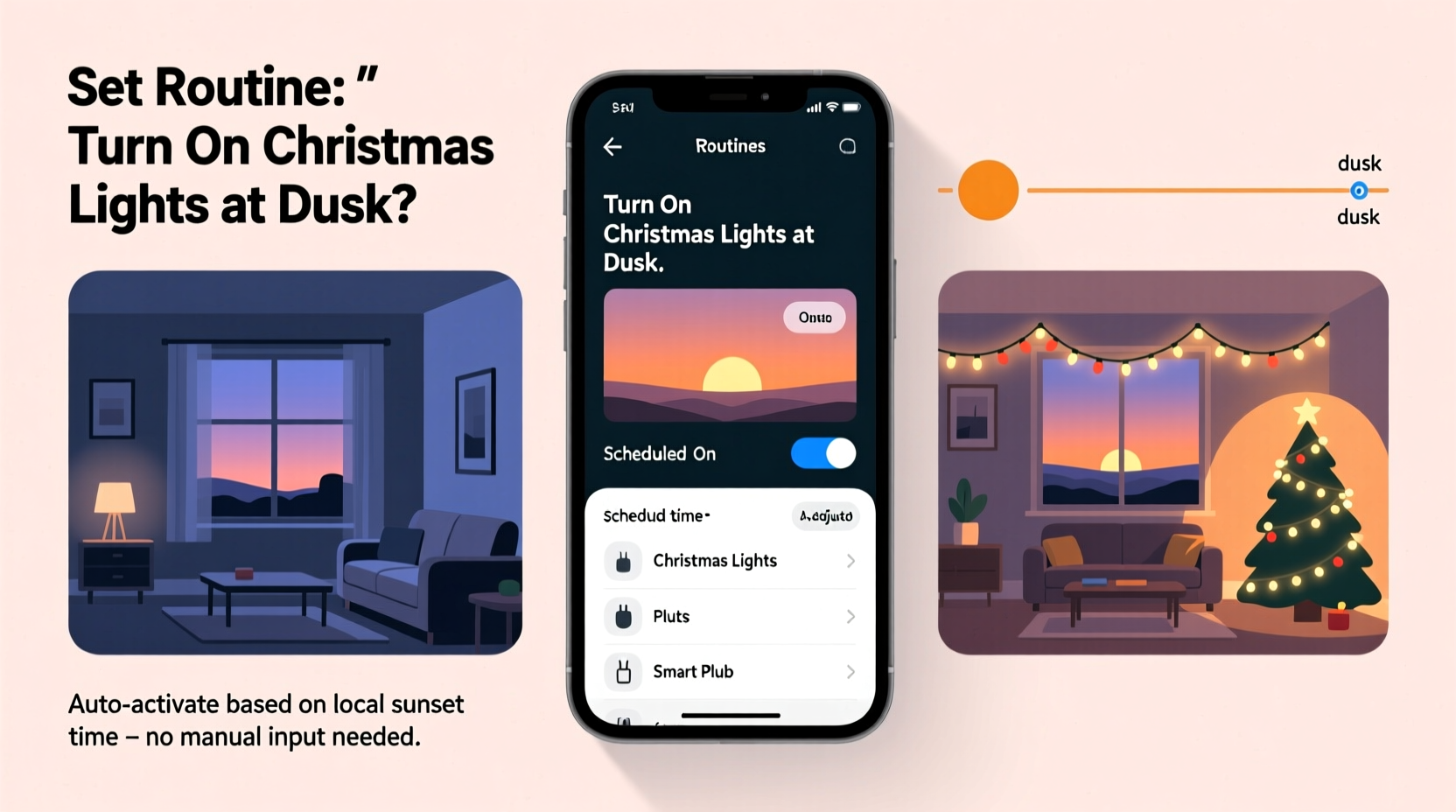
Before creating your dusk-triggered routine, ensure you have the right components in place. Alexa cannot control traditional Christmas lights unless they’re connected to a smart plug or embedded within a smart lighting system. Here’s what you need:
- An Amazon Echo device (Echo Dot, Echo Show, etc.) with the Alexa app installed on your smartphone or tablet.
- Smart plugs or smart Christmas lights compatible with Alexa (e.g., Philips Hue, TP-Link Kasa, Govee, or any Wi-Fi-enabled string lights).
- A stable Wi-Fi connection to maintain communication between your devices and the Alexa cloud.
- Your home’s correct location settings in the Alexa app—this is essential for accurate dusk detection.
Once all components are set up and responding to voice commands like “Alexa, turn on the Christmas lights,” you’re ready to automate.
Step-by-Step: Creating a Dusk-Activated Alexa Routine
Setting up an automatic trigger based on sunset requires using Alexa’s built-in time-based conditions. Unlike motion or voice triggers, “dusk” is calculated dynamically using your device’s geolocation and daily astronomical data.
- Open the Alexa app on your mobile device and tap the Routines tab at the bottom (represented by a clock icon).
- Select the \"+\" icon in the top-right corner to create a new routine.
- Tap “When this happens” and choose Sunset from the list of options. This sets the trigger to activate daily at local dusk time.
- Adjust the timing offset if desired. You can set the action to occur “at sunset,” “15 minutes before,” or “30 minutes after,” depending on how early or late you want the lights to come on.
- Tap “Add action” under “Add actions.” Select Devices, then choose Power on for the smart plug or light group controlling your Christmas display.
- (Optional) Add additional actions, such as adjusting brightness, changing color (if using RGB lights), or playing holiday music.
- Name your routine (e.g., “Holiday Lights at Dusk”) and tap Save.
That’s it. The routine will now run every day, turning on your lights as dusk falls—no matter how early or late sunset occurs throughout the season.
“Smart lighting routines tied to natural light cycles make holiday displays feel more organic and welcoming. It’s not just convenience—it’s ambiance engineering.” — Daniel Ruiz, Smart Home Automation Consultant
Optimizing Your Routine for Real-World Conditions
While the basic sunset trigger works well, real-world factors like weather, seasonal variation, and device reliability can affect performance. A few strategic adjustments ensure your lights come on when intended—every single night.
Use Location Accuracy for Precision Timing
Alexa calculates sunset based on the address associated with your Echo device. If your location is inaccurate, the timing could be off by several minutes—or even fail entirely in extreme cases.
Account for Seasonal Drift
Sunset times shift gradually. In December, dusk may occur as early as 4:30 PM in northern latitudes. Your Alexa routine adapts automatically, but it helps to test it weekly during the first month to confirm activation aligns with ambient light levels.
Add a Manual Override Option
There may be nights when you don’t want the lights on—perhaps due to a party ending late or energy conservation. Create a second routine titled “Turn Off Holiday Lights” triggered by voice command (“Alexa, pause holiday lights”) so you retain full control.
Test During Twilight, Not Full Dark
To verify accuracy, observe the routine over several evenings during twilight—the period between sunset and full darkness. If lights activate too early (while it's still bright), adjust the trigger to “15 minutes after sunset.” If it’s already dark, try “at sunset” or “5 minutes before.”
Checklist: Setting Up Your Dusk Lighting Routine
Follow this concise checklist to ensure a smooth setup:
- ✅ Confirm your Echo device has the correct home address in the Alexa app
- ✅ Pair your smart plug or lights with Alexa and test basic on/off commands
- ✅ Group related devices under a single name (e.g., “Christmas Tree Lights”)
- ✅ Open Routines menu and create a new routine with “Sunset” as the trigger
- ✅ Set the action to power on your designated light group
- ✅ Save and name the routine clearly
- ✅ Test the routine manually using the “Run Routine” button in the app
- ✅ Observe real-world performance over three consecutive evenings
- ✅ Adjust timing offset if needed for ideal ambiance
Real Example: The Johnson Family’s Front Yard Display
The Johnsons in Minneapolis wanted their front yard Christmas display—featuring a lit tree, roofline lights, and animated reindeer—to turn on each evening without requiring someone to remember. They used two TP-Link Kasa smart plugs for their main displays and grouped them under “Yard Holiday Lights” in the Alexa app.
They created a routine triggered “at sunset” and added a secondary action: dimming their porch light to 50% to enhance contrast. After testing, they noticed the lights came on too early during early December sunsets, making the effect less dramatic. They adjusted the trigger to “10 minutes after sunset,” which aligned better with when people were arriving home and when darkness truly set in.
Now, every evening, the display glows to life seamlessly. Neighbors often comment on the consistency, and the family enjoys the convenience—especially on busy school nights.
Do’s and Don’ts of Alexa Holiday Routines
| Do | Don’t |
|---|---|
| Use descriptive names for routines and devices (e.g., “Front Path Lights”) | Name everything “Device 1” or “Plug A”—it causes confusion later |
| Test routines manually before relying on automation | Assume the routine works without verification |
| Update your home address in Alexa if you move or notice timing issues | Ignore location settings—even small inaccuracies affect sunset timing |
| Combine multiple actions (lights + music + thermostat) for full ambiance | Overload routines with too many devices that may fail independently |
| Schedule a weekly check during the holidays to ensure all devices respond | Set and forget—devices can disconnect or lose power |
Frequently Asked Questions
Can Alexa turn on lights at dusk even if I’m not home?
Yes. Alexa routines run in the cloud, so they execute based on your home’s location and time settings regardless of whether you’re present or your phone is nearby. As long as your Echo device and smart plug are powered and connected to Wi-Fi, the routine will work.
What if my lights don’t turn on at dusk? How do I troubleshoot?
First, verify that the routine is enabled and the trigger is set to “Sunset.” Then, check that your Echo’s location is correct. Also ensure the smart plug is online and responsive to manual voice commands. Rebooting the plug or reconnecting it to Wi-Fi often resolves connectivity glitches.
Can I schedule the lights to turn off automatically too?
Absolutely. Create a second routine using the “Sunrise” trigger or a fixed time (e.g., “11:00 PM”) to turn off the lights. Many users set holiday lights to deactivate between midnight and 6 AM to conserve energy and comply with local ordinances.
Enhancing the Experience: Beyond On/Off
For a more immersive holiday atmosphere, consider expanding your routine beyond simple power control. If you’re using smart lights with color and brightness settings, you can program dynamic effects:
- Set RGB lights to fade in gently over 30 seconds to avoid sudden brightness.
- Program a warm white tone (2700K–3000K) for a cozy, traditional glow.
- Add a soft background playlist: “Play ‘Holiday Jazz’ on Living Room Speaker” as part of the same routine.
- Sync outdoor and indoor lighting groups so the entire home responds in harmony.
Some advanced systems even allow conditional logic—for example, skipping the routine on specific days (like New Year’s Eve) or integrating with weather alerts to disable lights during storms.
Conclusion: Effortless Festivity Starts with Automation
Using Alexa routines to turn on Christmas lights at dusk transforms a repetitive chore into a seamless, joyful experience. With just a few minutes of setup, your home can welcome the evening with a warm, festive glow—every day, without fail. The beauty of automation isn’t just in saving time; it’s in enhancing moments. Imagine returning home to a softly lit porch, knowing the lights came on not because you remembered, but because your home anticipated your needs.
The tools are accessible, the setup is straightforward, and the impact is lasting. Whether you’re decorating for family, neighbors, or your own delight, let technology handle the details so you can focus on what matters most—celebration, connection, and the spirit of the season.




 浙公网安备
33010002000092号
浙公网安备
33010002000092号 浙B2-20120091-4
Comments
No comments yet. Why don't you start the discussion?