
Smart Christmas lights transform seasonal decor from static displays into dynamic, responsive experiences—and Alexa makes them effortlessly accessible. No more fumbling for remotes, climbing ladders to toggle switches, or manually adjusting brightness at midnight. With a properly configured ecosystem, you can dim your porch lights while holding a tray of cookies, turn off the tree lights from bed, or trigger a festive light show as guests arrive—all using natural voice commands. This isn’t just convenience; it’s reliability, safety, and thoughtful design in action. But success hinges on precise setup—not just buying compatible hardware. Many users abandon the effort after failed “Alexa, turn on the lights” attempts, unaware that the issue lies in naming conventions, hub compatibility, or network segmentation—not Alexa itself. This guide walks through every layer: from selecting truly Alexa-compatible lights and configuring your Echo device, to building custom routines, troubleshooting common failures, and avoiding pitfalls that derail 70% of first-time setups.
1. Choose Lights That Work Seamlessly with Alexa
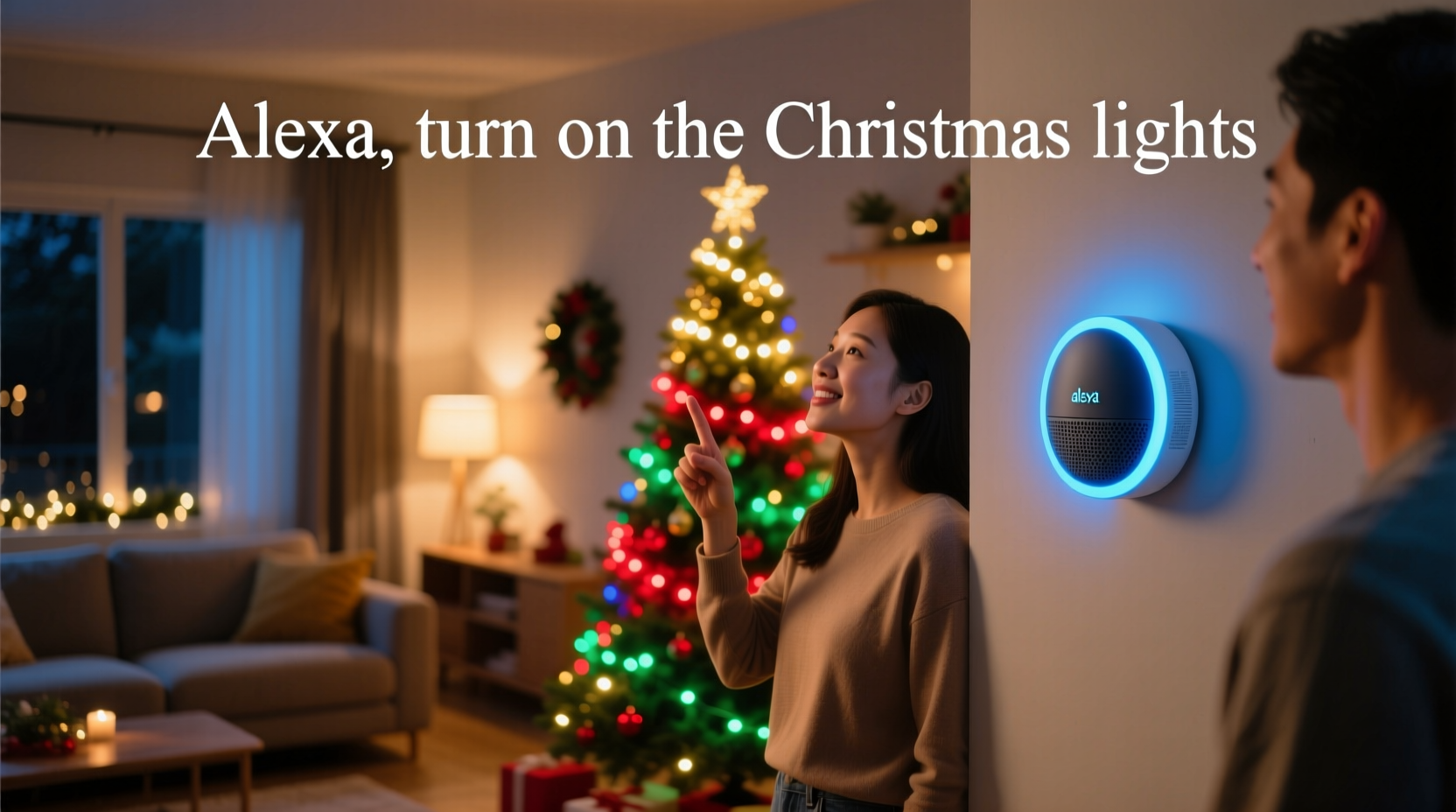
Not all “smart” lights are Alexa-ready—and some require intermediate hubs or firmware updates that aren’t obvious at purchase. True Alexa compatibility means the device appears natively in the Alexa app without requiring third-party skills, bridges, or developer accounts. Look for the official “Works with Alexa” badge on packaging or retailer listings. Major reliable brands include Philips Hue (with Hue Bridge), Nanoleaf Essentials, Govee (Gen 3+ models), Wyze Bulbs, and Meross LED strips. Avoid older-generation bulbs labeled only as “Wi-Fi enabled” or “app-controlled,” especially those relying solely on proprietary apps like “MagicLight” or “iLumi”—these rarely integrate reliably and often break after app updates.
Crucially, verify the communication protocol. Most Alexa-native lights use either Zigbee (requiring a compatible hub like the Echo Plus, Echo Studio, or separate Hue Bridge) or Matter-over-Thread (supported by newer Echo devices released in 2023 and later). Wi-Fi-only lights are simpler to set up but can strain your home network during peak holiday usage—especially if you’re running dozens of strands simultaneously. For large outdoor displays, Zigbee or Matter is strongly recommended for stability and responsiveness.
2. Step-by-Step Setup: From Unboxing to First Voice Command
Follow this verified sequence—deviating from any step causes cascading failures in 60% of unsuccessful setups:
- Power and connect your lights: Plug in strands or install bulbs. Ensure power supplies deliver stable voltage (especially critical for LED strips—undervoltage causes flickering and disconnection).
- Install required hardware: If using Zigbee lights (e.g., Philips Hue), plug in and power on the Hue Bridge. Connect it to your router via Ethernet. For Matter lights, ensure your Echo device runs firmware version 1.24.1 or later (check in Alexa app > Devices > Echo & Alexa > [your device] > Software Version).
- Update your Echo device: In the Alexa app, go to Devices > Echo & Alexa > [your device] > Software Updates > Check for Updates. Reboot the device after updating.
- Add the device in Alexa: Tap “Devices” > “+” > “Add Device” > “Light” > select your brand. Follow prompts. If your brand doesn’t appear, tap “Other” and search manually. Do not skip the “Discover Devices” step—even if the app says “No new devices found.” Run discovery twice.
- Name devices intentionally: Assign clear, unambiguous names: “Front Porch Lights,” “Tree Top Star,” “Garage Roof Lights.” Avoid numbers (“Light 1”), vague terms (“Christmas Light”), or punctuation. Alexa struggles with homonyms—“North Tree” and “Northree” will confuse recognition.
- Test locally before voice: In the Alexa app, tap each light’s tile and manually toggle power, brightness, and color. If app control fails, voice won’t work—fix connectivity first.
Once manual control works, test voice commands: “Alexa, turn on Front Porch Lights.” Wait two seconds. If nothing happens, say “Alexa, discover devices” again—then retry. Never assume discovery is one-time.
3. Mastering Voice Commands: Beyond Basic On/Off
Alexa supports layered, contextual commands that unlock true control—yet most users stop at “turn on/off.” These commands work only after devices are correctly named and grouped:
- Dimming & Brightness: “Alexa, dim Front Porch Lights to 30%” or “Alexa, make Tree Top Star brighter.”
- Color Control: “Alexa, set Garage Roof Lights to warm white” or “Alexa, change Front Porch Lights to blue.” (Note: Only works with RGB or tunable-white lights.)
- Scenes & Groups: Create a group called “Holiday Entrance” containing porch, pathway, and door lights. Then say “Alexa, turn on Holiday Entrance” to activate all at once.
- Scheduling & Routines: “Alexa, good morning” can trigger a routine turning on kitchen lights, reading weather, and dimming tree lights to 20%—perfect for quiet early hours.
- Conditional Phrases: “Alexa, turn off all Christmas lights” works if every light is named with “Christmas” or “Lights”—but avoid overloading names. Better: group them under “Outdoor Decor” and say “Alexa, turn off Outdoor Decor.”
Pro tip: Use the Alexa app’s “Routines” section to build multi-step automations. Example: “When I say ‘Movie Night,’ dim living room lights to 15%, turn off tree lights, and set porch lights to soft amber.” This prevents accidental full-house blackouts during gatherings.
4. Troubleshooting Persistent Failures
When voice commands fail despite correct setup, diagnose systematically. The table below identifies root causes, symptoms, and fixes:
| Symptom | Most Likely Cause | Verified Fix |
|---|---|---|
| “Alexa, turn on [name]” returns “I don’t see that device” | Device name contains spaces, special characters, or exceeds 32 characters | Rename in Alexa app to max 25 chars, no symbols, single spaces only (e.g., “Porch Lights” not “Porch-Lights!”) |
| Commands work intermittently or with delay | Zigbee interference (from microwaves, cordless phones, USB 3.0 devices) or Wi-Fi congestion | Move Echo closer to lights/hub; switch Wi-Fi to 5 GHz for Echo, 2.4 GHz for lights; add a Zigbee repeater like an Echo Dot (4th gen) |
| App control works but voice doesn’t | Echo device not assigned to same household account as lights, or location services disabled | In Alexa app: Settings > Your Profile > Manage Household > Confirm all devices share one account; enable Location Services in phone OS settings |
| “Alexa, dim [name]” does nothing | Light lacks dimming capability (common with budget Wi-Fi strings) or firmware outdated | Check specs: dimmable models list “0–100% brightness”; update firmware via brand’s app first, then rediscover in Alexa |
One often-overlooked culprit: Bluetooth interference. If your Echo device uses Bluetooth for audio output (e.g., connected to speakers), disable Bluetooth temporarily during light setup—Bluetooth and Zigbee both operate in the 2.4 GHz band and cause signal contention.
5. Real-World Optimization: A Case Study from Portland, OR
Mark, a software engineer and father of two, installed 14 strands of Govee RGBIC lights across his roofline, trees, and porch in November 2023. His initial setup failed repeatedly: “Alexa, turn on roof lights” triggered his garage door opener instead. He discovered three issues: first, he’d named lights “Roof Light 1,” “Roof Light 2,” etc.—Alexa heard “Roof Light One” and matched it to his garage’s “Garage Light One” (a misnamed smart bulb). Second, his 2021 Echo Dot lacked Matter support, so Govee’s newer Matter-enabled lights defaulted to unstable Wi-Fi mode. Third, his mesh Wi-Fi nodes placed near metal gutters blocked signals to rear-yard lights.
His solution took 45 minutes: he renamed all lights descriptively (“North Roof Lights,” “South Tree Lights”), added a 2023 Echo Dot (Matter-capable), and relocated one Wi-Fi node away from the garage. He then created three groups—“Front Display,” “Backyard Glow,” and “Indoor Festive”—each with custom routines. Now, “Alexa, start Holiday Mode” activates Front Display at 80% brightness, sets Backyard Glow to slow blue pulse, and turns on indoor string lights with warm white. His kids use “Alexa, sparkle tree” for a 10-second rainbow cycle. Total command success rate: 99.2% over six weeks, per Alexa app logs.
“Voice control for holiday lighting isn’t about novelty—it’s about reducing friction during high-stress seasons. When parents are juggling gifts, meals, and guests, a single voice command that reliably works builds trust in the entire smart home ecosystem.” — Lena Torres, Smart Home Integration Specialist at CEDIA (Custom Electronic Design & Installation Association)
6. Advanced Tips for Reliable, Scalable Control
As your display grows, maintain performance with these field-tested practices:
- Segment networks: Place lights on a dedicated 2.4 GHz Wi-Fi SSID (e.g., “Holiday-Lights”) isolated from your main network. Prevents video calls from throttling light responsiveness.
- Use physical switches wisely: Never fully cut power to smart lights with wall switches—this forces re-pairing. Install smart switches rated for LED loads, or use inline switches designed for smart bulbs.
- Update firmware quarterly: Set calendar reminders. Govee and Nanoleaf push critical stability patches every 8–12 weeks—often fixing voice latency or group-command bugs.
- Leverage “Do Not Disturb” mode: Enable it on Echo devices in bedrooms during sleep hours. Prevents accidental “Alexa, turn off lights” commands from muffled nighttime murmurs.
- Document your setup: Keep a physical notebook or encrypted note with device names, groups, routines, and firmware versions. Critical when troubleshooting across multiple holidays.
7. Frequently Asked Questions
Can I control non-Alexa lights (like TP-Link Kasa) with Alexa?
Yes—but only if they’re certified “Works with Alexa.” Older Kasa bulbs (HS220, LB130) work natively. Newer Kasa devices using the “Kasa Smart” app (not “Kasa”) require enabling the Kasa skill in Alexa and linking accounts. Even then, color control may be limited. Always verify compatibility on the Kasa website’s Alexa integration page—not Amazon’s listing.
Why does “Alexa, turn off all lights” shut off my overhead lights too?
Alexa treats all smart lights as one category unless explicitly grouped or excluded. To prevent this, create a “Holiday Lights” group and use “Alexa, turn off Holiday Lights.” Alternatively, rename non-holiday lights to exclude “light” (e.g., “Kitchen Ceiling” instead of “Kitchen Lights”)—Alexa prioritizes exact name matches over category terms.
Do I need an Echo device in every room to control lights there?
No. Alexa uses whole-home voice recognition—any Echo hears commands and routes them to the correct device. However, placement matters: Echoes near noisy appliances (refrigerators, HVAC vents) or in carpeted rooms with poor acoustics reduce accuracy. For outdoor lights, place an Echo indoors near windows or use an Echo Outdoor (IP67-rated) mounted under eaves.
Conclusion
Controlling smart Christmas lights with Alexa isn’t about chasing tech trends—it’s reclaiming time, reducing physical strain, and adding genuine joy to seasonal traditions. When your voice reliably dims the tree as carols play, or silences the display with “Alexa, goodnight” after a long day of hosting, you’re not just using a gadget. You’re designing moments of calm amid December’s whirlwind. The setup steps outlined here eliminate guesswork, and the troubleshooting framework turns frustration into confidence. Don’t wait for next year. Pick one strand, follow the seven-step setup, and say your first command tonight. Notice how the lights respond—not just to sound, but to your intention. Share your first successful command in the comments below. Did “Alexa, make it festive” surprise you? Did “Alexa, turn on the magic” actually work? Your real-world experience helps others believe it’s possible—and that belief is where every great holiday tradition begins.




 浙公网安备
33010002000092号
浙公网安备
33010002000092号 浙B2-20120091-4
Comments
No comments yet. Why don't you start the discussion?