
As the holiday season approaches, many homeowners look for ways to enhance their festive decor with minimal daily effort. One of the most elegant and energy-efficient solutions is automating your Christmas lights to turn on precisely at sunset. With Amazon Alexa and compatible smart devices, you can create a hands-free lighting routine that activates every evening as daylight fades—no matter how early or late the sun sets throughout December.
This automation not only adds charm and consistency to your holiday display but also improves safety by illuminating walkways after dark. More importantly, it eliminates the need to manually adjust timers as sunset times shift weekly. By syncing your lights to natural light cycles, you ensure your home shines bright exactly when it should—every single day.
Understanding the Technology Behind Sunset Automation
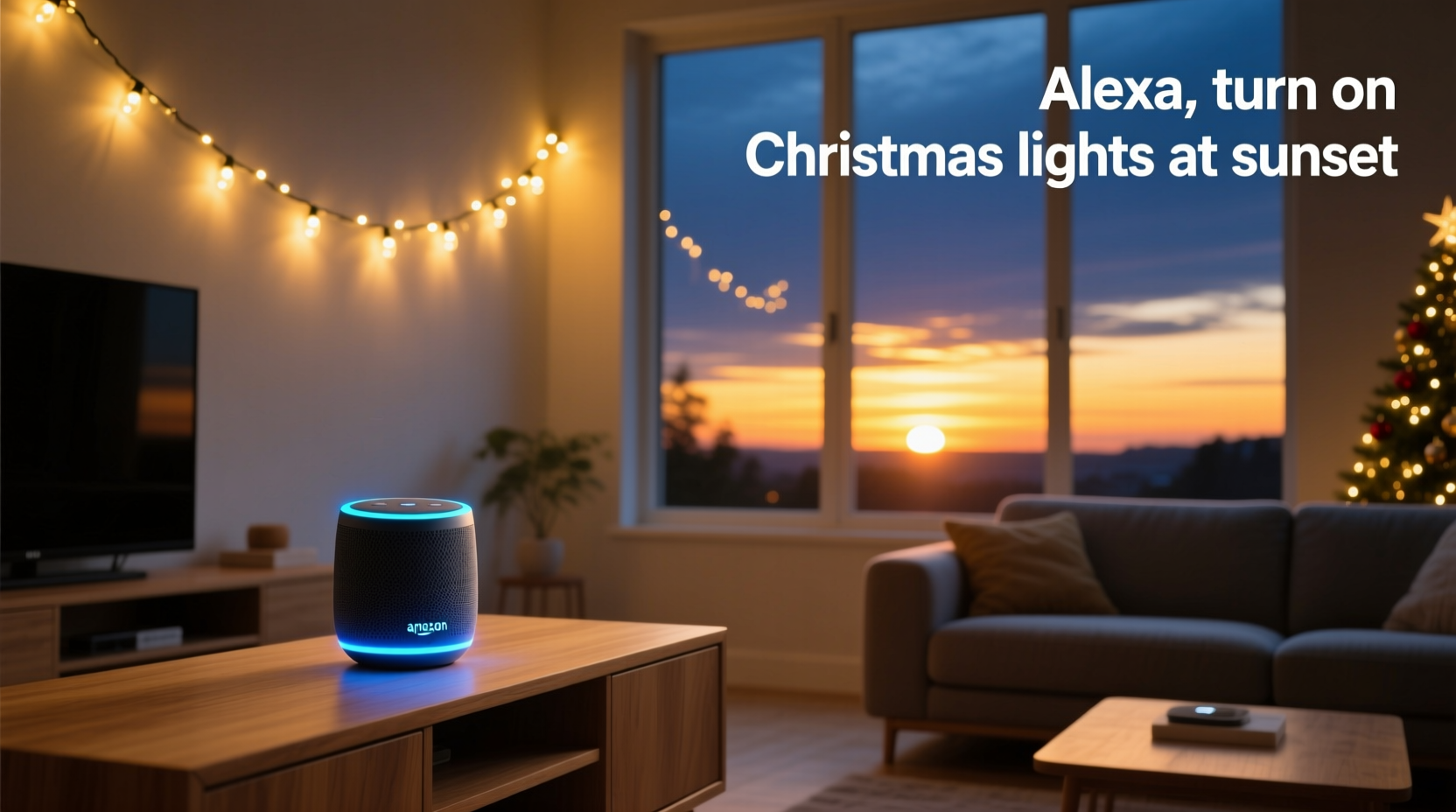
Alexa’s ability to respond to environmental cues like sunset relies on geolocation and astronomical data. When you enable location services on your Alexa app and link it to your home address, the system calculates daily sunrise and sunset times based on your precise coordinates. This means the trigger for your smart lights adjusts automatically each day, without requiring user input.
The core feature enabling this functionality is called Routines in the Alexa app. Routines allow users to set conditional actions—such as “When sunset occurs, turn on the living room lights.” These are powered by built-in time-of-day events, including sunrise, sunset, dusk, and dawn, which Alexa interprets dynamically using real-time astronomical algorithms.
To make this work, you’ll need:
- An Alexa-enabled device (Echo, Echo Dot, etc.)
- A compatible smart plug or smart light bulb
- Christmas lights connected to the smart device
- The Alexa app installed on a smartphone or tablet
- Location permissions enabled in the Alexa app
Once configured, the system operates silently in the background, activating your lights within seconds of local sunset. No more coming home to a dark yard or forgetting to switch on the display during busy holiday weeks.
Step-by-Step Guide: Setting Up Sunset-Triggered Christmas Lights
Follow this detailed sequence to automate your Christmas lights with Alexa using sunset as the trigger.
- Connect Your Smart Device
Plug your Christmas lights into a smart plug (like the TP-Link Kasa KP115) or screw in a smart bulb (such as Philips Hue). Follow the manufacturer’s instructions to connect the device to your Wi-Fi network via its companion app. - Add Device to Alexa
Open the Alexa app, go to Devices > + Add Device > Light or Plug, then select the brand of your smart device. Alexa will search for available devices on your network. Confirm pairing when prompted. - Verify Location Settings
Navigate to More > Settings > Device Settings > Your Echo Device > Location. Ensure your home address is correct. Alexa uses this to calculate accurate sunset times. If the address is wrong, update it immediately. - Create a New Routine
Tap More > Routines > + Create Routine. Tap the + icon under “When this happens” to define the trigger. - Select Sunset as Trigger
Choose “Sunset” from the list of time-based options. You can optionally add a delay (e.g., 10 minutes after sunset) if desired, though most users prefer immediate activation. - Add Action: Turn On Lights
Under “Add action,” select Devices > Power On, then choose your smart plug or light. You can select multiple devices if you have several strands of lights across different zones. - Name and Save Routine
Give your routine a clear name like “Holiday Lights at Sunset.” Review settings and tap Save.
Test the routine by temporarily changing the trigger to “At a time” and setting it a few minutes ahead. Once confirmed, revert to sunset mode. The routine will now run automatically every evening.
Optimizing Performance and Avoiding Common Pitfalls
While the setup process is straightforward, several factors can interfere with reliable operation. Addressing these upfront ensures seamless performance throughout the season.
Wi-Fi Stability: Smart plugs depend on consistent internet connectivity. If your outdoor outlet is far from the router, consider using a Wi-Fi extender or mesh network node nearby. A dropped connection could prevent the plug from receiving the power-on command.
Weather Protection: Even if your Christmas lights are rated for outdoor use, exposed smart plugs should be shielded from rain and snow. Use a weatherproof enclosure box designed for electrical outlets to prevent moisture damage.
Power Surges: During storms or grid fluctuations, smart devices may reset or disconnect. Devices with surge protection or battery backup offer added reliability. Alternatively, schedule a secondary morning routine to verify status.
| Do | Don’t |
|---|---|
| Use UL-certified smart plugs rated for outdoor conditions | Leave indoor-rated smart devices exposed to weather |
| Group multiple lights under one labeled room (e.g., “Porch Decorations”) | Name devices generically like “Smart Plug 1” |
| Test routines weekly during peak usage | Assume automation works indefinitely without checks |
| Enable Alexa notifications for device status changes | Ignore failed connection alerts in the app |
“Smart home automation shines brightest when it anticipates human needs. Using natural events like sunset removes friction and makes technology feel intuitive.” — David Lin, IoT Product Designer at Nest
Enhancing the Experience with Advanced Features
Once basic automation is working, you can expand functionality for greater convenience and ambiance.
Sunset + Voice Confirmation
Add a voice announcement to your routine: “Your Christmas lights have turned on.” This provides feedback, especially useful if you’re inside the house and want confirmation the system activated.
Dynamic Color Themes (for RGB Bulbs)
If using color-changing smart bulbs, program them to shift hues gradually through the evening. For example:
- 6:00 PM – Warm white (cozy glow)
- 7:30 PM – Gentle red and green pulse
- 9:00 PM – Slow rainbow fade
Integration with Other Holiday Automations
Pair your lighting routine with additional seasonal automations:
- Play holiday music when lights turn on (after 4 PM only)
- Dim interior lights when Christmas display activates
- Send a family notification: “The holiday lights are on!”
Vacation Mode Override
If you'll be away, avoid running unnecessary displays. Create a “Vacation Mode” routine that disables all holiday automations with a single voice command: “Alexa, activate Vacation Mode.” Reverse it upon return.
Real Example: The Miller Family’s Automated Display
The Millers live in Denver, Colorado, where winter sunset times range from 4:30 PM in December to 7:00 PM by January. Previously, they adjusted their light timer weekly—a chore easily forgotten amid holiday preparations.
Last year, they installed two Kasa smart plugs and connected them to their rooftop icicle lights and porch tree. After linking both to Alexa and creating a sunset-triggered routine, the system ran flawlessly for six weeks. They added a bonus step: Alexa announced, “Lights aglow—another magical night begins,” delighting their young children.
One snowy evening, the garage-side plug lost power due to an outage. However, because they had enabled device alerts, they received a push notification and restored service remotely via the app before guests arrived. The entire display was back online within minutes—without stepping outside.
“It felt like magic,” said Sarah Miller. “We didn’t touch a switch once. The house lit up every night like clockwork, even when we were baking cookies in the kitchen or watching movies.”
Frequently Asked Questions
Can I schedule my lights to turn off automatically too?
Yes. In the same Alexa routine, add a second action under “Add action”: set a delay (e.g., “After 5 hours”) and choose “Power Off” for your lights. Alternatively, create a separate routine triggered by “Sunrise” or a fixed bedtime hour.
What if I don’t have a smart plug or bulb yet? Which should I buy?
For temporary holiday setups, a smart plug is ideal—it works with any string of lights. Recommended models include the TP-Link Kasa KP115 (outdoor-rated), Wemo Mini Smart Plug, or Amazon Smart Plug. For permanent installations with customizable colors, consider Philips Hue or LIFX bulbs.
Does Alexa know about local weather? Will it skip days if it's cloudy?
No. Alexa triggers based on calculated sunset time, not actual ambient light levels. It will activate the routine regardless of cloud cover, precipitation, or early darkness due to storms. If needed, you can integrate third-party tools like IFTTT with light sensors for true light-level automation—but this requires advanced setup.
Checklist: Setup Success in 7 Steps
Ensure your automation works smoothly with this final verification list:
- ✅ Christmas lights securely plugged into smart device
- ✅ Smart device connected to Wi-Fi and responsive in its app
- ✅ Device discovered and named in Alexa app
- ✅ Correct home address entered in Alexa device settings
- ✅ New routine created with “Sunset” as trigger
- ✅ Power-on action assigned to correct light/device
- ✅ Routine tested manually and confirmed functional
Repeat this checklist annually before decorating. Most systems retain settings year-round, but firmware updates or Wi-Fi changes may require re-pairing.
Conclusion: Bring Holiday Magic Home—Effortlessly
Automating your Christmas lights to turn on at sunset transforms a repetitive task into a daily moment of joy. With Alexa, the process is accessible, reliable, and adaptable to your lifestyle. Whether you live in a snowy northern town or a mild coastal city, your display will align perfectly with nature’s rhythm.
Beyond convenience, this small act of smart home integration fosters presence. Instead of remembering to flip a switch, you get to experience the delight of seeing your home come alive each evening—just as the sky darkens. That spark of light becomes a signal: it’s time to slow down, celebrate, and enjoy the season.




 浙公网安备
33010002000092号
浙公网安备
33010002000092号 浙B2-20120091-4
Comments
No comments yet. Why don't you start the discussion?