
Transforming your holiday display from static decoration to a dynamic, emotionally resonant light-and-sound experience is no longer reserved for theme parks or professional installers. Today’s app-controlled LED light systems—paired with intuitive synchronization software—make it possible for homeowners, hobbyists, and neighborhood enthusiasts to create broadcast-quality musical light shows in their own driveways. But success hinges on more than just buying the right lights: it requires understanding signal flow, timing precision, audio preprocessing, and real-world environmental constraints. This guide distills field-tested practices from thousands of user deployments, municipal light show coordinators, and firmware engineers who design the controllers themselves.
Understanding the Core Components and How They Interact
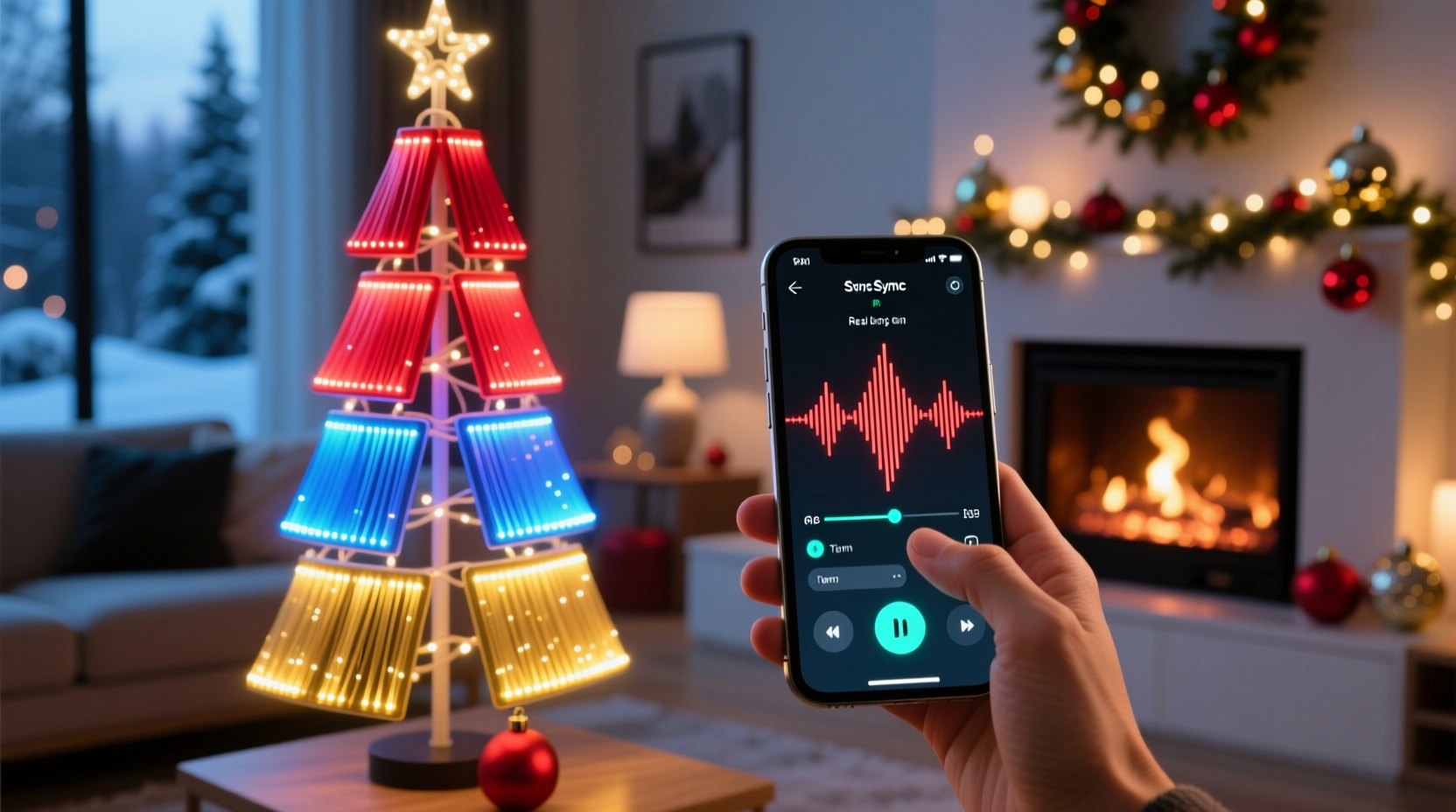
A synchronized music light show relies on four tightly integrated subsystems: lighting hardware, a controller (or controller network), a host device running synchronization software, and an audio source processed for timing accuracy. Each layer must communicate reliably—and any weak link breaks the illusion of seamless choreography.
App-controlled lights typically fall into two categories: Wi-Fi–based smart bulbs (e.g., Philips Hue, LIFX) and dedicated outdoor light controllers (e.g., Light-O-Rama, Falcon F16v3, or ESP32-based Pixel Controllers). While smart bulbs offer convenience, they lack the millisecond-level timing resolution required for tight musical synchronization—especially at scale. Dedicated controllers connect to strings of addressable LEDs (WS2811, WS2812B, SK6812) and accept DMX, E1.31 (sACN), or Art-Net protocols. These protocols transmit frame-by-frame color and intensity data over standard Ethernet or Wi-Fi, enabling precise per-pixel control across hundreds—or thousands—of lights.
The host device (usually a Windows PC, Raspberry Pi, or Mac) runs sequencing software such as xLights, Vixen Lights, or LightShow Pro. These tools let you import audio, manually or automatically assign lighting effects to beats and melodies, and export sequences as time-coded data streams. The app on your phone isn’t the brain—it’s a remote interface for triggering scenes, adjusting brightness, or pausing playback. True synchronization happens between the sequencer and the controller, not the app and the bulb.
Step-by-Step Setup: From Unboxing to First Song
- Assess your layout and power infrastructure. Sketch your display: note pole heights, rooflines, tree placements, and outlet locations. Calculate total wattage—addressable LED strings draw ~0.5W per pixel at full white; 100-pixel strings require ~50W. Plan for GFCI-protected circuits and avoid daisy-chaining more than three 12V strings without voltage boosters.
- Select and configure controllers. For under 300 pixels, a single ESP32-based WLED controller suffices. For larger displays (500+ pixels), use a Falcon F16v3 or SanDevices E682 with differential signaling for noise immunity. Assign static IP addresses to each controller and confirm they respond to ping and web UI access.
- Install and test hardware before sequencing. Wire lights, verify polarity and data direction, and run a “rainbow chase” test via the controller’s web interface. Confirm all pixels respond uniformly—flickering or dead zones indicate wiring issues or insufficient power injection.
- Install and calibrate sequencing software. Install xLights (free, open-source, actively maintained). Import a 30-second WAV file (not MP3—lossy compression distorts beat detection). Run the auto-beat finder, then manually adjust threshold and sensitivity using the waveform and beat grid overlay. Export the sequence to your controller’s IP address using E1.31 protocol on Universe 0.
- Rehearse and refine. Play the sequence while standing at your street curb—not your front door. Adjust timing offsets if lights appear delayed (common with Wi-Fi latency). Reduce effect duration on fast staccato notes; extend fades on sustained chords. Save multiple versions: “Front Yard – Optimized,” “Driveway – Brightness Reduced,” “Rain Mode – Simplified.”
Timing Precision: Why Milliseconds Matter (and How to Control Them)
Synchronization fails not because of wrong notes—but because of misaligned transients. A snare hit at 120 BPM repeats every 500 milliseconds. A 30-millisecond delay pushes the corresponding flash past the perceptual “on-beat” window, making the show feel sluggish or disjointed. Latency sources include audio codec decoding (MP3 adds 20–100ms), Wi-Fi packet jitter (up to 45ms on congested 2.4GHz bands), and controller processing overhead (5–15ms for modern ESP32s).
To achieve sub-10ms end-to-end latency:
- Use uncompressed 44.1kHz/16-bit WAV files—no conversion needed by the sequencer.
- Hardwire controllers via Ethernet whenever possible. If Wi-Fi is unavoidable, use 5GHz with QoS enabled and dedicate a channel.
- Set xLights’ “Network Sync” option to “Controller Sync” and enable “Hardware Sync” in controller firmware (e.g., WLED’s “Sync to External Clock”).
- Apply manual timing offsets in xLights’ “Timing” tab: +12ms for Wi-Fi controllers, 0ms for wired E1.31 networks.
Real-time feedback is essential. Use a high-speed camera (240fps+) or even a smartphone slow-motion video to record a metronome click alongside a single pixel flash. Measure the gap frame-by-frame. Document offsets per controller—especially if mixing wired and wireless units.
Do’s and Don’ts of Audio Sequencing for Visual Impact
| Action | Do | Don’t |
|---|---|---|
| Audio Preparation | Normalize peak amplitude to -1dBFS; apply gentle high-pass filter (40Hz) to remove sub-bass rumble that can trigger false beats. | Use heavily compressed pop masters—they flatten dynamics and erase rhythmic nuance essential for expressive lighting. |
| Effect Mapping | Assign warm colors (reds/oranges) to low-frequency instruments (bass, kick drum); cool tones (blues/cyans) to highs (cymbals, vocals). | Flash all lights white on every snare hit—this desensitizes viewers and erases musical texture. |
| Pacing & Rest | Leave 0.8–1.2 seconds of “dark” or subtle ambient pulse between song segments—creates anticipation and prevents sensory overload. | Run nonstop strobes for 90 seconds straight—causes viewer fatigue and violates local light ordinance “duty cycle” limits. |
| Testing Environment | Test final sequences at night, with ambient street lighting disabled, from multiple vantage points (sidewalk, neighbor’s yard, parked car). | Rely only on laptop screen preview—the human eye perceives brightness, contrast, and motion differently in darkness. |
Mini Case Study: The Elm Street Neighborhood Light Collective
In Portland, Oregon, six households formed the Elm Street Light Collective in 2021 to coordinate a unified musical display. Initially, each used separate apps and random playlists—resulting in chaotic, unsynchronized flashes that frustrated neighbors and confused trick-or-treaters. In year two, they standardized on xLights and Falcon controllers, sharing a master sequence file via GitHub. They assigned one resident as “audio engineer” to preprocess songs, another as “network admin” to manage static IPs and Wi-Fi channels, and rotated “show director” duties weekly.
Key breakthroughs came from practical constraints: their HOA prohibited above-roofline wiring, so they mapped all lights to ground-level bushes and fence posts. To compensate visually, they programmed rapid vertical “growing vine” effects timed to rising synth lines—and used deep indigo base colors to enhance contrast against winter night skies. Their 2023 finale, synced to “Carol of the Bells” with layered choral harmonies, drew over 1,200 visitors. Crucially, they added a physical “show pause” button—a waterproof momentary switch wired to the master controller—that let them instantly mute all lights during emergency vehicle passage. That small adaptation earned praise from local firefighters and became a model adopted by three other neighborhoods.
“Synchronization isn’t about perfection—it’s about shared intention. When six houses hit the same downbeat, it creates civic resonance. That’s why we prioritize reliability over complexity: one perfectly timed bass thump across the block matters more than 200 individually dazzling pixels.” — Maya Chen, Co-Founder, Elm Street Light Collective
FAQ
Can I sync app-controlled lights to Spotify or Apple Music directly?
No—streaming services do not expose raw, low-latency audio buffers to third-party apps for beat analysis. Even “Spotify Sync” features in some smart bulbs use highly simplified, precomputed rhythm profiles with 500ms+ latency and no song-specific nuance. For true synchronization, download audio legally (e.g., Bandcamp, iTunes purchases) as WAV or FLAC, then import into xLights or Vixen.
My lights flicker or drop frames during fast sequences. What’s wrong?
Flickering usually indicates power starvation (add mid-string 12V injectors), RF interference (move Wi-Fi router away from controllers, use shielded CAT6 cable), or overloaded network bandwidth (limit E1.31 universes to ≤3 per Ethernet segment; use multicast addressing). Frame drops occur when the host PC’s CPU hits >85% utilization—close background apps, disable antivirus real-time scanning during playback, and set xLights to “Low Priority” in Task Manager.
How many lights can one controller handle reliably?
Depends on protocol and pixel type. A single ESP32-WROOM-32 running WLED handles ~1,200 WS2812B pixels at 30fps (standard refresh). Falcon F16v3 supports up to 68,000 pixels across 16 universes at 40fps. However, real-world limits are lower: factor in 20% headroom for power surges, heat dissipation, and future expansion. For residential use, cap at 800 pixels per controller unless actively cooling and power-injecting.
Conclusion: Your Show Starts With Intention—Not Just Illumination
A synchronized music light show is never really about the lights. It’s about translating emotion into physics—converting the swell of a violin phrase into a slow, radiant bloom across a pine tree; turning a percussive climax into a sharp, collective pulse that vibrates in the chest of a child watching from the sidewalk. That translation demands technical rigor, yes—but also empathy, patience, and attention to how people actually experience light in space and time. You don’t need the most expensive controller or the longest string of pixels. You need clarity of purpose, disciplined testing, and willingness to iterate based on what the night air reveals—not what the screen promises.
Start small: sequence one 50-pixel strand to a 45-second carol. Observe how neighbors pause mid-walk. Notice which moments make people smile, which cause them to lean in. Then expand—not in scale, but in intention. Add a second channel for ambient glow. Introduce gentle motion for wind sounds. Let silence become part of the score. Every homeowner who transforms their yard into a place of shared wonder contributes to something quietly revolutionary: re-enchanting the ordinary through deliberate, joyful technology.




 浙公网安备
33010002000092号
浙公网安备
33010002000092号 浙B2-20120091-4
Comments
No comments yet. Why don't you start the discussion?