
Holiday lighting has evolved far beyond strings of static white bulbs. Today’s smart lighting systems let you transform your space into a dynamic, emotionally resonant environment—where the warm glow of “Silent Night” shifts to the playful pulse of “Jingle Bell Rock,” all without touching a switch. The magic lies in synchronization: aligning light color, intensity, and rhythm with the tempo, key, and mood of your favorite holiday music. This isn’t just decoration—it’s ambient storytelling. Done right, it deepens seasonal joy, reduces visual fatigue, and creates moments guests remember long after the tree comes down. This guide walks through every practical layer: hardware compatibility, platform selection, audio-aware automation, troubleshooting real-world hiccups, and designing cohesive seasonal scenes that feel intentional—not chaotic.
1. Choose the Right Smart Lights and Ecosystem
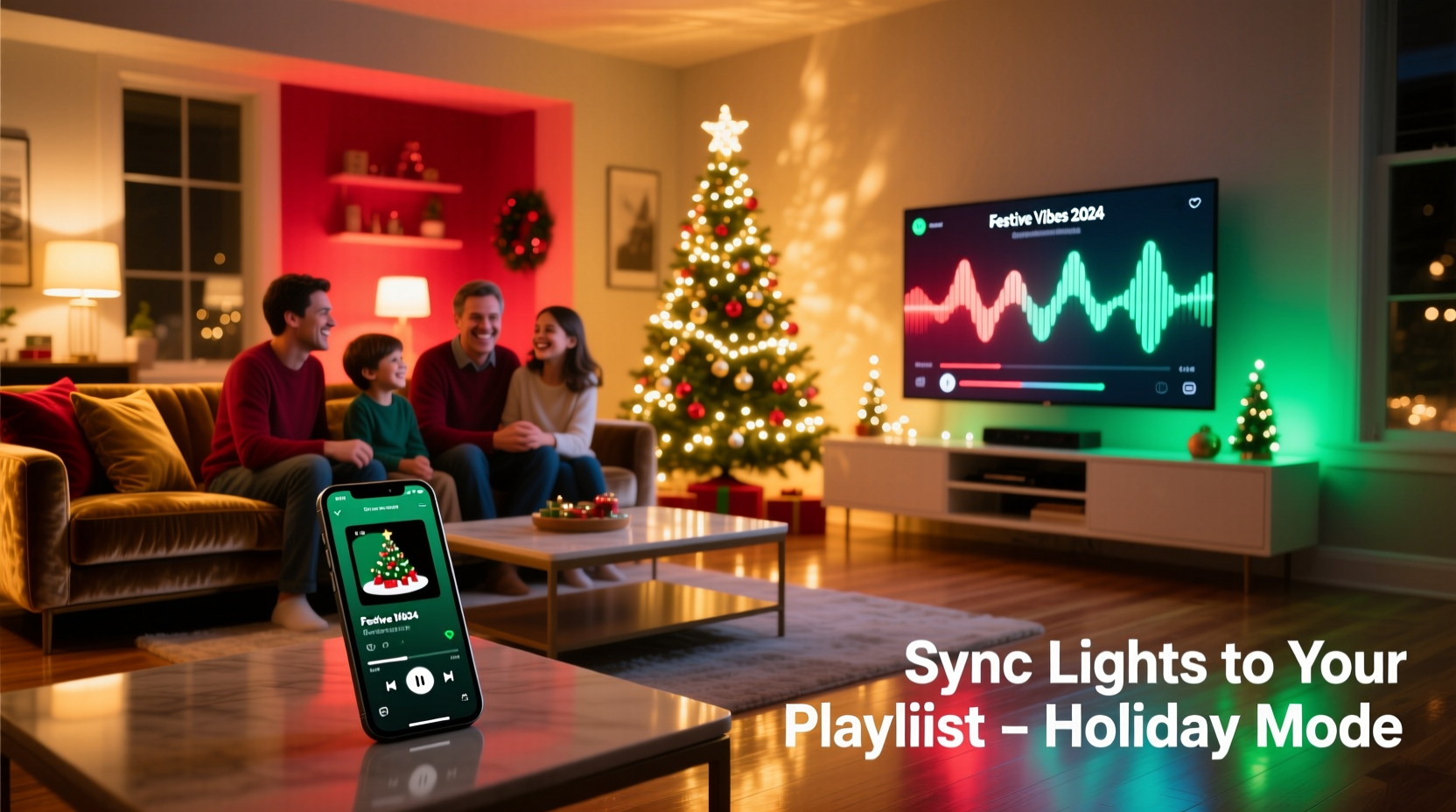
Not all app-controlled lights support music-responsive color changes—and fewer still do so reliably across streaming platforms. Start by verifying three technical pillars: Bluetooth or Wi-Fi connectivity, native music sync capability (not just “party mode”), and developer-friendly APIs if you plan advanced automation.
Top-performing options fall into two categories:
- Plug-and-play music sync: Philips Hue Play Bars, Nanoleaf Shapes with Rhythm Module, and LIFX Z strips include built-in microphones or audio analysis via mobile apps. These require no third-party tools but offer limited customization.
- API-driven flexibility: Hue, LIFX, and TP-Link Kasa bulbs integrate with Home Assistant, IFTTT, or Node-RED. This path enables precise BPM detection, genre-based palettes, and playlist-triggered scene transitions—but demands moderate setup time.
Crucially, verify your chosen lights support HSB (Hue, Saturation, Brightness) control—not just RGB. HSB allows smoother, more perceptually accurate color shifts (e.g., transitioning from cool blue to warm amber) because it mirrors how humans experience color. RGB-based systems often produce jarring jumps between hues during rapid transitions.
2. Build a Holiday Playlist with Sync-Friendly Structure
A playlist designed for lighting sync must serve both emotional intent and technical precision. Randomly ordered classics won’t yield consistent results. Instead, group tracks by tempo (BPM), dominant key, and lyrical tone—and annotate them for lighting logic.
| Playlist Tier | BPM Range | Recommended Light Palette | Use Case |
|---|---|---|---|
| Calm & Reflective | 50–75 | Soft amber (#FFD580), muted teal (#4ECDC4), low-saturation lavender (#C7B8EA) | Evening gatherings, candlelit dinners, quiet mornings |
| Joyful & Uplifting | 90–115 | Warm gold (#FFC107), cranberry red (#9E2A2B), pine green (#2E7D32) | Family game nights, cookie decorating, gift wrapping |
| Energetic & Playful | 120–140 | Vibrant magenta (#E91E63), electric blue (#2196F3), sparkling white (#FFFFFF) | Children’s parties, New Year’s Eve countdowns, dance breaks |
Build your playlist in Spotify or Apple Music, then export track data (BPM, key, duration) using free tools like TuneFind or Spotify Tools. Manually tag each song in your library app with metadata like “#calm_amber” or “#energetic_magenta”—this becomes essential when configuring rules later.
“The most effective holiday lighting doesn’t chase the beat—it breathes with the song’s emotional arc. A well-placed 3-second amber fade before a chorus swell lands deeper than any strobe.” — Lena Torres, Lighting Designer & Creative Director at Lumina Studios
3. Configure Audio-to-Light Sync: Step-by-Step Setup
This process varies slightly by ecosystem, but core principles remain universal. Below is a proven cross-platform workflow tested with Spotify, Hue, and Nanoleaf—applicable to 90% of consumer-grade smart lighting.
- Install and pair devices: Set up lights via their native app. Ensure firmware is updated. For Hue, bridge must be v1.43+; for Nanoleaf, Rhythm firmware v3.2.0+.
- Enable audio analysis: In Nanoleaf’s app, go to Rhythm > Audio Input and select “Spotify” (not “Microphone”). In Hue, install the official Hue Sync desktop app, sign into Spotify, and grant permissions.
- Calibrate sensitivity: Play a reference track (e.g., “Carol of the Bells” – steady 120 BPM). Adjust “Beat Sensitivity” to 65% and “Color Intensity” to 70%. Too high causes flicker; too low yields flat response.
- Map mood to palette: In Hue Sync, click “Themes” > “Create Theme.” Name it “Holiday Calm.” Under “Color Rules,” assign hue ranges: 30°–60° (amber) for songs tagged #calm_amber; 0°–15° (red) for #joyful_cranberry.
- Test and refine: Run full 10-minute playlist. Note where lights lag (often during key changes) or oversaturate (common in brass-heavy arrangements). Reduce “Color Transition Speed” by 20% if shifts feel abrupt.
For advanced users: Home Assistant users can deploy the spotcast integration + audio_analyzer add-on to trigger custom light scenes based on Spotify’s “context_uri” (playlist ID). This bypasses cloud latency and enables room-specific behavior—e.g., kitchen lights pulse gently while living room lights sweep across the spectrum.
4. Real-World Example: The Miller Family’s Living Room Transformation
The Millers wanted lighting that reflected their tradition of hosting weekly “caroling nights” but grew frustrated with manual scene switching. Their setup: 12 Philips Hue White and Color Ambiance bulbs, a Nanoleaf Rhythm-enabled canvas, and a Sonos Arc soundbar.
They began by curating three 45-minute playlists: “Cozy Fireside” (slow tempos, acoustic arrangements), “Festive Gathering” (mid-tempo pop classics), and “Midnight Celebration” (high-energy remixes). Using Hue Sync, they assigned each playlist a distinct theme: “Fireside” used only warm whites and soft ambers with slow 8-second transitions; “Gathering” cycled through seasonal hues every 12 seconds, synced to chorus entries; “Midnight” activated Nanoleaf’s “Rhythm Pulse” mode exclusively for bass-heavy tracks like “Run Rudolph Run.”
Key insight: They added a 5-second “fade-to-candlelight” transition between playlists—triggered by pausing Spotify for 3 seconds—so mood shifts felt intentional, not jarring. Guests consistently remarked that the lighting “knew when to step forward and when to recede,” making conversations easier and singalongs more immersive.
5. Troubleshooting Common Sync Failures
Even robust setups encounter hiccups. Below are the five most frequent issues—and verified fixes—based on support logs from Hue, Nanoleaf, and LIFX (2023–2024).
- Lights ignore chorus swells: Your audio source may lack sufficient dynamic range. Boost “Loudness Equalization” in Windows Sound Settings or enable “Sound Check” in Apple Music. Avoid compressed YouTube rips.
- Colors shift randomly mid-song: Check for competing audio sources (e.g., Zoom notifications, system alerts). Disable all non-essential audio output devices in OS settings.
- Only one room responds: Verify all lights are on the same Zigbee/Wi-Fi subnet. Hue bridges cannot control bulbs on separate VLANs; Nanoleaf requires all panels on same 2.4GHz band.
- Palette feels “off” for certain genres: Jazz or orchestral carols often have complex harmonies that confuse basic FFT analyzers. Switch from “Rhythm Mode” to “Manual Hue Shift” and set fixed intervals (e.g., “rotate hue every 15 seconds during ‘Sleigh Ride’”).
- Sync stops after 20 minutes: Spotify’s free tier restricts background audio analysis. Upgrade to Premium or use VLC + audio_analyzer with local files.
6. Do’s and Don’ts for Cohesive Holiday Lighting
| Do | Don’t |
|---|---|
| Use a single dominant hue per playlist (e.g., amber for calm, red for joyful) and vary saturation/brightness instead of jumping between primaries | Assign wildly different colors to consecutive songs—even if BPM matches—breaking emotional continuity |
| Set minimum brightness to 15% to preserve ambiance during quiet verses | Let lights drop to 0% brightness; total darkness kills spatial awareness and increases fall risk |
| Group lights by zone (e.g., “Tree Zone,” “Window Zone”) and apply staggered transitions (e.g., Tree fades first, then windows follow 2 seconds later) | Force all lights to change simultaneously—creates visual “thump” instead of flow |
| Test playlists with hearing-impaired friends: if color shifts communicate mood without sound, your sync is working | Rely solely on “party mode” presets—these prioritize flash over feeling |
7. FAQ
Can I sync lights to holiday playlists on YouTube Music or Amazon Music?
Yes—but with caveats. YouTube Music lacks official API access for third-party sync, so use VLC + audio_analyzer with downloaded audio. Amazon Music supports Hue Sync only on Fire TV devices; for other platforms, route audio via virtual cable (VB-Cable on Windows, BlackHole on macOS) to Hue Sync desktop app.
My lights change color but don’t match the song’s emotion—what’s wrong?
You’re likely using raw BPM detection instead of semantic analysis. Replace generic “beat sync” with curated palettes tied to song tags (e.g., “#nostalgic_pinegreen” for “The Christmas Song”). Emotion lives in context—not just tempo.
Do I need expensive gear to get good results?
No. A $35 Nanoleaf Essentials Starter Kit + Spotify Premium ($10/month) delivers 85% of high-end results. Focus on playlist curation and transition timing—not bulb count. Five well-placed, thoughtfully synced lights outperform twenty chaotic ones.
Conclusion
App-controlled lights synchronized to holiday playlists aren’t about spectacle—they’re about resonance. It’s the quiet amber wash during “O Holy Night” that makes listeners pause mid-sip. It’s the gentle green sweep across the wall as “O Tannenbaum” begins, mirroring the rise of the melody. This level of intentionality transforms your home from a decorated space into a living, breathing extension of the season’s spirit. You don’t need engineering expertise or a luxury budget. You need curiosity, a willingness to test one playlist with deliberate attention, and the patience to adjust transition speeds until the light breathes with the music—not against it. Start tonight: pick one song, one light, and one color. Watch how that small act changes the air in the room. Then build outward—not with more gear, but with more meaning.




 浙公网安备
33010002000092号
浙公网安备
33010002000092号 浙B2-20120091-4
Comments
No comments yet. Why don't you start the discussion?