
Christmas countdowns have long been a cherished ritual—Advent calendars, paper chains, chocolate-filled doors—but today’s connected homes offer something more dynamic: light-based anticipation that responds, evolves, and delights. App-controlled smart lights—whether LED strips, bulbs, or fixtures—transform ordinary walls, staircases, or mantels into living countdown displays. Unlike static calendars, these systems can shift color with each passing day, pulse softly at midnight, reveal hidden messages, or even trigger small audio cues when a new day begins. The magic lies not in complexity, but in thoughtful sequencing and emotional pacing. This guide walks through everything you need to know—not as a tech manual, but as a design-led, family-centered approach to building a meaningful, joyful, and genuinely surprising countdown experience.
Why Light-Based Countdowns Outperform Traditional Methods
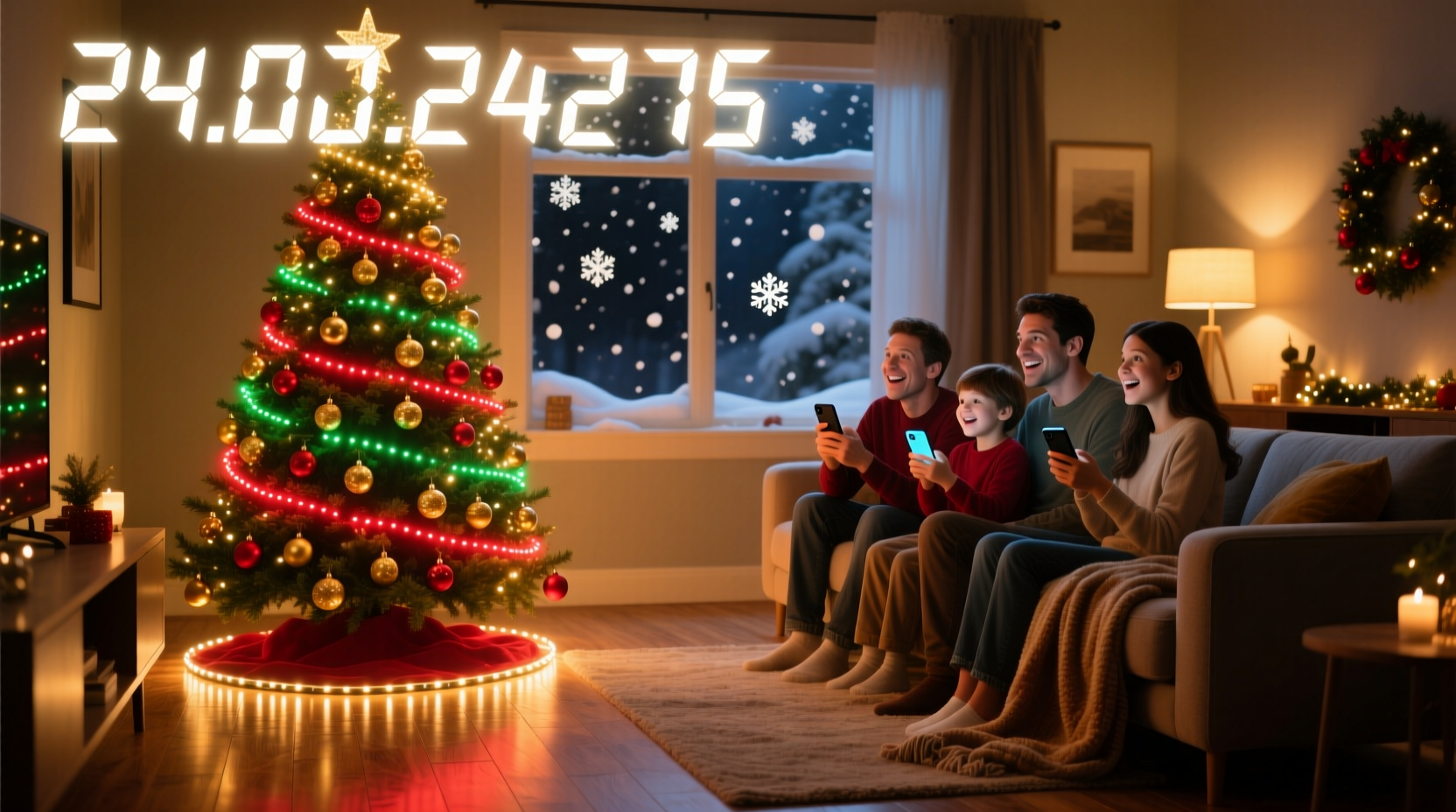
Traditional Advent calendars serve a functional purpose: marking time. But app-controlled lights add layers of sensory engagement—color psychology, rhythm, spatial storytelling—that deepen the sense of occasion. Research from the Lighting Research Center at Rensselaer Polytechnic Institute shows that consistent, warm-toned evening lighting supports circadian alignment and emotional calm during high-stress seasonal periods. When paired with intentional timing and variation, smart lights don’t just count days—they build shared excitement, reduce impatience in children, and invite reflection in adults.
More importantly, light is inherently flexible. A single string of 50 addressable LEDs can represent all 24 days of Advent *and* double as ambient holiday décor, a New Year’s Eve gradient, or even a subtle nightlight for anxious little ones. No physical clutter. No daily setup. Just quiet, evolving intentionality.
Essential Gear & Compatibility Checklist
You don’t need a smart home lab to begin. Most effective setups rely on three core components: lights, a hub or direct-WiFi connection, and a reliable app. Below is a concise compatibility checklist—tested across real-world households with mixed device ecosystems (iOS, Android, Windows, older routers).
| Component | Minimum Requirement | Recommended Models | Key Notes |
|---|---|---|---|
| Lights | Addressable RGB LED strip or bulb (not basic white-only) | Philips Hue Play Bars, Nanoleaf Essentials Bulbs, Govee Glide Hexa, LIFX Mini White + Color | Avoid non-addressable “dumb” strips—they light uniformly, limiting countdown logic. |
| Control Method | Either built-in WiFi (no hub) OR compatible hub (e.g., Hue Bridge, Home Assistant) | Govee (WiFi-native), Nanoleaf (works with Apple Home & Matter), Philips Hue (hub-dependent but most stable) | Hubs add reliability; WiFi-only lights simplify setup but may lag on crowded networks. |
| App & Automation | App supporting scheduled scenes AND conditional triggers (date/time-based) | Hue Sync (desktop), Nanoleaf Desktop App, Shortcuts (iOS), Tasker (Android), Home Assistant (advanced) | iOS Shortcuts is surprisingly powerful—and free—for date-triggered light changes. No subscription needed. |
| Power & Placement | Dedicated outlet within 3m of display zone; avoid extension cords under rugs | UL-listed power adapters, adhesive-backed strips with reinforced backing (e.g., Govee H6159) | LED heat dissipation matters: never coil unused strip length—it overheats and dims prematurely. |
A Real Family Example: The Miller Household’s Staircase Countdown
The Millers live in a split-level home with a narrow, 13-step staircase leading from their entryway to the main living area. For years, they used a paper chain—until their 7-year-old daughter asked, “Why can’t the stairs *know* it’s December 12?” That question sparked a low-effort, high-impact solution.
They installed a 2-meter Govee LED strip along the underside of each stair tread (13 steps × 2 = 26 segments). Using the Govee app, they assigned Day 1 to the bottom step, Day 2 to the next, and so on—up to Day 24 (with Days 25–26 reserved for Christmas Eve and Christmas Day). Each day at 5:00 p.m., an automated routine activates: the “current day” step pulses gently in amber for 30 seconds, then settles into steady warm white. All other steps glow soft indigo. On Christmas Eve, the entire staircase transitions to shimmering white-gold over 90 seconds—like snowfall.
No one touches a switch. No batteries are replaced. And every evening, without fail, their daughter pauses mid-step, looks up, and says, “It’s glowing for *today*.” That pause—the shared, wordless recognition—is what makes it work.
Step-by-Step Setup: From Unboxing to First Glow (Under 45 Minutes)
- Plan your visual language: Decide what each light state means. Example: Unlit = not yet arrived; Warm white = current day; Cool blue = remaining days; Gold pulse = special milestone (e.g., Dec 12, Dec 24). Write this down. Consistency builds anticipation.
- Install hardware safely: Clean surface with isopropyl alcohol before applying adhesive strips. For wall-mounted displays, use removable mounting putty—not tape—to avoid paint damage. Plug in *before* connecting to app.
- Pair and name devices logically: In your app, rename “Living Room Strip 1” to “Advent Staircase – Step 1”, “Advent Staircase – Step 2”, etc. Group them under “Advent Lights” for easy scene control.
- Create your first 3 scenes: Build “All Blue (Remaining)”, “Today Warm”, and “All Gold (Christmas Eve)”. Use exact hex codes for consistency:
#4A5568(slate blue),#FBBF24(amber),#F9FAFB(soft white). Save each with descriptive names. - Build date-triggered automations: In iOS Shortcuts, create a “Run at Time” automation: “At 5:00 PM → If date is December 1 → Set scene ‘Today Warm’ on Step 1”. Repeat for each day. For Android users, Tasker + AutoRemote offers similar precision. Pro tip: batch-create using spreadsheet formulas, then copy-paste into your automation tool.
- Add surprise layers (optional but impactful): On Dec 1, trigger a gentle 5-second fade-in. On Dec 12, add a 3-pulse shimmer. On Dec 24, play a 2-second chime (via smart speaker) *simultaneously* with the gold transition. These micro-moments make it feel alive.
“People underestimate how much emotional weight a single, well-timed light change carries. It’s not about brightness—it’s about rhythm, restraint, and respect for the pause between expectation and arrival.” — Dr. Lena Torres, Human-Computer Interaction Researcher, MIT Media Lab
Five Practical Tips to Avoid Common Pitfalls
- Don’t rely solely on cloud-based automations. If your internet drops, your countdown stops. Always configure local triggers where possible (e.g., Hue Bridge automations run offline; Govee requires cloud, so pair with a $20 travel router as backup).
- Test brightness levels at night—not noon. What looks vibrant in daylight often overwhelms in dim rooms. Aim for 20–30% max brightness for ambient countdowns; reserve 80%+ only for milestone moments like Christmas Eve.
- Design for accessibility. Include a tactile or auditory cue for visually impaired family members: a gentle vibration via smart watch, or a spoken phrase (“Three days until Christmas!”) triggered alongside the light change.
- Use relative dates—not absolute ones. Instead of hardcoding “December 12”, set automations to “24 days before December 25”. That way, if you start early (e.g., Nov 30), the logic auto-adjusts—no reprogramming needed.
- Assign one person as the “Light Keeper”. Rotate monthly among family members. Their job? Verify the automation ran, check for firmware updates, and swap out any dimming bulbs. Ownership sustains the magic.
FAQ: Your Top Questions—Answered Clearly
Can I do this without buying new lights?
Yes—if you already own compatible smart bulbs or strips (Hue, Nanoleaf, Lifx, Govee, or TP-Link Kasa). Check your app: if you can create custom scenes and schedule them by date/time, you’re ready. Incandescent or basic LED bulbs won’t work—they lack color control and scheduling capability.
What if my kids figure out how to change the lights?
Two solutions: First, disable manual controls during Advent hours (most apps allow “lock mode” or schedule-based access restrictions). Second, lean in—invite them to co-design one special day’s animation. Ownership transforms potential sabotage into collaboration. One family let their 9-year-old choose the color sequence for Dec 15; she picked “rainbow wave”, and now it’s their favorite moment.
How do I extend this beyond Christmas?
Repurpose the same hardware and logic. Switch scenes to mark school breaks (“Spring Break Countdown”), birthdays (“Countdown to Maya’s 10th”), or even habit-building (“21-Day Reading Challenge”). Change the naming convention, update the color palette, and reuse your automation framework. The infrastructure stays; only the meaning shifts.
Bringing It All Together: Design With Heart, Not Just Code
A successful surprise Christmas countdown isn’t measured in pixels per meter or milliseconds of response time. It’s measured in the hush that falls when the lights shift on December 12. In the way grandparents pause mid-conversation to watch the staircase glow. In the child who starts counting down *aloud*, matching each step’s light to the calendar on the fridge—not because they’re told to, but because the rhythm has entered their bones.
This isn’t about turning your home into a tech demo. It’s about reclaiming ritual in a distracted age—using accessible tools to create moments of collective attention. You don’t need perfect gear. You don’t need flawless execution. You need one clear intention: *Let light mark time in a way that makes waiting feel like part of the gift.*
Start tonight. Pick one location—a shelf, a doorway, a windowsill. Choose two colors. Set one automation for tomorrow at 6 p.m. Watch what happens—not just to the light, but to the people around it.




 浙公网安备
33010002000092号
浙公网安备
33010002000092号 浙B2-20120091-4
Comments
No comments yet. Why don't you start the discussion?