
Christmas light displays have evolved from simple timers and remote controls to synchronized, music-driven spectacles—and now, interactive experiences that respond to people. Facial recognition technology, once confined to security labs and smartphone unlock screens, is increasingly accessible for creative home automation. When thoughtfully implemented, it can transform a static light show into a personalized holiday greeting: lights pulse when Grandma walks up the driveway, a custom animation plays for each family member, or your front-yard display “recognizes” neighborhood kids and triggers a playful snowflake sequence. This isn’t science fiction—it’s achievable today with off-the-shelf hardware, open-source libraries, and careful attention to ethics and reliability. What follows is a field-tested, technically grounded roadmap—not theoretical speculation, but the kind of guidance you’d get from an automation engineer who’s wired three holiday displays and debugged the face-detection latency at -12°C.
Understanding the Core Components
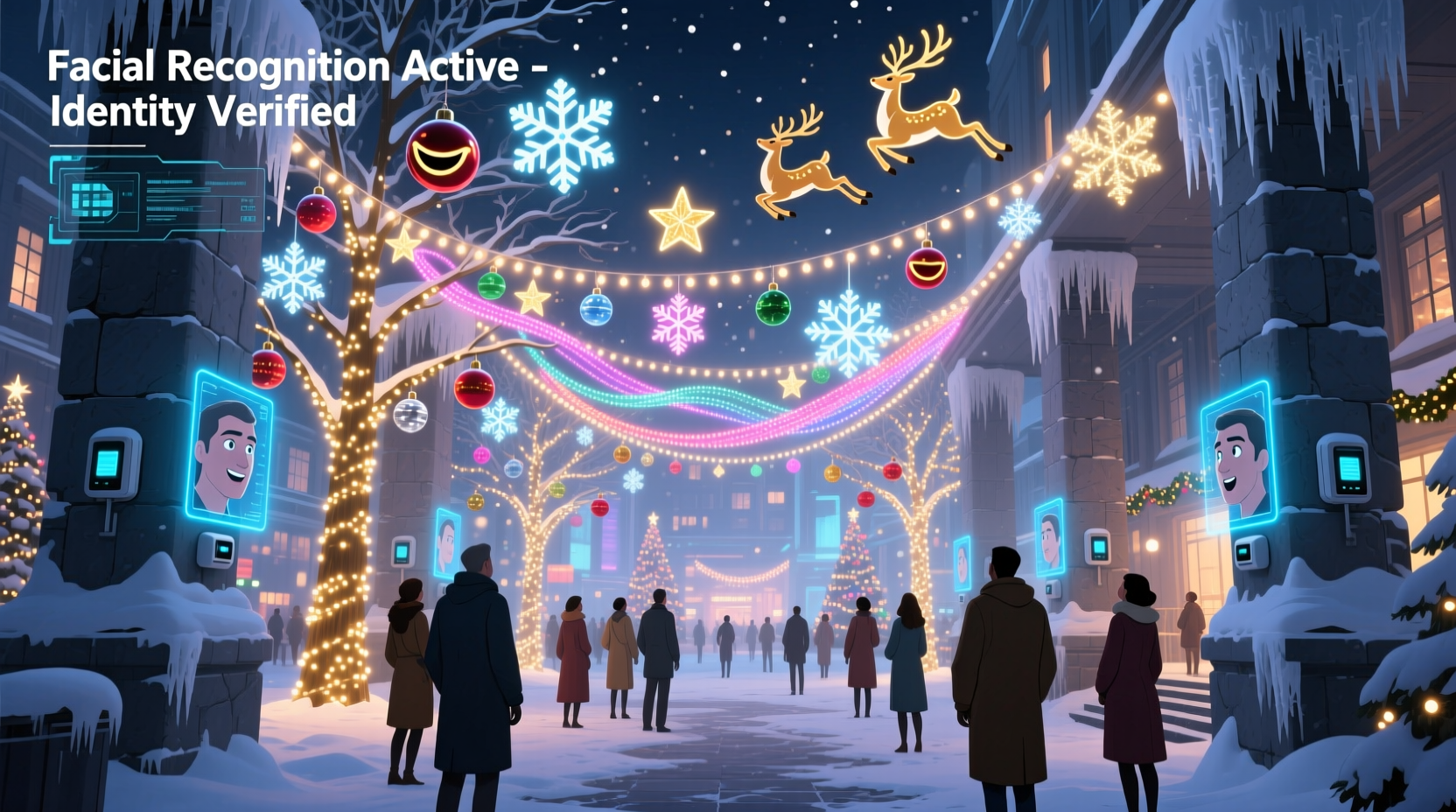
A functional facial recognition–triggered light show rests on four interdependent layers: detection, identification, control logic, and physical output. Skipping or under-engineering any one layer leads to frustration—like lights firing randomly because the camera misreads a passing car headlight as a face, or delays so long the person has already walked indoors before the animation starts.
First, detection answers “Is there a face present?” using computer vision algorithms (e.g., Haar cascades or deep learning models like MTCNN) that scan video frames for facial landmarks—eyes, nose bridge, jawline contours. This stage requires minimal processing and works reliably even in low-light conditions with infrared-capable cameras.
Second, identification asks “Whose face is it?” by comparing detected features against enrolled templates stored locally. Crucially, this step does not require cloud connectivity or external APIs—keeping biometric data private and eliminating latency spikes caused by internet round-trips. Modern lightweight models (e.g., FaceNet embeddings compressed for edge inference) run efficiently on Raspberry Pi 4 or Jetson Nano devices.
Third, control logic bridges recognition events to lighting commands. This is where you define behavior: “If ‘Sarah’ is recognized within 3 meters for >1.5 seconds, trigger Sequence #7 on Channel A.” Logic must include debounce timers (to prevent flickering triggers from brief glances), distance estimation (using camera focal length and bounding box size), and fallback states (e.g., default ambient mode if no match is confident).
Finally, physical output executes the command—sending DMX-512 signals to LED controllers, toggling GPIO pins for relay-based light strings, or issuing HTTP requests to smart lighting hubs like Philips Hue or Nanoleaf via local API. The key is ensuring the lighting system supports programmatic, low-latency control—not just app-based manual switches.
Hardware Setup: Reliable, Weather-Resilient, and Local-First
Outdoor deployment introduces unique constraints: temperature swings, moisture, power fluctuations, and variable lighting. Consumer webcams rarely survive December in Chicago or January in Vancouver. Prioritize ruggedized, weatherproof components designed for continuous operation.
| Component | Recommended Options | Key Considerations |
|---|---|---|
| Camera | Reolink RLC-410-5MP (IP, IR night vision, IP66 rating); Wyze Cam v3 (with microSD local storage) | Avoid USB webcams outdoors—they lack sealing and overheat/cool unpredictably. Must support MJPEG or H.264 streaming over LAN, not cloud-only protocols. |
| Processing Unit | Raspberry Pi 4 (4GB RAM) + official PoE+ HAT; NVIDIA Jetson Nano (for faster inference) | Pi 4 handles basic recognition well; Jetson cuts inference time from ~800ms to ~120ms. Both require active cooling (heatsink + fan) for sustained operation. |
| Lighting Controller | Falcon F16v3 (DMX/E1.31), ESP32-based WLED nodes, or Shelly Plus 1PM (for AC-powered strings) | Choose based on scale: WLED excels for RGB pixel strips; Falcon for large-scale professional displays; Shelly for simple on/off or dimming of traditional lights. |
| Power & Protection | 12V 5A regulated supply (for Pi + camera); outdoor-rated junction box; surge protector on all AC lines | Never power a Pi directly from a USB phone charger outdoors—voltage drops cause SD card corruption. Use PoE where possible for cleaner cabling. |
Mount the camera 2.4–3 meters high, angled slightly downward, covering your primary approach path (driveway, walkway, or porch). Avoid backlighting: position it so faces aren’t silhouetted against bright windows or streetlights. Test at dusk—many IR cameras produce usable grayscale images down to 0.1 lux, but color accuracy vanishes below 5 lux, making enrollment harder.
Software Stack: Open Source, Privacy-First, and Maintainable
The most robust setups avoid proprietary SDKs or vendor lock-in. Instead, they combine battle-tested open-source tools:
- Face Detection & Recognition:
face-recognition(Python library built on dlib) orinsightface(more accurate, GPU-accelerated). Both support local embedding generation and matching without internet calls. - Video Capture & Streaming:
OpenCVfor frame acquisition, combined withffmpegfor efficient RTSP stream decoding from IP cameras. - Light Control Protocol:
pydmxfor DMX,wledPython client for WLED, or raw HTTP POSTs to Shelly REST API. - Orchestration: A lightweight Python script (not Node-RED or Home Assistant alone—those add unnecessary abstraction layers for real-time triggers) that loops at 5–10 FPS, processes frames, checks matches, and fires commands with precise timing.
Enrollment—the process of capturing and storing facial templates—is critical. Take 20–30 images per person: varying angles (0°, ±15°, ±30°), expressions (smiling, neutral), and lighting (indoor, shaded outdoor, dusk). Crop and align faces programmatically using face_recognition.face_locations() and face_recognition.face_encodings(). Store only numerical embeddings (128-float vectors), never raw images—this reduces storage footprint and mitigates privacy risk.
“Biometric data belongs on-device and ephemeral. If your system sends faceprints to the cloud—even ‘anonymized’—you’ve introduced unacceptable risk and latency. Real-time holiday magic happens at the edge.” — Dr. Lena Torres, Embedded Systems Researcher, MIT Media Lab
Step-by-Step Implementation Timeline
Build incrementally. Each phase includes validation before moving forward. Total build time: 8–12 hours across 3–4 evenings.
- Phase 1: Video Pipeline (1 hour)
Install Raspberry Pi OS, connect camera via USB or Ethernet, verify live stream usingffplay rtsp://[camera-ip]/stream1. Confirm stable 5–10 FPS with no dropped frames. - Phase 2: Face Detection Only (2 hours)
Run a script that draws green rectangles around detected faces in real time. Tunemodel='hog'(CPU-efficient) ormodel='cnn'(more accurate, needs GPU) based on your hardware. Adjustnumber_of_times_to_upsampleto handle distant faces. - Phase 3: Enrollment & Matching (3 hours)
Capture and encode 30 images per person. Store embeddings in a local SQLite database with confidence thresholds. Test matching on saved frames—aim for ≥92% confidence on clear frontal shots. - Phase 4: Lighting Integration (2 hours)
Write a test script that toggles a single light channel when *any* face is detected (no identification yet). Verify sub-500ms end-to-end latency from face appearance to light activation. - Phase 5: Personalized Triggers (2 hours)
Map specific embeddings to light sequences. Add debounce: require 3 consecutive frames of the same ID before triggering. Introduce distance-aware logic—ignore faces beyond 4 meters unless explicitly configured.
Real-World Case Study: The Henderson Family Display
In Portland, Oregon, the Hendersons automated their 12-year-old holiday display—1,200 LEDs across roofline, trees, and mailbox—after their youngest child asked, “Why don’t the lights say hi to me like Alexa does?” They used a Reolink camera mounted above their garage door, a Raspberry Pi 4 in a NEMA-rated enclosure, and WLED nodes controlling WS2812B strips.
Initial attempts failed: foggy mornings caused false positives; their black Labrador’s face triggered “Dad Mode” repeatedly. They solved both by adding a simple motion pre-filter (only process frames where movement exceeds threshold) and training a separate “dog vs human” classifier using 50 dog photos. They also implemented seasonal profiles: “Santa Mode” activates only Dec 1–24, overriding individual triggers with a jingle bell animation.
The result? Neighbors report children lining up to “get the lights to dance for them.” More importantly, the system runs autonomously for 47 days without reboot—thanks to proper thermal management and watchdog timers that restart the Python process if memory usage exceeds 85%. Their total parts cost: $217. Their ROI in joy? Incalculable.
Privacy, Ethics, and Practical Limits
Facial recognition carries legitimate concerns—especially in residential settings. Transparency and consent are non-negotiable. Post a small, tasteful sign near your camera: “Holiday Light Display: Faces detected locally to personalize greetings. No data leaves this property.” For guests, provide an opt-out: a physical button near the door that disables recognition for 24 hours.
Technically, recognize these hard limits:
- Accuracy drops sharply beyond 3 meters—use bounding box size and known focal length to estimate distance and suppress low-confidence matches.
- Glasses, masks, and heavy winter hats degrade performance—enroll subjects wearing typical seasonal attire.
- Latency is cumulative: camera capture (50ms) + frame decode (30ms) + detection (200ms) + embedding (400ms) + lighting command (10ms) = ~790ms minimum. Design animations to begin subtly (e.g., a slow color shift) rather than demanding instant full-brightness bursts.
- Legal compliance matters: In Illinois and Texas, BIPA requires written consent for biometric collection. In the EU, GDPR applies even to personal projects. When in doubt, limit enrollment to household members only.
FAQ
Can I use my existing Ring or Arlo doorbell camera?
Not reliably. These devices compress video heavily, restrict direct frame access, and often disable local streaming when cloud services are active. You’ll waste more time reverse-engineering their API than buying a $65 Reolink. Dedicated IP cameras with open RTSP support are the pragmatic choice.
What if someone looks similar to an enrolled person—will the lights trigger for strangers?
Yes—unless you tune confidence thresholds rigorously. Set the match threshold to 0.55–0.6 (on a 0.0–1.0 scale where higher = more certain). Test with friends who resemble family members. If false matches persist, add secondary verification: require the face to be centered in-frame for 2 seconds *and* detect a smile (using a lightweight expression model like fer) before triggering.
Do I need programming experience?
You need comfort editing Python scripts—not writing algorithms from scratch. All core libraries have excellent documentation and GitHub examples. Start by running a pre-built demo (e.g., face-recognition’s camera.py), then modify the action it takes when a face is found. No C++ or machine learning PhD required.
Conclusion
Facial recognition–triggered light shows sit at a rare intersection: technically meaningful, emotionally resonant, and deeply personal. They turn holiday automation from a party trick into a quiet act of welcome—a digital “I see you” extended to loved ones before they even reach the door. This isn’t about chasing novelty. It’s about intentionality: choosing hardware that respects your environment, software that honors your privacy, and logic that serves warmth over wow-factor. The Hendersons didn’t build their system to impress—they built it so their daughter could stand on the sidewalk, wave, and watch her favorite colors bloom in response. That moment, repeated dozens of times each season, is where the real magic lives.
Your first successful trigger—whether it’s a single string pulsing softly as you walk up the path or a full-roof cascade timed to your smile—will feel like unlocking a new language of connection. Don’t wait for perfect conditions. Start with one camera, one face, one light. Tune, test, iterate. Then share what you learn—not just the code, but the stories behind the sequences. Because the best holiday tech isn’t measured in frames per second, but in the number of times someone says, “It knew it was me.”




 浙公网安备
33010002000092号
浙公网安备
33010002000092号 浙B2-20120091-4
Comments
No comments yet. Why don't you start the discussion?