
Transforming a static holiday light display into an interactive experience begins with motion tracking. By integrating motion sensors with programmable lighting systems, homeowners and hobbyists can create dazzling Christmas light animations that respond in real time to movement. Whether it’s triggering a festive light sequence when a car pulls into the driveway or making lights dance as children walk beneath them, motion-activated displays add surprise, energy, and engagement to seasonal decor. This guide walks through the technical foundations, hardware choices, setup procedures, and creative applications of using motion tracking to control Christmas light animations.
Understanding Motion Tracking and Light Control
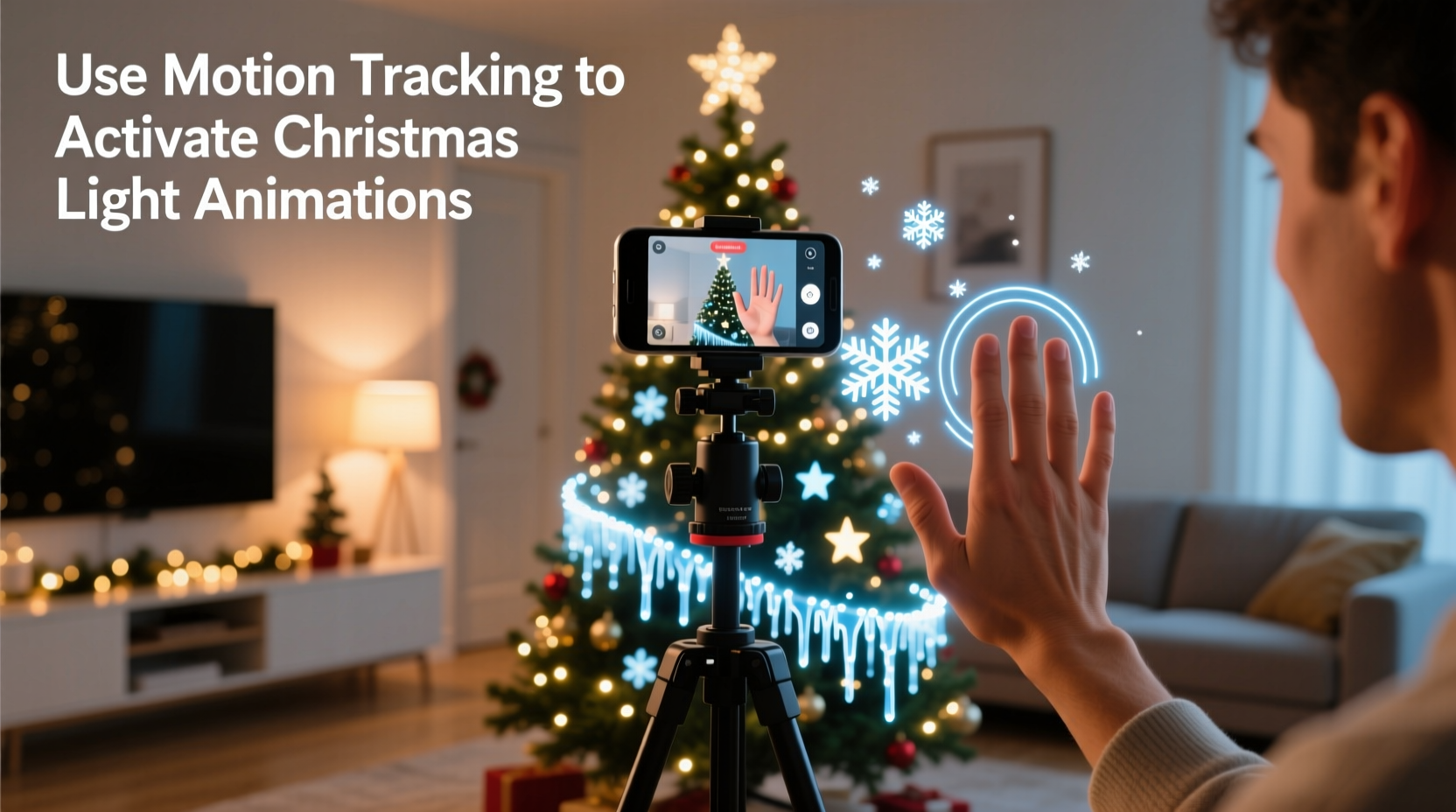
Motion tracking in the context of holiday lighting involves detecting physical movement within a specific area and using that detection as a signal to initiate a programmed light effect. The process relies on three core components: a motion sensor, a controller capable of interpreting sensor input, and a set of addressable or controllable lights (such as WS2812B LEDs or DMX fixtures).
Most modern motion tracking uses passive infrared (PIR) sensors, which detect changes in heat patterns caused by moving bodies. These are affordable, reliable, and widely available. More advanced setups may employ ultrasonic sensors, microwave radar modules, or even computer vision via small cameras and microcontrollers like Raspberry Pi. Each has trade-offs in range, sensitivity, false triggers, and complexity.
The key is linking the sensor output to a lighting controller. When motion is detected, the sensor sends a digital signal—typically a high/low voltage—to the controller, which then runs a predefined animation pattern across connected LED strips or nodes.
“Motion-triggered lighting turns passive decoration into storytelling. It’s not just about brightness—it’s about timing, interaction, and delight.” — Marcus Lin, Smart Holiday Lighting Designer & Creator of HolidaySequence.com
Hardware Requirements and Setup Options
Creating a functional motion-activated Christmas light system requires selecting compatible hardware. Below is a breakdown of essential components and recommended options based on budget and scale.
| Component | Budget Option | Premium Option | Notes |
|---|---|---|---|
| Motion Sensor | HC-SR501 PIR Module ($3–$5) | RCWL-0516 Microwave Doppler Radar ($4–$6) | PIR works well outdoors; microwave offers better range and no line-of-sight requirement |
| Controller | ESP8266 (NodeMCU) | ESP32 or Raspberry Pi 4 | ESP32 supports Wi-Fi, Bluetooth, and multiple sensor inputs simultaneously |
| Lights | WS2812B LED Strips (60 LEDs/m) | DMX-controlled pixel tubes or matrices | Addressable LEDs allow individual control; DMX is industrial-grade but more complex |
| Power Supply | 5V 10A DC adapter | Distributed power injection with regulated supplies | Long LED runs require multiple power points to avoid voltage drop |
| Software | Arduino IDE + FastLED library | XLights with E1.31 over Wi-Fi | XLights enables advanced sequencing and remote management |
For most DIY users, combining an ESP8266 or ESP32 microcontroller with PIR sensors and WS2812B strips provides a powerful, low-cost platform. These components communicate easily using open-source firmware and libraries such as FastLED or NeoPixel, enabling custom animations triggered by motion.
Step-by-Step Guide: Building a Motion-Activated Light System
Follow this sequence to assemble a working motion-triggered Christmas light animation. This example uses an ESP32, a PIR sensor, and a 5-meter WS2812B LED strip powered at 5V.
- Gather Components: ESP32 development board, HC-SR501 PIR sensor, WS2812B LED strip (300 LEDs), 5V 15A power supply, breadboard wires, soldering iron, heat shrink tubing, and a weatherproof enclosure.
- Wire the Circuit:
- Connect the PIR sensor’s VCC to 5V on the ESP32.
- Link GND to GND.
- Attach the OUT pin of the PIR to GPIO 13 on the ESP32.
- Solder the data input of the LED strip to GPIO 18 (common choice for NeoPixel).
- Ensure both the ESP32 and LED strip share a common ground with the power supply.
- Install Libraries: In Arduino IDE, install the
FastLEDorAdafruit_NeoPixellibrary depending on your code preference. - Upload Test Code: Use the following logic:
- Initialize the LED strip with correct length and data pin.
- Set up the PIR pin as INPUT.
- In the main loop, read the PIR state.
- If HIGH (motion detected), run a pre-coded animation (e.g., color chase, sparkle, wave).
- After animation completes, wait 10–30 seconds before allowing re-trigger (debounce).
- Test Indoors: Power the setup and move in front of the sensor. Confirm lights activate reliably.
- Weatherproof Installation: Place electronics in sealed enclosures. Route cables through conduit if exposed to snow or rain. Mount the PIR sensor under eaves facing the target zone (walkway, driveway, porch).
- Deploy and Fine-Tune: Adjust the PIR’s sensitivity dial and time delay potentiometer to suit your environment. Avoid pointing directly at heating vents or reflective surfaces.
This basic system can be expanded. For instance, multiple sensors can cover different zones, each triggering unique animations. You might have one near the front door play \"Jingle Bells\" in lights, while a side-yard sensor activates a spooky ghostly fade for Halloween leftovers.
Advanced Applications and Real-World Example
Consider a suburban home in Portland, Oregon, where homeowner Daniel Reyes upgraded his annual Christmas display using motion tracking. Previously, his lights ran on timers—on at dusk, off at midnight. While impressive, neighbors quickly grew accustomed to the routine.
That year, he installed four ESP32 units connected to PIR sensors positioned along the sidewalk, driveway, and front steps. Each unit controlled a section of his roofline, tree wrap, and lawn reindeer. Using custom code, he assigned different animations:
- Front walk sensor → “candy cane” swirl pattern
- Driveway entry → full-house flash sequence synced to sleigh bells
- Tree proximity → slow rainbow pulse when someone stops to look
The result? A dramatic increase in foot traffic. Families began visiting specifically to \"set off the lights.\" Local news featured the house in a segment titled “Portland’s Smartest Santa Setup.” More importantly, Daniel reported higher enjoyment from creating something reactive rather than static.
His advice: “Start small. One sensor, one effect. Once you see how people react when the lights respond to them, you’ll want to expand.”
Tips for Optimal Performance and Reliability
Motion-activated lighting introduces variables not present in scheduled displays. Environmental conditions, power stability, and sensor placement all affect performance. Use these best practices to ensure consistent operation.
- Elevate Sensors: Mount PIRs at 6–8 feet to reduce false triggers from animals while maintaining human detection.
- Avoid Heat Sources: Don’t place sensors near exhaust vents, chimneys, or dark surfaces that absorb solar heat.
- Use Shielded Cables: For long data runs between controller and LEDs, use shielded twisted-pair wire to reduce signal interference.
- Monitor Voltage: Check voltage at the far end of LED strips. If below 4.5V, implement power injection every 2–3 meters.
- Backup Power Logic: Consider adding a real-time clock (RTC) module so lights still operate on schedule if motion detection fails.
Frequently Asked Questions
Can I use motion tracking with commercial Christmas light sets?
Most pre-wired holiday light strings (like mini incandescent or non-addressable LEDs) cannot be programmed for animations. To use motion tracking effectively, you need addressable LEDs (e.g., WS2811, SK6812) or DMX-compatible fixtures. Retrofitting traditional sets is impractical. Instead, integrate smart strips alongside existing decor.
Will cold weather affect motion sensors?
PIR and microwave sensors generally operate reliably down to -20°C (-4°F). However, condensation inside enclosures can cause shorts. Use desiccant packs in sealed boxes and ensure cable entries are waterproof. Avoid rapid temperature shifts by installing electronics before freezing conditions begin.
How do I prevent constant triggering during heavy foot traffic?
Adjust the time-delay knob on PIR sensors to limit retriggering frequency. Alternatively, program software debouncing—ignore additional triggers for 10–30 seconds after an event. For high-traffic areas, consider zone-based activation so only nearby lights respond.
Conclusion: Bring Your Holiday Lights to Life
Motion tracking transforms Christmas lighting from background ambiance to interactive art. With accessible technology and a modest investment, anyone can build a system that responds to presence, movement, and moment. Beyond the technical satisfaction, the joy comes from watching reactions—children laughing as lights follow their path, neighbors pausing in wonder, and visitors returning just to experience the magic again.
The tools are no longer limited to professionals. Open-source libraries, affordable microcontrollers, and plug-and-play sensors make it possible to prototype, deploy, and refine animated displays from your garage. Start with one sensor and a short strip. Learn the nuances of timing, sensitivity, and visual rhythm. Then expand.




 浙公网安备
33010002000092号
浙公网安备
33010002000092号 浙B2-20120091-4
Comments
No comments yet. Why don't you start the discussion?