
In today’s hyper-connected world, managing multiple roles—professional, personal, freelance, or international—often requires more than one phone number. Whether you're a remote worker juggling client calls, a digital nomad navigating different time zones, or someone who simply wants to separate business from personal life, using multiple phone numbers across devices without friction is no longer a luxury—it's a necessity. The good news? Modern smartphones and services make it easier than ever to operate multiple lines from a single device or synchronize them across several gadgets.
The key lies not in owning more hardware but in leveraging software features, carrier services, and smart configurations that allow seamless transitions between identities and devices. From dual-SIM setups to cloud-based calling apps, the tools exist. What’s missing for most users is a clear roadmap to integrate them effectively.
Understanding Your Options: Multiple Numbers & Multi-Device Syncing
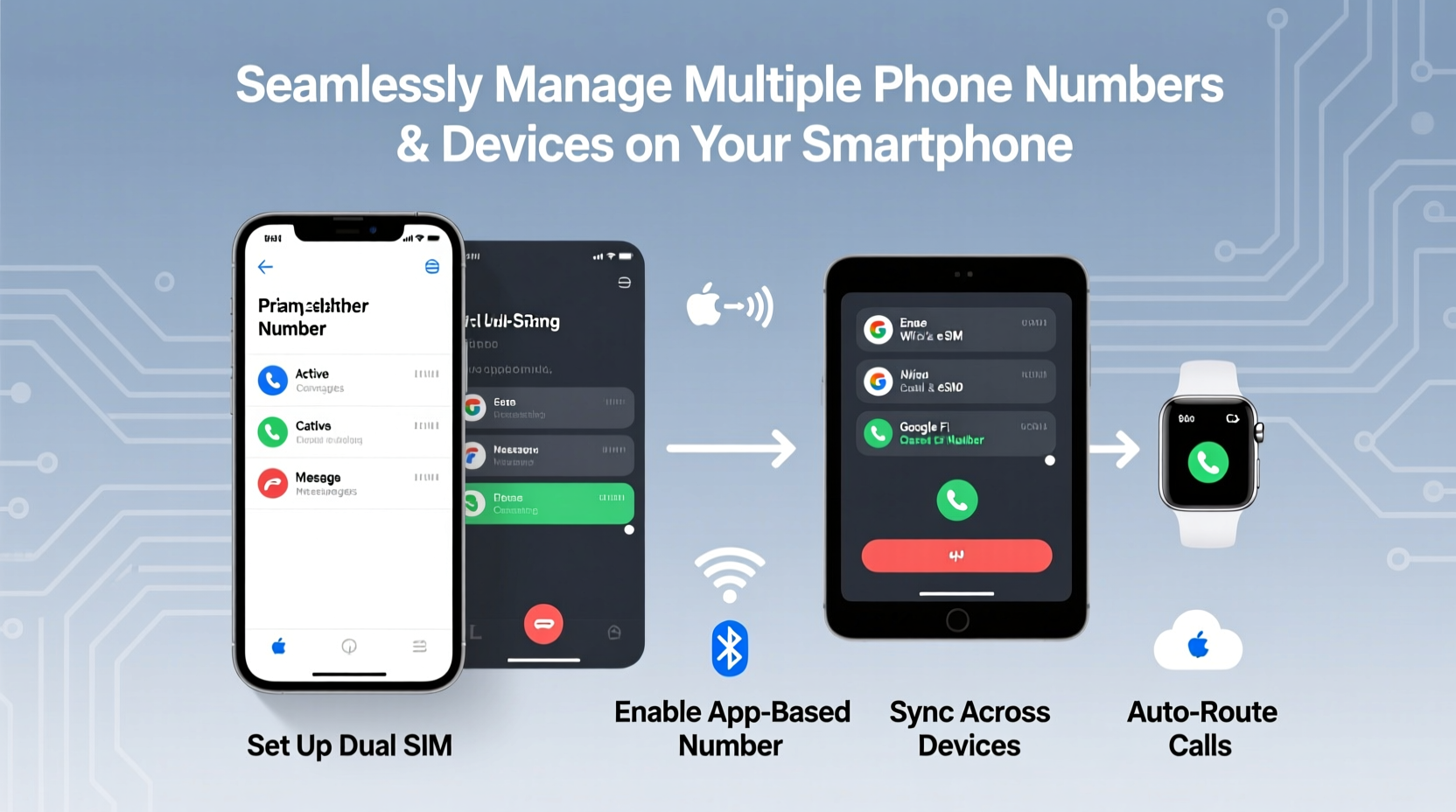
Before diving into setup procedures, it’s important to understand the core technologies that enable multi-number and multi-device functionality:
- Dual SIM (Physical or eSIM): Many modern smartphones support two active SIM cards—one physical and one embedded (eSIM), or two physical slots. This allows two separate phone numbers to function simultaneously on one device.
- eSIM Technology: An electronic SIM card built into the phone, enabling instant activation of additional lines without swapping physical cards.
- Call & Text Forwarding Services: Apps like Google Voice, Microsoft Your Phone, or carrier-specific solutions (e.g., AT&T NumberSync) let you route calls and texts to other devices such as tablets, laptops, or secondary phones.
- Cloud-Based Communication Platforms: Tools like WhatsApp Business, Telegram, or Line allow account registration via verified numbers and can sync conversations across multiple logged-in devices.
These options are not mutually exclusive. In fact, the most effective systems combine several of these methods to create a fluid experience across contexts.
Step-by-Step Guide: Setting Up Dual Numbers on One Device
Setting up two numbers on a single smartphone ensures you’re always reachable under either identity without carrying multiple phones. Here’s how to do it properly:
- Check Device Compatibility: Confirm your phone supports dual SIM or eSIM. Most iPhones from iPhone XS onward and flagship Android models (Pixel, Samsung Galaxy S/Note/Z Fold series) offer this capability.
- Obtain a Secondary Number: You can get a second number through your carrier, a VoIP service like Google Voice, or a virtual number app (e.g., Burner, Hushed).
- Activate the Second Line:
- For eSIM: Scan the QR code provided by your carrier or service.
- For Physical SIM: Insert the second SIM into the tray (if available).
- Label Your Lines: Assign labels like “Work” and “Personal” in your phone settings so outgoing calls and messages use the correct number automatically.
- Set Default Actions: Choose which number handles data, voice calls, and messaging by default, and configure per-app preferences where possible.
Once configured, incoming calls and texts will display on the same screen, clearly labeled by line. You maintain full control over which number you present when contacting others.
Extending Connectivity: Sync Across Devices
Having multiple numbers is only half the solution. True seamlessness comes when those numbers follow you across devices—your tablet during meetings, your laptop while traveling, or your backup phone during emergencies.
| Service | Supported Devices | Key Features |
|---|---|---|
| Google Voice | Android, iOS, Web | Free U.S. number, call/text forwarding, voicemail transcription |
| Apple Continuity (iCloud) | iPhone, iPad, Mac | Text/call relay, Handoff, Universal Clipboard |
| Microsoft Your Phone | Windows PC, Android | Mirror Android notifications, send texts from PC |
| WhatsApp Multi-Device | Up to 4 linked devices | End-to-end encryption maintained across linked sessions |
For example, with Apple’s Continuity feature, a call coming in on your iPhone can be answered directly from your MacBook. Similarly, Google Voice lets you reply to SMS messages from any browser window—even on a Chromebook.
“We’ve seen a 70% increase in cross-device communication usage among professionals who manage hybrid roles.” — Dr. Lena Torres, Senior Analyst at Mobile Futures Lab
Mini Case Study: Managing Freelance Work Without Overload
Sophie, a freelance graphic designer based in Barcelona, used to carry two phones: one for clients, another for family and friends. She frequently missed calls because she left one device behind. After switching to an iPhone 14 with eSIM support, she activated a Google Voice number for her business line and linked it to her iCloud ecosystem.
Now, client calls come through on her iPhone, iPad during design sessions, and even her MacBook when presenting mockups. Her personal number remains private and reserved for close contacts. By integrating both numbers into a unified workflow, Sophie reduced device clutter and improved responsiveness—without compromising boundaries.
Best Practices Checklist for Seamless Management
To ensure smooth operation across numbers and devices, follow this checklist:
- ✅ Label each number clearly in your phone settings (e.g., “Work,” “Travel SIM”)
- ✅ Enable automatic message syncing across trusted devices
- ✅ Set specific ringtones or notification tones per number
- ✅ Use auto-replies or scheduling tools for after-hours professional messages
- ✅ Regularly audit linked devices and log out inactive ones for security
- ✅ Back up chat histories and contact associations regularly
- ✅ Test failover: Ensure calls redirect properly if primary device is offline
Frequently Asked Questions
Can I receive calls on my tablet or laptop without my phone nearby?
Yes, if you're using services like WhatsApp Web, Google Voice, or Apple’s Continuity with Wi-Fi calling enabled. Some carriers also offer standalone VoIP apps that operate independently once logged in.
Are there privacy risks when syncing numbers across devices?
Potentially. Always enable two-factor authentication, avoid public computers for login, and periodically review active sessions. For sensitive communications, consider using encrypted platforms like Signal with limited device linking.
Do all carriers support eSIM and number sharing?
No. While major providers like Verizon, AT&T, T-Mobile, and many EU carriers support eSIM, some regional or budget MVNOs may not. Check with your provider before relying on eSIM activation.
Conclusion: Master Your Digital Identities
Using multiple phone numbers and devices seamlessly isn’t about complexity—it’s about intentionality. With the right setup, you can move effortlessly between roles, locations, and responsibilities without losing clarity or control. The technology already exists; what matters now is how thoughtfully you configure it.
Start small: add a second number via eSIM or Google Voice, then expand connectivity to one additional device. As your confidence grows, refine your system with automation, notifications, and security practices that reflect your lifestyle. Done right, your phone becomes less of a distraction and more of a well-organized command center.




 浙公网安备
33010002000092号
浙公网安备
33010002000092号 浙B2-20120091-4
Comments
No comments yet. Why don't you start the discussion?