
In an age where work-life balance hinges on digital boundaries, managing two phone numbers on a single device has become more than a convenience—it’s a necessity. Whether you're a freelancer juggling client calls, a traveler avoiding roaming fees, or someone seeking separation between personal and professional life, using one phone for two numbers is both practical and efficient. Modern smartphones and carrier technologies have made this seamless, but knowing how to optimize the setup can make all the difference.
Why Use Two Numbers on One Phone?
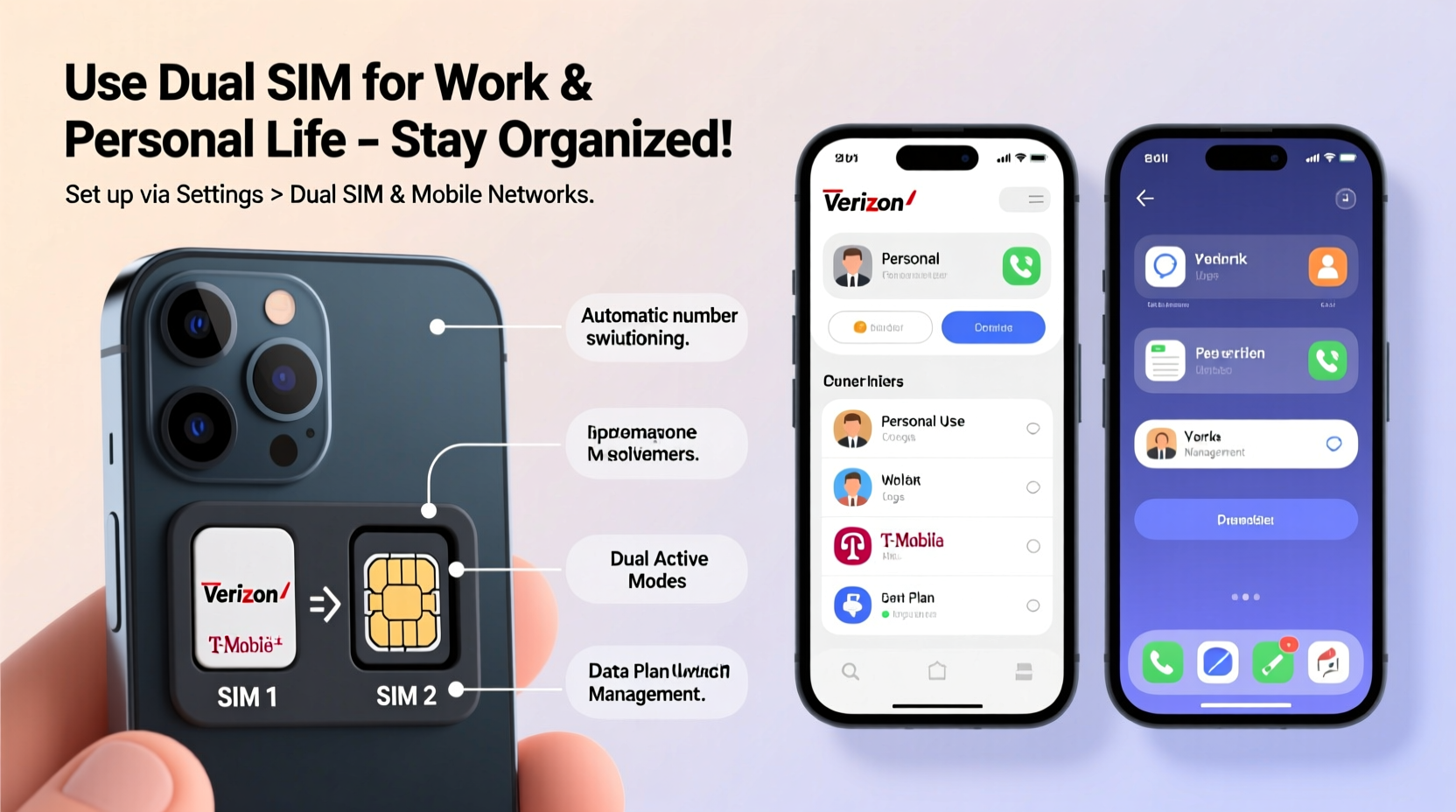
Carrying two phones used to be the only solution for maintaining separate lines—one for business, another for family. But today, dual SIM functionality and eSIM technology allow users to consolidate devices without sacrificing accessibility. The benefits extend beyond convenience:
- Cost savings: Avoid purchasing and maintaining a second phone.
- Better organization: Keep business communications separate from personal ones.
- Travel efficiency: Use a local data plan via a secondary SIM while keeping your primary number active.
- Privacy control: Share one number selectively without exposing your main line.
Understanding Dual SIM Technologies
Not all dual SIM setups are created equal. There are two primary configurations: physical dual SIM and hybrid eSIM/physical SIM. Understanding these helps you choose the right device and carrier plan.
1. Dual Physical SIM (Dual SIM Dual Standby - DSDS): This allows two nano-SIM cards to operate in one phone. Both numbers are active, but only one can use data at a time unless the phone supports simultaneous voice and data on both lines.
2. Hybrid SIM Slot: Some phones offer a tray that holds either two SIMs or one SIM and a microSD card. This gives flexibility but forces a trade-off between expandable storage and dual SIM capability.
3. eSIM + Physical SIM: Found in newer iPhones and select Android models, this combines a physical SIM with an embedded SIM (eSIM). No extra slot needed—just a digital activation code from your carrier.
“eSIM adoption is accelerating because it offers flexibility without hardware compromise.” — David Lin, Senior Analyst at MobileTech Insights
Step-by-Step Guide to Setting Up Two Numbers
Setting up dual numbers depends on your phone model and carrier support. Follow this universal guide to ensure a smooth process:
- Check device compatibility: Verify if your phone supports dual SIM or eSIM. Most recent Samsung Galaxy S and Note series, Google Pixel models, and iPhone 13 and later support eSIM.
- Obtain your second number: This can be a new physical SIM from a carrier or an eSIM activation code. Some services like Google Voice (U.S. only) let you create a free secondary number linked to your main line.
- Insert the physical SIM: Power off your phone, insert the second SIM into the appropriate slot, then restart.
- Activate the eSIM: If using eSIM, scan the QR code provided by your carrier or enter details manually under Settings > Cellular/Mobile Network > Add SIM.
- Configure call and data preferences: Assign which SIM handles voice calls, texts, and mobile data. You can set defaults or choose per-call.
- Label your lines: Name each number (e.g., “Home,” “Office”) so contacts know which line they’re reaching.
Best Dual SIM Solutions by Use Case
Different needs call for different strategies. Below is a comparison of the most effective ways to run two numbers based on common scenarios.
| Use Case | Solution | Pros | Cons |
|---|---|---|---|
| Business & Personal Separation | iPhone eSIM + Physical SIM | Clean separation, easy switching, no second device | eSIM not supported in all regions |
| International Travel | Local prepaid SIM + home carrier SIM | Avoid roaming charges, stay reachable locally and globally | Need unlocked phone; may require frequent swapping |
| Freelancers / Gig Workers | Google Voice + Carrier SIM | Free U.S. number, forwards calls/texts, integrates with apps | Limited to U.S.; some carriers block VoIP |
| Teenagers / Parents Monitoring | Family plan with shared number + personal eSIM | Parental oversight with growing independence | Extra cost for additional lines |
| Remote Workers Across Time Zones | Virtual number via apps (e.g., TextNow, Dingtone) | Free or low-cost, works over Wi-Fi | Dependent on internet; less reliable for calls |
Mini Case Study: A Digital Nomad’s Setup
Sophie, a freelance designer based in Barcelona but working primarily with U.S. clients, needed a way to appear local while minimizing costs. She uses an iPhone 14 with her U.S. carrier’s eSIM as her primary line and a Spanish Movistar nano-SIM for affordable local data. Her eSIM number is listed on her portfolio and invoices, ensuring clients see a familiar area code. Meanwhile, she uses the local SIM for navigation, streaming, and social media, saving hundreds in international data fees. Incoming calls from clients route seamlessly, and she switches data connections depending on app usage—all from one compact device.
Common Pitfalls and How to Avoid Them
While dual SIM systems are powerful, misconfiguration can lead to frustration. Here are frequent issues and fixes:
- Data connection drops: Ensure the correct SIM is selected for mobile data. Some phones revert to default after updates.
- Missed calls on secondary line: Check if call forwarding or voicemail is enabled. Not all carriers support simultaneous ring.
- Battery drain: Running two radios increases power consumption. Disable the second SIM when unused via airplane mode toggles.
- App login conflicts: Messaging apps like WhatsApp allow only one number per installation. Use dual-app features (on Samsung, Xiaomi) to run two instances.
FAQ
Can I receive calls on both numbers at the same time?
No—most dual SIM phones operate in Dual SIM Dual Standby (DSDS) mode, meaning only one line can be active during a call. If someone calls the inactive number while you’re on a call, it will go to voicemail unless your carrier supports call waiting across lines.
Is eSIM as reliable as a physical SIM?
Yes. eSIMs are just as secure and functional as physical cards. They’re harder to lose or damage and allow faster carrier switching. However, recovery after phone loss requires reactivation through your provider.
Do all carriers support eSIM?
No. While major carriers in the U.S., U.K., Germany, Australia, and Canada support eSIM, availability varies by country and plan. Always confirm with your provider before relying on eSIM-only activation.
Checklist: Getting Started with Two Numbers
- ✅ Confirm your phone supports dual SIM or eSIM
- ✅ Unlock your phone if using multiple carriers
- ✅ Choose your second number type (physical SIM, eSIM, or virtual)
- ✅ Activate and label both lines in settings
- ✅ Set default SIM for calls, texts, and data
- ✅ Test incoming/outgoing functions on both numbers
- ✅ Backup contacts and enable cloud sync
Conclusion
Using one mobile phone for two numbers is no longer a workaround—it’s a smart, streamlined approach to modern communication. With the right combination of hardware, carrier support, and configuration, you can maintain professionalism, save money, and reduce digital clutter. Whether you're leveraging eSIM technology, running a hybrid setup, or using VoIP apps, the tools are readily available. The key is intentional setup and regular maintenance.




 浙公网安备
33010002000092号
浙公网安备
33010002000092号 浙B2-20120091-4
Comments
No comments yet. Why don't you start the discussion?