
As the days grow shorter and winter nights stretch longer, homes across neighborhoods begin to sparkle with festive holiday lights. While these displays bring joy and seasonal cheer, they can also serve a practical purpose: enhancing home security. By using programmable timers to control when your holiday lights turn on and off, you can create the illusion that someone is home—even when you're away. This simple strategy deters potential intruders who often target unoccupied homes. With thoughtful timing and smart automation, your holiday lighting becomes more than decoration—it becomes a silent guardian.
Why Simulate Presence During the Holidays?
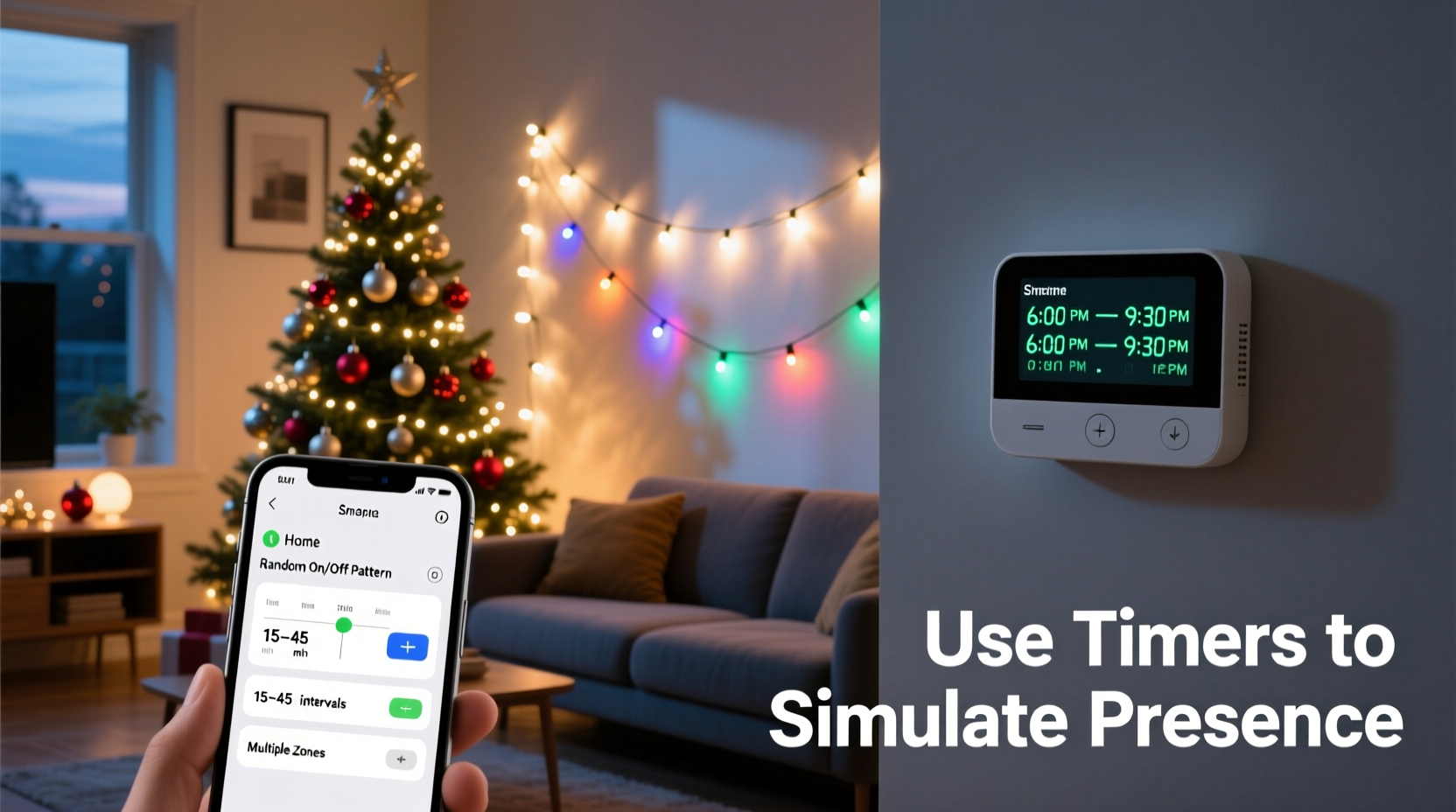
The holiday season often involves travel, extended family visits, or late-night shopping excursions. As a result, homes may be left unattended for hours at a time. According to the National Insurance Crime Bureau, property crimes tend to rise during December due to increased opportunities from vacant homes. Burglars look for signs of absence—darkened windows, uncollected mail, and consistent lighting patterns (or lack thereof). A house lit up at irregular but plausible times signals occupancy, making it a less attractive target.
Holiday lighting, especially when controlled by programmable timers, adds randomness and realism to your home’s nighttime appearance. Unlike leaving lights on all night or relying on manual switches, timers allow precise scheduling that mimics natural human behavior—turning lights on in the evening, switching them off at bedtime, and even activating briefly during the night as if someone got up for water or checked on gifts under the tree.
Choosing the Right Programmable Timer
Not all timers are created equal. The effectiveness of your simulated presence depends heavily on the type of timer you choose. Here's a breakdown of available options and their best uses:
| Timer Type | Best For | Limits |
|---|---|---|
| Mechanical Plug-in Timers | Budget-friendly setups; basic on/off cycles | Limited precision; no randomization; manual adjustments needed |
| Digital Programmable Timers | Precise daily schedules; multiple on/off events | Can appear too regular without randomization features |
| Wi-Fi Smart Plugs | Remote access, app control, voice integration, geofencing | Requires stable internet; higher upfront cost |
| Sunset/Sunrise-Sensitive Timers | Automatic seasonal adjustment based on daylight | Fewer programming changes needed, but limited flexibility |
| Randomized Interval Timers | Most realistic simulation; mimics unpredictable human habits | May require pairing with other devices for full coverage |
For optimal results, pair a digital or Wi-Fi-enabled timer with built-in randomization. These models can vary start times by up to 30 minutes each day, preventing the robotic predictability that savvy intruders might notice. Look for models compatible with virtual assistants like Alexa or Google Assistant—this allows voice commands and remote monitoring while traveling.
“Homes with inconsistent but believable lighting patterns are 70% less likely to be targeted.” — Mark Delaney, Residential Security Consultant, SafeHaven Strategies
Step-by-Step Guide to Setting Up Your Lighting Schedule
Setting up an effective presence simulation system takes planning, but once configured, it runs reliably throughout the season. Follow this timeline to ensure maximum impact:
- Assess Your Lighting Zones (Day 1)
Create two categories: indoor accent lights (e.g., Christmas tree, lamps) and outdoor displays (e.g., roofline, driveway, porch). Assign each zone to a separate timer for greater control. - Select and Test Timers (Day 2)
Plug in each timer and verify it works with your bulbs and fixtures. Test communication for smart plugs via your home network. - Map Realistic Activity Patterns (Day 3)
Think about when you normally come home, cook dinner, relax in the living room, or go to bed. Use those times as a baseline. Example:- 5:30 PM – Porch light on (arrival)
- 6:00 PM – Tree and kitchen lights activate
- 8:30 PM – Living room lamp turns on
- 10:15 PM – Most lights off
- 1:20 AM – Bathroom light simulates brief wake-up
- Program Timers with Variance (Day 4)
Enter your schedule into each device. If using a smart plug, enable “random offset” mode so lights don’t turn on at exactly 5:30 every night. A variation of ±15–25 minutes enhances believability. - Test Over Three Nights (Days 5–7)
Observe from outside your home or ask a trusted neighbor to confirm the lighting looks natural. Adjust brightness, duration, or sequence as needed. - Activate Remotely (Ongoing)
If traveling, use your smartphone to adjust schedules in real time. You can even turn on all lights suddenly if an alarm system triggers.
Real Example: The Johnson Family’s Winter Getaway
The Johnsons planned a two-week trip to Colorado over Christmas. Their suburban home was typically dark by 9 PM, which made sudden silence suspicious. To avoid drawing attention, they implemented a layered lighting strategy before departure:
- A Wi-Fi timer powered their front porch display, set to turn on between 5:15 and 5:45 PM daily.
- A second timer controlled the living room Christmas tree, programmed to illuminate from 6 PM to 10:30 PM with a random 10-minute delay each night.
- An old lamp in the upstairs bedroom was connected to a randomized interval plug, activating for 8–12 minutes between midnight and 5 AM on two out of five nights.
- They used a smart switch for exterior path lights, syncing with sunset times that shifted slightly each evening.
Upon return, their neighbor mentioned seeing “someone moving around inside” several evenings. No incidents were reported in the area. The combination of variability, zoning, and partial indoor illumination successfully conveyed ongoing occupancy—even though the house was empty.
Advanced Tips for Maximum Effectiveness
To elevate your simulated presence beyond basic automation, consider integrating complementary systems and tactics:
- Layer with Other Devices: Connect radios or smart speakers to timers, playing soft music or talk radio between 6–9 PM. Sound carries further than people realize.
- Use Motion Sensors Strategically: Pair motion-activated floodlights with timed primary lighting. A sudden burst of light at 11 PM after 30 minutes of darkness feels more human than constant illumination.
- Sync with Smart Home Routines: Create scenes like “Evening Arrival” that trigger lights, adjust thermostats (if safe), and announce via speaker—visible through glass doors or audible from outside.
- Account for Weather Events: On snowy nights, program lights to stay on later—people tend to enjoy winter views or shovel later. Avoid having lights behave identically regardless of conditions.
- Don’t Overdo It: Lights on in every room until 2 AM raises suspicion. Stick to one or two active zones per evening and rotate occasionally.
Also, remember energy efficiency. LED holiday lights consume minimal power, but running dozens of strands unnecessarily still adds up. Timers help reduce runtime while increasing security—making them both economical and strategic.
Common Mistakes to Avoid
Even well-intentioned efforts can backfire if not executed thoughtfully. Watch out for these pitfalls:
- Identical Timing Every Night: Turning lights on at exactly 5:30 PM and off at 11:00 PM signals automation, not occupation.
- Over-Illumination: Leaving all exterior and interior lights blazing all night suggests no one is home to turn them off.
- Neglecting Indoor Lights: Outdoor-only lighting lacks depth. A single lamp visible through a curtain creates a stronger impression of life inside.
- Ignoring Timer Failures: Mechanical timers can drift or jam. Check them monthly. Smart devices should send outage alerts.
- Forgetting Neighbors: Inform a trusted neighbor about your setup so they don’t assume something’s wrong when lights go on unexpectedly.
FAQ
Can I use a single timer for multiple lights?
Yes, as long as the total wattage of connected devices doesn’t exceed the timer’s rated capacity (usually 1800W for standard outlets). However, using multiple timers allows for varied schedules, which improves realism.
Are smart timers worth the extra cost?
For frequent travelers or those seeking remote control and monitoring, yes. Smart timers offer randomization, real-time adjustments, and integration with security systems. The added peace of mind often justifies the investment.
Should I leave my holiday lights on while I’m away?
Yes—but only on a timer. Uncontrolled lighting wastes energy and may signal vacancy. A scheduled, varied pattern enhances curb appeal and security simultaneously.
Final Checklist Before You Go
Before heading out for holiday travels, run through this checklist to ensure your simulated presence system is fully operational:
- ✅ All holiday lights are functioning and properly secured.
- ✅ Each lighting zone is connected to its own programmable timer.
- ✅ Timer schedules reflect realistic household routines with random offsets.
- ✅ Indoor lighting (e.g., tree, floor lamp) is visible from the street.
- ✅ Smart timers are connected to Wi-Fi and tested remotely.
- ✅ Neighbor knows your travel dates and has contact information.
- ✅ Alternate arrangements are made for mail, trash bins, and snow removal if needed.
Conclusion
Using programmable timers to simulate presence with holiday lighting is a smart, low-cost way to protect your home during one of the busiest and most vulnerable times of the year. It blends seasonal tradition with modern technology to create an environment that feels lived-in, active, and secure. Whether you’re gone for a weekend or two weeks, a well-timed display tells the world—and would-be intruders—that someone’s watching.
Start setting up your system early, test thoroughly, and refine based on observation. With a little preparation, your twinkling lights do more than spread holiday cheer—they keep your home safe while you make memories elsewhere.




 浙公网安备
33010002000092号
浙公网安备
33010002000092号 浙B2-20120091-4
Comments
No comments yet. Why don't you start the discussion?