
As the holiday season approaches, many homeowners look for ways to enhance their interiors with festive lighting. While stringing up colorful lights is a tradition, achieving visual harmony between those lights and your home’s existing color palette requires more than guesswork. With modern LED technology, particularly RGB (Red, Green, Blue) smart lights, you can precisely tune your Christmas lighting to complement or even match your wall paint. This isn’t just about aesthetics—it’s about creating a cohesive atmosphere that feels intentional and elegant.
RGB lights allow you to mix varying intensities of red, green, and blue to produce millions of colors. When calibrated correctly, they can replicate the exact hue, saturation, and brightness of your interior walls. Whether you're aiming for subtle ambient warmth or a bold seasonal contrast, understanding how to align your lighting with your paint ensures your decor feels unified rather than chaotic.
Understanding RGB Color Basics
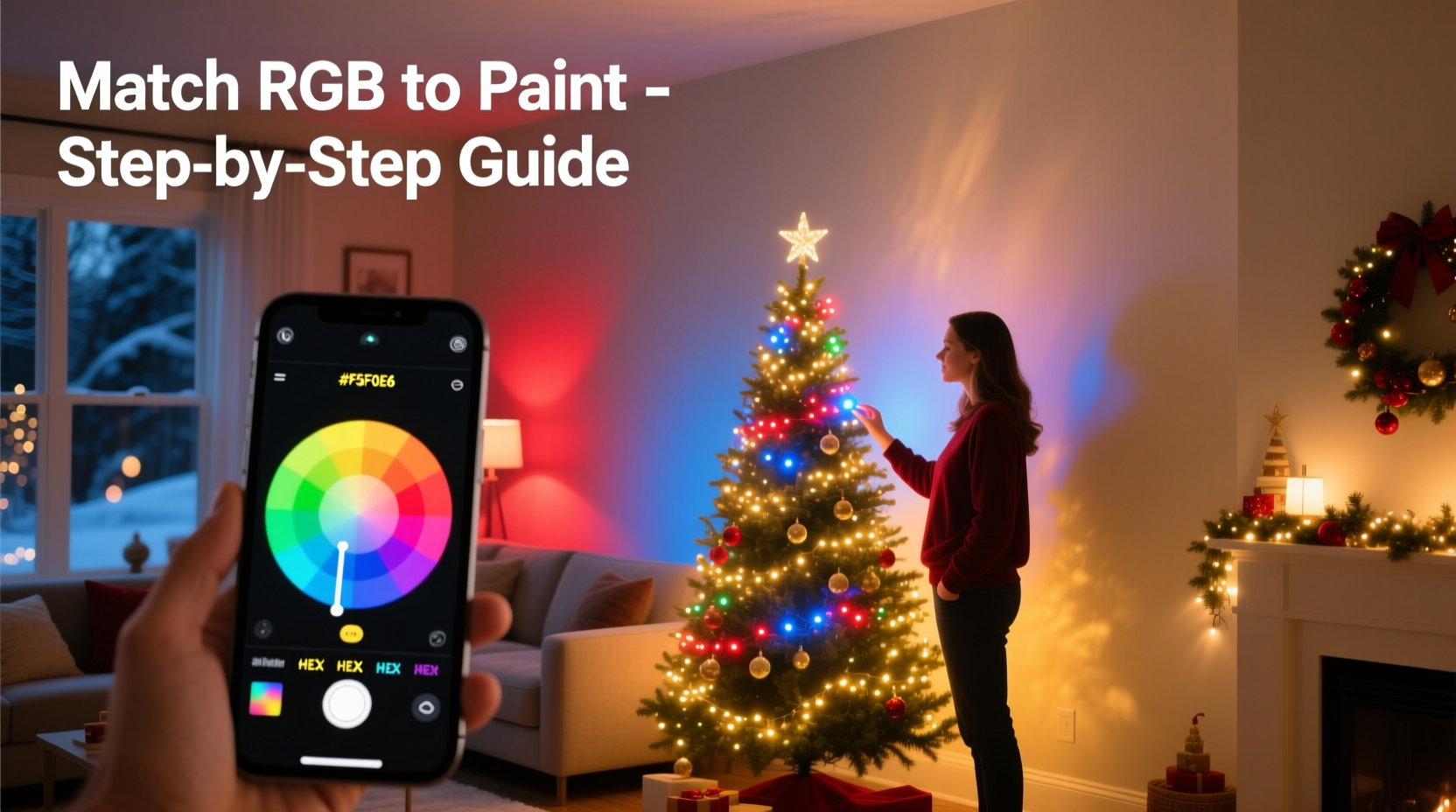
RGB is an additive color model used in digital displays and lighting systems. Unlike paint, which uses subtractive color mixing (like CMYK), RGB combines light emissions. Each color channel—red, green, and blue—can be adjusted from 0 to 255, allowing precise control over the final output. For example:
- White: RGB(255, 255, 255)
- Red: RGB(255, 0, 0)
- Taupe (common wall color): Approximately RGB(200, 180, 160)
The key to matching lights with paint lies in identifying the RGB values of your wall color. Most modern paint brands provide digital color tools that include hex codes or RGB equivalents. If unavailable, you can extract these values using a color picker app on your smartphone by photographing the wall under consistent daylight conditions.
Step-by-Step Guide to Matching Lights with Paint
Matching RGB lights to wall paint involves both technical precision and environmental awareness. Follow this timeline to achieve professional results:
- Identify your wall color’s RGB or hex value. Check the manufacturer’s website or use a color calibration tool. If using a photo, ensure the camera flash is off and white balance is neutral.
- Convert hex to RGB if necessary. Use an online converter or formula: split the hex code into red, green, and blue pairs and convert each from hexadecimal to decimal.
- Select compatible RGB lighting. Choose addressable LEDs (like WS2812B strips or Wi-Fi-enabled bulbs) that support custom RGB input via app or controller.
- Set up the lights in the target room. Install them where they’ll remain during the season, avoiding direct contact with walls to prevent heat damage.
- Input the RGB values into your lighting control system. Most apps (such as Philips Hue, LIFX, or Govee) allow manual entry of RGB numbers.
- Adjust brightness and saturation. Even if the hue matches, overly bright lights can wash out the color. Reduce brightness to 30–50% for a soft glow that mimics painted surfaces.
- Test under different lighting conditions. View the setup at dusk, night, and morning. Natural and artificial light shifts affect perception.
- Make micro-adjustments. Slightly tweak one channel at a time—often +5 or -5 in one value—to fine-tune the blend.
This process may take 20–30 minutes initially but pays off in visual consistency. Once calibrated, save the setting as a preset labeled “Wall Match” for future use.
Real Example: Matching Beige Walls in a Living Room
Sarah, a homeowner in Portland, wanted her living room Christmas lights to enhance—not clash with—her warm beige walls (Benjamin Moore OC-13 “Shaker Beige”). She began by downloading the brand’s official color guide, which listed the RGB value as (212, 201, 183). Using her Govee LED strip lights, she entered these values manually into the app. At full brightness, the lights appeared too vivid, almost yellowish. She reduced brightness to 40% and slightly lowered the red channel to 205, resulting in a softer, truer match.
She placed the lights along the ceiling cove and observed them at various times. By evening, the warm tone of the lights blended seamlessly with the walls, creating a cozy, enveloping glow. Guests commented that the room felt “festive without being overwhelming.” Sarah saved the setting and reused it the following year with minimal adjustments.
“Color-matched lighting transforms a space from decorated to designed. It’s the difference between adding holiday flair and integrating it into your home’s identity.” — Marcus Tran, Interior Lighting Designer
Do’s and Don’ts: Table of Best Practices
| Do | Don't |
|---|---|
| Use daylight-balanced photos to capture wall color | Rely solely on memory or phone thumbnails |
| Test RGB settings at multiple times of day | Finalize settings under only artificial light |
| Lower brightness to emulate paint reflectivity | Run lights at 100% brightness when matching muted tones |
| Save custom RGB presets for reuse | Reconfigure lights from scratch each season |
| Use diffusers or frosted covers to soften light output | Allow bare LEDs to shine directly onto walls |
Advanced Tips for Different Paint Finishes
Paint finish affects how color interacts with light. A flat matte wall absorbs more light and appears less vibrant, while satin or semi-gloss reflects it. Your RGB setup should account for this:
- Matte finishes: Slightly increase saturation in your RGB mix to compensate for low reflectivity. For example, if your wall is RGB(200, 180, 160), try (205, 185, 165) at 35% brightness.
- Glossy finishes: Reduce saturation and brightness. High reflectivity amplifies perceived intensity. Try lowering all channels by 10–15 points.
- Textured walls: Shadows from texture can mute color. Use warmer tones (higher red/yellow bias) to maintain richness.
In open-concept homes, consider how adjacent rooms influence perception. A cool gray kitchen next to a warm beige living room might make identical lights appear different. Adjust accordingly per zone.
Checklist: Perfect Light-to-Paint Matching in 7 Steps
- ☐ Identify the exact paint color name and manufacturer
- ☐ Obtain the official RGB or hex value from the brand’s website
- ☐ Verify the value using a high-quality photo in natural light
- ☐ Choose RGB-capable smart lights with customizable controls
- ☐ Input the RGB values into your lighting app or controller
- ☐ Adjust brightness (30–50%) and fine-tune individual channels
- ☐ Save the setting and test across different times and lighting conditions
Frequently Asked Questions
Can I match any paint color with RGB lights?
Most standard wall colors can be closely approximated using RGB. However, extremely complex tones like deep moss greens or metallic finishes may fall outside the gamut of typical LED strips. In such cases, aim for the closest perceptual match rather than exact replication. High-end tunable-white or full-spectrum RGBWW (RGB + Warm White + Cool White) lights offer better accuracy for nuanced shades.
Why does the color look different at night?
Human eyes perceive color differently under low light due to the Purkinje effect—blues and greens become more prominent, while reds appear darker. Additionally, ambient household lighting (often warm white) alters the context. Always test your setup after sunset and adjust toward warmer tones if needed.
Do I need expensive smart lights to do this?
No. Affordable RGB LED strips from brands like Govee, Lepro, or AiLink support custom RGB input via smartphone apps. Look for models with \"DIY mode\" or \"manual color\" options. What matters most is control precision, not brand prestige.
Conclusion: Create Harmony, Not Noise
Matching your Christmas lights to your home’s paint isn’t about perfectionism—it’s about intentionality. When lighting complements your walls, the result is a space that feels thoughtfully curated, not hastily decorated. RGB technology gives you unprecedented control to align seasonal elements with your everyday environment. No longer must holidays mean visual chaos; instead, they can enhance the character of your home.
Take the time this season to move beyond random color choices. Use the tools at your disposal—digital color data, smart lighting, and careful observation—to create ambiance that resonates. Whether you’re hosting guests or enjoying quiet nights by the tree, let your lights reflect not just the season, but your space.




 浙公网安备
33010002000092号
浙公网安备
33010002000092号 浙B2-20120091-4
Comments
No comments yet. Why don't you start the discussion?