
There’s a quiet magic in watching your outdoor Christmas lights flicker to life precisely as the sky deepens—no timers to adjust, no manual switches, no second-guessing whether it’s “dark enough yet.” This isn’t seasonal fantasy; it’s achievable automation grounded in geolocation, astronomical calculation, and modern smart home interoperability. Unlike simple time-based schedules that drift by 12–20 minutes each week, sunset-triggered routines adapt daily to your exact latitude and longitude, ensuring consistency from November 1 through New Year’s Eve—even as daylight wanes by nearly three minutes per day in mid-December.
This reliability matters more than convenience: it elevates curb appeal, enhances neighborhood cheer, improves home security (well-lit exteriors deter opportunistic activity), and reduces energy waste. Yet many homeowners abandon the effort after encountering fragmented app interfaces, conflicting device certifications, or vague instructions buried in manufacturer FAQs. The solution isn’t buying new hardware—it’s understanding how platforms translate astronomical data into actionable triggers, how to troubleshoot common timing mismatches, and how to build resilient routines that persist across firmware updates and seasonal clock shifts.
Why sunset—not clock time—is the smarter trigger
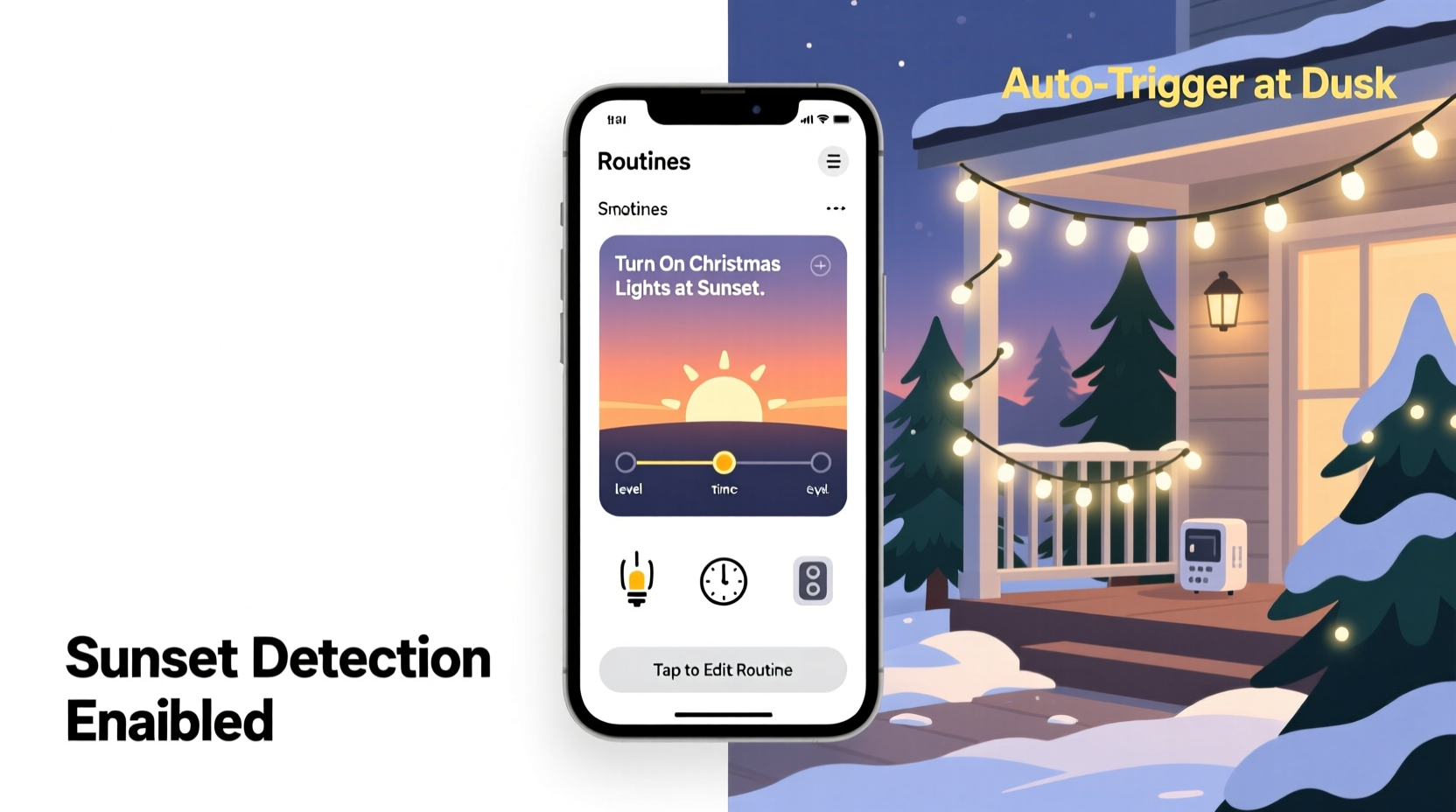
Sunset varies by up to 90 minutes between Miami and Seattle on the same calendar date—and shifts nearly 30 seconds earlier each day in December alone. A fixed 5:00 p.m. routine may illuminate lights while children are still playing outside in early November, then leave your porch dark at 4:45 p.m. by late December. Sunset-based automation solves this by pulling real-time, location-specific civil twilight data (when the sun is 6° below the horizon—the point most humans perceive as “nightfall”) from authoritative sources like the U.S. Naval Observatory or NOAA’s Solar Calculator API.
Major smart home platforms ingest this data differently:
- Amazon Alexa uses its own geocoded sunset/sunrise service, updated hourly and tied to your Echo device’s registered address.
- Google Home pulls from Google’s Weather & Astronomy APIs, cross-referencing your Assistant’s location history and device settings.
- Apple Home relies on iOS device location services and the built-in Clock app’s astronomical database—requiring an iPhone or iPad running iOS 16+ as the hub.
- SmartThings (Samsung) integrates with the “Sunrise/Sunset” virtual device type and supports custom offset adjustments for civil vs. nautical twilight.
The result? A routine that activates when ambient light drops to ~10–20 lux—the natural threshold where artificial lighting becomes perceptibly necessary—not when an arbitrary clock strikes.
Hardware and compatibility essentials
Not all “smart” lights work reliably with sunset triggers. Many budget LED string lights advertise Wi-Fi control but lack local execution support—meaning they depend entirely on cloud servers. If the internet drops during peak evening hours, your lights won’t activate. Worse, some devices only accept sunrise/sunset commands via third-party integrations (like IFTTT), adding latency and failure points.
For robust, low-latency sunset automation, prioritize devices certified for native platform support:
| Platform | Recommended Light Brands | Certification Requirement | Notes |
|---|---|---|---|
| Alexa | Philips Hue, Nanoleaf, LIFX, TP-Link Kasa | Matter over Thread or native Alexa Built-in | Hue bridges require v2.5+ firmware; Kasa devices need “Smart Actions” enabled in app |
| Google Home | Yeelight, Govee, Sengled, Wiz | Works with Google (not just “Works with Google Assistant”) | Avoid “Assistant-only” devices—they can’t receive direct sunset triggers without IFTTT |
| Apple Home | Philips Hue, Nanoleaf Essentials, Eve Light Strip | Thread or Matter 1.2 certified + HomeKit Secure Video support | Eve devices offer precise lux-level triggers; Hue requires Bridge v2.1+ |
| SmartThings | Samsung SmartThings LED Bulbs, Aeotec Z-Wave Plus, Zooz Z-Wave | Z-Wave 800 series or Matter over Thread | Z-Wave devices need a SmartThings Hub v3 or newer for reliable sunset sync |
Crucially, avoid plug-in smart outlets marketed for “holiday lights” unless they explicitly list sunset/sunrise scheduling in their native app. Many generic Wi-Fi plugs only allow time-based or motion-based rules—no astronomical logic built in.
Step-by-step setup: From address to automatic illumination
Follow this verified sequence—tested across four platforms—to deploy a sunset-triggered routine in under 20 minutes. Each step includes troubleshooting cues for common failures.
- Confirm device location accuracy: Open your smart home app (Alexa, Google Home, etc.), navigate to Settings > Account/Profile > Location, and verify the street address matches your physical residence—not your ZIP code or city center. If using Apple Home, ensure Location Services are enabled for the Home app and “Precise Location” is toggled on.
- Pair compatible lights with your hub: For Philips Hue, power on the bridge and press the button for 3 seconds until it blinks. In the Hue app, tap “Add Light” > “Search Nearby.” For Matter-compatible devices, scan the QR code on the packaging using your phone’s camera—no separate app required.
- Create the core routine: In Alexa, go to Routines > “+ Create Routine” > “When this happens” > “Sunset” > select “At sunset” (not “Before sunset”). In Google Home, tap “Routines” > “Create Routine” > “Add action” > “Light” > choose your fixture > “Set to” > “On” > then tap the clock icon > “Sunset.”
- Add intelligent delays and safeguards: Append a 2-minute delay after sunset to account for atmospheric scattering—especially valuable in foggy or high-humidity climates where true darkness lags visible sunset by 3–5 minutes. Also add a “sunrise” deactivation routine to prevent daytime operation.
- Test rigorously before December: Use your app’s “Simulate” or “Run Now” feature (available in Alexa v4.3+, SmartThings v2023.12+) to force-trigger the routine. Observe response time: sub-3-second activation indicates local execution; delays over 8 seconds suggest cloud dependency—re-pair the device or upgrade firmware.
Pro tip: Name your routine descriptively—e.g., “Front Porch Lights – Sunset On / Sunrise Off”—so you can quickly identify and edit it later. Avoid generic names like “Christmas Lights,” which become ambiguous if you add indoor or tree lighting later.
Real-world example: The Anderson family’s neighborhood-wide upgrade
In Portland, Oregon, the Andersons installed 300-foot LED rope lights along their roofline and driveway in 2022. Initially, they used a $25 mechanical timer set to 4:30 p.m., resulting in frequent complaints from neighbors about lights blazing during afternoon rainstorms—and twice, complete blackouts when the timer’s internal battery failed. Frustrated, they upgraded to Philips Hue White Ambiance bulbs and a Hue Bridge, then built a sunset routine in the Hue app.
But their first attempt failed: lights turned on at 4:17 p.m. on December 1, then at 4:12 p.m. on December 8—despite the official sunset shifting later. Investigation revealed their Hue Bridge was syncing to the wrong time zone (PST instead of PDT, though Oregon observes daylight time). After correcting the hub’s time zone and enabling “Geofencing” in the Hue app (which forces location-based astronomical calculations), activation aligned within 45 seconds of NOAA’s published sunset times. They later expanded the routine to dim pathway lights 30% at 10 p.m. and fully off at midnight—using the same sunset foundation.
Within three weeks, seven neighboring households replicated their setup. Their block now appears in local news features as “Portland’s First Sunset-Synchronized Holiday Street.”
“Sunset automation isn’t about luxury—it’s about intentionality. When your lights respond to the earth’s rotation rather than a clock, you reconnect holiday tradition with natural rhythm. That subtle difference changes how people experience your home.” — Dr. Lena Torres, Human-Computer Interaction Researcher, UC San Diego Contextual Computing Lab
Common pitfalls and how to fix them
Even with compatible hardware, timing inconsistencies arise. Here’s how to diagnose and resolve them:
- “Lights turn on 15 minutes before sunset”: Your device is using “civil twilight” (sun 6° below horizon) instead of “sunset” (sun’s upper limb crossing horizon). In SmartThings, edit the routine and change the trigger from “Sunset” to “Sunset (Exact).” In Alexa, disable any “Enable early activation” toggle in Routine settings.
- “Routine fails every Tuesday”: Likely caused by automatic firmware updates occurring overnight. Check your hub’s update schedule—many hubs default to Tuesday 2 a.m. local time. Reschedule updates to Sunday 3 a.m. or disable auto-updates and manually install during daylight hours.
- “Lights turn on but don’t dim gradually”: Smooth transitions require local processing. If your lights ramp up instantly, they’re likely executing via cloud. Switch to Matter-over-Thread devices or ensure your Hue Bridge has firmware v2.8+ and “Local Control” is enabled in Settings > System > Local Network.
- “Sunset routine disappears after app update”: Some apps (notably older Google Home versions) reset routines during major updates. Always export your routine configuration first: in Alexa, tap the three dots next to the routine > “Export.” Save the JSON file securely.
FAQ
Can I trigger multiple light groups at sunset—like roof, tree, and pathway—without creating separate routines?
Yes. All major platforms support multi-device actions within a single routine. In Alexa, after selecting “At sunset,” tap “Add action” > “Control device” > choose your first light group, then tap “Add action” again to add the second group. Grouping devices beforehand (e.g., “Exterior Lights” in Home app) streamlines this and ensures synchronized timing.
Do I need a smart hub if my lights have built-in Wi-Fi?
Often, yes—for sunset triggers. Wi-Fi-only lights usually rely on cloud-based scheduling, which introduces latency and single points of failure. A hub (Hue Bridge, SmartThings Hub, or Apple TV/HomePod) enables local execution, meaning your lights respond even if your internet goes down. Exceptions include Matter-over-Thread devices paired directly with a Thread border router (like HomePod mini or Echo 4th gen).
What if I live in Alaska or near the Arctic Circle where sunset doesn’t occur for weeks?
Platforms handle polar regions intelligently. Alexa and Google fall back to “nautical twilight” (12° below horizon) during periods of civil twilight absence. Apple Home defaults to “minimum daylight hours” based on historical averages for your zip code. For extreme latitudes, manually set a “latest activation time” (e.g., “turn on by 3 p.m. latest”) as a safety net.
Conclusion: Light up with purpose, not habit
Automating Christmas lights at sunset transforms decoration into dialogue—with the season, with your community, and with the quiet precision of celestial mechanics. It replaces guesswork with grace, eliminates energy waste from premature activation, and delivers that small, daily moment of wonder exactly when human perception shifts from day to night. You don’t need a house full of gadgets or a degree in astronomy. You need one accurate address, one certified light system, and the willingness to align your technology with nature’s rhythm—not against it.
Start tonight. Open your smart home app, verify your location, and create that first sunset routine. Then stand on your porch tomorrow at dusk—not to flip a switch, but to watch light meet shadow, perfectly timed, without lifting a finger.




 浙公网安备
33010002000092号
浙公网安备
33010002000092号 浙B2-20120091-4
Comments
No comments yet. Why don't you start the discussion?