
Outdoor lighting transforms the look of your home, enhances curb appeal, and improves safety. Whether it’s holiday decorations, landscape lighting, or pathway markers, manually managing these lights is outdated and inefficient. Smart plugs offer a simple, powerful solution—turning any standard outdoor light into a programmable, remote-controlled system. With automation, you can schedule lights to turn on at dusk, simulate occupancy while traveling, or sync with weather events—all without lifting a finger.
The integration of smart technology into everyday household functions has made outdoor lighting not just decorative but intelligent. By leveraging Wi-Fi-enabled smart plugs, homeowners gain full control over their exterior illumination through smartphones, voice assistants, and automated routines. This guide walks through everything you need to know to fully automate your outdoor light display using smart plugs—from selection and setup to advanced scheduling and troubleshooting.
Why Automate Outdoor Lights with Smart Plugs?
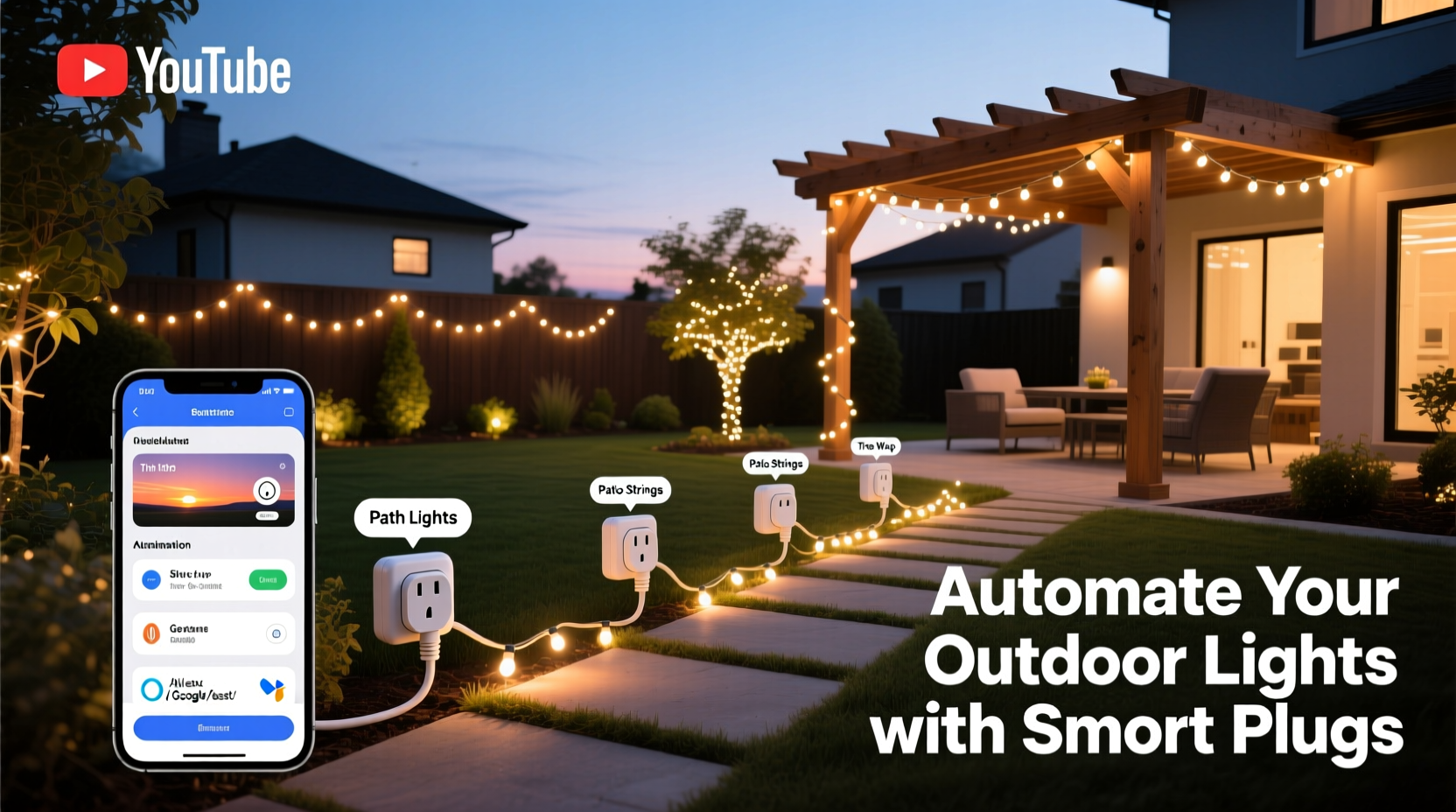
Manual switches and basic timers are limited in functionality and reliability. In contrast, smart plugs provide precision, flexibility, and integration with broader smart home ecosystems. When used for outdoor lighting, they deliver tangible benefits:
- Energy Efficiency: Lights only run when needed, reducing electricity waste.
- Security Enhancement: Automated schedules deter intruders by simulating occupancy.
- Convenience: Control lights remotely, even from bed or vacation destinations.
- Weather Adaptability: Sync lighting with sunset/sunrise times that change seasonally.
- Holiday Readiness: Pre-program festive displays without daily intervention.
Unlike hardwired smart switches, smart plugs require no electrical modifications. Simply plug your outdoor string lights, floodlights, or decorative fixtures into a compatible outdoor-rated smart plug, connect it to your home network, and manage everything via an app.
Step-by-Step: Setting Up Your Smart Plug Automation System
Automation begins with proper setup. Follow this timeline to ensure seamless integration of your outdoor lights with smart plug technology.
- Assess Your Lighting Needs: Identify all outdoor lights you want to automate—porch lights, tree wraps, garden stakes, etc.—and note their power draw (in watts).
- Select Compatible Smart Plugs: Choose models that support outdoor conditions, your home Wi-Fi frequency (2.4 GHz), and required load capacity.
- Install the Plug Safely: Connect the smart plug to a grounded outdoor outlet. If the plug isn’t weather-resistant, house it in a covered, ventilated enclosure.
- Connect to Power and Network: Plug in your lights, then follow the manufacturer’s app instructions to pair the device with your Wi-Fi.
- Label Devices Clearly: In the app, assign descriptive names like “Front Porch Lights” or “Backyard Tree Wrap” for easy identification.
- Test Manual Control: Use the app to turn lights on/off remotely before setting automation rules.
- Create First Schedule: Set a basic daily routine based on sunset time (e.g., turn on at 5:30 PM, off at 11:00 PM).
- Add Voice Assistant Integration: Link the smart plug to Alexa, Google Assistant, or Siri for hands-free commands.
- Enable Remote Access: Confirm you can control the plug outside your home network via mobile data.
- Monitor Performance: Observe operation over several days, adjusting timing or brightness as needed.
This foundational process ensures reliability. Once complete, you're ready to implement advanced automations that adapt to real-world conditions.
Advanced Automation Strategies for Year-Round Use
Basic scheduling is just the beginning. The true value of smart plugs lies in dynamic automation—rules that respond to time, location, environment, and behavior.
Sunset-to-Sunrise Scheduling
Instead of fixed times, use geolocation-based triggers. Most smart home apps (like Kasa, Wemo, or Home Assistant) allow schedules tied to local sunrise and sunset. These adjust automatically throughout the year, so your lights stay aligned with natural daylight changes.
Geofencing for Personalized Lighting
Enable geofencing so lights activate when your phone enters a defined radius around your home. Ideal for driveways or entryways, this creates a welcoming glow as you arrive—even on dark winter evenings.
Vacation Mode & Randomization
When traveling, enable “Away Mode” or create randomized on/off intervals between 6 PM and 11 PM. This mimics human activity and deters potential break-ins more effectively than static patterns.
Weather-Based Triggers
Using platforms like IFTTT (If This Then That), link your smart plug to weather services. For example: “If precipitation is detected, turn off all non-essential outdoor lights.” Or conversely, “On foggy nights, turn on pathway lights earlier.”
Event-Driven Scenes
Combine multiple smart devices into scenes. A “Party Mode” could trigger outdoor string lights to turn on, dim pathway lamps, and start music—all activated by one command or scheduled event.
“Homeowners who automate outdoor lighting see up to 30% reduction in energy usage and report feeling significantly safer at night.” — Dr. Alan Reeves, Smart Home Energy Researcher, Urban Living Institute
Choosing the Right Smart Plug: Do’s and Don’ts
Not all smart plugs are created equal—especially for outdoor applications. Use this comparison table to make informed decisions.
| Feature | Do | Don't |
|---|---|---|
| Weather Resistance | Choose IP44-rated or outdoor-specific models (e.g., TP-Link Tapo P110M, Wemo Mini Outdoor) | Use indoor-only plugs exposed to rain or snow |
| Wi-Fi Compatibility | Ensure compatibility with 2.4 GHz networks (most smart plugs don’t support 5 GHz) | Assume all smart devices work on your existing network without checking |
| Load Capacity | Check total wattage of connected lights; stay under 80% of max rating | Daisy-chain multiple high-wattage strings beyond plug limits |
| App Ecosystem | Pick brands with reliable apps and frequent updates (Kasa, Meross, Philips) | Buy obscure brands with poor customer support or discontinued apps |
| Voice Control | Verify compatibility with your preferred assistant (Alexa, Google, Siri) | Assume all smart plugs work with Apple HomeKit unless specified |
Real Example: Transforming a Holiday Display with Automation
Consider Sarah, a homeowner in Portland, Oregon, who decorates extensively for the holidays. Each November, she installs over 1,200 LED string lights across her roofline, trees, and walkway. Previously, she manually turned them on every evening and forgot them running past midnight, wasting energy and annoying neighbors.
In 2023, she invested in four outdoor-rated smart plugs. She grouped her lights by zone: front yard, backyard, porch, and driveway. Using the Kasa app, she set each to turn on at local sunset and off at 11:00 PM. She also enabled “Away Mode” during a two-week Christmas trip, randomizing activation times to maintain the illusion of occupancy.
Additionally, she created a “Guest Arrival” scene triggered by her Ring doorbell. When visitors pressed the bell after dark, the porch and pathway lights brightened instantly. Neighbors complimented the professional look, and her December energy bill increased by only $12—down from $37 the previous year.
Sarah now uses the same system year-round: soft landscape lighting in spring, brighter patio ambiance in summer, and early-evening warmth in fall. Her initial investment paid for itself in less than eight months.
Essential Checklist for Full Outdoor Light Automation
Before launching your automated lighting system, go through this checklist to ensure safety, performance, and longevity.
- ✅ Confirm all smart plugs are rated for outdoor or damp locations
- ✅ Test each plug individually before connecting lights
- ✅ Position plugs where cords won’t pool water or get stepped on
- ✅ Label each plug and corresponding light group in your app
- ✅ Set up at least one automation rule (e.g., daily sunset schedule)
- ✅ Integrate with voice assistant for verbal control
- ✅ Enable notifications for plug status or connectivity issues
- ✅ Create a backup manual switch option (if possible)
- ✅ Review settings seasonally to adjust for daylight changes
- ✅ Share access with trusted family members via the app
Frequently Asked Questions
Can I use multiple smart plugs for one large light display?
Yes. You can control multiple smart plugs independently or group them into a single scene. For synchronized operation—like turning on all holiday lights at once—create a “Scene” or “Routine” in your smart home app that activates all relevant plugs simultaneously.
What happens if my Wi-Fi goes down?
Most smart plugs will lose remote and automated functionality during outages but may retain manual override if powered. Some advanced models support local control via Bluetooth as a fallback. To minimize disruption, consider mesh Wi-Fi extenders for stable outdoor coverage.
Are smart plugs safe for outdoor use in extreme temperatures?
Outdoor-rated smart plugs are designed to withstand temperature extremes, typically from -4°F to 104°F (-20°C to 40°C). However, avoid direct exposure to standing water or ice buildup. For harsh climates, install plugs under eaves or within sealed, ventilated enclosures.
Conclusion: Illuminate Smarter, Not Harder
Automating your outdoor light display with smart plugs is one of the most impactful upgrades a homeowner can make. It combines aesthetic appeal with practical advantages—security, efficiency, and effortless control. No longer must you remember to turn off lights before bed or worry about leaving your house dark while traveling. With precise scheduling, environmental responsiveness, and seamless integration, your home becomes more intuitive and responsive.
The setup is accessible to beginners and expandable for tech-savvy users. Whether managing a modest porch lamp or a sprawling holiday spectacle, smart plugs bring intelligence to every connection. As smart home technology continues to evolve, starting with outdoor lighting offers immediate returns and sets the foundation for a fully connected property.




 浙公网安备
33010002000092号
浙公网安备
33010002000092号 浙B2-20120091-4
Comments
No comments yet. Why don't you start the discussion?