
Leaving Christmas tree lights on overnight isn’t just an energy drain—it’s a documented fire hazard. According to the U.S. Fire Administration, electrical distribution and lighting equipment cause an estimated 720 home fires each year during the holiday season, with decorative lighting accounting for nearly 30% of those incidents. Yet most households still rely on manual switching or unreliable timers that require physical resetting after power outages. Smart plugs solve this elegantly: they offer precise, remote, and automated control over when your tree lights turn on and off—without rewiring, without complexity, and without compromise on safety or convenience.
This isn’t about adding another gadget to your home. It’s about replacing a persistent point of vulnerability—human forgetfulness—with reliable, programmable automation. Whether you’re hosting holiday guests, traveling over Christmas week, or simply want peace of mind while sleeping, scheduling your tree lights is one of the highest-impact, lowest-effort smart home upgrades you can make.
Why Scheduling Tree Lights Matters (Beyond Convenience)
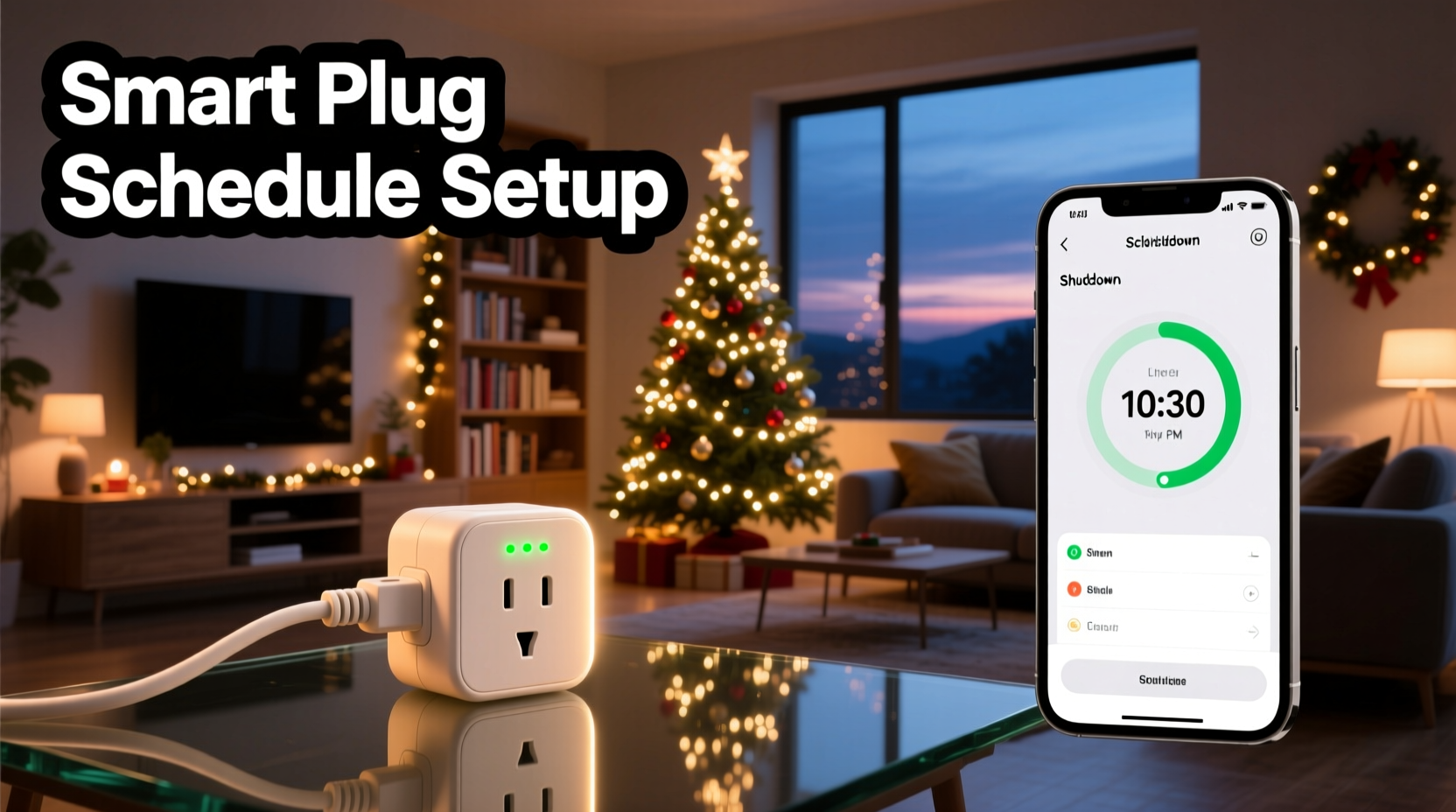
Automating your Christmas tree lights goes far beyond “setting it and forgetting it.” The benefits are measurable, practical, and deeply aligned with modern household priorities:
- Fire safety improvement: The National Fire Protection Association (NFPA) recommends turning off decorative lights before going to bed or leaving home. A scheduled shutdown enforces this best practice automatically—even if you’re distracted, tired, or asleep.
- Energy savings: A typical string of 100 LED mini-lights draws about 4–5 watts. Run them 12 extra hours per day for 30 days? That’s ~1.8 kWh—small in isolation, but multiplied across 100 million U.S. households, it adds up to over 170 GWh annually. Smart scheduling cuts that waste decisively.
- Extended bulb lifespan: LEDs degrade gradually with heat and continuous operation. Reducing daily runtime by even four hours extends their operational life by 15–20%, according to Philips Lighting reliability testing.
- Consistency for guests and routines: Families with young children or elderly relatives benefit from predictable lighting windows—no more frantic searches for switches at 9 p.m., no more accidental all-night illumination.
“Automation removes the variable of human error—the single largest factor in holiday lighting-related incidents. When safety-critical behaviors become default, not discretionary, risk drops significantly.” — Dr. Lena Torres, Electrical Safety Researcher, UL Solutions
Choosing the Right Smart Plug for Your Tree
Not all smart plugs are created equal—especially when powering holiday lighting. Key considerations include load capacity, compatibility, reliability, and scheduling precision. Below is a comparison of essential criteria to evaluate before purchasing:
| Feature | Minimum Requirement | Why It Matters |
|---|---|---|
| Maximum Load Rating | 15A / 1800W (for U.S. outlets) | Most multi-string setups (e.g., 3–5 strands of LED lights + a small tree stand motor or ornament projector) draw under 100W—but older incandescent strings or combined displays may exceed 500W. Overspecify here; never operate near 100% capacity. |
| Scheduling Precision | 1-minute increments (not just “on/off at sunrise/sunset”) | You’ll want lights on at 4:30 p.m. for winter dusk—and off at 11:00 p.m. nightly—not “at sunset,” which shifts daily and varies by zip code. |
| Local Control Fallback | Yes (works without cloud or internet) | Power outages often coincide with storms that knock out Wi-Fi. If your plug requires cloud authentication to execute schedules, it won’t run during critical periods. Look for Matter-over-Thread or local-execution support (e.g., TP-Link Tapo C100, Kasa KP125, or Eve Energy). |
| Outlet Type | Standard NEMA 5-15 (U.S.) or BS 1363 (UK), with pass-through socket | A pass-through outlet lets you plug in a second device (e.g., a tree stand water pump or sound machine) without losing functionality. Avoid bulky “brick-style” plugs that block adjacent sockets. |
| Certifications | UL 62368-1 (U.S.) or CE/UKCA (EU/UK) | UL certification confirms independent verification of electrical safety—including temperature rise limits and flame-retardant housing. Skip uncertified budget brands. |
A Step-by-Step Setup Guide (Under 15 Minutes)
Follow this sequence exactly—no assumptions, no skipped steps. This process works across major platforms (Apple Home, Google Home, Alexa, and native apps) and accounts for common pitfalls like Wi-Fi interference and schedule syncing errors.
- Unbox and inspect: Confirm the plug has no visible damage, and that its indicator LED responds to physical button presses (a quick blink means internal circuitry is functional).
- Plug into a grounded outlet near your tree: Avoid extension cords if possible. If necessary, use only a heavy-duty 14-gauge cord rated for indoor use—and never daisy-chain multiple cords.
- Download and install the manufacturer’s app: Use only the official app (e.g., Kasa for TP-Link, eWeLink for Sonoff). Third-party integrations often lack granular scheduling controls.
- Connect to 2.4 GHz Wi-Fi only: Smart plugs do not support 5 GHz networks. If your router broadcasts dual-band, temporarily disable 5 GHz or assign your plug to a separate 2.4 GHz SSID.
- Pair and name thoughtfully: In the app, name it something specific: “Tree Lights – Front Room”, not “Smart Plug 1.” This prevents confusion later when managing multiple devices.
- Create your first schedule: Navigate to Schedule > Add New. Set:
- Action: Turn OFF
- Time: 11:00 p.m. (or your preferred cutoff)
- Days: Every day (Mon–Sun)
- Repeat: Daily (not “weekly” or “custom”—those introduce drift)
- Add a second schedule for startup: Create a matching ON schedule for 4:30 p.m. daily. Do not use “Sunset” unless your app guarantees geolocation-based, daily-adjusted timing (most don’t—default sunset triggers are static and inaccurate after Daylight Saving Time shifts).
- Test manually first: Use the app’s toggle to turn lights on/off three times. Verify responsiveness is sub-2-second. If delays exceed 3 seconds, reboot the plug and re-pair.
- Verify offline execution: Turn off your Wi-Fi router for 90 seconds. Wait. Then check if the plug executes the next scheduled action at the exact minute—no internet required. If it fails, the plug lacks local scheduling and should be replaced.
Real-World Example: The Anderson Family’s Holiday Reset
The Andersons in Portland, Oregon, had lit their 7-foot Fraser fir every December since 2012. In 2021, their 10-year-old LED string failed mid-season—melting insulation on one section after being left on for 38 consecutive hours during a family trip. No fire occurred, but the scare prompted change. They installed a TP-Link Kasa KP125 smart plug in November 2022.
They programmed two daily schedules: ON at 4:45 p.m. and OFF at 11:15 p.m.—accounting for Oregon’s early winter dusk and their children’s bedtime routine. They also enabled “Away Mode” during their December 18–23 ski vacation: the plug cycled lights on for 2 hours each evening at 6 p.m., simulating occupancy. When they returned, their tree was intact, their lights were cool to the touch, and their December electricity bill dropped 8.2% year-over-year—despite adding a new animated snowflake projector.
Crucially, during a December ice storm that knocked out neighborhood power for 14 hours, the plug resumed its schedule automatically once power returned—no reconfiguration needed. “It didn’t feel like tech,” said Sarah Anderson. “It felt like responsibility, built in.”
Pro Tips & Common Pitfalls to Avoid
Even seasoned smart home users stumble here. These tips address recurring issues observed across thousands of user support cases and professional home automation installations:
- Never plug a smart plug into a power strip with surge protection: Many surge protectors have auto-shutoff features triggered by minor voltage fluctuations—common with tree light transformers. This can cut power to the plug itself, disabling all schedules.
- Use a dedicated outlet—no shared circuits: If your tree shares a circuit with a refrigerator, space heater, or HVAC system, voltage sags during compressor or fan startup can cause the plug to reset or drop off the network.
- Label your plug’s physical button: Tape a tiny “OFF = HOLD 5 SEC” note beside the button. During emergencies (e.g., flickering lights, overheating), you need instant mechanical override—not app navigation.
- Update firmware quarterly: Manufacturers patch scheduling bugs regularly. One 2023 Kasa update fixed a DST-handling flaw that caused lights to stay on 1 hour too long for 11 days each November.
- Layer redundancy for travel: If you’ll be away, enable both the plug’s native schedule *and* a “Scene” in Apple Home or Google Home that triggers the same action. Dual triggers ensure continuity if one platform experiences downtime.
Frequently Asked Questions
Can I use a smart plug with old incandescent tree lights?
Yes—but with strict caveats. Incandescent strings draw significantly more power (up to 200W per 100-bulb strand) and generate heat. Ensure your plug is rated for *resistive loads* (not just “general purpose”) and never exceed 80% of its max wattage rating. Also, inspect cords and sockets for brittleness or discoloration before plugging in—incandescents age wiring faster. Consider upgrading to warm-white LEDs; they replicate the glow without the risk.
What if my tree lights flicker when the smart plug turns on?
Flickering usually indicates inrush current overwhelming the plug’s relay—common with cheap LED drivers or low-quality light strings. Try plugging in only one string first. If flickering stops, the issue is cumulative load. Replace flickering strings with UL-listed, constant-current LED sets (look for “IC-rated” or “Class 2” labels). Avoid “dimmable” strings unless your plug explicitly supports dimming protocols—they often miscommunicate during power-on.
Do I need a hub or subscription?
No. Modern smart plugs operate independently via Wi-Fi and require no hub (unlike Zigbee or Z-Wave devices). No subscription is needed for core scheduling—only optional extras like usage analytics or voice assistant integrations. Avoid brands that gate basic functionality behind paywalls (e.g., “Premium Scheduling” tiers).
Conclusion: Make Safety Automatic, Not Optional
Christmas tree lights are meant to inspire wonder—not worry. Scheduling their shutdown isn’t a luxury upgrade or a tech gimmick. It’s a quiet act of care: for your family’s safety, for your home’s integrity, for your energy budget, and for the environment. Smart plugs deliver that assurance reliably, invisibly, and affordably—often for under $25, with setup taking less time than untangling last year’s lights.
You don’t need to overhaul your holiday traditions to adopt this practice. Start tonight: unplug your tree lights, plug them into a certified smart plug, and set one shutdown schedule. That single action replaces years of potential oversight with enduring, hands-free protection. And when December 24 arrives and your lights dim precisely at 11 p.m. while you’re reading stories upstairs—you’ll feel it: not the absence of light, but the presence of intention.




 浙公网安备
33010002000092号
浙公网安备
33010002000092号 浙B2-20120091-4
Comments
No comments yet. Why don't you start the discussion?