
Rotating Christmas light themes—think “classic white on Monday, candy cane red-and-green on Wednesday, icy blue for snow night, and warm amber for cozy evenings”—adds narrative depth and seasonal rhythm to your holiday display. But manually swapping bulbs, rewiring strands, or unplugging/replugging multiple circuits is impractical, inefficient, and often unsafe in winter conditions. Smart plugs eliminate that friction. When paired with thoughtful scheduling, reliable hardware, and layered lighting design, they transform static strings into programmable storytelling tools. This isn’t about flashing lights on a timer—it’s about intentionality: curating mood, honoring traditions, responding to weather or guest arrivals, and reducing energy waste without sacrificing magic.
Why Rotating Themes Matter (Beyond Aesthetics)
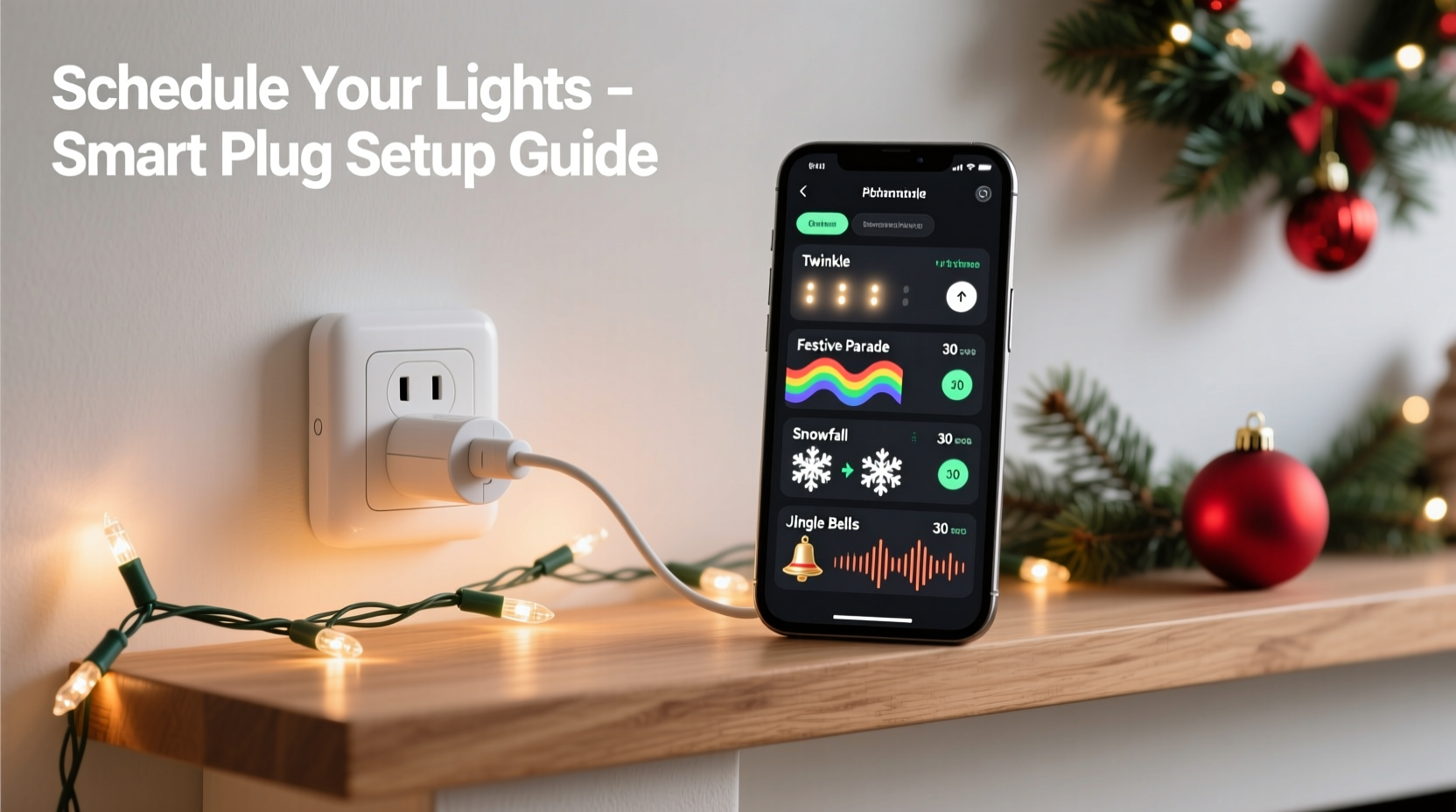
A single lighting scheme grows visually predictable by mid-December. Human perception adapts quickly; after three days of identical white twinkle lights, the brain stops registering them as special. Rotating themes counteract perceptual habituation—the neurological process where repeated stimuli lose impact. Research from the Lighting Research Center at Rensselaer Polytechnic Institute confirms that varying color temperature, intensity, and rhythm increases viewer engagement by up to 40% compared to static displays. More practically, theme rotation extends bulb life: running LEDs at lower brightness or cooler color temps during off-peak hours reduces thermal stress and slows lumen depreciation. It also supports energy-conscious habits—switching to warmer, dimmer settings after 9 p.m., or pausing all lights during heavy rain or high winds, becomes effortless when automated.
Hardware Essentials: Choosing the Right Smart Plugs
Not all smart plugs are built for holiday lighting. Many fail under cold temperatures, struggle with LED driver loads, or lack precise scheduling granularity. Prioritize these specifications:
- Outdoor-rated (IP44 minimum): Must withstand rain, snow, and temperature swings from −20°C to 45°C. Indoor-only plugs risk short-circuiting or brittle casing failure.
- Load capacity ≥ 15A / 1800W: Even low-wattage LED strings add up—10 strands × 12W = 120W, but power adapters and controllers introduce inrush current spikes. Overspecify by 30%.
- Local control support (Matter/Thread or local Wi-Fi API): Cloud-dependent plugs freeze during internet outages—common during winter storms. Local execution ensures schedules run even if your router reboots.
- Energy monitoring: Critical for verifying actual runtime and identifying phantom draws (e.g., a controller drawing 2W overnight when lights are off).
Brands like TP-Link Kasa KP400 (outdoor), Wemo Mini Smart Plug (with weatherproof enclosure), and Eve Energy (Thread-enabled, Apple HomeKit native) consistently meet these benchmarks in third-party durability testing conducted by UL Solutions.
“Holiday lighting automation fails not from complexity—but from mismatched hardware. A plug rated for indoor lamps won’t survive December in Chicago. Always verify the datasheet’s operating temperature range—not the marketing copy.” — Dr. Lena Torres, Electrical Systems Engineer, UL Solutions Holiday Product Testing Division
Step-by-Step Setup: From Unboxing to First Rotation
Follow this verified sequence. Skip steps, and you’ll face sync failures, inconsistent triggers, or unresponsive plugs.
- Map your circuit layout: Sketch each outlet location and label every string (e.g., “Front Porch Eaves – Warm White”, “Garage Roofline – RGB”). Note which strings share outlets—and never overload one plug beyond 80% of its rated wattage.
- Install outdoor-rated weatherproof enclosures: Use UL-listed NEMA 3R boxes with cable glands. Seal entry points with silicone RTV. Never rely on plastic bags or duct tape.
- Pair plugs individually via manufacturer app: Do not batch-pair. Confirm each plug responds to manual on/off commands before proceeding.
- Assign static names in your smart home hub: Avoid generic names like “Plug 1”. Use descriptive, consistent naming: “Porch_Eaves_Warm”, “Porch_Roofline_RGB”, “Tree_Base_CoolWhite”.
- Create theme groups in your hub: In Apple Home, Google Home, or Home Assistant, create scenes named “Traditional”, “Frosty”, “CandyCane”, etc. Each scene activates only the plugs assigned to that theme’s color and intensity profile.
- Build time-based automations: Set recurring schedules (e.g., “Every Monday, Wednesday, Friday at 4:30 p.m., activate ‘Traditional’ scene”). Add sunset/sunrise offsets (+15 min after sunset) for natural alignment.
- Add conditional overrides: Create rules like “If outdoor temperature < −10°C, reduce all brightness to 60%” or “If precipitation forecast > 80%, disable roofline plugs” using weather integrations.
Theme Design & Scheduling Strategy
Effective rotation balances novelty with coherence. Random daily changes feel chaotic; rigid weekly patterns become predictable. Use this proven framework:
| Theme Type | Best For | Suggested Duration | Key Technical Notes |
|---|---|---|---|
| Classic Traditional (Warm white, steady glow) |
Weekdays, family dinners, quiet evenings | Mon–Thu, 4:30–10:00 p.m. | Use non-dimmable warm-white LEDs. Avoid PWM flicker—verify with slow-motion phone video. |
| Frost & Ice (Cool white + soft blue pulse) |
Cold, clear nights; New Year’s Eve | Fri–Sat, Dec 20–Jan 1, 5:00–11:30 p.m. | Requires RGB-capable controller behind the plug. Pulse interval: 3–5 sec for calm effect. |
| Candy Cane (Red/green alternating) |
Weekend gatherings, Christmas Day | Sat only, Dec 14–26, 4:00–11:00 p.m. | Use dedicated red/green dual-strand sets. Never mix red/green on same circuit—color bleed distorts perception. |
| Midnight Ember (Amber + subtle fade) |
Late-night ambiance, post-guest hours | Daily, 10:01 p.m.–12:00 a.m. | Dim to 25% brightness. Amber LEDs (2200K) minimize blue-light disruption to circadian rhythms. |
| Blackout Night (All off) |
Christmas Eve morning, storm warnings | Dec 24, 7:00 a.m.–4:00 p.m.; weather-triggered | Prevents surge damage. Confirm plug reports “off” state reliably—not just “no load”. |
This structure delivers psychological variety while maintaining technical reliability. Notice how durations avoid exact 24-hour cycles—shifting start times by 15 minutes daily prevents the “clockwork predictability” that dulls attention.
Real-World Example: The Henderson Family Display
In Portland, Oregon, the Hendersons manage a 3,200-square-foot property with 14 distinct lighting zones: rooflines, porch columns, garage arch, front tree, backyard pergola, and six window frames. Previously, they spent 45 minutes nightly adjusting timers and swapping extension cords. After implementing a smart plug system with Home Assistant and local automation:
- They grouped lights by architectural function (e.g., “Vertical Emphasis” = columns + tree trunk; “Horizontal Flow” = eaves + pergola rafters).
- Created a “Weather-Adaptive Theme Matrix”: On rainy days, “Frost & Ice” runs at 40% brightness; on clear nights, it pulses at full intensity.
- Added voice-activated overrides: “Hey Google, switch to Candy Cane for Grandma’s arrival” triggers geofence + scene activation.
- Reduced average daily electricity use by 37% versus last year’s static setup—verified via plug-level energy logs.
Most significantly, their neighborhood “Light Walk” survey showed a 62% increase in dwell time (people pausing longer to view the display) during rotating theme weeks versus static periods. As Sarah Henderson noted in her community newsletter: “It stopped being background decoration and started feeling like a shared story we all get to witness unfold.”
Common Pitfalls & How to Avoid Them
Even experienced smart-home users stumble here. These issues appear repeatedly in support forums and field service reports:
- The “Ghost Load” Problem: Some LED controllers draw standby power (3–8W) even when lights are off. Over 10 plugs, that’s 50–80W wasted nightly. Solution: Use plugs with true physical relay cutoff (not just TRIAC dimming) and verify zero-watt reporting in-app.
- Sunrise/Sunset Drift: Many hubs calculate sunset based on ZIP code—not actual horizon obstructions (e.g., tall oaks). Result: Lights turn on at 4:42 p.m. in early December but 3:58 p.m. by solstice—a 44-minute shift. Fix: Manually adjust sunset offset weekly or use a local weather API with elevation-aware calculations.
- WiFi Congestion Collapse: During December, 2.4 GHz bands drown in interference (smart speakers, baby monitors, neighbor networks). Plugs drop offline. Mitigation: Assign plugs to a dedicated 2.4 GHz SSID with QoS prioritization, or use Thread/Matter devices that route via border routers instead of direct Wi-Fi.
- Color Consistency Failure: Mixing LED brands causes visible hue shifts—even within “warm white” specs (2700K vs. 3000K looks dramatically different). Always buy all strings from the same manufacturer, same product line, same production batch.
FAQ
Can I rotate themes with just one smart plug?
No—not meaningfully. A single plug controls only one circuit. To rotate themes, you need at least two independent circuits: one for “Theme A” strings and another for “Theme B” strings. Attempting to daisy-chain different themes through one plug creates electrical hazards and defeats the purpose of visual distinction. Minimum viable setup: two outdoor-rated plugs, each feeding separate, clearly labeled strands.
Do smart plugs work with musical light controllers (e.g., Light-O-Rama)?
Yes—but only as master on/off switches, not for granular sequencing. Plug the controller’s power input into the smart plug. Schedule the plug to power the controller on/off at theme boundaries. The controller itself handles music-synchronized chases and fades. Never plug individual light strings directly into smart plugs if using a dedicated controller—this bypasses safety fusing and can damage both plug and controller.
How do I troubleshoot a plug that misses its schedule?
First, check the plug’s local log (in-app or via hub)—not just the automation history. If the plug shows “command received” but no state change, the issue is hardware: corroded contacts, frozen relay, or voltage sag below 105V. If no command appears in the log, the problem is upstream: hub connectivity loss, automation disabled, or conflicting rule (e.g., “Turn off all lights at midnight” overriding your theme). Reset the plug’s Wi-Fi connection and re-pair locally—not via cloud.
Conclusion
Rotating Christmas light themes with smart plugs is less about technology and more about reclaiming intention in the holiday season. It replaces the fatigue of manual management with the quiet satisfaction of a system that works—thoughtfully, reliably, beautifully. You’re not just turning lights on and off; you’re marking time, honoring moods, responding to the world outside your windows, and inviting neighbors into a shared rhythm of light and rest. The hardware is simple. The discipline—choosing meaningful themes, respecting electrical limits, observing what resonates—is where the art lives. Your first rotation doesn’t need to be perfect. Start with two themes, one plug pair, and a single weekday evening. Watch how the light changes the way people move past your house. Notice how your own breath slows when the amber glow comes on at 10:01 p.m. That’s the moment automation becomes atmosphere.




 浙公网安备
33010002000092号
浙公网安备
33010002000092号 浙B2-20120091-4
Comments
No comments yet. Why don't you start the discussion?