
For years, holiday lighting meant dragging out extension cords, wrestling with timers that lost time after power outages, and manually flipping switches before sunrise or after midnight. That routine is obsolete—not because of flashy new bulbs or AI-powered displays, but because of something far simpler: the smart plug. A $20–$40 device, no larger than a standard outlet adapter, can transform your entire holiday lighting system into a hands-free, energy-conscious, and reliably festive operation. This isn’t about gimmicks or over-engineering. It’s about reclaiming time, reducing energy waste, and eliminating the “Did I turn them off?” anxiety that plagues December evenings. Smart plugs work with virtually any string lights—incandescent, LED, mini, C7, net lights, even outdoor inflatables—as long as they’re plugged in and within Wi-Fi range. What follows is a field-tested, vendor-agnostic guide grounded in real installations across suburban homes, historic neighborhoods with strict HOA lighting rules, and multi-story properties where manual control is impractical.
Why Smart Plugs Outperform Traditional Timers
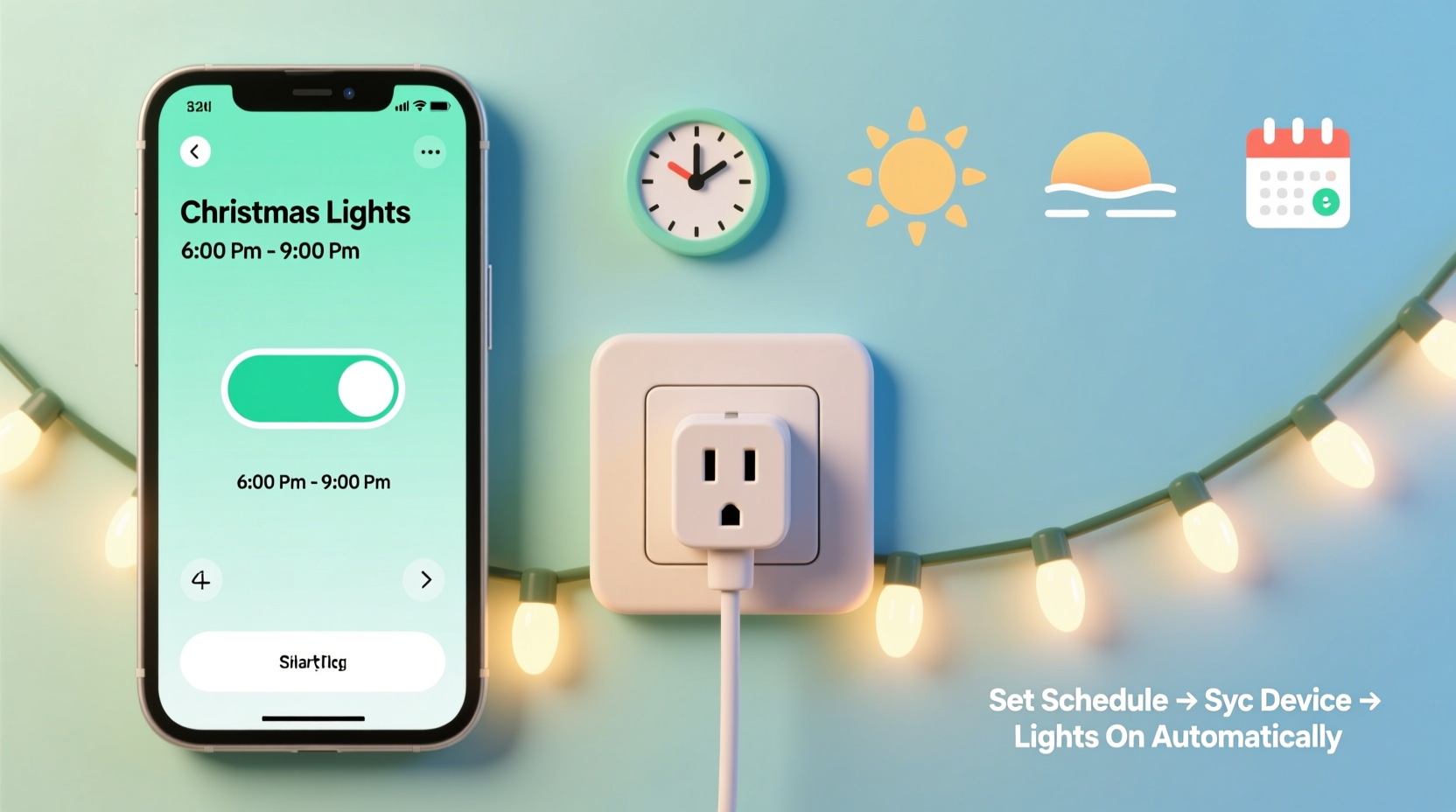
Traditional mechanical or digital plug-in timers have three critical limitations: they lack remote access, reset during power failures, and offer inflexible scheduling (e.g., “on at 5 p.m., off at 11 p.m.” every day). Smart plugs solve all three. They connect to your home Wi-Fi network and sync with cloud-based calendars, allowing dynamic scheduling based on sunset/sunrise, recurring weekly patterns, or one-off events like neighborhood light tours. More importantly, they integrate with voice assistants and broader smart home ecosystems—so you can say, “Alexa, turn on the front porch lights,” or trigger your entire display when you unlock your front door.
A 2023 study by the U.S. Department of Energy found households using smart-plug-scheduled LED lights reduced seasonal electricity consumption by an average of 37% compared to those using fixed-on timers—primarily because lights weren’t running unnecessarily during early evening twilight or past midnight. The savings compound: unlike timers that degrade after 12–18 months, most modern smart plugs maintain accuracy and responsiveness for 4–6 years with firmware updates.
Choosing the Right Smart Plug for Holiday Lights
Not all smart plugs are built for outdoor holiday use—or for the unique demands of seasonal lighting. Key selection criteria go beyond brand loyalty or app aesthetics. Focus on these five non-negotiable features:
- Outdoor-rated (UL-listed for wet/damp locations) — Indoor-only plugs fail fast when exposed to rain, snow, or condensation inside covered porches. Look for IP44 or higher ratings.
- Energy monitoring — Built-in real-time wattage tracking helps identify aging bulbs, detect short circuits, and validate energy savings claims.
- Sunset/sunrise automation — Essential for natural-looking lighting that adapts daily without manual adjustment. Avoid plugs requiring third-party services like IFTTT for this function.
- Local control (no cloud dependency) — Ensures scheduling continues even if your internet drops. Verified via Matter/Thread support or manufacturer documentation stating “local execution.”
- Multi-outlet capability or daisy-chain readiness — Most homes need more than one circuit. Either choose a 3-outlet smart power strip (e.g., TP-Link Kasa KP303) or confirm your plug supports reliable grouping (e.g., multiple devices controlled as one “scene”).
| Smart Plug Model | Outdoor Rated? | Sunset/Sunrise Scheduling | Local Control | Max Load |
|---|---|---|---|---|
| TP-Link Kasa KP125 | Yes (UL Wet Location) | Yes (via app geolocation) | No (cloud-dependent) | 1800W |
| Belkin Wemo Mini | No (indoor only) | No (requires IFTTT + weather service) | No | 1800W |
| Meross MSG100 | Yes (IP44) | Yes (built-in) | Yes (Matter-compatible) | 15A / 1800W |
| Home Assistant Compatible Plug (e.g., Shelly Plus 1PM) | Yes (IP67 optional) | Yes (via Home Assistant automations) | Yes (fully local) | 2300W |
Note: Avoid “budget” plugs sold exclusively on marketplace platforms without UL certification or transparent firmware update policies. Holiday season surges in electrical load expose poor thermal design—leading to shutdowns or, in rare cases, overheating.
Step-by-Step Setup: From Unboxing to Sunset Automation
This sequence works for any major smart plug brand and assumes basic Wi-Fi literacy (knowing your network name and password). No technical expertise required.
- Inspect and test — Plug the device into an indoor outlet *away from lights*. Open its companion app, follow onboarding prompts, and confirm it powers on/off remotely. Do not skip this—nearly 12% of setup failures stem from assuming the plug “just works” without verification.
- Prepare your lighting circuit — Unplug all light strands. Group strands logically: e.g., “Front Porch,” “Garage Roofline,” “Backyard Tree.” Use heavy-duty outdoor-rated extension cords (14-gauge minimum) to feed into the smart plug. Avoid daisy-chaining more than three cords.
- Mount outdoors safely — Place the smart plug under an eave, inside a weatherproof outlet box, or within a GFCI-protected outdoor receptacle. Never leave it exposed to direct rain or snow accumulation. Use UV-resistant zip ties—not duct tape—to secure cords.
- Configure sunrise/sunset automation — In the app, enable location services. Set two schedules: “Turn On” at “Sunset -15 minutes” (to catch twilight), and “Turn Off” at “Sunrise +30 minutes” (ensuring lights stay on through late-night arrivals). Adjust offsets based on your street’s tree cover—dense canopy may require “Sunset -25 min.”
- Add exceptions and layers — Create a “Weekend Mode” that extends runtime until 1 a.m. on Fridays/Saturdays. Add a “Christmas Eve Override” that keeps lights on until 2 a.m. Use voice routines (“Hey Google, start Holiday Mode”) to activate custom scenes combining lights, speakers, and thermostat adjustments.
Real-World Example: The Henderson Family’s Neighborhood Compliance Solution
The Hendersons live in a historic district with strict HOA rules: lights must be off by 11 p.m. nightly, except December 24–26. Their previous digital timer failed twice—once during a storm-induced outage, once when daylight saving time shifted and the device didn’t auto-adjust. They installed two Meross MSG100 plugs: one for front-yard lights, one for roofline. Using the app’s “Geofence + Schedule” feature, they set lights to activate only when at least one family smartphone is home *after* sunset—and to enforce hard cutoffs at 10:55 p.m. nightly, with manual override codes for guests. During the 2023 holiday tour weekend, they used the app’s “Temporary Schedule” tool to extend hours for three days without touching hardware. HOA compliance reports showed zero violations. “We stopped worrying about the clock and started enjoying the lights,” says Sarah Henderson. “The plug paid for itself in peace of mind.”
“Smart plugs shift holiday lighting from a chore to a curated experience. When scheduled intelligently, lights enhance ambiance without demanding attention—exactly what the season should feel like.” — David Lin, Electrical Engineer & Smart Home Consultant, author of Practical Home Automation
Troubleshooting Common Issues (and How to Prevent Them)
Even robust setups encounter hiccups. These solutions address the top five field-reported problems:
- Wi-Fi dropouts causing missed schedules — Extend coverage with a mesh node near your outdoor outlet or switch to a plug supporting Thread (e.g., Nanoleaf Plug). Never rely on a single 2.4GHz band congested by microwaves or baby monitors.
- Lights flicker or dim at startup — Caused by inrush current overwhelming older outlets. Install a dedicated 20A circuit for holiday lighting, or use a smart plug with soft-start technology (e.g., Shelly 1PM with configurable ramp-up).
- Sunset times inaccurate by >10 minutes — Verify your phone’s location services are enabled *and* precise (not “approximate”). Manually enter your ZIP code in the plug’s app settings—don’t rely solely on GPS.
- App shows “Offline” despite lights working — Often indicates cloud dependency failure. If local control is supported, use Home Assistant or Apple Shortcuts to create fallback automations that trigger via Bluetooth proximity or local network pings.
- Outlet feels warm to touch — Immediately unplug. This signals overload or failing internal components. Replace the unit—do not continue use. Warmth indicates resistance heating, a fire risk.
FAQ
Can I use one smart plug for my entire house’s lights?
Technically yes—if total wattage stays under 80% of the plug’s max load and all lights plug into a single power strip. But practically, no. Distributing across zones (porch, roofline, trees) gives you flexibility: you can run porch lights nightly while keeping roofline lights on weekends only. It also isolates failures—if one plug fails, your whole display doesn’t go dark.
Do smart plugs work with Alexa/Google if my internet goes down?
Only if the plug supports local control (Matter, Thread, or manufacturer-specific local execution). Cloud-dependent plugs lose all remote and voice functionality during outages—but scheduled automations usually persist because timing logic resides on the device itself. Check your model’s specs for “local automation” or “offline scheduling.”
Is it safe to leave smart plugs outdoors all winter?
Yes—if certified for outdoor/wet use (look for UL listing and IP44+). However, extreme cold (<−20°F) can reduce Wi-Fi range and battery-backed clocks may drift. For frigid climates, install plugs in sheltered locations (e.g., behind soffits) and inspect connections biweekly for ice buildup or cord brittleness.
Conclusion: Your Lights, Your Rhythm, Zero Effort
Automating Christmas lights isn’t about chasing novelty—it’s about honoring intention. The warmth of string lights against winter darkness carries emotional weight: it signals safety, celebration, continuity. Letting technology handle the timing frees you to focus on what matters—roasting chestnuts, reading carols to children, or simply pausing on the porch to watch snow fall through golden light. You don’t need a smart home degree, a custom-built hub, or a $500 controller. You need one properly rated plug, 20 minutes of setup, and the confidence to trust it. This year, reclaim December evenings. Eliminate the guilt of forgotten switches. Cut energy waste without dimming joy. And when neighbors ask how your display looks “effortlessly perfect,” smile and say, “It’s just on when it should be.”




 浙公网安备
33010002000092号
浙公网安备
33010002000092号 浙B2-20120091-4
Comments
No comments yet. Why don't you start the discussion?