
There’s a quiet joy in watching your home come alive with festive light as dusk settles in. But the magic doesn’t have to rely on remembering to flip a switch. With today’s smart home technology, you can automate your entire Christmas lighting display to activate precisely at sunset—every single day. The key lies in using smart scenes effectively across compatible ecosystems like Apple HomeKit, Google Home, or Amazon Alexa. This isn’t just about convenience; it’s about consistency, energy efficiency, and maximizing the emotional impact of your holiday decor.
Smart scenes allow you to group multiple devices and trigger them simultaneously based on specific conditions—like time, location, or environmental cues such as sunset. When configured correctly, they eliminate guesswork and deliver a reliable, hands-free experience that enhances both safety and ambiance. Whether your lights are indoors, along the roofline, or wrapped around trees in the yard, automation ensures they shine exactly when they should.
Understanding Smart Scenes and Sunset Triggers
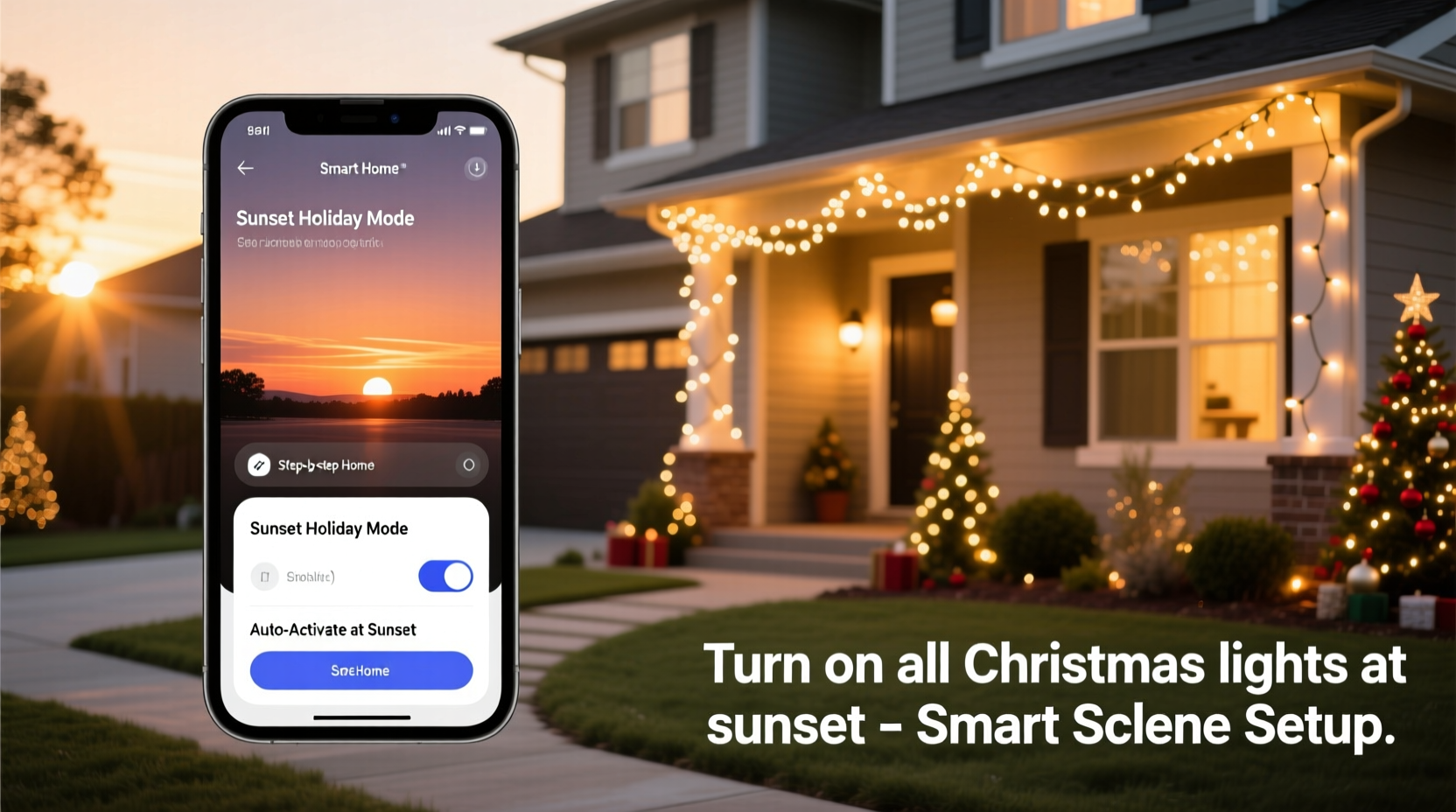
A smart scene is more than a simple on/off command. It’s a programmed sequence that activates one or more connected devices under defined circumstances. In the context of holiday lighting, a scene might include turning on outdoor string lights, illuminating pathway markers, and dimming indoor accent lighting—all triggered by a single event: sunset.
The beauty of this system lies in its dynamic timing. Unlike fixed schedules (e.g., “turn on at 5:00 PM”), which become inaccurate as daylight shifts throughout December, sunset-based triggers adapt daily. Most major smart platforms pull geolocation data and astronomical calculations to determine local sunset times down to the minute. This means your lights will always come on at the optimal moment, regardless of seasonal changes.
“Automation rooted in natural cycles like sunrise and sunset creates a rhythm that feels intuitive, not mechanical.” — Jordan Lee, Smart Home Integration Specialist
To make this work, your smart lighting system must be compatible with a hub or app that supports conditional triggers. Common options include Philips Hue, LIFX, TP-Link Kasa, Nanoleaf, and Wyze Bulbs, all of which integrate with Apple Home, Google Home, or Alexa. Once connected, these bulbs or outlets can be grouped into scenes and scheduled using environmental variables rather than static clocks.
Step-by-Step Setup Across Major Platforms
While implementation varies slightly between ecosystems, the core logic remains consistent: identify your lights, create a scene, and assign a sunset trigger. Below is a detailed walkthrough for three leading platforms.
Apple HomeKit (via iPhone/iPad)
- Open the Home app and ensure all Christmas lights are added as accessories.
- Create a new scene: Tap the \"+\" icon in the Scenes tab and name it (e.g., \"Holiday Lights On\").
- Select all relevant lights and set their state to “On” with desired brightness or color.
- Tap “Add Automation,” then choose “A Person Arrives/Leaves,” “Time of Day,” or “Sunrise & Sunset.”
- Select “At Sunset” and confirm your home’s location is accurate in Settings > Privacy > Location Services.
- Review and enable the automation. The scene will now run daily at sunset.
Google Home (Android/iOS)
- Launch the Google Home app and verify device connectivity.
- Navigate to “Routines” and tap “Create Routine.”
- Under “When this happens,” select “Sunset.”
- In “Add action,” go to “Lights” and choose each Christmas light device to turn on.
- Adjust settings like brightness if needed, then save the routine.
- Label it clearly (e.g., “Festive Evening Lights”) so it's easy to manage.
Amazon Alexa (Echo Devices/App)
- Open the Alexa app and go to “Automations” under the More menu.
- Tap “+” to create a new automation and select “When Something Happens.”
- Choose “Sunset” as the trigger and confirm your address is correct.
- Under “Add Actions,” pick “Smart Home” > “Turn On” and select all holiday lights.
- Save and test the automation using the “Run Automation” option.
Device Compatibility and Network Considerations
Not all smart lights support scene automation equally. Some budget models may lack robust scheduling features or require proprietary hubs. Before investing, verify that your chosen product line offers full integration with your preferred ecosystem.
| Brand | Works With | Sunset Trigger Support | Notes |
|---|---|---|---|
| Philips Hue | HomeKit, Alexa, Google | Yes | Requires Hue Bridge; excellent color control |
| LIFX | HomeKit, Alexa, Google | Yes | No hub needed; high brightness output |
| TP-Link Kasa | Alexa, Google | Yes | Affordable; limited HomeKit compatibility |
| Wyze Bulb | Alexa, Google | Yes | Budget-friendly; no HomeKit support |
| GE Cync | Alexa, Google | Yes | Reliable but inconsistent iOS performance |
Network stability also plays a crucial role. Wi-Fi congestion during peak evening hours can delay scene execution. To minimize lag:
- Use a dual-band router and connect smart devices to the 2.4 GHz band for better range.
- Place a mesh node near outdoor lighting zones if signal strength is weak.
- Avoid overloading circuits—distribute strands across multiple smart plugs.
Real-World Example: A Suburban Family’s Holiday Display
The Thompsons live in a midwestern suburb where winter evenings grow dark early. Each year, they decorate their front porch, garage eaves, and driveway trees with over 1,200 LED lights. Previously, someone had to remember to turn them on after work or school—often resulting in missed nights or lights left on too late.
Last season, they upgraded to six Kasa smart plugs and linked them via the Google Home app. They created a routine titled “Evening Glow” that activates at sunset and includes:
- All outdoor strand lights (plugged into smart outlets)
- A motion-sensitive path light near the walkway
- Interior window LEDs set to warm white
They also set a second automation for “Off at Midnight” to conserve energy. Since implementation, their display has been perfectly timed every night, neighbors have complimented the reliability, and their electricity bill increased by less than $8 for the month. Most importantly, the kids love coming home to a glowing house without anyone lifting a finger.
Optimizing for Energy Efficiency and Longevity
Automating lights doesn’t just improve convenience—it promotes smarter energy use. Leaving decorative lighting on all night wastes power and shortens bulb lifespan. By pairing sunset activation with a sunset-to-sunrise duration or a fixed end time, you maintain ambiance while minimizing waste.
Additionally, modern LED strings last longer when cycled properly. Frequent manual toggling can wear out physical switches or cause connection glitches. Automated scenes reduce human interaction, decreasing the risk of accidental disconnections or configuration errors.
If you're using color-changing bulbs, consider programming gradual transitions. For instance, start with warm white at sunset, shift to multicolor at 6 PM, and return to soft white before bedtime. These subtle changes enhance visual interest without requiring intervention.
Essential Checklist for Seamless Automation
Follow this checklist to ensure your smart scene works flawlessly from day one:
- ✅ Confirm all Christmas lights are connected to a smart plug or are smart bulbs themselves.
- ✅ Group devices logically in your app (e.g., “Front Yard,” “Porch,” “Tree”).
- ✅ Verify your home’s location is accurate in the smart home app settings.
- ✅ Test the sunset trigger manually by simulating the condition (some apps allow this).
- ✅ Set an end time or sunrise-off rule to prevent overnight operation.
- ✅ Label scenes clearly for easy identification and troubleshooting.
- ✅ Update firmware on all smart devices before deployment.
Frequently Asked Questions
Can I use different triggers for different sets of lights?
Absolutely. You can create separate scenes—for example, turning on porch lights at sunset and activating driveway markers only when motion is detected. Layering automations allows for nuanced control tailored to specific areas.
What happens if my internet goes down?
Most smart systems rely on cloud processing for complex triggers like sunset. If your internet fails, the automation may not run. However, some platforms (like Apple Home with a HomePod or Apple TV) offer local execution, which continues to function during outages. For critical reliability, invest in a local hub.
Do sunset times update automatically throughout the year?
Yes. Smart platforms use real-time geolocation and astronomical data to adjust sunset and sunrise times daily. Your automation will naturally adapt as days shorten in December and lengthen afterward—no reconfiguration needed.
Final Thoughts: Bringing Holiday Magic Into the Modern Age
Turning on Christmas lights used to be a ritual tied to memory and effort. Now, it can be a seamless part of your home’s rhythm—an elegant fusion of tradition and technology. By leveraging smart scenes triggered at sunset, you reclaim time, reduce stress, and elevate the experience for yourself and your community.
This holiday season, let your lights shine not because you remembered, but because your home knows when it’s time. With a few minutes of setup, you can enjoy a consistently magical display that honors the spirit of the season without demanding your attention. Automation isn’t about losing touch with tradition—it’s about deepening it through thoughtful innovation.




 浙公网安备
33010002000092号
浙公网安备
33010002000092号 浙B2-20120091-4
Comments
No comments yet. Why don't you start the discussion?