
As the holiday season approaches, more homeowners are turning to smart home technology to simplify and enhance their Christmas light displays. One of the most exciting developments is the ability to control festive lighting using only your voice through smart speakers like Amazon Echo, Google Nest, or Apple HomePod. This integration brings convenience, creativity, and a touch of magic to seasonal decorations—without the hassle of manual switches or tangled timers.
With just a few setup steps, you can turn your lights on or off, adjust brightness, set schedules, and even sync them to music—all through simple voice commands. Whether you're hosting a holiday party or winding down after a long day, controlling your Christmas lights hands-free transforms the way you celebrate.
Understanding the Technology Behind Voice-Controlled Lights
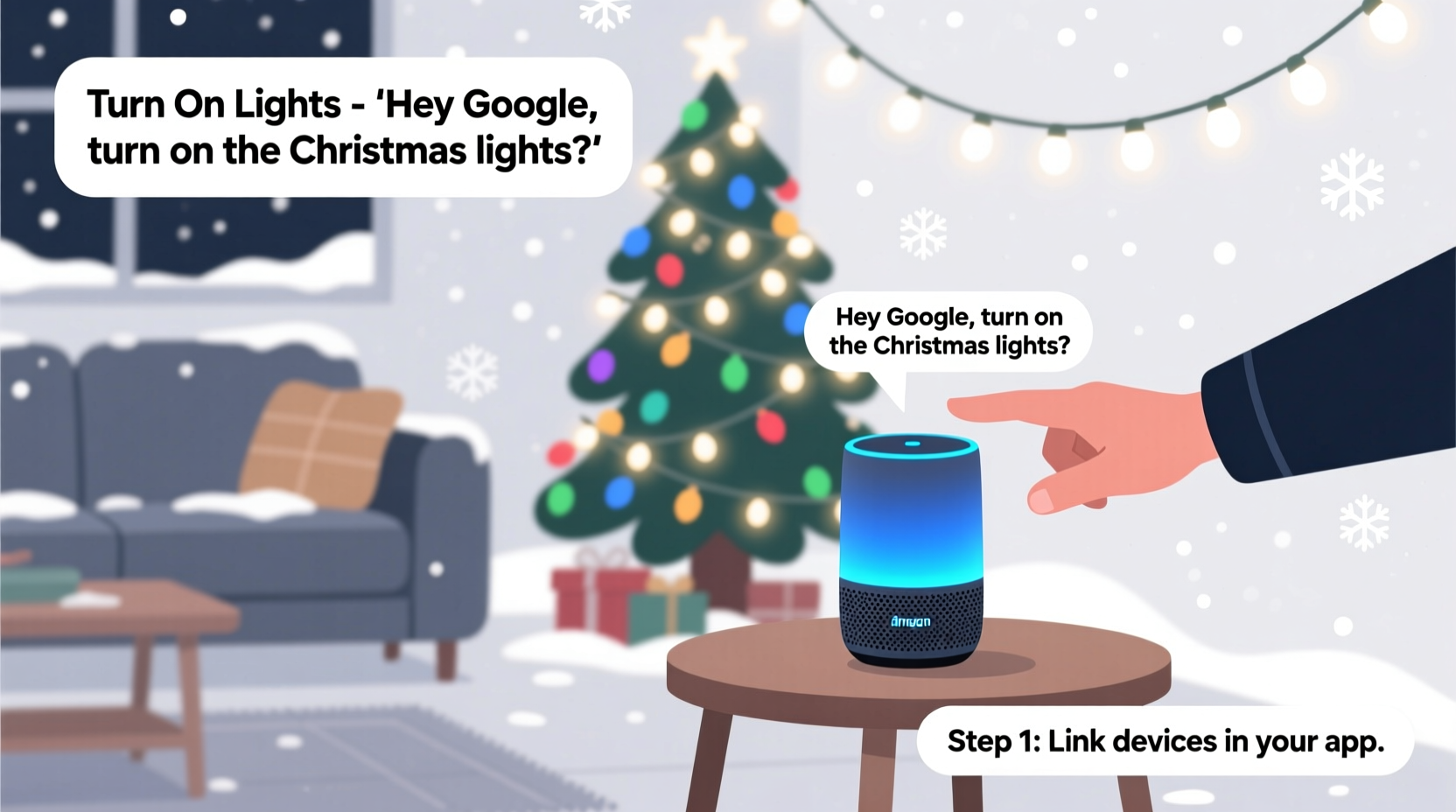
The foundation of voice-controlled Christmas lights lies in the ecosystem of smart home devices. At its core, this system involves three key components: a smart speaker (or display), a compatible smart plug or smart light strip, and a connected Wi-Fi network. These elements communicate via cloud-based platforms such as Amazon Alexa, Google Assistant, or Apple’s Siri.
Smart plugs act as intermediaries between traditional incandescent or LED Christmas lights and your home network. Once plugged into an outlet and paired with your smart speaker, they allow you to control any connected device remotely. Alternatively, smart light strips—such as Philips Hue Lightstrips, Govee, or Nanoleaf—offer built-in connectivity and advanced features like color changing and motion effects.
When you issue a voice command like “Alexa, turn on the Christmas lights,” the smart speaker sends a signal to the cloud service, which then communicates with the smart plug or bulb over your Wi-Fi connection. The result? Instantaneous control without lifting a finger.
“Voice-enabled lighting systems represent one of the fastest-growing segments in smart home adoption during the holidays. Users value both the aesthetic flexibility and energy-saving potential.” — Dr. Lena Torres, Smart Home Integration Researcher at MIT Media Lab
Step-by-Step Guide to Setting Up Voice-Controlled Christmas Lights
Setting up voice-controlled Christmas lights doesn’t require technical expertise. Follow these clear steps to get everything working smoothly before the first snowfall.
- Choose Your Smart Lighting Hardware: Decide whether you want to use smart plugs (ideal for existing string lights) or invest in programmable smart light strips. Ensure compatibility with your preferred voice assistant.
- Install the Companion App: Download the manufacturer’s app (e.g., Kasa for TP-Link, Govee Home, or Philips Hue) and create an account if needed.
- Connect Devices to Wi-Fi: Plug in your smart plug or power on your smart light strip. Use the app to follow pairing instructions and connect the device to your home network.
- Link to Your Smart Speaker: Open the Alexa app, Google Home app, or Apple Home app. Navigate to \"Devices\" > \"Add\" > \"Works With\" and search for your lighting brand. Sign in to authorize access.
- Discover Devices: Ask your smart speaker to discover new devices by saying, “Hey Google, find my devices” or “Alexa, discover new devices.” Wait for confirmation that your lights have been detected.
- Test Basic Commands: Try simple phrases like “Turn on the Christmas lights” or “Set the porch lights to 50% brightness” to verify functionality.
- Customize Names and Groups: Rename devices in the app for clarity (e.g., “Front Yard Lights”) and group multiple lights under a single name like “Holiday Display” for unified control.
Optimizing Performance: Best Practices and Common Pitfalls
While setting up voice-controlled lights is straightforward, optimizing performance ensures reliability throughout the season. Many users encounter avoidable issues due to overlooked details.
One common problem is inconsistent responses from the smart speaker. This often stems from poor Wi-Fi coverage, especially outdoors. To mitigate this, ensure your router has adequate range or consider using a Wi-Fi extender. For outdoor installations, choose weather-rated smart plugs designed for external use.
Another frequent oversight is failing to update firmware. Manufacturers regularly release updates that improve stability, security, and feature support. Check your lighting app periodically for available updates.
| Do | Don't |
|---|---|
| Label each device clearly in your smart home app | Use generic names like “Device 1” or “Outlet A” |
| Schedule automatic on/off times based on sunset/sunrise | Leave lights running all night unnecessarily |
| Group indoor and outdoor lights separately for precise control | Mix unrelated devices in the same group |
| Use voice routines to trigger multiple actions at once | Rely solely on individual commands |
Real Example: A Family Automates Their Holiday Display
The Reynolds family in Portland, Oregon, used to spend evenings manually turning on their elaborate front-yard light show. Last year, they upgraded to two Kasa smart plugs and linked them to their Google Nest Mini. After naming the devices “Front Lawn Lights” and “Roof Line Lights,” they created a routine called “Holiday Mode.”
Now, when they say, “Hey Google, start Holiday Mode,” the roof lights flash green and red while the lawn display fades in gradually. They also set a schedule to activate daily at dusk and shut off at 10 PM. Not only did this save time, but neighbors began stopping by to ask how they achieved such a professional look—effortlessly.
Advanced Features: Beyond On/Off Commands
Voice control goes far beyond basic toggling. Modern smart lighting systems support dynamic interactions that elevate your holiday experience.
You can adjust brightness levels verbally: “Siri, dim the tree lights to 30%.” Some systems allow color changes: “Alexa, set the living room lights to gold.” For immersive experiences, certain brands offer music synchronization. Say, “Start Christmas disco mode,” and your lights pulse to holiday tunes playing on your speaker.
Routines unlock powerful automation. For example:
- Create a “Good Morning Christmas” routine that turns on kitchen string lights and plays carols when you wake up.
- Set a “Party Start” command that activates all exterior lights, increases brightness, and starts a festive playlist.
- Trigger a “Wind Down” scene at bedtime that gently dims all holiday lighting.
Geofencing adds another layer of intelligence. If enabled, your lights can turn on automatically when your phone enters a designated perimeter—perfect for welcoming guests or returning home after shopping.
Troubleshooting Common Issues
Even well-configured systems may occasionally fail. Here’s how to resolve typical problems quickly:
“My speaker doesn’t recognize the lights.”
First, confirm the device appears in your smart home app. Then re-run the discovery process. If it still fails, reboot your router and try again. Sometimes temporary network glitches prevent detection.
“The lights respond slowly or not at all.”
Lag usually indicates weak Wi-Fi. Test signal strength near the smart plug. Consider switching to a less congested 2.4 GHz band (most smart devices don’t support 5 GHz). Also, check for interference from metal structures or thick walls.
“Voice commands work sometimes but not consistently.”
This may stem from ambiguous device names. Avoid naming multiple devices similarly (e.g., “Christmas Lights 1,” “Christmas Lights 2”). Instead, use specific labels like “Porch Lights” and “Tree Lights.” Also, speak clearly and minimize background noise when issuing commands.
“The lights stay on even after I turned them off.”
Check for active schedules or automations in the app. A forgotten timer might override your manual command. Disable conflicting rules to regain full control.
Security and Privacy Considerations
Connecting holiday lights to your home network introduces minor cybersecurity risks. While unlikely targets, smart plugs can serve as entry points if poorly secured.
To protect your network:
- Use strong, unique passwords for your Wi-Fi and smart home accounts.
- Enable two-factor authentication where available.
- Regularly review connected devices in your app and remove unused ones.
- Keep firmware updated to patch known vulnerabilities.
Also, be mindful of voice data privacy. Most assistants store recordings unless disabled. You can delete past voice history through the Alexa or Google app settings. For added discretion, disable microphone access when not needed.
Frequently Asked Questions
Can I control Christmas lights with any smart speaker?
Most major smart speakers—Amazon Echo, Google Nest, and Apple HomePod—support voice control of smart lighting, provided the bulbs or plugs are compatible. Always check product specifications before purchasing hardware.
Do I need special Christmas lights for voice control?
No. Any standard Christmas light string will work when plugged into a smart plug. However, for advanced effects like color shifting or patterns, you’ll need dedicated smart light strips.
Can I schedule my lights to turn on and off automatically?
Yes. Both Alexa and Google Assistant allow scheduling through routines. You can set lights to activate at sunset, specific times, or even based on calendar events. Scheduling reduces energy use and ensures your display runs reliably every evening.
Final Checklist Before Going Live
Before unveiling your voice-controlled light show, run through this checklist to ensure everything works seamlessly:
- ✅ All smart devices are powered and connected to Wi-Fi
- ✅ Devices appear in your smart home app
- ✅ Smart speaker has discovered all new devices
- ✅ Each light group has a clear, distinct name
- ✅ Voice commands tested successfully (on/off/dim)
- ✅ Automation routines created and verified
- ✅ Outdoor equipment is weatherproof and safely installed
- ✅ Backup control method available (app or switch)
Conclusion: Bring Magic Home with Your Voice
Controlling Christmas lights with voice commands blends tradition with innovation, offering a smarter, safer, and more enjoyable way to celebrate. From effortless operation to dazzling synchronized displays, the technology empowers anyone—even non-techies—to create memorable holiday moments.
Whether you’re illuminating a small apartment balcony or orchestrating a neighborhood-favorite yard display, integrating smart speakers makes the process intuitive and fun. With reliable setup, thoughtful naming, and creative routines, your voice becomes the conductor of a joyful seasonal symphony.




 浙公网安备
33010002000092号
浙公网安备
33010002000092号 浙B2-20120091-4
Comments
No comments yet. Why don't you start the discussion?