
As holiday seasons approach, more people are turning their homes into immersive experiences with synchronized light displays. While pre-programmed light shows are common, creating a custom setup that matches the rhythm and emotion of beloved Christmas carols requires precision. Soundwave analysis apps offer a powerful way to decode audio files into visual data, allowing you to align strobe lights, color changes, and intensity shifts with musical beats, crescendos, and pauses. This guide walks through the technical and creative process of transforming your favorite carols into dynamic, light-based performances.
Understanding Soundwave Analysis in Light Control
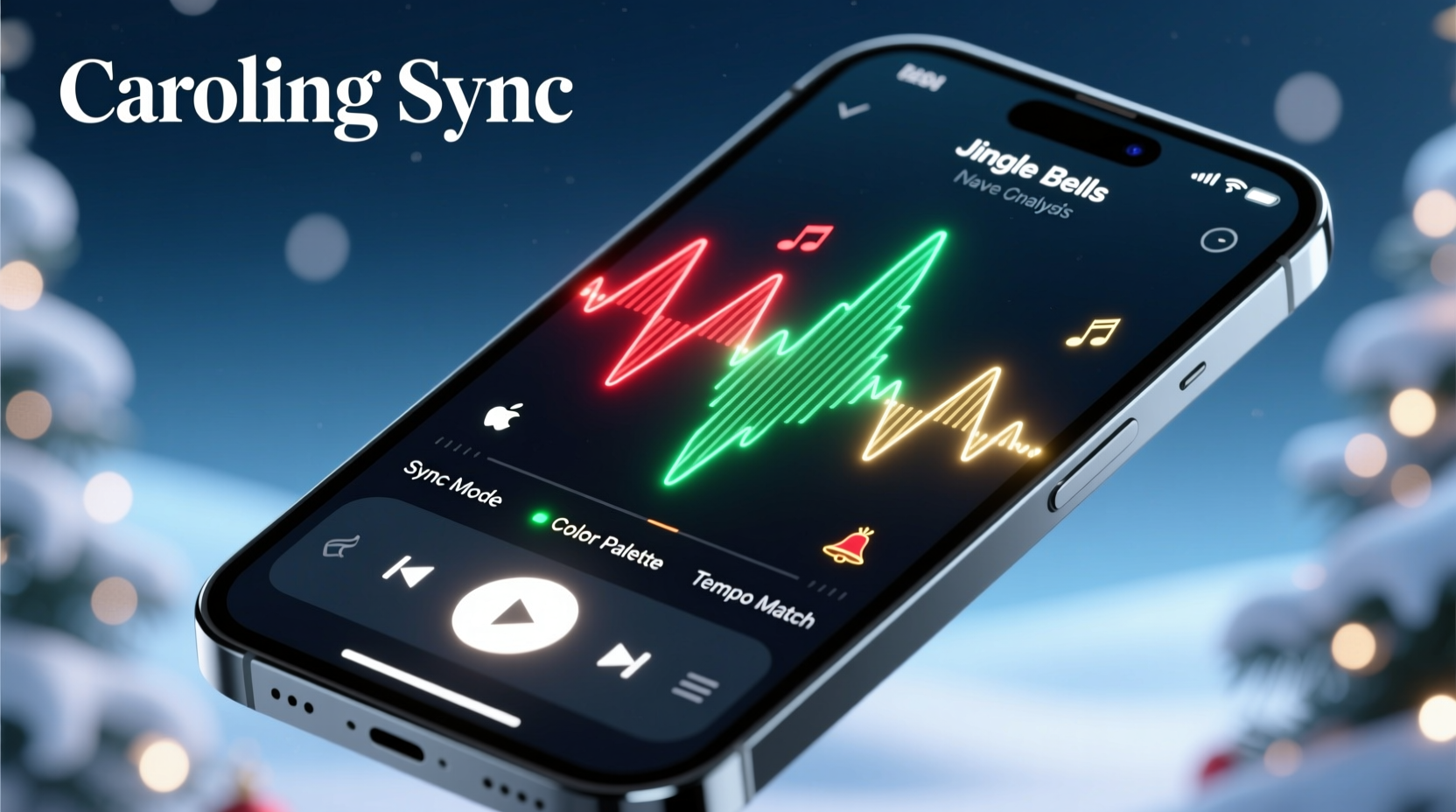
Soundwave analysis involves converting an audio signal into a visual waveform, revealing amplitude (volume), frequency (pitch), and timing. Each of these components can be mapped to lighting effects. For instance, high-amplitude peaks—like a choir’s “Gloria!” in “Angels We Have Heard on High”—can trigger bright strobes or rapid color transitions. Sustained low-frequency notes might dim lights slowly or shift hues gradually.
Modern mobile and desktop applications such as Spectroid, WaveEditor, and Audacity render these waveforms in real time or from imported files. When paired with smart lighting systems like Philips Hue, Nanoleaf, or DIY Arduino-powered LED strips, these tools allow for granular control over how lights respond to music.
The key is not just detecting volume spikes but interpreting musical structure: verses, choruses, instrumental breaks, and vocal harmonies all suggest different lighting behaviors. A well-mapped carol doesn’t just flash randomly—it dances.
Step-by-Step Guide to Matching Lights to Carols
- Select Your Carol: Choose a high-quality digital version of a carol in WAV or MP3 format. Avoid recordings with background noise or inconsistent tempos.
- Analyze the Waveform: Import the file into a soundwave app. Observe where beats fall, where crescendos build, and where silence occurs. Mark timestamps for key moments.
- Map Audio Events to Light Actions: Assign lighting behaviors—on/off, strobe speed, color change—to specific audio events. For example, every drum hit could trigger a red-to-green flash.
- Export or Sync Data: Some apps export beat detection data as MIDI or OSC signals. Use this output to program your lighting controller or integrate with platforms like xLights or Falcon Player.
- Test and Refine: Play the carol while running the lights. Adjust sensitivity, delay, and color schemes until synchronization feels natural and expressive.
This process blends technical skill with artistic intuition. The goal isn’t robotic precision but emotional resonance—when the lights swell with the music, viewers feel the joy of the season amplified.
Choosing the Right Tools and Apps
Not all soundwave analysis tools are built for lighting integration. Below is a comparison of popular options based on usability, export capabilities, and compatibility with smart lighting systems.
| App Name | Platform | Key Features | Best For |
|---|---|---|---|
| Audacity | Windows, Mac, Linux | Free, detailed waveform editing, beat marking, spectrogram view | Precise manual mapping and exporting beat grids |
| Spectroid | Android | Real-time spectrum analysis, frequency isolation, BPM detection | Live testing with portable LED setups |
| WaveEditor | iOS | High-resolution waveform display, timestamp markers | Planning sequences on Apple devices |
| xLights (with audio import) | Windows | Dedicated holiday lighting software, auto-beat detection, RGB mapping | Full-scale synchronized displays |
| Shazam Studio (Beta) | iOS/Android | Limited but growing beat visualization features | Quick reference, not full programming |
For beginners, Audacity combined with a simple smart bulb system offers a low-cost entry point. Advanced users aiming for outdoor displays should consider xLights paired with E1.31-compatible controllers for pixel-level accuracy across hundreds of LEDs.
Mini Case Study: Transforming \"Carol of the Bells\" into a Light Spectacle
In suburban Chicago, homeowner Marcus Lee transformed his front yard into a viral holiday attraction by syncing a 250-light matrix to “Carol of the Bells.” He began by importing a clean orchestral version into Audacity. Using the zoom function, he identified each repeating four-note motif—DING-ding-ding-DONG—and marked every onset point.
He then exported a CSV file listing timestamps of major peaks and imported it into xLights. There, he assigned a white strobe pulse to each note, with faster flickering during accelerando sections. During the final crescendo, he programmed all lights to cycle rapidly through red, green, gold, and blue.
The result was a hypnotic, pulsating grid that mirrored the carol’s tension and release. Neighbors recorded videos, and within days, local news covered the display. Marcus credited the success to careful waveform study: “I didn’t just make it flash—I made it breathe with the music.”
Expert Insight: The Art Behind the Algorithm
“People don’t remember perfect timing—they remember feeling something. The best light shows interpret the soul of the music, not just its beats.” — Dr. Lena Torres, Acoustic Visualization Researcher, MIT Media Lab
Torres emphasizes that automation tools can detect 80% of rhythmic cues, but the remaining 20%—the subtle pauses, the breath between phrases—is where human artistry elevates a display from impressive to unforgettable. She recommends listening to a carol multiple times without visuals first, internalizing its emotional arc before assigning any light actions.
Checklist: Preparing Your Synchronized Light Show
- ✅ Choose a clear, high-fidelity version of your favorite carol
- ✅ Install a soundwave analysis app (e.g., Audacity or Spectroid)
- ✅ Identify and mark key audio events: beats, vocals, instrument entries
- ✅ Select compatible smart lighting hardware or controller
- ✅ Map at least three types of light responses (e.g., strobe, fade, color shift)
- ✅ Test synchronization at low brightness before full deployment
- ✅ Account for audio latency—adjust light triggers if they lag behind sound
- ✅ Share the experience safely: avoid blinding passersby or disturbing neighbors
This checklist ensures both technical accuracy and community consideration. A dazzling show shouldn’t come at the cost of comfort for others.
Common Pitfalls and How to Avoid Them
Even experienced hobbyists encounter issues when matching lights to music. One frequent problem is over-synchronization—triggering a light event for every tiny fluctuation, resulting in a chaotic, seizure-inducing flicker. Instead, focus on macro-level patterns: emphasize downbeats, refrain entrances, and sustained chords.
Another issue is ignoring ambient acoustics. If speakers are placed far from the lights or indoors while displays are outdoors, sound may reach viewers after the lights flash, breaking the illusion. Position speakers close to the display or introduce a slight delay in the light sequence to compensate.
Finally, many users overlook power management. Running hundreds of LEDs at full strobe can overload circuits. Use surge protectors, stagger power draws, and test electrical loads before going live.
Frequently Asked Questions
Can I sync lights to live singing or do I need a recording?
While possible, syncing to live vocals is extremely difficult due to variable tempo and unpredictable dynamics. Pre-recorded tracks provide consistent timing, making them ideal for reliable synchronization. Some advanced systems use real-time audio processing, but these require professional-grade equipment and calibration.
Do I need coding skills to use soundwave analysis for lights?
Not necessarily. Apps like xLights and Aurora HDR offer drag-and-drop interfaces that let you map lights without writing code. However, knowing basic scripting (e.g., Python or Arduino) allows deeper customization, such as triggering unique patterns based on pitch detection.
Will this work with standard Christmas string lights?
Only if they’re smart lights (e.g., Wi-Fi or Bluetooth-enabled). Traditional incandescent or non-addressable LED strings cannot be programmed per beat. Upgrade to addressable LEDs (like WS2812B strips) or use smart plugs to control sections in bulk.
Making It Personal: Beyond the Default Sequences
One reason people invest time in soundwave analysis is to create something uniquely meaningful. Imagine syncing “Silent Night” to a gentle ripple of blue-white lights that mimic falling snow, slowing to near stillness on the line “all is calm.” Or choreographing “Santa Claus Is Coming to Town” with playful red flashes and sudden green bursts on “he sees you when you’re sleeping.”
These personal touches transform generic decorations into storytelling tools. Families have used synchronized carols to celebrate milestones—a child’s first Christmas, a parent’s recovery, a memorial tribute. The combination of familiar music and responsive light creates emotional depth that static displays lack.
Consider involving children in the process: let them choose which parts of “Frosty the Snowman” should sparkle or jump. Not only does this teach basic audio-visual principles, but it also builds lasting holiday memories rooted in creativity.
Conclusion: Bring Music to Life with Light
Matching light strobe patterns to Christmas carols using soundwave analysis is more than a technical challenge—it’s a celebration of rhythm, memory, and shared joy. With accessible tools and a methodical approach, anyone can turn a simple playlist into a luminous performance that resonates with neighbors and visitors alike.
Start small. Pick one carol. Analyze its heartbeat. Let the lights echo its voice. As you refine your technique, your display will grow not just in complexity, but in meaning. The holidays are about connection, and few things connect us more deeply than music brought vividly to life.




 浙公网安备
33010002000092号
浙公网安备
33010002000092号 浙B2-20120091-4
Comments
No comments yet. Why don't you start the discussion?