
Transforming your holiday lighting from static strings to a dynamic, voice-responsive spectacle is easier than ever. With the rise of smart home technology, you no longer need to manually plug in or time your Christmas lights. Using voice commands, you can turn them on, change colors, adjust brightness, and even sync animations—all without lifting a finger. Whether you're setting up for the first time or upgrading an existing display, integrating voice control adds convenience, safety, and festive flair.
Why Voice Control Makes Holiday Lighting Better
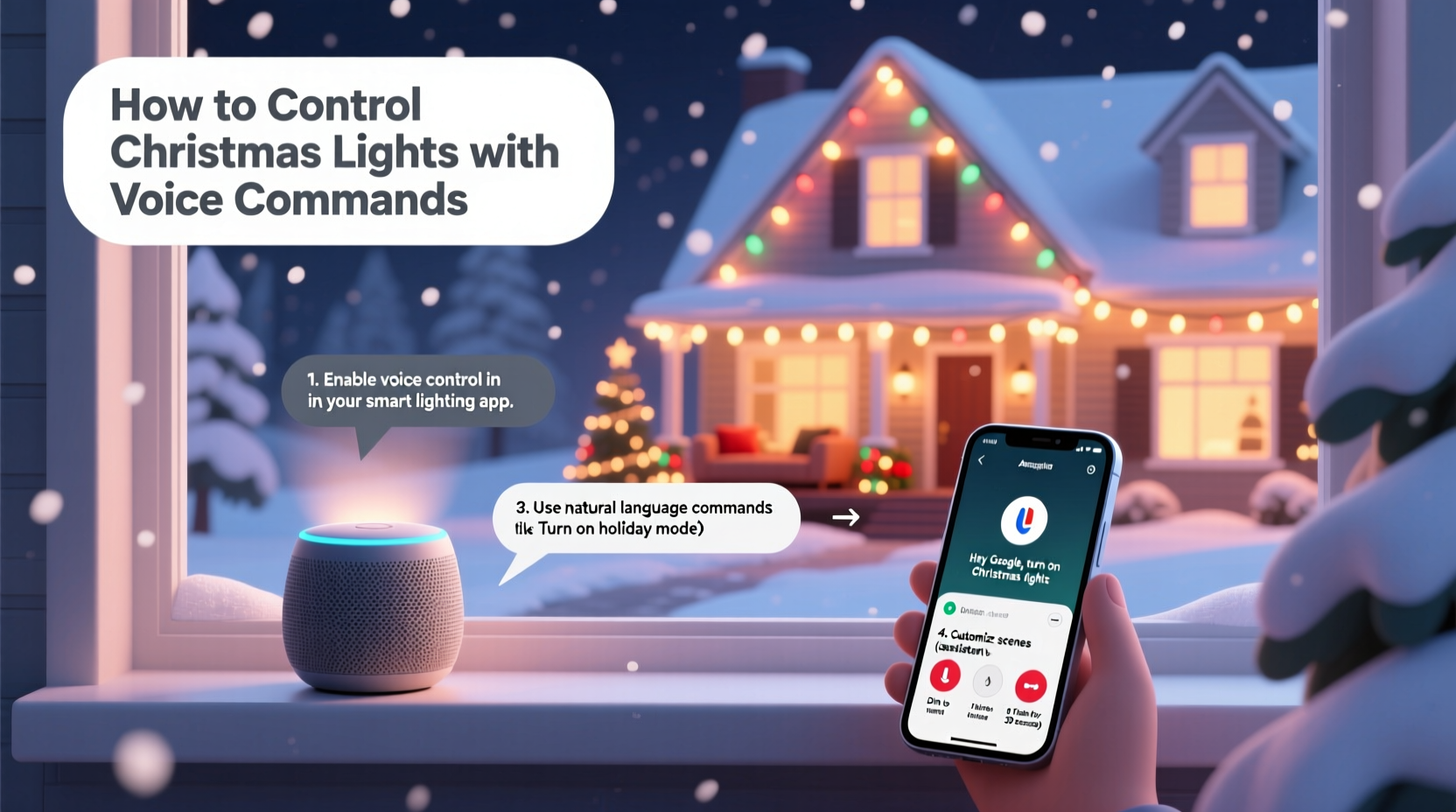
Traditional holiday displays require timers, extension cords, and frequent manual adjustments. If you forget to turn off the lights during daylight, energy is wasted. If guests arrive after dark, you might miss the “wow” moment because the display isn’t active. Voice-controlled lighting solves these issues by offering instant access and automation.
Smart lighting systems connected to virtual assistants like Amazon Alexa, Google Assistant, or Apple’s Siri allow you to manage your lights remotely. You can activate scenes, schedule routines, and respond to changing conditions—like turning on the display as soon as it gets dark—using simple spoken phrases.
Beyond convenience, voice control enhances accessibility. For individuals with mobility challenges or elderly family members, being able to say “Turn on the Christmas lights” instead of navigating outdoor outlets or ladders makes the season safer and more inclusive.
Choosing the Right Smart Lighting System
Not all Christmas lights support voice control. To integrate voice commands, you’ll need smart-enabled lights or smart plugs paired with standard light strings. Here are the most common options:
- Smart LED Strips: Flexible, adhesive strips that can be mounted along eaves, windows, or trees. Brands like Philips Hue, Govee, and LIFX offer Wi-Fi or Bluetooth models with full color control.
- Smart Light Bulbs: Replace traditional bulbs in decorative fixtures or net lights. These work well for indoor trees or porch lanterns.
- Smart Plugs: Affordable adapters that make any plug-in light string voice-controllable. Simply plug your lights into the smart plug, then control the outlet via app or voice.
- Outdoor Smart Controllers: Weatherproof hubs designed for permanent outdoor installation. Some support multi-zone control for complex displays.
When selecting hardware, consider range, weather resistance (IP rating), compatibility with your preferred assistant, and whether local control (without cloud dependency) is available for faster response times.
“Voice integration turns seasonal decor into an interactive experience. It’s not just about convenience—it’s about creating memorable moments with minimal effort.” — Marcus Lin, Smart Home Automation Consultant
Step-by-Step Setup for Voice-Controlled Lights
Follow this timeline to get your voice-enabled Christmas lights running smoothly before the holidays begin.
- Week 1: Plan Your Display
Select locations for lights and determine power sources. Sketch a layout indicating which sections will be controlled together (e.g., roofline, tree, pathway). - Week 2: Purchase Compatible Devices
Buy smart plugs or smart light strings based on your design. Ensure they support Alexa, Google Assistant, or HomeKit depending on your ecosystem. - Week 3: Install Hardware
Set up lights outdoors or indoors. Plug smart strings into outlets or connect standard lights to smart plugs. Test connectivity and ensure stable Wi-Fi coverage near each device. - Week 4: Connect to Virtual Assistant
Download the manufacturer’s app (e.g., Kasa for TP-Link, Govee Home). Follow pairing instructions to add devices. Then link the app to your voice assistant through the respective platform (Alexa app > Skills, Google Home > Devices, etc.). - Final Days: Name & Customize
In your assistant app, assign clear names like “Front Yard Lights” or “Tree Lights.” Create scenes such as “Holiday Mode” that activate multiple lights at once.
Once connected, test basic commands like “Hey Google, turn on the Christmas lights” or “Alexa, set the tree lights to red and green.” Adjust brightness and timing until the effect matches your vision.
Essential Compatibility Table
To avoid frustration, verify that your devices and platforms work together. The table below outlines common combinations.
| Device Type | Works With Alexa | Works With Google Assistant | Works With Siri/HomeKit |
|---|---|---|---|
| TP-Link Kasa Smart Plug | ✅ | ✅ | ❌ |
| Philips Hue LED Strip | ✅ | ✅ | ✅ |
| Govee WiFi LED Strip | ✅ | ✅ | ❌ (unless using third-party bridge) |
| LIFX Mini Outdoor | ✅ | ✅ | ✅ |
| Wyze Plug | ✅ | ✅ | ❌ |
If you rely heavily on Apple devices, prioritize HomeKit-compatible products. For broader flexibility, Alexa and Google support a wider range of brands.
Real Example: A Family’s Voice-Activated Holiday Upgrade
The Rivera family in Portland, Oregon, had used the same rooftop light display for over a decade. Each year, they struggled with forgotten shutdowns, tripped circuit breakers, and difficulty coordinating lighting with evening gatherings. In 2023, they upgraded to a smart system using four outdoor-rated Govee LED strips and two Kasa smart plugs for their inflatable decorations.
After connecting everything to their Google Nest Hub, they created a routine called “Holiday Lights On” that activated at sunset and responded to voice commands. Their children now enjoy saying, “Hey Google, make the house sparkle!” to trigger a shimmering animation. They also set a daily auto-off at 11 PM, reducing energy use by nearly 40% compared to previous years.
During a neighborhood tour, Mrs. Rivera used her phone to turn on the display remotely while still welcoming guests inside—a feature she credits with making hosting stress-free.
Voice Command Checklist
Use this checklist to ensure your voice-controlled Christmas lights are fully functional and safe:
- ☐ All lights are securely installed and away from flammable materials
- ☐ Smart devices are within Wi-Fi range and powered on
- ☐ Devices are added to the correct mobile app (Kasa, Govee, Hue, etc.)
- ☐ App is linked to your voice assistant account (Alexa, Google, Siri)
- ☐ Each light group has a unique, easy-to-say name
- ☐ Basic commands tested (“Turn on,” “Dim to 50%,” “Change to blue”)
- ☐ Schedules or automations set for daily on/off times
- ☐ Emergency override plan in place (e.g., manual switch or app backup)
Cross off each item as you complete it. This ensures reliability throughout the season, especially during high-traffic holiday weekends.
Advanced Features and Creative Uses
Voice control goes beyond simple on/off functionality. Many smart lighting systems support advanced features that elevate your display:
- Scene Presets: Save combinations like “Classic Red & Green,” “Winter Wonderland Blue,” or “Party Flash” and activate them by name.
- Music Sync: Some apps allow lights to pulse with ambient sound. Say “Start Christmas music mode” to make lights dance to carols.
- Geofencing: Set lights to turn on automatically when your phone approaches home after dark.
- Voice Routines: Combine lighting with other smart actions. For example, “Goodnight Santa” could turn off interior lights, lock doors, play sleigh bell sounds, and dim the Christmas display.
You can even program responses for fun interactions. Using Alexa’s Routine feature, you might set up: “When someone says ‘Is Santa here?,’ flash the roof lights three times and play a jingle.” These small touches delight kids and guests alike.
Frequently Asked Questions
Can I use voice commands if my Wi-Fi goes down?
Most voice-controlled systems require internet connectivity. However, some brands like Philips Hue offer local control via a hub, allowing limited functions (on/off, preset scenes) even during outages. Smart plugs typically lose functionality without Wi-Fi unless they have built-in local processing.
Are voice-controlled Christmas lights safe outdoors?
Yes, provided you use weather-rated equipment. Look for lights and smart plugs labeled IP65 or higher, indicating protection against dust and water jets. Always place smart plugs in covered or elevated areas, never directly on the ground.
Can multiple people control the lights with their voices?
Yes. Any person with access to the same voice assistant account or shared home group can issue commands. On Google and Alexa, you can restrict permissions if needed. For families, this means kids can help manage the display safely—without touching electrical setups.
Conclusion: Bring Magic to Your Holidays with Your Voice
Controlling your Christmas light display with voice commands blends tradition with innovation. It simplifies management, reduces energy waste, and adds an element of wonder that resonates with both children and adults. From simple smart plugs to full-color programmable strips, the tools are accessible, affordable, and increasingly intuitive.
By planning ahead, choosing compatible gear, and testing your system early, you can enjoy a seamless, responsive holiday display that enhances every gathering. The ability to say “Lights on” as you walk in the door or “Make it snowy” during movie night transforms your home into a living celebration.




 浙公网安备
33010002000092号
浙公网安备
33010002000092号 浙B2-20120091-4
Comments
No comments yet. Why don't you start the discussion?