
As holiday seasons grow more tech-savvy, traditional Christmas light displays are being transformed by smart lighting systems that respond to voice commands. One of the most elegant upgrades you can make is programming your lights to dim gradually—creating a soft, ambient transition from bright festivity to a gentle nighttime glow. This isn’t just about convenience; it’s about atmosphere, energy efficiency, and seamless integration into your daily routine. With voice assistants like Amazon Alexa, Google Assistant, and Apple’s Siri, you can control your holiday lighting without lifting a finger. But setting up gradual dimming requires more than saying “turn off the lights.” It demands proper device compatibility, automation setup, and a clear understanding of what each platform can do.
Understanding Smart Lighting and Gradual Dimming
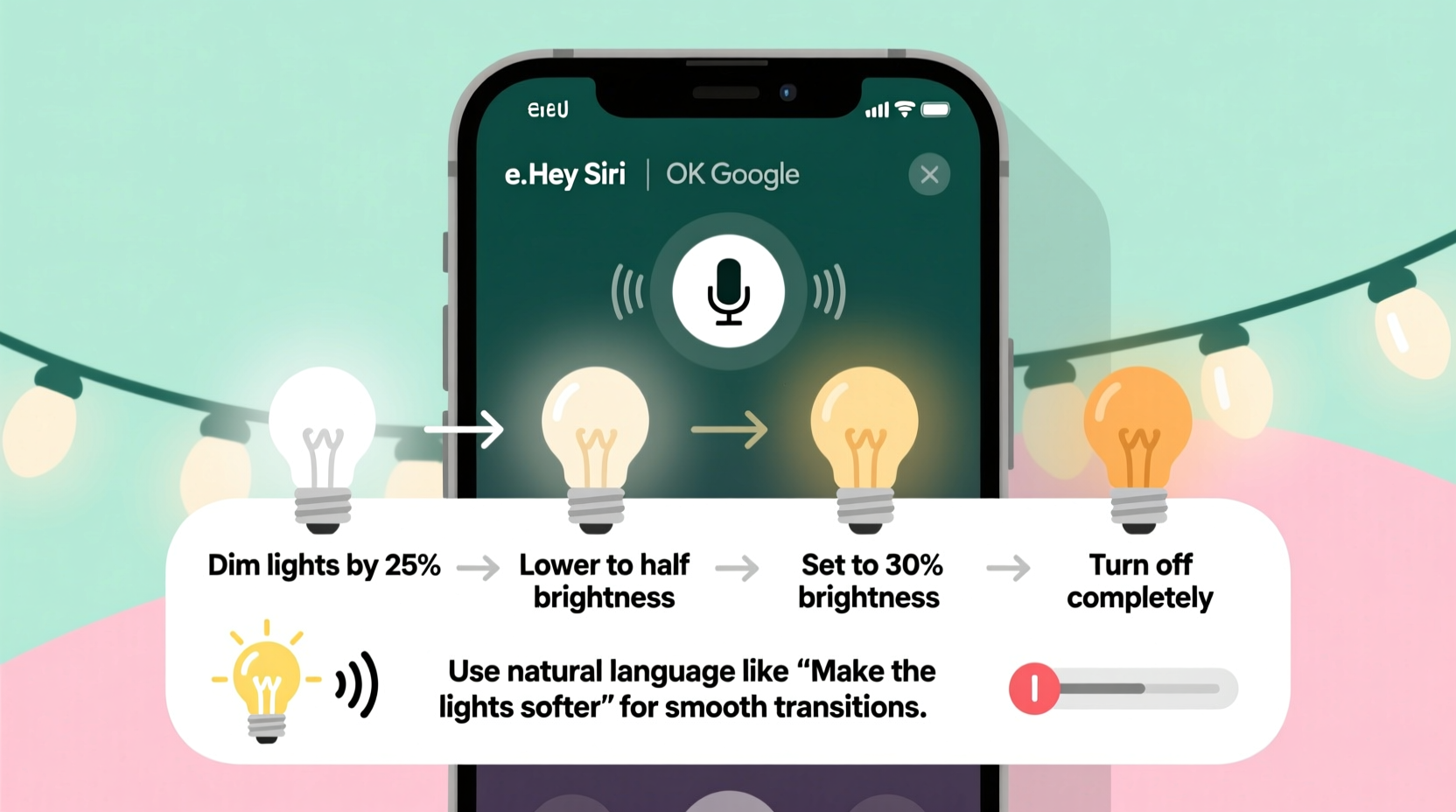
Gradual dimming refers to a slow reduction in brightness over time, rather than an immediate switch from full brightness to off. This mimics natural sunset transitions and reduces visual shock, making it ideal for winding down the evening during the holidays. However, not all smart lights support smooth dimming curves, and even fewer allow voice-triggered gradual changes out of the box.
To achieve this effect, your lights must be:
- Connected to a compatible smart home ecosystem (Alexa, Google Home, or Apple HomeKit)
- Able to adjust brightness in fine increments (typically 1% steps or better)
- Controlled through a hub or bridge that supports scheduling and automation (e.g., Philips Hue Bridge, Lutron Smart Bridge, or Zigbee-compatible hubs)
Most modern LED string lights designed for smart homes use protocols like Wi-Fi, Zigbee, or Bluetooth. Lights using Zigbee or Z-Wave often provide smoother dimming performance because they communicate through dedicated hubs, reducing latency and improving responsiveness compared to Wi-Fi-only models.
Supported Voice Assistants and Their Capabilities
Different voice platforms offer varying levels of control when it comes to adjusting light brightness over time. While none natively support a direct command like “dim the lights gradually over 30 minutes,” workarounds exist through routines, scenes, and automations.
| Assistant | Direct Gradual Dim Command? | Solution Method | Best For |
|---|---|---|---|
| Amazon Alexa | No | Routines + Scheduled Scenes | Users invested in Echo devices and third-party integrations |
| Google Assistant | No | Automation via Google Home app | Android users and Nest ecosystem owners |
| Apple Siri | Limited | Shortcuts with time delays | iOS/HomeKit users seeking precision |
The key takeaway is that while no assistant currently interprets “slowly dim” as a single spoken instruction, all three allow indirect implementation through pre-built automations triggered by voice.
“Voice-controlled lighting should feel intuitive, but achieving nuanced effects like gradual dimming still requires some technical setup. The payoff in ambiance is worth the effort.” — Marcus Lin, Smart Home Integration Specialist
Step-by-Step Guide: Setting Up Gradual Dimming via Voice Commands
To enable voice-activated gradual dimming, follow this structured process across any major platform. This example uses Philips Hue lights with Alexa, but the logic applies broadly.
- Verify Device Compatibility
Ensure your lights are connected to a smart hub and appear in your chosen app (e.g., Alexa app, Google Home, or Apple Home). Test basic on/off and brightness controls manually first. - Create Multiple Brightness Scenes
In your smart home app, create several scenes representing different brightness levels. For example:- Christmas Lights – 100%
- Christmas Lights – 75%
- Christmas Lights – 50%
- Christmas Lights – 25%
- Christmas Lights – Off
- Set Up a Delayed Automation Sequence
Using the automation tools in your app, program a sequence where each scene activates after a delay. In the Alexa app:- Go to Routines → Create New Routine
- Set trigger: “When I say ‘Dim Christmas lights slowly’”
- Add action: “Set Christmas Lights to 75%”
- Wait 5 minutes
- Add action: “Set Christmas Lights to 50%”
- Wait 5 minutes
- Continue until reaching 0%
- Use Third-Party Tools for Smoother Transitions
Platforms like IFTTT (If This Then That) or Home Assistant allow for more granular control. For instance:- Create an IFTTT applet triggered by a voice phrase (“Start dimming Christmas lights”)
- Program it to call a webhook that sends incremental brightness reductions every 2–3 minutes
- Link to your smart light API (e.g., Hue API or Nanoleaf)
- Test and Refine the Timing
Run the automation and observe how the dimming feels. Adjust wait times between steps based on desired duration. A 20-minute fade might involve four 5-minute intervals dropping 25% each time. For longer fades, add intermediate steps at 90%, 80%, etc.
Once configured, simply say your custom phrase—such as “Alexa, dim Christmas lights slowly”—and the sequence begins. No manual intervention needed.
Real Example: A Cozy Holiday Evening with Automated Dimming
Sarah, a homeowner in Portland, wanted her porch and living room lights to gently wind down each night at 9 PM without disrupting family time. She used a combination of Philips Hue outdoor strips and indoor smart plugs controlling LED strings, all managed through Alexa.
She created a routine called “Evening Glow Down” that activated when she said, “Alexa, start evening glow.” The system waited five minutes, then reduced brightness by 25%. Another five minutes passed before cutting to 50%, then 25%, and finally turning off at 9:20 PM. She also set a backup schedule so that if she forgot to trigger it verbally, the same sequence ran automatically at 9 PM nightly during December.
The result? Her children could enjoy the sparkle of the display during dinner, then naturally transition to quieter activities as the lights softened. Guests commented on the cinematic quality of the fading lights. Sarah found the setup took less than 30 minutes and now considers it a permanent part of her holiday tradition.
Checklist: Preparing Your System for Voice-Controlled Gradual Dimming
- ✅ Confirm your lights are dimmable and connected to a smart hub
- ✅ Update firmware on bulbs and bridges
- ✅ Install and link your smart home app (Alexa, Google Home, or Apple Home)
- ✅ Manually test brightness levels from 100% down to 1%
- ✅ Create named scenes or shortcuts for each dimming stage
- ✅ Build automation with timed delays between steps
- ✅ Assign a unique voice command to trigger the sequence
- ✅ Test the full cycle and adjust timing as needed
Common Pitfalls and How to Avoid Them
Many users encounter issues when first attempting gradual dimming. Awareness of these challenges improves success rates.
- Lights don’t respond to intermediate levels: Some budget smart bulbs only support coarse dimming (e.g., 100%, 50%, 0%). Invest in high-resolution dimming bulbs for smooth transitions.
- Delays aren’t respected in routines: Free-tier apps like Alexa may skip waits under certain conditions. Use paid services like Home Assistant or Node-RED for reliable timing.
- Voice command conflicts: Avoid generic phrases like “dim the lights” if you have multiple lighting zones. Be specific: “dim the Christmas tree lights gradually.”
- Battery-powered remotes interfere: If using physical remotes alongside voice, ensure they don’t override automated sequences.
Also, remember that Wi-Fi congestion during the holidays—due to streaming, guests, and extra devices—can delay commands. Using a mesh network or Zigbee-based system helps maintain reliability.
Frequently Asked Questions
Can I use Siri to gradually dim my Christmas lights?
Yes, but not directly through a single voice command. You’ll need to use the Shortcuts app on iOS to build a sequence with pauses between brightness adjustments. Once saved, you can trigger the shortcut by saying, “Hey Siri, dim Christmas lights slowly.” Keep in mind that Apple limits background execution, so very long fades may stop if the phone locks.
Do all smart Christmas lights support gradual dimming?
No. Only lights marketed as “smooth dimming” or “flicker-free dimming” will produce a seamless effect. Cheaper models may jump between brightness levels or flicker at low intensities. Check product specs for dimming resolution and minimum brightness threshold.
Is there a way to dim lights gradually without setting a fixed schedule?
Absolutely. Instead of time-based triggers, use voice-activated routines or geofencing (e.g., dim lights when your phone leaves the driveway). This allows on-demand control without tying dimming to a clock.
Final Thoughts and Moving Forward
Using voice commands to dim Christmas lights gradually blends festive charm with modern convenience. While it requires upfront configuration, the ability to whisper a phrase and watch your holiday display softly fade into the night adds a layer of sophistication to seasonal decor. As voice AI evolves, we may soon see natural language understanding capable of interpreting “dim slowly over ten minutes” without complex routines. Until then, the methods outlined here empower you to create that experience today.
The real magic lies not just in automation, but in how it enhances moments—helping families relax, creating photo-worthy transitions, and reducing energy use by ensuring lights don’t stay blazing all night. With careful planning and a few taps in an app, your voice becomes the conductor of a luminous holiday symphony.




 浙公网安备
33010002000092号
浙公网安备
33010002000092号 浙B2-20120091-4
Comments
No comments yet. Why don't you start the discussion?