
Many people assume that using a debit card means swiping or inserting it and selecting “debit” every time. But there’s a smarter way: treating your debit card like a credit card at checkout. This method offers enhanced security, greater convenience, and better transaction tracking—all while still drawing funds directly from your bank account. Unlike traditional credit card spending, you’re not borrowing money or accruing interest. You're simply using your own funds with the added benefits of credit-style processing.
This approach is widely accepted across retailers, online platforms, and even international vendors. Yet, surprisingly few consumers take full advantage of it. Understanding how to leverage this feature properly can protect your finances, simplify budgeting, and improve your overall payment experience.
Why Use Your Debit Card Like a Credit Card?
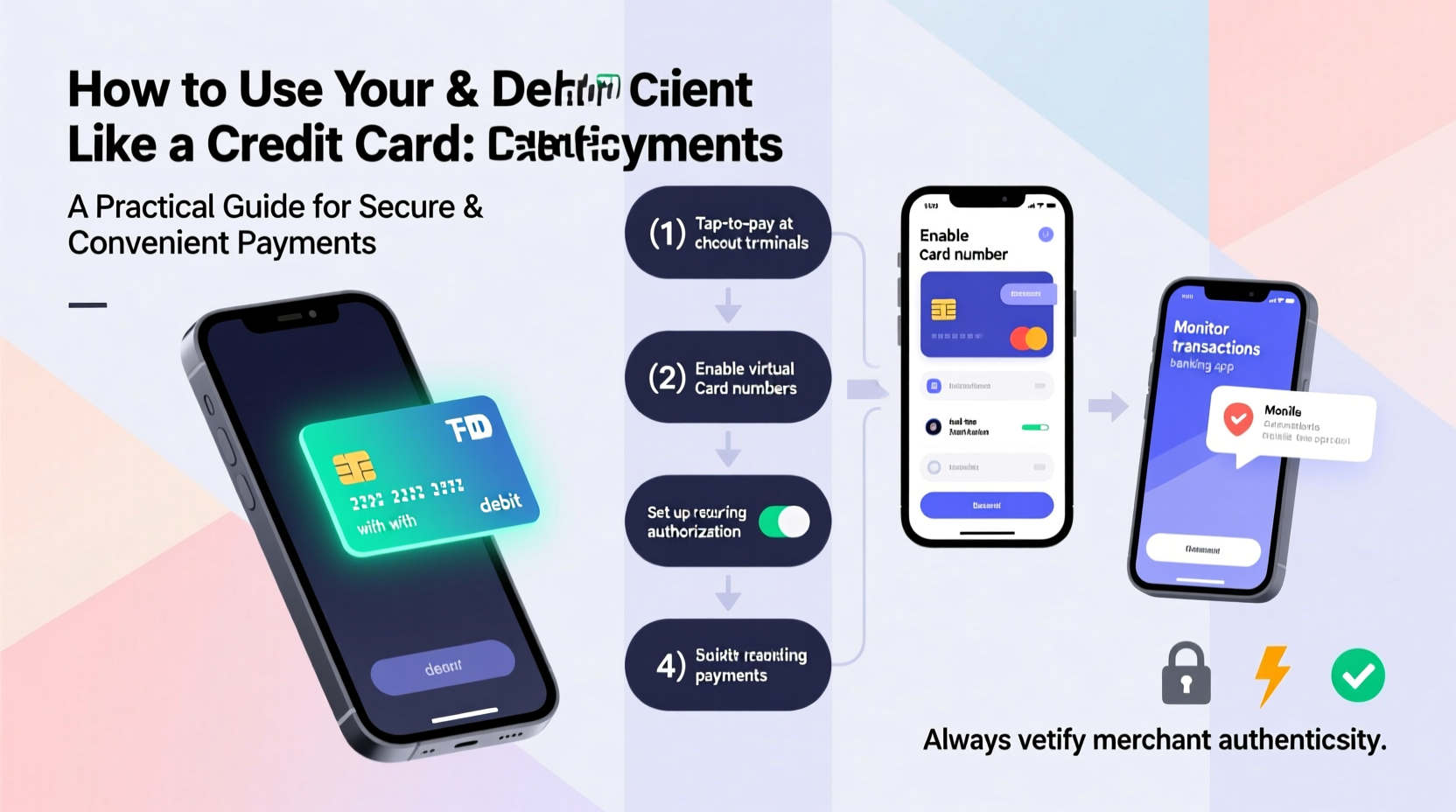
When you choose “credit” at the point of sale—even with a debit card—you initiate a transaction that runs on major card networks like Visa or Mastercard, rather than through a PIN-based banking system. This subtle shift changes how your payment is processed, verified, and protected.
The primary benefit lies in fraud protection. Credit-mode transactions are typically subject to zero-liability policies enforced by card issuers. If someone steals your card number, you aren’t held responsible for unauthorized charges as long as you report them promptly. In contrast, PIN-based debit transactions may offer weaker protections and slower reimbursement timelines if fraud occurs.
Additionally, credit-mode transactions often result in faster merchant authorization holds, especially at gas stations, hotels, and rental agencies. These businesses frequently place temporary holds when you use “debit,” sometimes freezing hundreds of dollars until the final charge clears. Using the card as credit reduces the likelihood of excessive holds.
“Using your debit card in credit mode gives you the same network-level protections as credit cards, without the risk of overspending.” — Lisa Reynolds, Consumer Finance Advisor at National Banking Institute
Step-by-Step: How to Use Your Debit Card Like a Credit Card
Switching to credit-mode transactions is simple once you know what to look for during checkout. Follow this step-by-step process:
- Insert, tap, or swipe your card as usual at any terminal that accepts contactless or chip payments.
- Wait for the prompt asking whether you want to proceed as “Debit” or “Credit.” Some systems will default to debit; others display both options clearly.
- Select “Credit”, even though the card pulls from your checking account.
- Skip entering your PIN. Instead, sign the screen (if required) or confirm with a fingerprint or tap on mobile wallets.
- Review the receipt to ensure the transaction was processed correctly and no unexpected hold was placed.
This method works seamlessly in physical stores, at self-service kiosks, and within digital payment environments such as Apple Pay or Google Wallet, where your debit card is tokenized and used under the credit network framework.
Security Advantages Over Traditional Debit Use
One of the most compelling reasons to use your debit card as credit is improved fraud defense. Here’s why:
- Zero Liability Protection: Major card networks guarantee that users won’t be liable for unauthorized purchases reported within 60 days.
- No Immediate Fund Withdrawal: Unlike PIN transactions, which pull money instantly, credit-mode purchases create a temporary authorization. This gives banks more time to detect anomalies before funds leave your account.
- Less Exposure of Sensitive Data: When processed via credit networks, your actual account number isn't transmitted. Tokenization masks sensitive details, reducing risks in data breaches.
- Faster Dispute Resolution: Credit-mode disputes are handled similarly to credit card claims, often resolving within 10 business days instead of weeks typical for ATM-style fraud cases.
For example, imagine you fill up at a gas station using your debit card. If you select “debit” and enter your PIN, and that terminal has been compromised by skimming software, your PIN and card data could be captured. With that information, criminals might withdraw cash directly from your account. But if you had chosen “credit,” only encrypted transaction data would be exposed—making it far harder to exploit.
Real Example: Avoiding a Costly Hold
Sarah rented a car during a weekend trip. At pickup, she used her debit card and selected “debit” mode. The rental company immediately placed a $500 hold on her account—on top of the actual $320 charge. Because she didn’t have a large buffer in her checking account, two recurring bills failed to process the next day, triggering overdraft fees.
When she called customer support, the agent explained that had she used the card as “credit,” the hold would likely have been smaller or released faster. After switching her preference on future rentals, Sarah avoided similar issues—even receiving upgraded rental insurance coverage offered exclusively to credit-network transactions.
Do’s and Don’ts of Debit-as-Credit Usage
| Do | Don’t |
|---|---|
| Choose “credit” at checkout to activate network protections | Use your debit card at unsecured ATMs or outdated terminals |
| Monitor your bank statements weekly for unfamiliar charges | Share your PIN with anyone, including family members |
| Enable transaction alerts via text or email | Forget to report suspicious activity within 60 days |
| Use virtual card numbers for online subscriptions | Assume all merchants treat debit-as-credit the same way |
Checklist: Optimizing Your Debit Card Experience
- ✅ Confirm your bank supports credit-mode processing on your debit card
- ✅ Update mobile wallet apps with preferred debit cards set to “credit”
- ✅ Activate real-time spending notifications through your banking app
- ✅ Carry a backup payment method for emergencies
- ✅ Review monthly statements for incorrect holds or duplicate charges
- ✅ Contact your bank immediately upon spotting unauthorized activity
Frequently Asked Questions
Does using my debit card as credit affect my credit score?
No. Since no credit line is involved and the transaction draws directly from your bank balance, these purchases do not appear on your credit report and won’t impact your credit score—either positively or negatively.
Are there fees for choosing “credit” instead of “debit”?
Generally, no. Most U.S. banks and credit unions do not charge consumers extra for credit-mode transactions. However, some small institutions or credit unions may impose nominal interchange fees on merchants, which never get passed to the cardholder.
Can I earn rewards using my debit card as credit?
In most cases, standard debit cards don’t offer cashback or points. However, certain premium checking accounts or specialized debit programs now include limited reward structures tied to credit-network usage. Check with your financial institution about available perks.
Final Thoughts: Make Every Transaction Smarter
You don’t need a credit card to enjoy the safety and convenience of credit-style payments. By consistently selecting “credit” at checkout, you gain stronger fraud safeguards, fewer surprise holds, and smoother transaction experiences—all while staying within your budget and avoiding debt.
It takes minimal effort to change your habit at the register, but the cumulative benefits over time are significant. Whether shopping online, renting equipment, or traveling abroad, treating your debit card like a credit card puts control back in your hands.




 浙公网安备
33010002000092号
浙公网安备
33010002000092号 浙B2-20120091-4
Comments
No comments yet. Why don't you start the discussion?