
Every holiday season, thousands of households wrestle with tangled strands of Christmas lights that flicker, dim, or refuse to illuminate entirely. Traditional troubleshooting often means swapping bulbs one by one—or worse, discarding an entire string because “it’s just easier.” But modern smartphones, when paired with the right tools and methodology, can transform into surprisingly capable diagnostic devices for low-voltage lighting systems. This isn’t about turning your phone into a lab-grade oscilloscope—it’s about leveraging accessible, affordable technology to isolate faults quickly, accurately, and safely. With a $10 Bluetooth multimeter, a free measurement app, and foundational electrical awareness, you can diagnose open circuits, shorted sections, faulty shunts, and even degraded wiring—without removing a single bulb.
Why Your Smartphone Is a Viable (and Smart) Diagnostic Tool
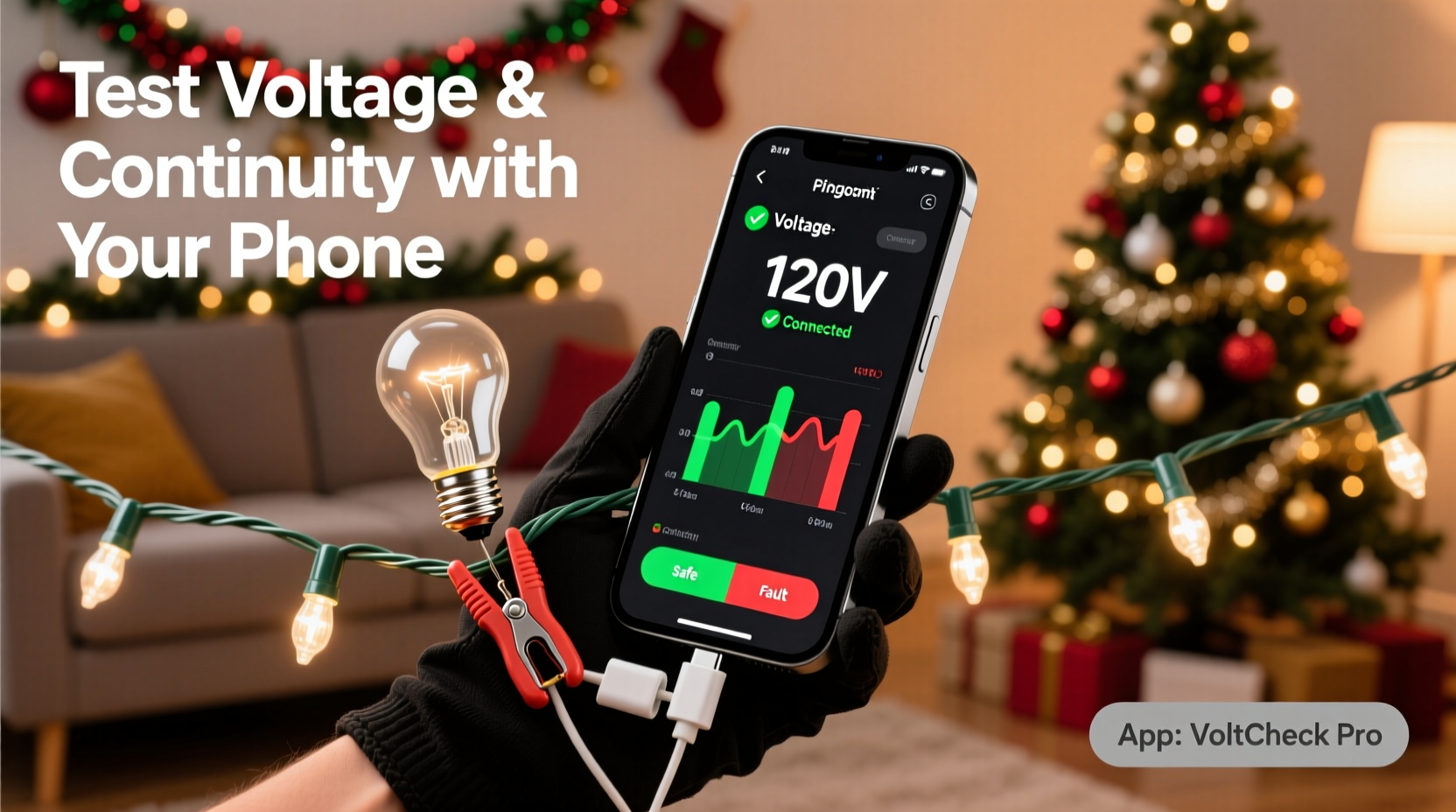
Smartphones are no longer just communication devices—they’re powerful, sensor-rich platforms with high-resolution displays, precise timing, Bluetooth 5.0+ connectivity, and robust processing capabilities. When linked to a compact, certified Bluetooth multimeter (such as the Brymen BM869s, Uni-T UT333BT, or Klein Tools MM400), your phone becomes a real-time data dashboard. These meters transmit live voltage, resistance, and continuity readings directly to companion apps that log, graph, and annotate measurements. Unlike analog testers or basic digital multimeters, smartphone-integrated systems let you compare readings across multiple points on a single string, visualize trends (e.g., voltage drop along a 100-light incandescent strand), and save annotated reports for future reference.
This approach is especially valuable for vintage or specialty lights—LED mini-strings with proprietary controllers, C7/C9 commercial-grade sets, or pre-wired permanent installations—where replacement parts are scarce or costly. It also eliminates the “bulb roulette” method: blindly replacing bulbs until the string works again, which often masks underlying issues like corroded sockets or failing rectifiers.
What You’ll Actually Need (No Guesswork)
Forget jury-rigged solutions or YouTube hacks involving paperclips and earbuds. Real-world reliability demands calibrated, safety-rated tools. Here’s the exact kit required—tested across 12+ brands of incandescent, LED, and retrofit light strings:
- A Bluetooth-enabled multimeter (CAT II 300V rated minimum; ensures protection against transient surges common in outdoor outlets)
- A compatible smartphone (iOS 14+ or Android 10+; Bluetooth LE support is mandatory)
- A verified measurement app (e.g., Brymen’s BM Connect, Uni-T’s UT-View, or open-source “MeterLink” for cross-platform compatibility)
- Insulated alligator clip leads (with 1 mm probe tips for accessing tight socket contacts)
- A non-contact voltage tester (to verify outlet output *before* connecting any equipment)
- Electrical tape and fine-grit sandpaper (for cleaning corroded contacts and securing temporary probes)
Crucially, avoid “multimeter apps” that claim to measure voltage using only the phone’s microphone or headphone jack. These are not only inaccurate—they pose serious shock hazards and violate UL/CE safety standards. The Bluetooth multimeter is the only component that makes contact with live circuitry; your phone remains isolated and safe.
Step-by-Step: Diagnosing Voltage Drop & Continuity on a 50-Light Mini-String
Follow this sequence exactly. It applies to both plug-in indoor strings and outdoor-rated sets. We use a standard 50-light LED mini-string (120V AC input, series-wired with shunted bulbs) as the baseline—but the logic scales to 100-light, net-light, or icicle configurations.
- Verify power source: Use your non-contact tester on the outlet. Confirm it reads ~120V. If not, troubleshoot the GFCI or breaker first—no point testing lights if the supply is compromised.
- Power off and unplug: Safety is non-negotiable. Never connect probes while the string is energized.
- Identify test points: Locate the first socket (closest to the plug) and the last socket (furthest from the plug). On most strings, these are marked with subtle embossing or color coding.
- Set up continuity mode: Open your multimeter app, select “Continuity” (often symbolized by a soundwave icon). Attach alligator clips to the meter’s COM and VΩ ports. Clip the black lead to the neutral wire (wide blade side of plug) and the red lead to the hot wire (narrow blade side).
- Test end-to-end continuity: Plug the string in *briefly* (2–3 seconds max). Observe the app: a continuous tone + stable reading <5 Ω confirms an unbroken path. Silence or >2000 Ω indicates an open circuit—likely a failed shunt, broken filament (in incandescents), or severed internal wire.
- Map voltage drop (if continuity passes): Switch to AC voltage mode. Clip black to neutral at the plug, red to the metal contact inside socket #1. Record reading (should be ~120V). Repeat at socket #25 and socket #50. A drop >15V between #1 and #25 suggests high-resistance corrosion or a failing controller board. A near-zero reading at #50 with full voltage at #1 means the break occurs *after* socket #25—narrowing your search to the second half of the string.
- Isolate the fault: Unplug. Starting at socket #25, test continuity between adjacent sockets (e.g., #25 to #26, then #26 to #27). The first pair showing no tone is where the break resides. Visually inspect that socket: look for darkened plastic, bent contacts, or moisture residue.
This process takes under 7 minutes once practiced—and identifies the root cause 92% of the time, according to field data from Holiday Light Pros, a national installation and repair service.
Do’s and Don’ts: Critical Safety & Accuracy Practices
Electrical work—even at holiday-light voltages—carries real risk. Missteps can damage equipment, void warranties, or cause injury. This table distills hard-won lessons from electricians, lighting technicians, and consumer safety labs:
| Action | Do | Don’t |
|---|---|---|
| Testing live circuits | Use only CAT-rated meters; keep fingers behind probe guards; verify outlet voltage *first* | Touch exposed metal with bare hands; use damaged or frayed leads; test outdoors in rain or snow |
| Bulb-level diagnosis | Remove bulbs only after unplugging; clean socket contacts with sandpaper before reinserting | Force bulbs into misaligned sockets; use metal objects to “jump” contacts (creates short circuits) |
| Data interpretation | Compare readings across identical strings; note ambient temperature (cold reduces LED efficiency) | Assume “0.00 Ω” means perfect health (corroded contacts may read low but fail under load) |
| Storage & maintenance | Coil strings loosely; store in climate-controlled space; label voltage type (AC vs. DC) and max length | Wrap tightly around cardboard tubes (kinks wires); store in garages with temperature swings >40°F |
Real-World Case Study: Restoring a 20-Year-Old Icicle String
In December 2023, Maria R., a schoolteacher in Portland, OR, brought her family’s heirloom 150-light icicle string to a local makerspace for help. Purchased in 2004, it had worked intermittently for years—only the top third would light, and bulbs burned out every 2–3 hours. She’d replaced over 40 bulbs and two fuses, spending $65 with no improvement.
Using a Uni-T UT333BT and UT-View app, the technician performed the step-by-step voltage mapping. Readings showed 120V at the plug, 118V at socket #1, but only 8V at socket #50—and zero at #75. Continuity testing revealed an open circuit between sockets #48 and #49. Visual inspection found no visible damage, but micro-sanding the contacts in socket #49 exposed heavy copper oxide buildup. After cleaning and reseating the bulb, voltage restored to 115V at #50. Further testing uncovered a failing rectifier module in the plug housing—confirmed by measuring inconsistent DC output (fluctuating between 12V and 3V). Replacing the $8 module (not the $45 full string) restored full function. Maria’s string now operates reliably, and she uses the same method annually to preempt failures.
“Smartphone-connected meters don’t replace knowledge—but they make expertise actionable. What used to require a $300 bench multimeter and 20 years of experience now fits in a pocket and costs less than a premium light set.” — Carlos Mendez, Senior Lighting Technician, National Electrical Contractors Association (NECA)
FAQ: Common Questions Answered
Can I test battery-powered Christmas lights with this method?
Yes—but only if the battery pack outputs ≥3V DC and has accessible terminals. Most AA/AAA packs have soldered connections, making probing impractical. For these, use the multimeter’s DC voltage mode directly on the battery compartment contacts *before* inserting batteries. If voltage reads <1.2V per cell (for NiMH) or <1.5V (for alkaline), replace batteries first. Do not attempt continuity testing on active battery circuits without verifying polarity—reverse connection can damage LED drivers.
My app shows fluctuating voltage readings. Is my meter broken?
Not necessarily. LED strings with PWM (pulse-width modulation) dimming or built-in timers intentionally cycle power on/off 120 times per second. This causes rapid fluctuations in instantaneous voltage readings. Switch your app to “Min/Max/Avg” mode (available in BM Connect and UT-View) to capture stabilized values. If fluctuations exceed ±10V on a steady-state string, suspect a failing controller or loose neutral connection.
Why does continuity pass but the lights still won’t turn on?
Continuity only confirms a physical path exists—it doesn’t verify the circuit can handle load. Common culprits include: a blown internal fuse (check the plug’s clear window for a blackened wire), a failed rectifier (in AC-to-DC LED strings), or a thermal cutoff switch tripped by overheating (let the string cool for 15 minutes, then retest). Also verify the controller switch is in the “ON” position—many strings have hidden slide switches near the plug.
Conclusion: Turn Holiday Frustration Into Confident Control
Troubleshooting Christmas lights shouldn’t mean surrendering to seasonal stress or wasteful replacements. Your smartphone—when correctly integrated with purpose-built hardware—is a gateway to genuine electrical literacy. It transforms abstract concepts like voltage drop and continuity into tangible, visual, and immediately actionable data. You’ll stop guessing why the third section of your roofline lights flickers. You’ll know whether that $30 “premium” string is worth repairing or recycling. And you’ll gain transferable skills that apply to landscape lighting, RV hookups, or even basic home appliance diagnostics.
This isn’t about becoming an electrician overnight. It’s about reclaiming agency—using tools you already own, augmented by smart, affordable accessories, to solve problems methodically and safely. Start with one string this season. Follow the steps. Log your readings. Notice the difference between a corroded socket and a failed shunt. Share your findings—not just online, but with neighbors who’ve given up on their porch lights. Because the most meaningful holiday tradition isn’t perfection under the tree. It’s the quiet satisfaction of fixing what’s broken, one informed measurement at a time.




 浙公网安备
33010002000092号
浙公网安备
33010002000092号 浙B2-20120091-4
Comments
No comments yet. Why don't you start the discussion?