
As holiday decorating season approaches, one of the most common frustrations is discovering too late that a string of Christmas lights isn’t compatible with a dimmer switch. Whether you're aiming for a soft glow on the porch or a dramatic ambiance inside, using non-dimmable LED lights on a dimmer can lead to flickering, buzzing, or even permanent damage. Fortunately, you don’t need specialized equipment to determine whether your lights are dimmable. With just your smartphone and a few simple techniques, you can test them quickly and accurately before installation.
Modern smartphones come equipped with high-speed cameras and sensors capable of detecting subtle changes in light frequency and brightness. These features, often used for photography and video stabilization, can be repurposed to identify whether a set of Christmas lights uses dimmable LED technology. This guide walks you through proven methods, explains how lighting technology affects compatibility, and offers practical tips to avoid costly mistakes during your holiday setup.
Understanding Dimmable vs. Non-Dimmable Christmas Lights
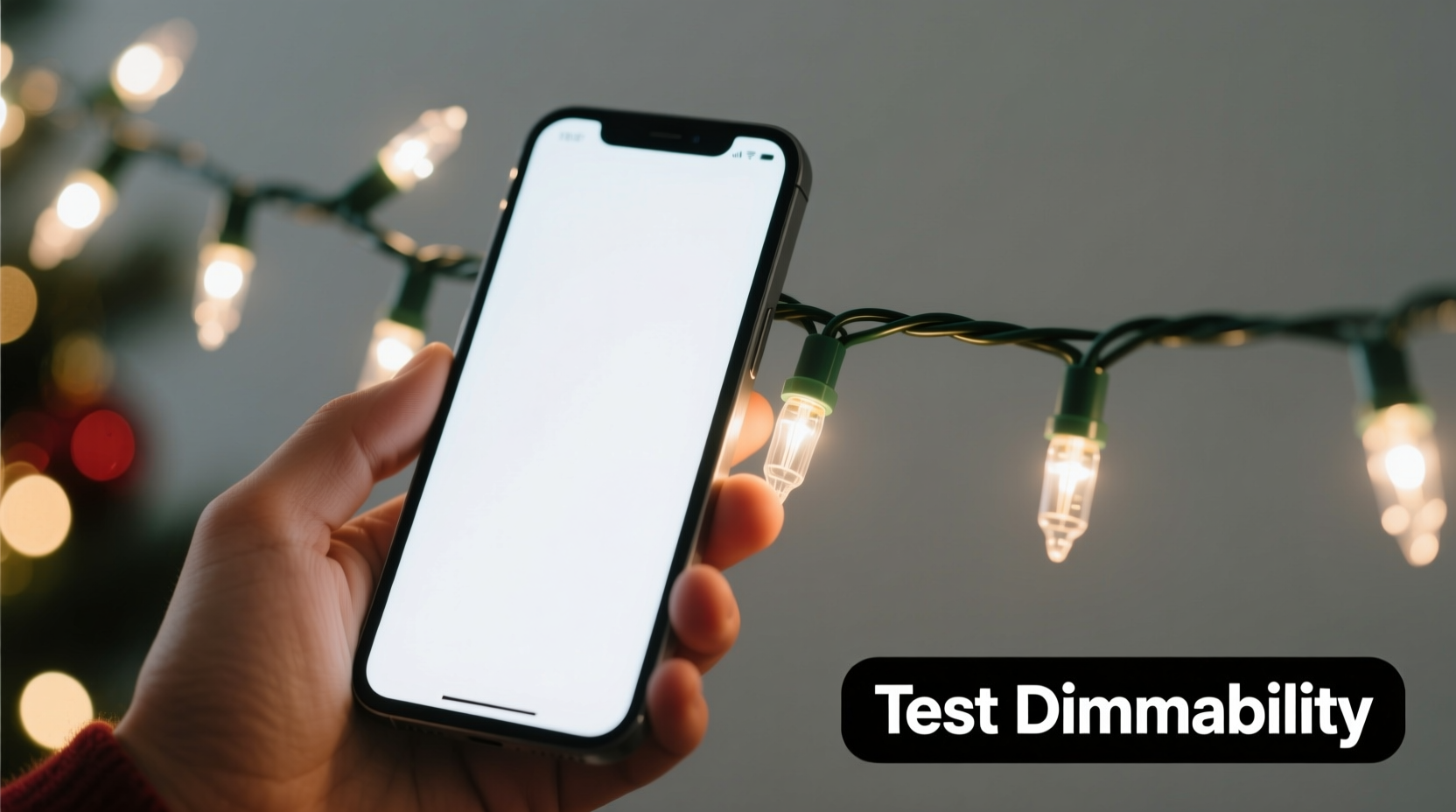
Before testing, it’s essential to understand the difference between dimmable and non-dimmable LED Christmas lights. While both types may look identical when lit, their internal circuitry determines how they respond to reduced voltage or pulse-width modulation (PWM), the primary method used by modern dimmers.
- Dimmable LEDs are designed with drivers that interpret signals from dimmer switches, allowing smooth brightness transitions without flicker or noise.
- Non-dimmable LEDs lack this adaptive circuitry. When connected to a dimmer, they either fail to turn on, flicker erratically, or produce an audible hum due to incompatible power delivery.
Many consumers assume all LED lights are inherently dimmable because they’re energy-efficient, but this is a misconception. Manufacturers must specifically design and label lights as “dimmable” for safe use with dimming systems. Unfortunately, packaging labels can wear off, get lost, or be misleading—especially with third-party or bulk-purchased strings.
“Not all LED lights are created equal. The driver technology inside determines dimming capability—not the bulb type alone.” — Mark Reynolds, Electrical Lighting Engineer, IEEE Member
How Smartphone Cameras Can Detect Light Flicker
The key to using your smartphone lies in its camera’s frame rate. Most smartphone cameras record at 30 or 60 frames per second (fps), while some offer slow-motion modes up to 240 fps. When a light source flickers rapidly—often imperceptible to the human eye—the camera can capture these fluctuations as visible strobing, rolling lines, or banding effects across the screen.
Dimmable LED lights typically use PWM to adjust brightness. This technique rapidly turns the current on and off—hundreds or thousands of times per second—creating the illusion of lower brightness. The duty cycle (percentage of time the light is on) determines perceived brightness. A 50% duty cycle appears half as bright, but the light is actually blinking very fast.
Non-dimmable LEDs powered by a dimmer may also flicker, but in an uncontrolled, irregular way due to mismatched frequencies. Your smartphone camera can detect both types of flicker—but only one indicates true dimming capability.
Step-by-Step Guide: Testing Dimmability Using Your Smartphone
Follow this sequence to determine whether your Christmas lights are truly dimmable. You’ll need only your smartphone, a standard wall dimmer switch (or a smart plug with dimming functionality), and a dark room for best results.
- Set up the lights on a dimmer: Plug the Christmas lights into a compatible dimmer switch. If you don’t have one installed, use a smart dimmer plug (like those from Philips Hue, Lutron, or TP-Link) that allows manual brightness adjustment via app.
- Dim the lights to 50%: Adjust the dimmer to about halfway. This is where flicker issues are most likely to appear if the lights aren’t designed for dimming.
- Turn off ambient lighting: Move to a dim or dark room. Background light can mask flicker patterns on your phone’s screen.
- Open your smartphone camera app: Use the standard camera mode first. Point the camera directly at the lit bulbs from a distance of 1–3 feet.
- Observe the screen for flicker artifacts: Look for:
- Rolling dark bands moving across the screen
- Visible strobing or pulsing in the light string
- Flickering that syncs with a rhythmic pattern
- Switch to slow-motion video (if available): Record a short clip at 120 or 240 fps. Play it back in real time—this slows down rapid flicker, making it easier to analyze.
- Adjust brightness up and down: Change the dimmer setting while watching the live view. True dimmable lights will show consistent, stable flicker patterns across levels. Non-dimmable lights may blink erratically or cut out entirely.
If the lights display a steady, rhythmic flicker that changes smoothly with dimmer adjustments, they are likely dimmable. If the flicker is chaotic, uneven, or causes sections of the string to go dark intermittently, they are not designed for dimming.
Interpreting Results: What the Flicker Tells You
It’s important to distinguish between healthy PWM-based dimming and problematic flicker caused by incompatibility. The table below outlines what to expect in each scenario.
| Observation | Likely Meaning | Recommended Action |
|---|---|---|
| Smooth brightness change; no visible flicker | Lights are dimmable and well-matched to the dimmer | Safe to use as-is |
| Consistent rolling bands or strobe at low brightness | Dimmable LEDs using PWM—normal behavior | Acceptable; flicker invisible to naked eye |
| Erratic blinking, partial illumination, or flashing | Non-dimmable LEDs on a dimmer circuit | Remove from dimmer; use with on/off switch only |
| No flicker at any level, even when dimmed | Possibly incandescent or high-frequency dimmable LEDs | Confirm via packaging or multimeter test |
| Audible buzzing from lights or dimmer | Electrical incompatibility; risk of damage | Turn off immediately |
Keep in mind that some high-quality dimmable LEDs use advanced drivers that minimize visible flicker even on camera. In such cases, absence of flicker doesn’t rule out dimmability—it may indicate superior engineering.
Tips Box: Maximizing Accuracy in Testing
Real Example: A Holiday Decorator’s Mistake
Sarah, a home decorator in Portland, spent hours installing a new set of “warm white” LED mini-lights around her living room windows. She connected them to a smart dimmer for mood lighting during gatherings. On the first night, guests complained of headaches and eye strain. When she pointed her iPhone at the lights, she noticed rapid horizontal banding across the screen—clear evidence of flicker.
She followed the smartphone test steps, dimming the lights gradually. At 60% brightness, every third bulb blinked out randomly. The manufacturer’s website confirmed the product was labeled “non-dimmable,” though the packaging had been discarded months earlier. Sarah switched the string to a regular outlet and replaced it with a certified dimmable version for future use. Her experience highlights how easy it is to make assumptions—and how a quick smartphone check could have prevented discomfort and rework.
Alternative Methods Without a Dimmer Switch
If you don’t have access to a dimmer, you can still assess dimmability using your smartphone and other environmental cues.
- Compare with known dimmable lights: Place a known dimmable string next to the untested one. Power both at low voltage (using a variable power supply or battery pack with settings). Film both with your phone. Similar flicker patterns suggest compatibility.
- Use a flashlight app test: Some apps allow manual control over LED flash intensity. While not precise, rapidly toggling your phone’s flashlight near the lights can reveal responsiveness—if the Christmas lights react in sync, they may support modulation.
- Check for labeling with OCR: Use Google Lens or Apple Visual Look Up to scan the wire or plug. Even faded text can sometimes be recovered digitally, revealing model numbers that can be searched online for specifications.
Checklist: Verify Dimmability in 5 Minutes
Use this quick-reference checklist before installing any Christmas lights on a dimming circuit:
- ✅ Confirm the lights are plugged into a working dimmer or dimmable smart plug
- ✅ Lower brightness to 30–50% to stress-test performance
- ✅ Use smartphone camera to inspect for flicker or banding
- ✅ Record slow-motion video to analyze flicker stability
- ✅ Listen for buzzing or crackling sounds from lights or wall plate
- ✅ Cross-check model number online if uncertainty remains
Frequently Asked Questions
Can I damage my smartphone by pointing it at flickering lights?
No. The camera sensor is not harmed by exposure to LED flicker. However, prolonged viewing of flickering screens may cause eye strain in sensitive individuals—limit exposure time during testing.
Do all dimmable lights show flicker on smartphone cameras?
Not necessarily. Higher-end dimmable LEDs use high-frequency PWM (above 1,000 Hz), which exceeds most smartphone camera sampling rates. In these cases, flicker may not be visible, but the lights remain fully dimmable. Absence of flicker doesn’t mean non-dimmable—always verify with product specs when possible.
Why do some non-dimmable lights work fine on a dimmer at full brightness?
At 100% output, many dimmers deliver full line voltage, mimicking a standard switch. Problems arise when dimming begins. Even if lights appear to work at full brightness, operating them on a dimmer circuit voids warranties and increases long-term failure risk.
Conclusion: Smart Testing for Safer, Better-Lit Holidays
Testing Christmas lights for dimmability doesn’t require technical expertise or expensive tools. Your smartphone, already in your pocket, is a powerful diagnostic device capable of revealing hidden electrical behaviors. By understanding how LED technology interacts with dimmers and learning to interpret what your camera shows, you can avoid flicker, prevent damage, and create the exact lighting atmosphere you envision.
This holiday season, take five minutes before hanging a single strand. Use your phone to verify compatibility, ensure safety, and protect your investment in quality decorations. Accurate testing today means fewer surprises, better comfort, and more enjoyment tomorrow.




 浙公网安备
33010002000092号
浙公网安备
33010002000092号 浙B2-20120091-4
Comments
No comments yet. Why don't you start the discussion?