
Determining whether a mobile phone is currently active—meaning it’s powered on, connected to a network, and capable of receiving calls or messages—is essential in various situations. Whether you're purchasing a used device, tracking a lost phone, monitoring a child’s whereabouts, or verifying the status of a colleague’s line, knowing how to confirm activity accurately matters. While no method offers 100% certainty without physical access or carrier cooperation, several practical techniques can give you reliable insights.
This guide outlines actionable steps, tools, and strategies that combine technology, carrier resources, and behavioral observation to help you assess a phone’s current status with confidence.
1. Check Network-Based Indicators
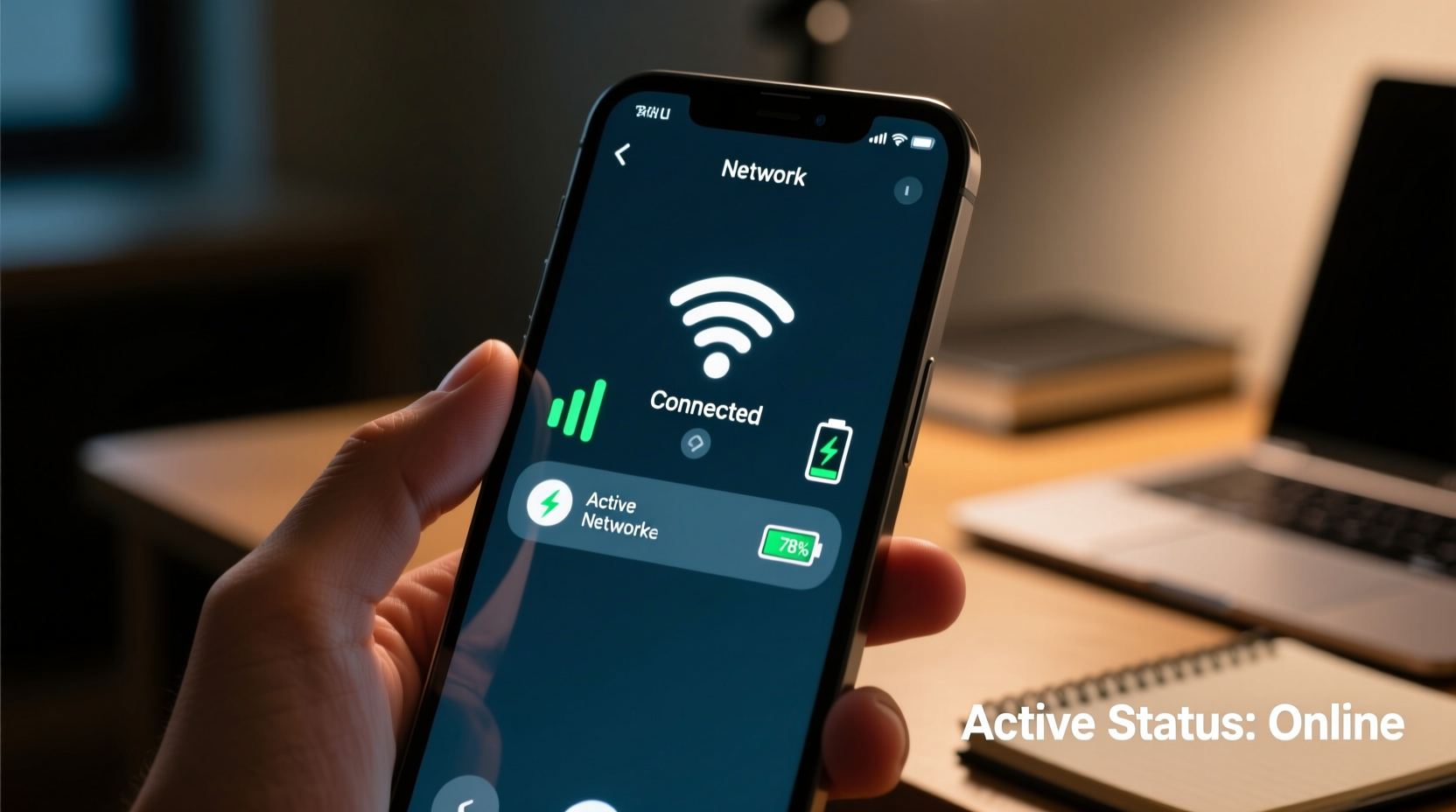
The most immediate way to determine if a phone is active is through network behavior. Mobile carriers maintain real-time connections with devices registered on their networks. When a phone is powered on and within coverage, it periodically communicates with cell towers—even when idle.
If you attempt to call the number and hear ringing before going to voicemail, this typically means the phone is on and connected. However, modern systems may route calls directly to voicemail if the device is off, out of range, or set to Do Not Disturb. A single failed call isn’t definitive proof of inactivity.
SMS Delivery Status
Sending a text message can provide additional clues. Most carriers return delivery reports under certain conditions:
- Delivered: The message reached the recipient's device (phone was on and connected).
- Failed to send: The number may be inactive, blocked, or unreachable.
- No response: Absence of a \"delivered\" notice doesn’t always mean inactivity—it could indicate poor signal or app-level issues.
Note: iMessage (Apple) shows \"Delivered\" or \"Read\" only if the recipient’s device is online and iMessage is enabled. Android RCS (Chat Features) offers similar indicators when both parties use compatible services.
2. Use Carrier and Account-Based Tools
Mobile carriers offer account-level features that reveal device status. Access usually requires login credentials or authorized account access, making these tools ideal for parents, spouses (with consent), or business administrators managing company phones.
Find My Device Services
Both major operating systems include built-in location and connectivity tracking:
| Service | Platform | What It Reveals |
|---|---|---|
| Find My (iPhone) | iOS | Last known location, connection status (\"Online\" or \"Offline\"), battery level |
| Find My Device | Android | Real-time location, last seen time, network status |
| Google Family Link | Android/iOS (parental) | Device activity, screen time, last sync time |
To use these, the phone must have location services enabled, be signed into a Google or Apple ID, and have internet access (Wi-Fi or cellular). If the service shows “Offline” or “No location found,” the device may be turned off, out of range, or deliberately disconnected.
“Real-time device tracking is only as accurate as the last network handshake. A gap of more than a few hours strongly suggests the phone is not actively connected.” — Marcus Tran, Network Security Analyst at NetWatch Solutions
3. Monitor Social Media and Messaging App Activity
Many apps update presence indicators based on device connectivity. While not foolproof, observing digital footprints across platforms can support your assessment.
Common Behavioral Clues
- Last Seen on WhatsApp, Telegram, or Facebook Messenger indicates recent app usage and an active internet connection.
- Typing indicators or read receipts suggest the device is on and being used.
- Inconsistent activity—such as posting on Instagram but not responding to texts—might indicate the user has multiple devices or is using another phone.
Limits of Digital Traces
Just because someone appears active on one app doesn’t mean their primary phone number is functional. They might be using Wi-Fi calling, VoIP services (like Skype), or a secondary SIM. Always cross-reference multiple sources.
4. Contact the Carrier Directly
If you have a legitimate reason and proper authorization, contacting the mobile carrier is one of the most reliable ways to verify service status.
What Carriers Can Confirm
- Whether the line is active or suspended
- If the device is reported lost or stolen (via IMEI block)
- When the account was last billed or used data
- Whether the SIM card is registered on the network
You’ll typically need:
- The phone number
- Account holder information (name, address, SSN, etc.)
- Security verification (PIN, password)
Carriers will not disclose information to unauthorized individuals due to privacy laws like the FCC’s Customer Proprietary Network Information (CPNI) rules.
Mini Case Study: Recovering a Lost Phone
Jamie lost her phone after a concert. She immediately logged into her iCloud account and used Find My iPhone. The map showed the device moving slowly along a highway—indicating it was still powered on and connected. She contacted her carrier, verified ownership, and requested the line be temporarily suspended to prevent misuse. Within hours, local police recovered the phone from a rideshare vehicle using the GPS trail. The combination of device tracking and carrier verification made recovery possible.
5. Verify Through IMEI and Blacklist Databases
The International Mobile Equipment Identity (IMEI) number is unique to each phone and can be used to check its status independently of the SIM card.
How to Use IMEI Checks
- Obtain the IMEI (dial *#06# on the phone or check original packaging).
- Enter it into a free database like:
- IMEI.info
- Swappa IMEI Checker
- Carrier-specific tools (e.g., Verizon’s Device Unlock portal)
- Review results for:
- Blacklist status (reported lost/stolen)
- Activation lock (iCloud/Google)
- Warranty and model details
A blacklisted IMEI doesn’t necessarily mean the phone is off—but it may be unusable on major networks, reducing the likelihood of regular activity.
Practical Checklist: Is the Phone Active?
Use this step-by-step checklist to assess phone activity comprehensively:
- ✅ Attempt a voice call—listen for rings vs. immediate voicemail.
- ✅ Send a test SMS and monitor for delivery confirmation.
- ✅ Check Find My Device or Find My iPhone for last seen status.
- ✅ Look for recent activity on linked social media or messaging apps.
- ✅ Verify account status via carrier (if authorized).
- ✅ Run an IMEI check to rule out theft or network bans.
- ✅ Ask a mutual contact to try reaching the person through alternate channels.
Frequently Asked Questions
Can I tell if someone’s phone is on without calling them?
Yes, through indirect signals like “Last Seen” on WhatsApp, location sharing status (if enabled), or activity on cloud-synced services (e.g., Google Docs edits). However, these require prior setup and permissions.
Does a phone show as active if it’s in airplane mode?
No. Airplane mode disables cellular, Wi-Fi, and Bluetooth by default. Unless Wi-Fi is manually re-enabled, the phone won’t connect to networks and will appear offline.
What if the phone is on but not connected to service?
A powered-on phone without signal (e.g., in a remote area or basement) may still sync briefly when it reconnects. Services like Find My Device will show the last known timestamp. Until it reconnects, it remains functionally inactive from a network perspective.
Final Thoughts and Action Steps
Verifying whether a mobile phone is active involves combining technological tools, behavioral observation, and authoritative data sources. No single method is perfect, but together they form a robust picture. Whether you’re ensuring a loved one’s safety, validating a transaction, or troubleshooting connectivity, applying these strategies systematically improves accuracy.
Start by gathering what information you already have—phone number, IMEI, account access—and proceed ethically and legally. Respect privacy boundaries while using available tools wisely. In cases involving emergencies or potential theft, contact law enforcement or your carrier immediately.




 浙公网安备
33010002000092号
浙公网安备
33010002000092号 浙B2-20120091-4
Comments
No comments yet. Why don't you start the discussion?