
In today’s digital age, access to entertainment is no longer limited by geography or broadcast schedules. Whether it’s the latest blockbuster, a niche documentary, or live sports from another continent, most content is available—somewhere—online. But knowing how to find it, stream it smoothly, and do so securely and legally is what separates casual viewers from savvy ones. This guide breaks down the real-world methods for watching anything online, with actionable advice on platforms, tools, and best practices that keep your experience seamless and safe.
Understanding Your Streaming Options
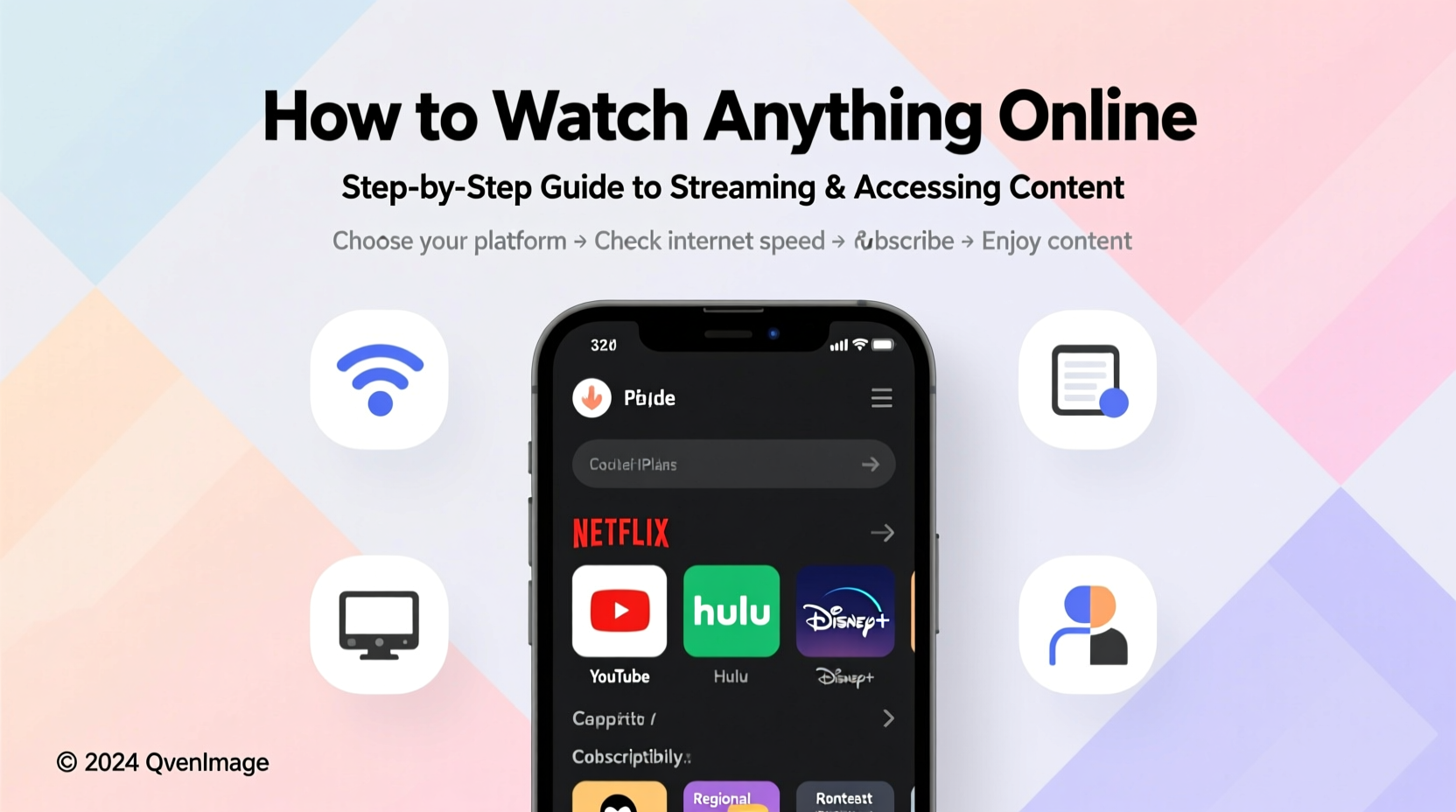
The first step in watching content online is understanding where it lives. Streaming services fall into several broad categories, each serving different needs:
- Subscription-based (SVOD): Services like Netflix, Hulu, Disney+, and Amazon Prime Video offer vast libraries for a monthly fee. These are ideal for consistent viewing and original programming.
- Ad-supported free platforms: Tubi, Crackle, and Pluto TV provide legal access to movies and shows at no cost, supported by ads.
- Rental and purchase (TVOD): Platforms like Apple TV, Google Play Movies, and YouTube let you rent or buy individual titles, often before they appear on subscription services.
- Live TV streaming: Sling TV, YouTube TV, and FuboTV replace cable by offering live channels over the internet.
- Niche and regional platforms: Services like MUBI (art-house films), Crunchyroll (anime), or BBC iPlayer (UK content) cater to specific audiences.
Choosing the right mix depends on your viewing habits, budget, and preferred genres. Subscribing to one or two major platforms and using free or rental options for occasional content is often the most cost-effective strategy.
Accessing Geo-Restricted Content Legally
One of the biggest frustrations for global viewers is geo-blocking—when content is only available in certain countries. For example, a show might be on Netflix US but not in Germany. While some users turn to unauthorized sources, there are legal ways to access region-specific content.
A virtual private network (VPN) encrypts your internet connection and routes it through a server in another country, making it appear as if you're browsing locally. Many premium VPNs maintain servers optimized for streaming and regularly update IP addresses to bypass detection.
“VPNs are legitimate privacy tools. When used with licensed platforms, they enable access to content you’ve already paid for while traveling.” — David Chen, Cybersecurity Analyst at NetSecure Labs
However, not all services allow this. Netflix, for instance, actively blocks known VPN IPs. To increase success:
- Choose a reputable provider like ExpressVPN, NordVPN, or Surfshark, known for reliable streaming support.
- Select a server location close to the target region for better speed.
- Clear browser cookies or app cache after switching regions.
Common Legal Alternatives to Bypassing Geo-Blocks
| Method | How It Works | Legal Status | Reliability |
|---|---|---|---|
| Travel with Subscription | Use your home-region account abroad temporarily | ✅ Allowed (limited) | High |
| Smart DNS | Redirects location data without encryption | ⚠️ Grey area (depends on TOS) | Moderate |
| Authorized Regional Accounts | Sign up directly in allowed regions (if eligible) | ✅ Fully legal | High |
| Free Proxy | Routes traffic through public servers | ❌ Often violates terms | Low |
Step-by-Step Guide to Setting Up a Universal Streaming Environment
To consistently watch any content online, follow this setup process:
- Assess your internet connection: Ensure minimum speeds of 15 Mbps for HD and 25 Mbps for 4K streaming. Use wired Ethernet when possible for stability.
- Choose a central device: Pick a smart TV, streaming stick (e.g., Roku, Fire Stick), or gaming console as your primary hub.
- Install core apps: Download major platforms (Netflix, YouTube, Hulu, etc.) and utility apps like JustWatch or Reelgood for cross-platform search.
- Set up user profiles: Create individual profiles to personalize recommendations and avoid mixing watch histories.
- Integrate a legal VPN (optional): Install the provider’s app on your router or compatible device for seamless region switching.
- Enable parental controls or content filters: If needed, restrict access to mature content via built-in settings.
- Test playback: Stream a high-bitrate video to confirm smooth performance and audio sync.
Real Example: How Sarah Watched the French Open From Tokyo
Sarah, a tennis fan living in Japan, wanted to watch the full French Open coverage, which was exclusive to a French broadcaster. Her local cable didn’t carry the channel, and the official streaming site blocked her IP.
Instead of resorting to pirated streams, she subscribed to a premium VPN service and connected to a Paris-based server. She then created a free account on the broadcaster’s platform, which offered live streaming within France. With the VPN active, she accessed the site seamlessly and watched every match in HD without buffering.
This approach kept her compliant with copyright laws and avoided malware risks associated with unofficial sites. The total cost? Less than $10/month for the VPN—far cheaper than international cable packages.
Security and Privacy Best Practices
Streaming isn’t risk-free. Free or pirated platforms often host malicious ads, phishing scripts, or hidden crypto-mining software. Even legal sites can track your behavior across the web.
- Use an ad blocker like uBlock Origin (on browsers) to reduce exposure to malvertising.
- Never download “codecs” or “players” prompted by sketchy sites—they’re often malware.
- Stick to official apps from trusted stores (Google Play, Apple App Store, Roku Channel Store).
- Regularly review permissions granted to streaming apps, especially on mobile devices.
“The biggest threat isn’t geo-restrictions—it’s compromised accounts. Always use strong, unique passwords and enable two-factor authentication.” — Lena Park, Digital Privacy Advocate
Frequently Asked Questions
Is it illegal to use a VPN to stream content?
No, using a VPN is not inherently illegal. However, bypassing a platform’s geographic restrictions may violate its Terms of Service. While enforcement is rare for individual users, accounts can be suspended. Using a VPN for privacy or security reasons remains fully legal in most countries.
Can I watch live sports online without cable?
Yes. Services like ESPN+, DAZN, FuboTV, and NFL Game Pass offer live sports globally. Some events may still require regional broadcast rights, so availability varies. Combining a streaming subscription with a Smart DNS or VPN often unlocks broader access.
Why does my streaming keep buffering?
Buffering usually stems from slow internet, Wi-Fi interference, or high server load. Try restarting your router, moving closer to the Wi-Fi source, or switching to a wired connection. Lowering video quality temporarily can also help maintain playback.
Essential Checklist Before You Stream
- ✅ Confirm your internet speed meets streaming requirements
- ✅ Update your device and streaming apps
- ✅ Check regional availability using JustWatch or CanIStream.It
- ✅ Enable a trusted ad blocker on browsers
- ✅ Set up a secure password manager for streaming accounts
- ✅ Test audio and subtitle settings in advance
- ✅ Log out of unused devices to prevent unauthorized access
Final Thoughts
Watching anything online doesn’t require technical wizardry or cutting corners. With the right tools, knowledge, and habits, you can enjoy a vast universe of content legally, securely, and in high quality. The key is being proactive—choosing reliable platforms, protecting your data, and staying informed about evolving access methods.




 浙公网安备
33010002000092号
浙公网安备
33010002000092号 浙B2-20120091-4
Comments
No comments yet. Why don't you start the discussion?