
The World Series is baseball’s grandest stage, and Game 3 often shifts momentum in the best-of-seven matchup. Whether you're rooting for your hometown team or simply love high-stakes October baseball, knowing exactly how to stream and view Game 3 without hassle is essential. With evolving broadcast rights, regional restrictions, and a growing number of digital platforms, accessing live games can feel overwhelming. This guide breaks down every legitimate way to watch Game 3 of the World Series in 2024, including free and paid options, device compatibility, and pro tips to avoid last-minute surprises.
Official Broadcast Channel: Fox Television Network
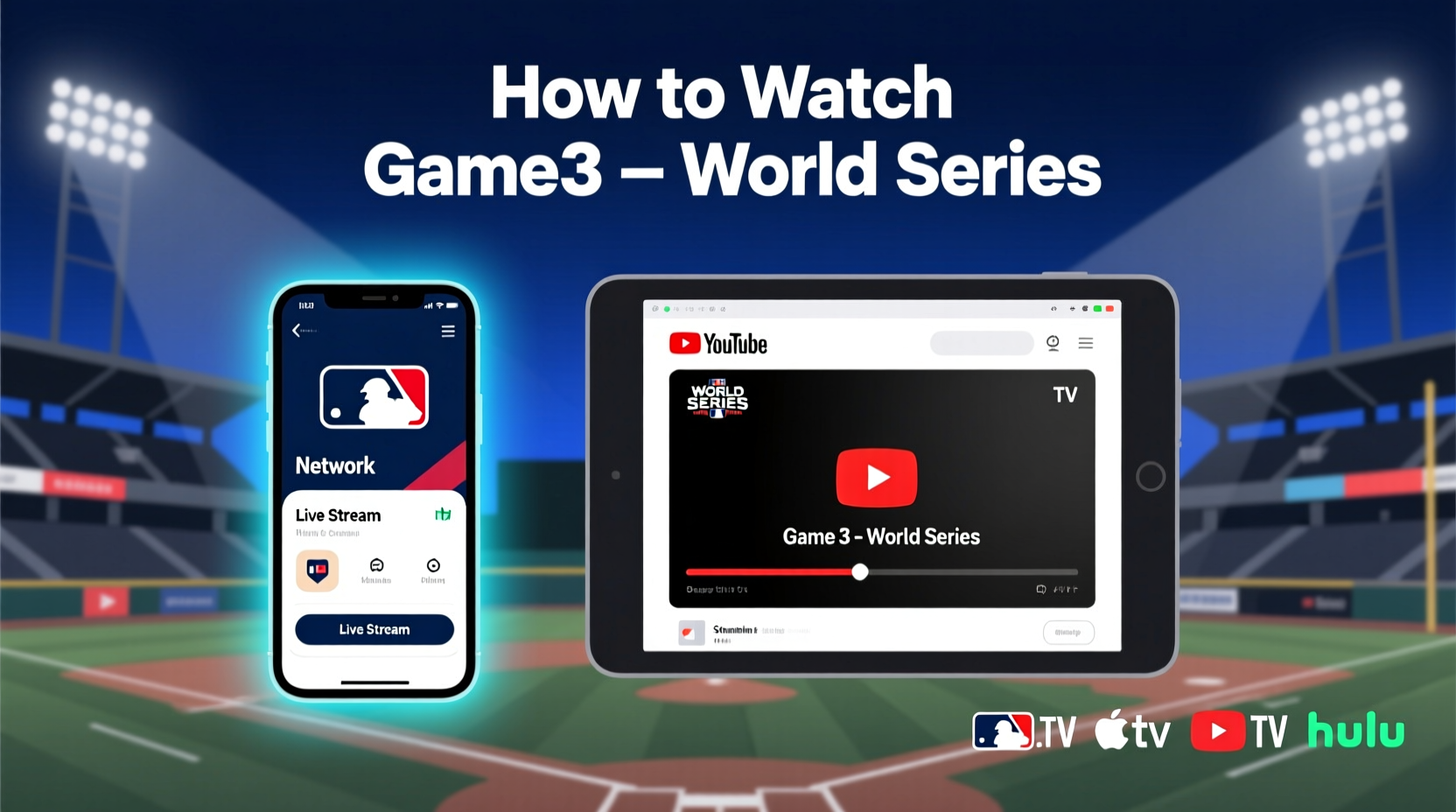
As of 2024, Fox holds exclusive national broadcast rights to the World Series in the United States. Game 3 will air live on the Fox network, making it one of the most accessible ways to watch—especially for viewers without a cable subscription. The game typically starts between 7:30 PM and 8:00 PM Eastern Time, though exact start times depend on the teams and scheduling logistics.
Fox's coverage includes pre-game analysis from their top-tier crew, featuring play-by-play announcer Joe Davis and color commentator John Smoltz. Their production quality is consistently high, with multiple camera angles, real-time stats, and in-depth commentary.
Streaming Options Without Cable
For cord-cutters, several live TV streaming services carry Fox in select markets and offer full access to the World Series. These platforms function like virtual cable packages, allowing you to stream live broadcasts—including local affiliates—on smartphones, tablets, smart TVs, and gaming consoles.
The following services include Fox in eligible regions and provide cloud DVR functionality so you can record the game and rewatch key moments:
- FuboTV – Offers Fox in all markets where available. Includes premium sports add-ons and multi-view options.
- Hulu + Live TV – Bundles Fox with access to Hulu’s vast on-demand library. Regional availability applies.
- YouTube TV – Reliable Fox streaming with unlimited cloud DVR. Available in most U.S. cities.
- DirecTV Stream – Provides local Fox channels and strong sports integration, especially useful for fans using the MLB app alongside.
All these platforms require a subscription (typically $65–$80/month), but most offer 5–7 day free trials. Sign up early to ensure access before first pitch.
Free and Low-Cost Alternatives
Not everyone wants to commit to a monthly subscription just for one game. Fortunately, there are cost-effective ways to catch Game 3 legally and in high definition.
Airwave TV with an Antenna
If you live within 50 miles of a major city, an HDTV antenna can pull in Fox and other major networks for free. Modern flat antennas cost under $30 and connect directly to your TV via HDMI or coaxial cable. No contracts, no subscriptions—just free over-the-air HD.
Fox Sports App and Website
Fox offers live streaming of its national broadcasts through the Fox Sports app (iOS, Android, Roku, Apple TV, Fire TV) and at foxsports.com. However, authentication with a pay-TV provider is usually required. If you’ve signed up for a trial with YouTube TV or Hulu + Live TV, you can use those credentials to log in.
“Broadcasters like Fox are increasingly prioritizing authenticated streaming, which means even free-to-air games require login verification.” — Michael Reynolds, Media Analyst at Parks Associates
What About MLB.TV Subscribers?
MLB.TV, the league’s official out-of-market streaming service, does not carry World Series games due to broadcast exclusivity agreements with Fox. Even if you’ve used MLB.TV all season to follow your team, it will be blacked out during the Fall Classic.
This blackout policy applies regardless of your location. So while MLB.TV is excellent for regular-season games, it won’t help during the World Series. Don’t rely on it for Game 3.
International Viewers: How to Watch Abroad
Fans outside the U.S. have different options depending on their region:
| Region | Official Broadcaster | Streaming Platform |
|---|---|---|
| Canada | TSN, RDS | TSN.ca, TSN app (subscription required) |
| Mexico | ESPN Deportes, TV Azteca | Star+ (Latin America) |
| United Kingdom | BT Sport | TNT Sports website/app |
| Australia | Sportscraft (via Seven Network) | 7plus.com.au (free with registration) |
| Japan | NHK, Fuji TV | FOD (Fuji TV On Demand) |
For viewers in unsupported regions, using a reputable VPN service (like ExpressVPN or NordVPN) may allow access to U.S.-based streams by connecting to a server in the United States. However, this method violates the terms of service of many platforms and may result in blocked access or account suspension.
Step-by-Step Guide: How to Prepare for Game 3 Viewing
To ensure a seamless viewing experience, follow this timeline:
- One Week Before: Check your internet speed (minimum 15 Mbps recommended for HD streaming).
- Five Days Before: Test your preferred streaming device (Roku, Fire Stick, etc.) and update firmware.
- Three Days Before: Sign up for a free trial of a live TV streaming service that carries Fox in your area.
- One Day Before: Log into the Fox Sports app with your new credentials to verify access.
- Game Day: Start the stream 15 minutes early to avoid buffering. Close background apps on mobile devices.
Real Example: How Sarah Watched Game 3 Last Year
Sarah, a lifelong Dodgers fan living in Austin, Texas, doesn’t have cable but didn’t want to miss Game 3 of the 2023 World Series. She signed up for YouTube TV’s 7-day free trial two days before the game. After creating an account and linking her Google profile, she verified her address and confirmed Fox was available in her ZIP code. On game night, she streamed the broadcast in 4K on her Samsung Smart TV using the YouTube TV app. With cloud DVR enabled, she recorded the game and rewatched Freddie Freeman’s walk-off home run three times.
“I saved $100 compared to restarting cable,” Sarah said. “And I canceled before the trial ended—no charge.”
Common Mistakes to Avoid
- Waiting until game day to sign up – Trials may require email verification or payment method validation.
- Assuming MLB.TV works – It doesn’t stream World Series games.
- Using unreliable third-party streams – These sites often carry malware and deliver poor video quality.
- Ignoring audio sync issues – Restart the app or switch devices if sound lags behind the picture.
Frequently Asked Questions
Can I watch Game 3 of the World Series for free?
Yes, if you have an HDTV antenna and live in a market where Fox is available over-the-air. You can also use free trials from services like Hulu + Live TV or YouTube TV to stream it at no immediate cost.
Why can't I stream the game on MLB.TV?
MLB.TV blackouts apply to all nationally televised games, including the World Series. Fox has exclusive broadcasting rights, so only platforms carrying Fox (or over-the-air signals) can show the game live.
What time does Game 3 start?
World Series games typically begin at 8:03 PM Eastern Time. However, start times may vary slightly based on broadcaster schedules and travel days. Always check the official MLB calendar for confirmation.
Final Tips for a Great Viewing Experience
Watching Game 3 should be exciting, not stressful. Make sure your streaming setup is tested in advance. Invite friends or family to join virtually using watch-party features on Hulu or FuboTV. Keep snacks ready, mute non-essential notifications, and enjoy one of baseball’s most thrilling events.
“The World Series brings millions together, regardless of team loyalty. It’s about legacy, pressure, and unforgettable moments.” — Bob Costas, Hall of Fame Sportscaster
Take Action Now
Don’t wait until first pitch to figure out how to watch. Choose your viewing method today—whether it’s an antenna, a free trial, or a trusted streaming service—and make sure your devices are ready. Share this guide with fellow fans who might be unsure how to tune in. The Fall Classic waits for no one, but with the right plan, you won’t miss a single strike.




 浙公网安备
33010002000092号
浙公网安备
33010002000092号 浙B2-20120091-4
Comments
No comments yet. Why don't you start the discussion?