
The X Games have long been the pinnacle of action sports, showcasing elite athletes pushing the limits in skateboarding, BMX, motocross, snowboarding, and more. Whether you're a die-hard fan or just tuning in for the gravity-defying highlights, knowing how to access the events is half the battle. With shifting broadcast partners, regional restrictions, and an ever-growing list of streaming platforms, it's easy to miss key moments. This guide breaks down every option available to help you catch every flip, grind, and backflip—live or on demand.
Understanding the X Games Format and Schedule
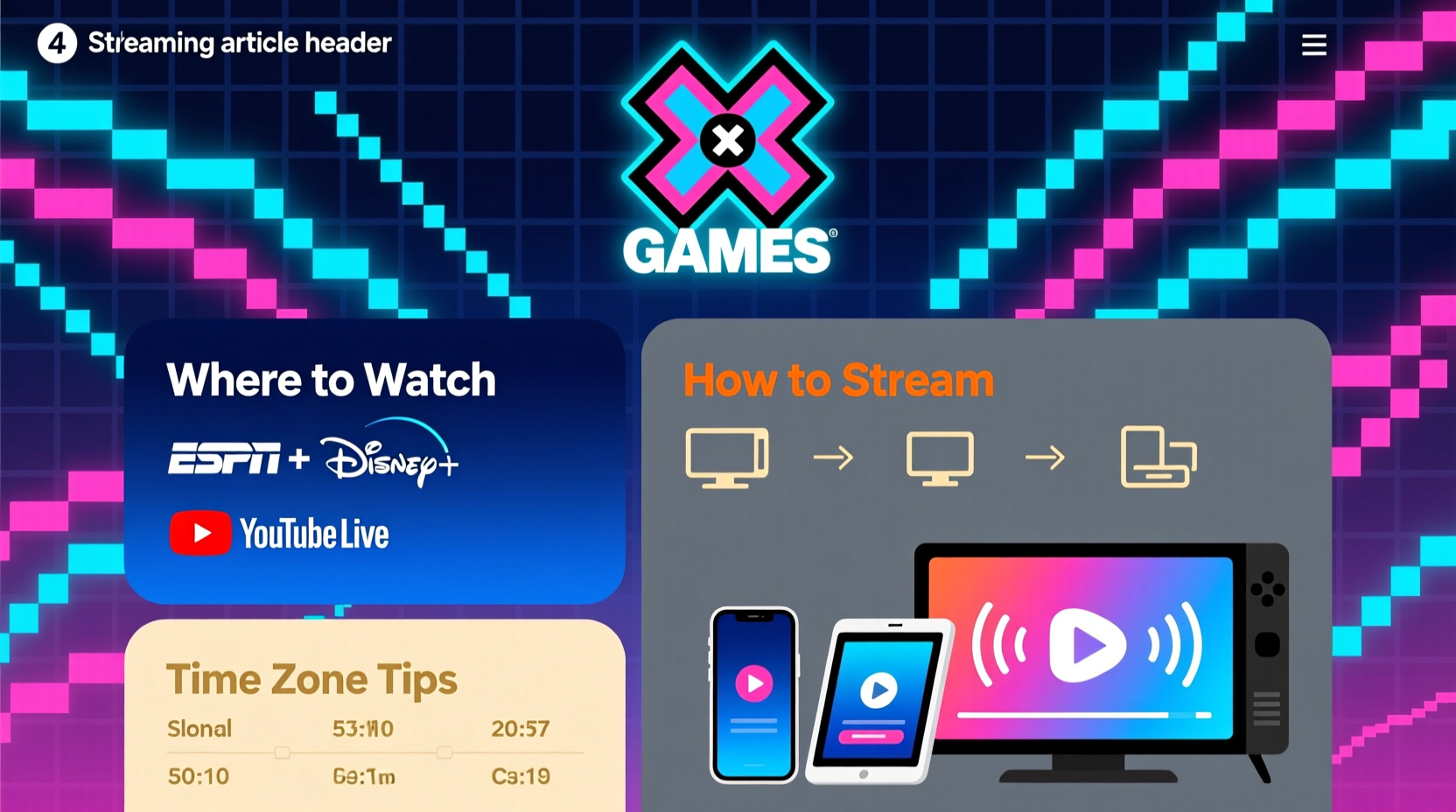
The X Games are held multiple times a year, with events typically divided between summer and winter disciplines. The summer edition features skateboarding, BMX, and rally car racing, while the winter version highlights snowboarding, skiing, and snowmobile competitions. Events are hosted globally, from Aspen and Los Angeles to international locations like Chiba, Japan, or Norway.
Dates vary annually, but summer X Games usually occur in late July or August, while winter events take place in January. ESPN, the longtime organizer and broadcaster, announces the full schedule several months in advance on its official website and social channels.
To stay informed:
- Check the official X Games website (xgames.com) for confirmed dates and venues.
- Follow @XGames on Twitter, Instagram, and YouTube for real-time updates.
- Subscribe to ESPN’s newsletter for early access to streaming passes and exclusive content.
Live TV Broadcast Options
For viewers who prefer traditional television, ESPN remains the primary network for X Games coverage. Depending on the event size and significance, broadcasts may air on ESPN, ESPN2, or ABC.
Typically, the most anticipated finals—like Skateboard Big Air or Snowboard Slopestyle—are scheduled for prime weekend slots and televised live. Preliminary rounds and lesser-known events may be shown via tape delay or not aired at all, making streaming essential for comprehensive coverage.
If you have a cable subscription that includes ESPN networks, simply tune in during the event window. For cord-cutters, over-the-air viewers can check if ABC is broadcasting select events—especially high-profile ones—which can be received with a digital antenna in many areas.
Channel Guide for X Games TV Coverage
| Network | Type of Coverage | Availability |
|---|---|---|
| ESPN | Live finals, highlights, analysis | Cable, satellite, live TV streaming services |
| ESPN2 | Qualifiers, replays, specialty events | Cable, satellite, streaming |
| ABC | Selected marquee events (e.g., Summer X Finals) | Over-the-air, cable, streaming |
Streaming the X Games: What Platforms Work?
Most fans now rely on streaming to follow the X Games in real time. ESPN+ is the central hub for live and on-demand content, but access depends on your location and subscription status.
ESPN+ offers full-event livestreams, including practice runs and semifinals not shown on linear TV. A subscription costs $10.99/month or $119.99/year and requires creating an account linked to a participating provider or signing up directly through the ESPN app.
In addition to ESPN+, several live TV streaming services carry ESPN networks and allow simultaneous access to both broadcast and digital content:
- Hulu + Live TV – Includes ESPN, ESPN2, ABC, and ESPN+ as part of the package.
- YouTube TV – Offers all ESPN networks and cloud DVR for recording events.
- fuboTV – Carries ESPN channels and provides strong support for sports fans.
- Sling TV (Orange plan) – Includes ESPN but not ESPN+. You’ll need a separate subscription for full coverage.
“Streaming has transformed how fans engage with action sports. With mobile access and multi-angle feeds, viewers now feel closer to the ramps than ever.” — Dana White, ESPN Digital Sports Director
Step-by-Step: How to Watch the X Games Online
Follow this timeline to ensure you don’t miss a single moment:
- 4–6 Weeks Before: Confirm the event dates on xgames.com and note session times in your time zone.
- 2 Weeks Before: Choose your viewing method—cable, antenna, or streaming—and test login credentials.
- 1 Week Before: Download the ESPN app on your smartphone, tablet, or smart TV platform (Roku, Apple TV, Fire Stick).
- 24 Hours Before: Log into ESPN.com or the app with your provider or ESPN+ credentials to verify access.
- Event Day: Open the ESPN app and navigate to the “Live” tab. Select the X Games stream and cast to your TV if needed.
- After the Event: Revisit the app or YouTube channel for highlight reels, athlete interviews, and encore presentations.
Free and On-Demand Viewing Alternatives
If you can’t watch live, there are still ways to experience the action. The official X Games YouTube channel posts full event replays, condensed highlights, and behind-the-scenes footage within 24 hours of competition end.
Clips often go viral quickly—particularly record-breaking runs or dramatic crashes—so searching “X Games [Year] [Event Name]” on YouTube frequently yields immediate results. Additionally, TikTok and Instagram Reels offer bite-sized recaps perfect for catching up fast.
For international viewers outside the U.S., availability varies. Some regions receive localized broadcasts via networks like TSN (Canada), Sky Sports (UK), or Fox Sports (Australia). Others may need a virtual private network (VPN) to access U.S.-based streams—though this should be done in compliance with local laws and service terms.
X Games Viewing Checklist
- ✅ Confirm event dates and times
- ✅ Subscribe to ESPN+ or a compatible live TV service
- ✅ Install the ESPN app on your preferred device
- ✅ Test login and streaming capability before the event
- ✅ Bookmark xgames.com and follow social accounts
- ✅ Enable notifications for breaking updates
Real Example: How Sarah Caught Every Moment From Abroad
Sarah, a freelance designer based in Lisbon, Portugal, didn’t want to miss the Summer X Games despite the nine-hour time difference. She knew the Skateboard Park finals were set for 5 PM PT—a grueling 1 AM local time.
Rather than staying up all night, she subscribed to ESPN+ through a trusted U.S.-based payment method and used a premium VPN to maintain consistent access. She scheduled recordings via YouTube TV’s cloud DVR and watched the replay during her lunch break the next day. She also followed the X Games Twitter feed to avoid spoilers and joined a Reddit thread where fans shared real-time commentary.
Her strategy paid off: she didn’t miss a single medal run and even caught an exclusive post-event interview with gold medalist Jagger Eaton.
Frequently Asked Questions
Can I watch the X Games for free?
Limited free content is available on the X Games YouTube channel and social platforms. However, full live events require a subscription to ESPN+ or a TV provider that includes ESPN networks. Occasional promotional weekends may offer temporary free access.
Is ESPN+ enough to watch everything?
Yes—ESPN+ carries every event live, including those not aired on television. It also includes exclusive pre-shows, athlete profiles, and archived footage. No additional cable subscription is required when using ESPN+ standalone.
What devices support X Games streaming?
You can stream via the ESPN app on smartphones (iOS/Android), tablets, smart TVs (Samsung, LG, Android TV), streaming boxes (Apple TV, Roku, Fire TV), gaming consoles (Xbox, PlayStation), and web browsers at ESPN.com.
Stay in the Loop and Never Miss a Trick
Watching the X Games doesn’t have to be complicated. With the right tools and preparation, you can enjoy front-row access to the world’s most daring athletes—from the comfort of your couch or on the go. Whether you’re rooting for a favorite skater, analyzing technique, or just marveling at human potential, seamless viewing starts with planning.




 浙公网安备
33010002000092号
浙公网安备
33010002000092号 浙B2-20120091-4
Comments
No comments yet. Why don't you start the discussion?