
Choosing between an inkjet and a laser printer for home use often comes down to more than just print quality or upfront cost. One of the most overlooked yet critical factors is ink longevity—specifically, which type of ink is more prone to drying out. For many home users who print infrequently, this single issue can turn a reliable device into a frustrating, clogged mess. Understanding how each technology handles ink stability helps avoid wasted cartridges, poor print quality, and unnecessary replacements.
Ink drying affects not only your wallet but also your productivity. If you're printing once every few weeks—perhaps school assignments, occasional photos, or household documents—the last thing you want is to power on your printer only to find faded lines, streaks, or complete failure due to dried ink. Let’s explore how inkjet and laser printers handle this problem, backed by real-world usage patterns, expert insights, and practical advice.
How Ink Works: The Core Difference Between Inkjet and Laser Printers
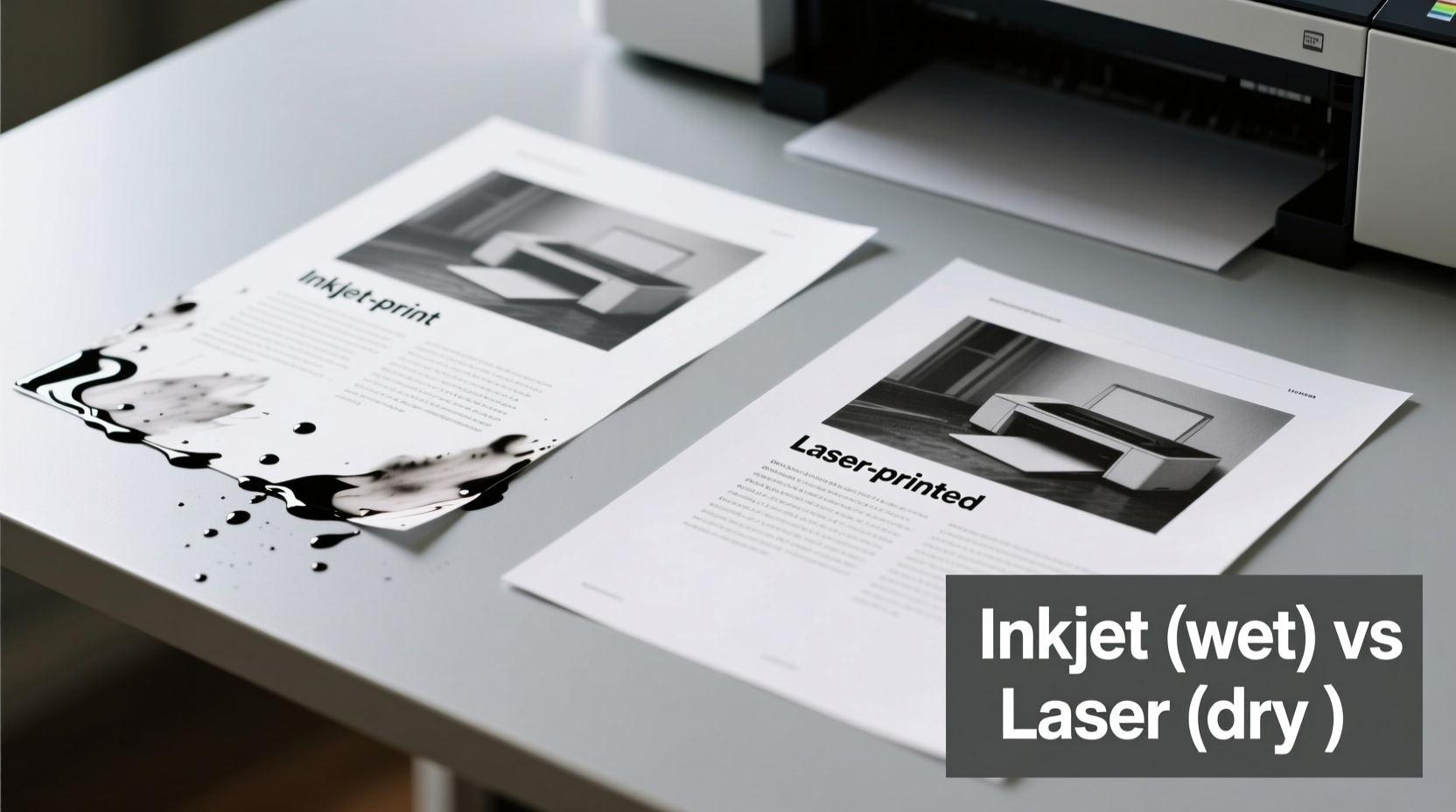
The fundamental distinction between inkjet and laser printers lies in their printing mechanisms and consumables. This difference directly impacts how—and whether—their \"ink\" dries up over time.
Inkjet printers use liquid ink stored in cartridges or tanks. Tiny nozzles spray microscopic droplets onto paper to form text and images. Because the ink is water-based (or dye/pigment suspended in liquid), it's inherently vulnerable to evaporation. When left idle, especially in low-humidity environments, the nozzles can dry out, leading to clogs that require cleaning cycles or even cartridge replacement.
Laser printers, on the other hand, don’t use liquid ink at all. Instead, they rely on toner—a fine, dry powder made of plastic particles, pigment, and charge agents. The toner is electrostatically transferred to paper and then fused using heat from the fuser unit. Since there’s no liquid involved, toner doesn’t dry out in the traditional sense. It can sit unused for months or even years without degrading, provided it’s stored properly.
Drying Mechanisms: Why Inkjet Cartridges Fail Over Time
Inkjet printers are notorious for nozzle clogging when not used regularly. The printhead contains microscopic channels through which liquid ink flows. When the printer sits idle, air exposure causes the outer layer of ink to evaporate, forming a crust inside the nozzle. Even if the cartridge still has plenty of ink, this blockage prevents proper ejection.
Manufacturers include automatic cleaning cycles to combat this. However, these cycles consume additional ink—sometimes up to several milliliters per session—which can deplete your supply faster than actual printing. Frequent cleaning may lead to premature cartridge replacement, adding hidden costs.
Environmental conditions play a major role. Dry climates accelerate drying, while high humidity might prevent it—but could introduce mold or electrical risks. Temperature fluctuations also affect ink viscosity and stability. Pigment-based inks tend to resist drying slightly better than dye-based ones, but both suffer when idle.
Some modern inkjet models feature refillable tank systems (like Epson EcoTank or Canon MegaTank) that reduce cartridge waste and lower cost per page. However, even these systems aren’t immune to printhead drying. In fact, because the ink reservoir is larger and connected directly to the printhead, prolonged inactivity can cause deeper clogs that are harder to clear.
“With inkjets, it’s not a question of *if* the printhead will clog during inactivity—it’s a question of *when*.” — David Lin, Printer Maintenance Technician with 15+ years of field experience
Toner Longevity: Why Laser Printers Avoid the Drying Problem
Laser printers sidestep the drying issue entirely because toner is a stable, powdered substance. Unlike liquid ink, toner doesn’t evaporate or harden in storage. A sealed toner cartridge can remain viable for two to three years past its production date, even if never installed. Once installed, it lasts as long as the drum and fuser components do—typically tens of thousands of pages.
The main concern with toner isn’t drying but clumping. If exposed to moisture, toner particles can absorb water and stick together, causing uneven distribution or speckled prints. But this is rare in normal indoor environments. As long as the cartridge stays sealed until use and the printer is kept in a dry place, toner remains ready to perform.
Another advantage: laser printers usually go into sleep mode after periods of inactivity without compromising performance. You can leave one untouched for months and still get crisp output upon waking it. There’s no warm-up cycle involving ink priming or nozzle flushing, meaning no wasted consumables.
For home offices or hybrid workers who need reliability without constant use, this consistency is invaluable. No surprise maintenance routines. No sudden “printhead alignment required” alerts after a weekend away.
Comparative Analysis: Inkjet vs Laser for Home Use
| Feature | Inkjet Printer | Laser Printer |
|---|---|---|
| Ink Type | Liquid (dye or pigment) | Dry powder (toner) |
| Dries Out? | Yes – nozzles and cartridges degrade with inactivity | No – toner remains stable for years |
| Best For | Color photos, occasional printing, creative projects | Text-heavy documents, infrequent use, home office |
| Cost Per Page (Black) | $0.05–$0.15 | $0.02–$0.05 |
| Print Speed (ppm) | 8–15 ppm | 20–35 ppm |
| Lifespan Under Low Use | Poor – risk of clogs increases after 2–3 weeks idle | Excellent – performs reliably after months of inactivity |
| Maintenance Needs | Frequent cleaning cycles, possible manual unclogging | Minimal – occasional drum cleaning, no ink drying |
This comparison highlights a key truth: if your priority is durability during periods of non-use, laser printers have a decisive edge. Their consumables don’t degrade, and their mechanical design supports consistent performance regardless of frequency.
Real-World Scenario: The Remote Worker’s Dilemma
Sarah, a freelance graphic designer, bought a high-end photo inkjet printer for her home office. She loved the color accuracy and glossy finish for client mockups. But after switching to mostly digital presentations, she found herself printing only once every six weeks. Within four months, her printer started producing blurry text and missing colors. Despite full cartridges, the printhead was partially clogged.
She ran multiple cleaning cycles, burning through nearly 30% of her ink. A technician advised her to print at least once a week to keep the nozzles clear—an impractical demand given her workload. Eventually, she replaced the entire unit with a monochrome laser printer for documents and outsourced photo printing.
Sarah’s experience reflects a common pitfall: matching the tool to actual usage patterns. While inkjets excel in specific applications, they demand regular engagement. For sporadic users, the convenience quickly turns into frustration.
Action Plan: How to Choose Based on Your Printing Habits
Selecting the right printer isn't about specs alone—it's about aligning technology with lifestyle. Follow this step-by-step guide to make an informed decision:
- Assess your average monthly print volume. Less than 50 pages? Consider laser for longevity. More than 100, including photos? Inkjet may be worth the upkeep.
- Evaluate print frequency. Do you go weeks without printing? Laser avoids drying issues. Daily or weekly use? Inkjet can stay primed naturally.
- Determine primary content type. Mostly black-and-white documents? Laser wins on speed and cost. Need vibrant color or photo printing? Inkjet offers superior output.
- Budget for long-term costs. Factor in replacement cartridges, cleaning waste, and potential repairs. Toner lasts longer and wastes less.
- Check environmental conditions. Dry, hot rooms worsen inkjet drying. Climate-controlled spaces help, but don’t eliminate the risk.
Expert Recommendations and Common Myths
There’s widespread misinformation about printer care. Some believe turning off the printer saves energy and extends life—but doing so frequently can worsen ink drying, as cooling allows condensation and air exposure. Most experts recommend leaving inkjets on standby unless unused for extended periods.
Others assume all inkjets are equally prone to drying. That’s not entirely true. Certain models, like those with separate printheads and cartridges (e.g., HP’s older DeskJet series), allow easier replacement of clogged heads. Newer integrated systems (like Canon PIXMA) combine the printhead with the cartridge, so replacing a clogged head means buying new ink—even if it’s half-full.
“The biggest mistake people make is buying an inkjet because it’s cheaper upfront, then getting hit with drying issues they didn’t anticipate. For light users, that ‘savings’ vanishes in six months.” — Maria Tran, Consumer Tech Advisor at HomeOfficeLab.org
Frequently Asked Questions
Can I revive a dried inkjet cartridge?
Sometimes. Remove the cartridge and gently wipe the nozzles with a lint-free cloth dampened with distilled water. Place it nozzle-down in a shallow dish of warm water for 5–10 minutes until ink flows again. Reinstall and run a cleaning cycle. Success varies by brand and severity of clog.
Do laser printers ever have consumable issues?
Rarely related to drying. However, toner can spill if mishandled, and drums may wear out after heavy use. Also, low-quality third-party toner can cause clumping or damage. Stick to reputable brands for best results.
Is there a hybrid option that avoids drying?
Yes—some “pigment ink” inkjets use formulations closer to toner in stability. Brother’s INKvestment Tank series, for example, uses pigment-based inks designed for longer shelf life and reduced clogging. These bridge the gap somewhat but still involve liquid and thus some drying risk.
Final Verdict: Which Ink Actually Dries Up Less?
The answer is unequivocal: **laser printer toner dries up far less than inkjet ink**—in fact, it doesn’t dry up at all under normal conditions. Toner’s chemical stability, resistance to evaporation, and minimal maintenance needs make it ideal for home users who value reliability over flashy color output.
Inkjets deliver excellent photo quality and versatility but come with a hidden cost: the necessity of frequent use to maintain functionality. If you’re willing to commit to weekly printing or accept periodic maintenance hassles, an inkjet can serve you well. But if you print occasionally, prioritize document clarity, or dislike surprises, a laser printer is the smarter, more durable choice.
Conclusion: Make the Right Choice for Your Lifestyle
Your printer shouldn’t be a source of frustration. By understanding how ink behaves over time, you can avoid the common trap of choosing based solely on price or initial features. For most home users—especially those with irregular printing habits—a laser printer offers unmatched reliability, lower long-term waste, and freedom from the anxiety of dried-out cartridges.
If you’ve been battling clogged nozzles or wasting ink on cleaning cycles, it may be time to reconsider your setup. Evaluate your real usage, weigh the trade-offs, and invest in a system that works with your life—not against it.




 浙公网安备
33010002000092号
浙公网安备
33010002000092号 浙B2-20120091-4
Comments
No comments yet. Why don't you start the discussion?