
In an era where memories are captured in seconds and stored in digital clouds, there's a growing desire to bring them back into the physical world. Holding a printed photo—its texture, weight, and imperfections—adds emotional depth that scrolling through a screen simply can't replicate. Two popular solutions have emerged: instant cameras and portable photo printers. Both promise tangible keepsakes pulled directly from smartphone memories, but they work differently, serve different needs, and deliver distinct experiences. Choosing between them isn’t just about technology—it’s about lifestyle, intention, and how you want to interact with your memories.
The Rise of Tangible Memories in a Digital Age
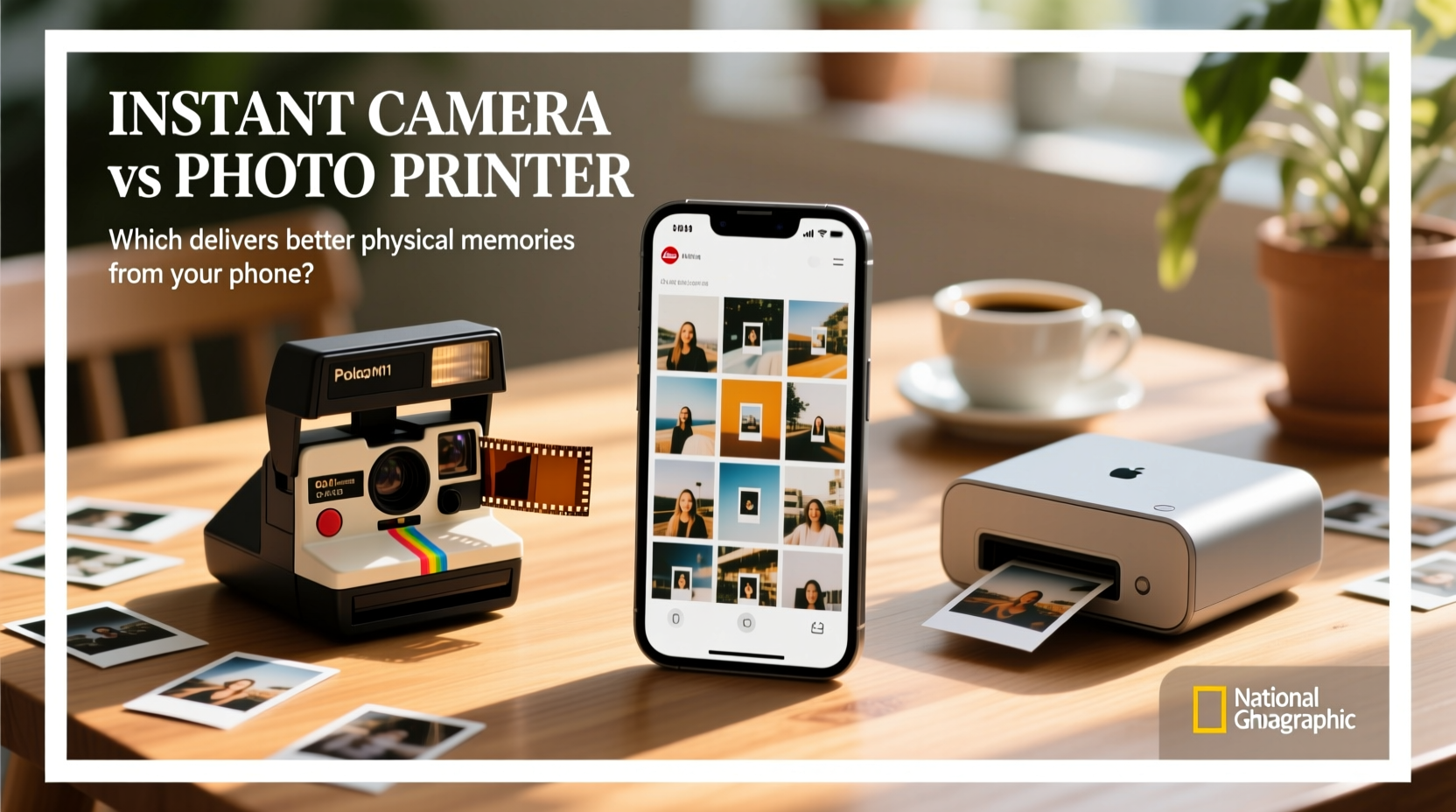
Despite living in a high-resolution, cloud-backed digital photography landscape, people are increasingly drawn to analog-style prints. The appeal lies in mindfulness. Unlike infinite digital albums, a single print forces curation. You must choose what matters enough to become real. This shift reflects broader cultural trends toward minimalism, intentional living, and tactile experiences.
Instant cameras like those from Fujifilm Instax or Polaroid revive the charm of film-based photography—limited shots, chemical development, and unpredictable results. Meanwhile, compact photo printers such as the Canon Ivy, HP Sprocket, or Prynt Case offer on-demand printing via Bluetooth, using your phone’s existing photo library. One creates art through limitation; the other offers control through convenience.
How Instant Cameras Work (And Why They're Not Just for Kids)
Modern instant cameras use self-developing film cartridges. When you take a photo, the camera exposes the film, then pulls it through rollers that spread developing chemicals. Within 60–90 seconds, the image appears before your eyes—a small magic trick repeated every time.
These devices typically don’t connect to smartphones. Instead, they capture new moments in real time. Some hybrid models now include scanning features to transfer old prints digitally, but their core function remains analog: point, shoot, wait, hold.
The experience is inherently ritualistic. There's no instant deletion, no filters applied after the fact. Each shot costs money and counts toward a finite roll. This scarcity fosters intentionality. As photographer Lila Chen notes:
“With an instant camera, you learn to compose carefully. You’re not taking twenty shots to get one good one—you’re making each frame matter.” — Lila Chen, Documentary Photographer
Film formats vary. Fujifilm Instax Mini is the most common, producing credit-card-sized prints. Instax Square offers more balanced framing, while Wide delivers larger, gallery-style images. Prices range from $70 for entry-level models to over $200 for premium versions with manual controls.
How Photo Printers Turn Your Phone Gallery Into Keepsakes
Portable photo printers bridge the gap between digital convenience and physical presence. Using ZINK (Zero Ink) or dye-sublimation technology, these pocket-sized devices connect to your smartphone via Bluetooth or Wi-Fi. Select any photo—from yesterday’s hike to five-year-old vacation snapshots—and print it in under a minute.
ZINK paper contains colorless dye crystals activated by heat, eliminating the need for ink cartridges. Dye-sub printers use ribbons that melt color onto special paper. Both produce smudge-proof, water-resistant prints, though dye-sub generally offers richer colors and smoother gradients.
Printers like the Canon IVY Pocket Photo 2 or Polaroid Hi-Print+ often include companion apps with editing tools, borders, and QR code integration—so when someone scans the print, they can view the original video or location data. This adds a layer of interactivity rare in traditional instant film.
Cost-wise, refills are ongoing. A 20-pack of ZINK sheets runs $10–$15, making per-print cost around $0.50–$0.75. While cheaper than Instax film (which averages $0.80–$1.20 per sheet), frequent printing adds up quickly.
Step-by-Step: Printing from Your Phone in Under 2 Minutes
- Download and install the printer’s app (e.g., Canon PRINT, HP Sprocket).
- Turn on Bluetooth and pair your phone with the printer.
- Select a photo from your gallery or social media.
- Apply optional edits: crop, filter, add text or a border.
- Tap “Print” and wait 30–60 seconds for the image to emerge.
- Allow the print to cool briefly before handling.
This speed and flexibility make photo printers ideal for spontaneous sharing—printing concert tickets backstage, handing out guest photos at a wedding, or creating classroom handouts for students.
Key Differences: A Practical Comparison
To help clarify which option suits your needs, here’s a detailed comparison across critical categories:
| Feature | Instant Camera | Photo Printer |
|---|---|---|
| Connects to Phone | No (except hybrid models) | Yes, via Bluetooth/Wi-Fi |
| Print Source | Newly taken photos only | Any photo in your gallery |
| Print Time | 60–90 seconds (develops externally) | 30–60 seconds (immediate output) |
| Per-Print Cost | $0.80–$1.20 | $0.50–$0.75 |
| Image Quality | Soft focus, nostalgic grain | Sharper, more accurate colors |
| Best For | Mindful moments, gifts, decor | Convenience, archival, events |
Real-Life Use: When Each Option Shines
Scenario: Sarah’s Wedding Favors
Sarah wanted guests to leave her wedding with a personal memento. She set up a Canon IVY printer station near the exit. Guests used tablets to browse curated photos from the day—candid laughs, first dances, cake cutting—and printed their favorites on sticky-backed ZINK paper. Some stuck them to jackets; others placed them in journals. The ability to select specific moments made the keepsakes meaningful.
Had she used an instant camera, she’d have needed multiple shooters capturing live moments—but couldn’t guarantee every guest would be in a printable shot. The printer gave control and inclusivity.
Scenario: Mark’s Creative Journal
Mark, a travel writer, carries a Fujifilm Instax Mini everywhere. He doesn’t aim for perfection. His journal blends handwritten entries with off-kilter, slightly blurred prints—rain on a Kyoto temple gate, a street vendor’s smile in Lisbon. The imperfections match the tone of his storytelling. He values the surprise of development, the way light leaks add mood.
A photo printer would defeat the purpose. He wants the ritual, the pause, the commitment of a single shot. For him, the process is part of the memory.
Which Should You Choose? A Decision Checklist
Still unsure? Ask yourself these questions:
- Do I want to print existing photos from my phone? → Choose a photo printer.
- Am I looking to slow down and be more present when taking photos? → Choose an instant camera.
- Do I need to print frequently or for groups? → Photo printers scale better.
- Do I love the retro aesthetic and unpredictability? → Instant film delivers character.
- Is cost per print a major concern? → Printers usually win on price.
- Do I want interactive features like scannable QR codes? → Only available on smart printers.
Frequently Asked Questions
Can I print Instagram photos directly?
Yes—with a photo printer. Most companion apps allow direct import from Instagram, Facebook, or Google Photos. Instant cameras cannot access social media libraries.
Are instant camera prints archival?
They can be, if stored properly. Keep them in acid-free sleeves, away from UV light and humidity. Unprotected exposure may cause fading within 1–2 years. Dye-sublimation prints from high-end printers often last longer under similar conditions.
Do photo printers require ink?
Not all. ZINK-based models use ink-free thermal paper. Dye-sublimation printers use color ribbons (Cyan, Magenta, Yellow) that last for a set number of prints (usually 40–50). Check the tech specs before buying.
Making the Right Choice for Your Lifestyle
The debate isn’t about which technology is objectively superior—it’s about alignment with your habits and values.
If you value spontaneity, nostalgia, and the meditative act of capturing a moment without review, an instant camera reconnects you with photography’s roots. It’s less gadget, more companion. It teaches patience and appreciation.
If you prioritize versatility, precision, and access to your full visual history, a photo printer empowers you to turn any memory into a keepsake. It’s efficient, modern, and deeply personal in its own way.
Some photographers use both. They carry a printer for practical needs—sharing baby photos with grandparents, documenting repairs for contractors—and keep an instant camera for weekends, dates, or creative projects.
“The best tool is the one that gets used. If a printer helps you share joy faster, it’s worth it. If a film camera makes you see the world more thoughtfully, that’s valuable too.” — Raj Patel, Tech & Culture Columnist, *The Analog Review*
Final Thoughts: Bring Back the Touch
In a world of ephemeral stories and disappearing messages, physical photos stand as quiet acts of resistance. Whether born from chemical film or thermal paper, they say: this moment mattered.
An instant camera asks you to be present. A photo printer lets you revisit the past. One shapes how you photograph; the other shapes how you remember.
There’s no universal answer. But there is a universal truth: we feel more connected to memories we can hold.




 浙公网安备
33010002000092号
浙公网安备
33010002000092号 浙B2-20120091-4
Comments
No comments yet. Why don't you start the discussion?