
When shopping for a new laptop, one of the most debated decisions revolves around graphics: Should you go with Intel’s integrated Iris Xe or invest in a system powered by an NVIDIA GeForce dedicated GPU? The answer isn’t always straightforward. While dedicated graphics traditionally offer superior performance, modern integrated solutions like Intel Iris Xe have closed the gap significantly—especially for everyday users. Understanding where each excels helps you make a smarter, cost-effective decision based on your actual needs.
Understanding the Basics: Integrated vs Dedicated Graphics
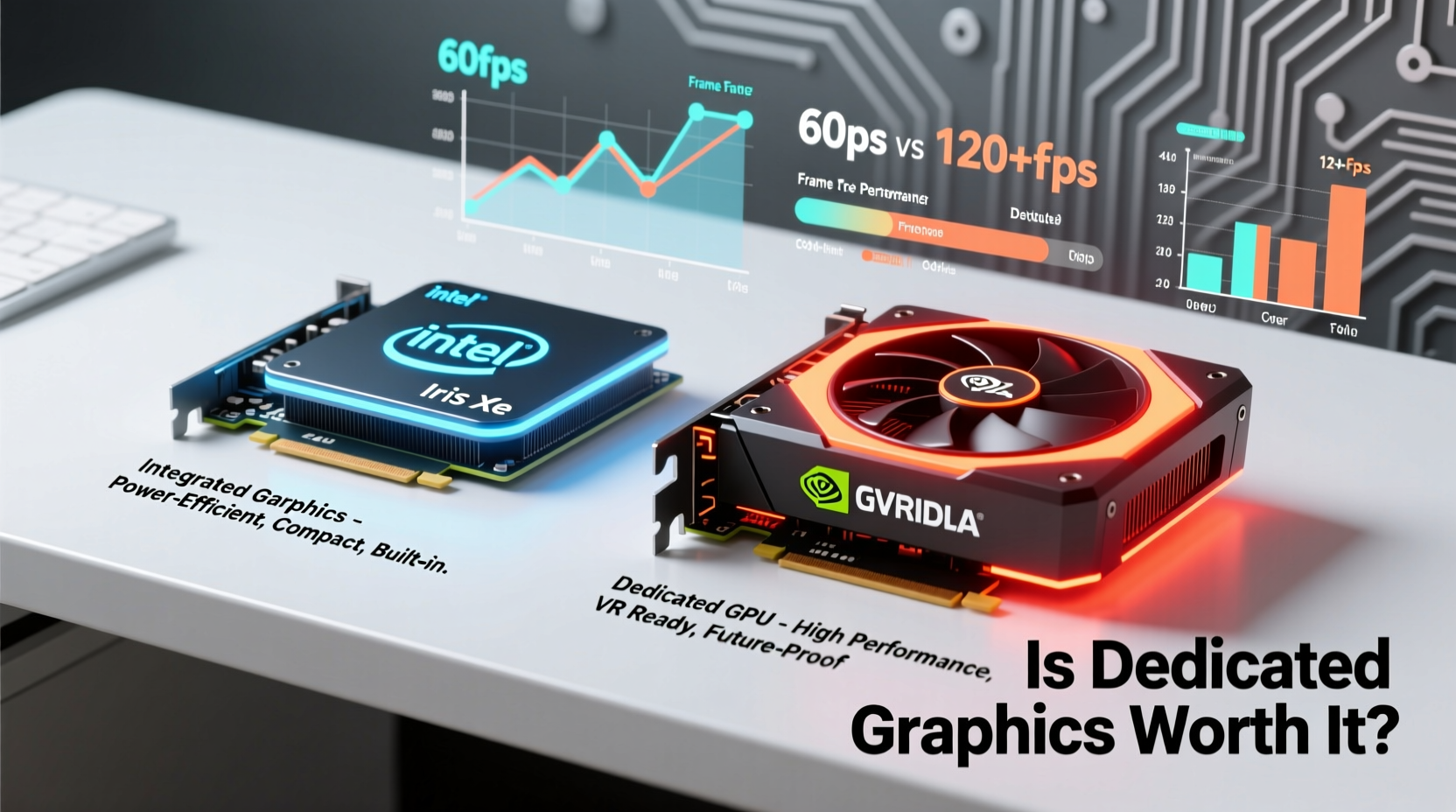
At the core of this debate lies a fundamental architectural difference. Integrated graphics, such as Intel Iris Xe, are built directly into the CPU. They share system memory (RAM) and draw power from the same thermal envelope as the processor. This makes them efficient, compact, and ideal for thin-and-light laptops. In contrast, dedicated GPUs like NVIDIA GeForce models have their own processing cores, video memory (VRAM), and cooling systems. They operate independently, delivering higher performance at the cost of increased power consumption and heat output.
Iris Xe, introduced with Intel’s 11th Gen Core processors and improved in later generations, marked a significant leap over previous integrated solutions. It supports hardware-accelerated 4K decoding, AV1 playback, and even light gaming at lower settings. On the other hand, NVIDIA GeForce GPUs—ranging from entry-level MX series to RTX 3050 and beyond—offer robust capabilities for gaming, 3D rendering, video editing, and AI tasks.
Performance Comparison: Real-World Use Cases
To assess whether dedicated graphics are worth the premium, consider how you actually use your device. Here's how Iris Xe and NVIDIA GeForce stack up across common scenarios:
| Use Case | Intel Iris Xe | NVIDIA GeForce (e.g., GTX 1650 / RTX 3050) |
|---|---|---|
| Web Browsing & Office Work | Excellent – no issues, low power draw | Overkill – performs well but inefficient for task |
| HD/4K Video Streaming | Smooth playback, supports modern codecs | No noticeable advantage |
| Casual Gaming (e.g., Minecraft, LoL) | Playable at 720p–1080p, medium settings | High settings, stable 60+ FPS at 1080p |
| AAA Gaming (e.g., Cyberpunk 2077) | Not feasible; poor frame rates even at lowest settings | Playable with DLSS/frame generation (RTX models) |
| Photo Editing (Lightroom, Photoshop) | Good for basic edits; struggles with large batches | Faster processing, GPU-accelerated filters |
| Video Editing (Premiere Pro, DaVinci Resolve) | Limited 4K timeline performance; no hardware encoding support in all formats | Significant speedup via CUDA/NVENC; real-time 4K previews |
| 3D Modeling & Rendering | Unsuitable for complex scenes | Essential for smooth viewport navigation and rendering |
“Integrated graphics have come a long way, but for any serious creative or gaming workload, a dedicated GPU remains a game-changer.” — David Lin, Hardware Analyst at TechInsight Labs
When Dedicated Graphics Are Worth the Investment
For certain users, the extra cost of a dedicated GPU pays off quickly. Gamers, content creators, engineers, and developers benefit from the parallel processing power that only discrete graphics can provide. NVIDIA’s CUDA cores and Tensor units enable faster rendering, AI inference, and simulation tasks. Features like ray tracing and DLSS (Deep Learning Super Sampling) are exclusive to GeForce RTX cards and enhance both visual fidelity and performance in supported applications.
Additionally, VRAM capacity becomes critical when handling high-resolution textures or large datasets. Iris Xe relies on shared system RAM—typically capping at 2–4GB dynamically allocated—which can bottleneck performance. In contrast, even entry-level GeForce GPUs come with 4GB or more of dedicated VRAM, ensuring smoother multitasking and better application responsiveness.
Mini Case Study: Freelance Video Editor
Sophie, a freelance editor working remotely, initially purchased a lightweight laptop with Iris Xe for portability. While it handled 1080p edits adequately, she struggled with 4K timelines in Adobe Premiere Pro. Export times exceeded 20 minutes per video, and scrubbing through clips caused frequent stuttering. After upgrading to a model with an RTX 3050, her workflow transformed. Thanks to NVIDIA’s NVENC encoder and GPU-accelerated effects, exports dropped to under 5 minutes, and real-time playback became seamless—even with color grading and multiple layers.
The upgrade justified its cost not just in time saved, but in client satisfaction and ability to take on higher-end projects.
When Iris Xe Is All You Need
For students, professionals, and general users focused on productivity, Iris Xe delivers impressive value. It handles dual-monitor setups, video conferencing with screen sharing, and multiple browser tabs without breaking a sweat. Its media engine supports AV1 decode—a future-proof feature for streaming platforms like YouTube and Netflix—giving it an edge over older integrated solutions.
Battery life is another key advantage. Because Iris Xe consumes far less power than a discrete GPU, laptops equipped with it often achieve 10–14 hours of real-world usage. Compare that to gaming laptops with GeForce GPUs, which rarely exceed 6–8 hours under light loads, and the trade-off becomes clear.
Step-by-Step: Choosing the Right Option for You
- Assess your primary use case: List the top 3–5 applications you run daily. Are they GPU-intensive?
- Evaluate resolution and display needs: Using a 4K external monitor or multiple screens? Dedicated GPUs handle scaling better.
- Consider future-proofing: Will your software demands increase in 2–3 years? Editors and developers should lean toward GeForce.
- Check thermal design: Thin laptops with powerful GPUs may throttle under load. Look for reviews on sustained performance.
- Compare total cost: A $1,200 laptop with Iris Xe may outperform a $1,400 model with a weak MX GPU due to better CPU/RAM configuration.
Frequently Asked Questions
Can Intel Iris Xe run games like Fortnite or Valorant?
Yes, but with limitations. At 720p and low-to-medium settings, you can expect 40–60 FPS in titles like Fortnite and Valorant. However, performance varies by CPU cooling, RAM speed (dual-channel recommended), and game optimization. For consistent high-FPS gameplay, a GeForce GPU is preferable.
Does having a dedicated GPU reduce laptop lifespan?
Not inherently. However, higher heat output and power draw can stress components over time if thermal management is poor. Well-designed laptops with proper cooling maintain reliability even under heavy GPU loads.
Is there a big difference between Iris Xe and older Intel UHD Graphics?
Yes. Iris Xe offers roughly double the performance of Intel UHD 630, with support for newer APIs (DirectX 12 Ultimate), faster video encode/decode, and better gaming compatibility. It’s the first integrated solution from Intel capable of genuine 1080p gaming in lighter titles.
Conclusion: Make the Choice That Fits Your Life
The question isn’t whether dedicated graphics are technically superior—they clearly are. The real issue is whether that superiority translates into meaningful benefits for you. For casual users, Iris Xe provides excellent efficiency, longevity, and performance within realistic expectations. But if your work involves gaming, video production, 3D design, or machine learning, investing in an NVIDIA GeForce GPU removes bottlenecks and unlocks capabilities that integrated graphics simply can’t match.
Don’t pay for power you won’t use, but don’t shortchange your potential either. Evaluate your actual needs, consider how your usage might evolve, and choose the balance of performance, portability, and price that aligns with your lifestyle.




 浙公网安备
33010002000092号
浙公网安备
33010002000092号 浙B2-20120091-4
Comments
No comments yet. Why don't you start the discussion?