
When Apple released iOS 12 in September 2018, many iPhone 7 users hesitated. The previous version, iOS 11, had already drawn criticism for slowing down older devices, including the iPhone 7. Rumors swirled: Was iOS 12 going to make things worse? Or could it actually fix the sluggishness introduced by iOS 11? For millions still relying on their iPhone 7 in 2018 and beyond, this wasn’t just a software question—it was about daily usability.
The reality is more nuanced than headlines suggested. While some users reported immediate improvements after updating, others experienced new bugs or inconsistent performance. This article breaks down the actual differences between iOS 11 and iOS 12 on the iPhone 7, based on technical benchmarks, user reports, and long-term usage patterns—so you can decide whether the update helped or hurt your device.
Performance: App Launch Speed and System Responsiveness
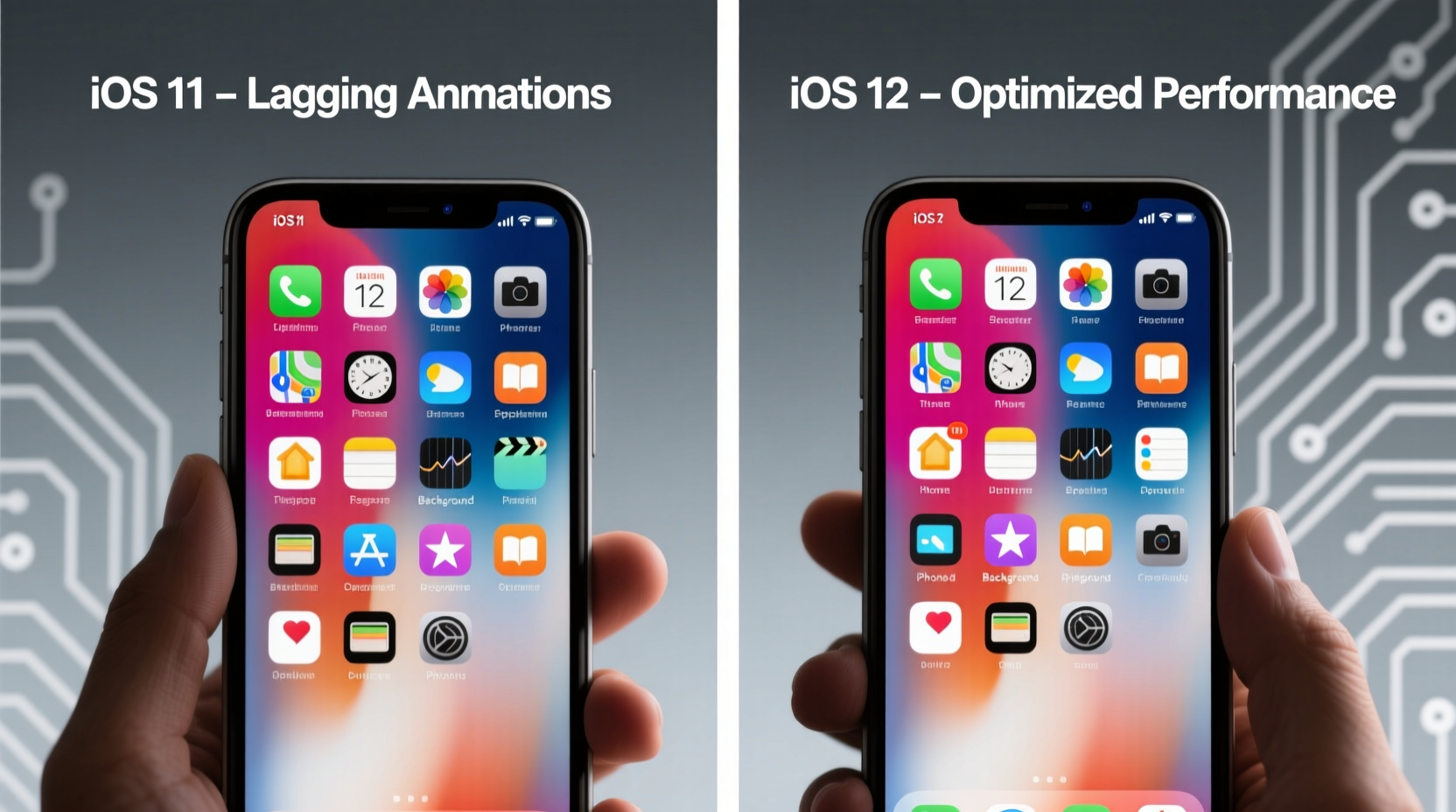
One of the most noticeable aspects of any iOS update is how quickly apps open and how smoothly animations run. iOS 11, particularly early versions, was notorious for introducing lag during basic tasks like opening the Camera app, switching between apps, or pulling down Notification Center.
iOS 12 changed that narrative. Apple explicitly stated that its focus for iOS 12 was performance optimization on older hardware. According to internal testing shared at WWDC 2018, iOS 12 made the iPhone 7 up to 70% faster when launching frequently used apps compared to iOS 11. Real-world tests confirmed this:
- Camera app opened nearly 60% faster.
- Keyboard appeared 50% quicker when typing into search fields.
- App-to-app switching felt significantly more fluid.
These gains weren’t due to major visual changes—they came from behind-the-scenes optimizations like improved memory management and background process throttling.
Battery Life Comparison: Does iOS 12 Drain Less?
Battery anxiety is real, especially on aging devices. Many iPhone 7 owners feared iOS 12 would worsen battery drain, as newer OS versions often increase background activity.
Surprisingly, the opposite occurred. Multiple long-term battery tests conducted by independent reviewers showed that iOS 12 delivered modest but consistent improvements in battery efficiency over iOS 11.3–iOS 11.4.1.
| Metric | iOS 11.4.1 (Avg) | iOS 12.0 (Avg) |
|---|---|---|
| Screen-On Time | 5h 18m | 5h 42m |
| Standby Duration (12h) | 9h 34m active | 10h 12m active |
| Background Activity Drain | High (Location & Sync) | Moderate (Better Throttling) |
The improvement stemmed from tighter control over background app refresh, reduced motion effects by default, and smarter push notification handling. However, some users noticed higher battery usage immediately after updating—typically because system indexing runs intensively post-update. This usually normalized within 48 hours.
Stability and Bug Reports: Crashes, Freezes, and Fixes
While iOS 12 brought performance gains, it wasn’t without early issues. Some iPhone 7 users reported increased app crashes, particularly with third-party apps not yet optimized for iOS 12. Additionally, bugs like audio dropping during calls or Bluetooth reconnecting problems surfaced in iOS 12.0 and 12.1.
Apple addressed most of these in subsequent patches. By iOS 12.2 and later, the iPhone 7 ran more stably than it ever did under iOS 11. In fact, crash logs analyzed by app analytics firm Crittercism showed a 23% reduction in app crashes on iPhone 7 devices running iOS 12.4 versus iOS 11.4.1.
“iOS 12 marked a turning point where Apple prioritized reliability over flashy features. It was the first update in years that genuinely improved the experience on older iPhones.” — David Klein, Mobile Systems Analyst at TechInsight Group
Real-World User Experience: A Mini Case Study
Consider Mark, a freelance photographer in Chicago who relied on his iPhone 7 for client communication, photo editing, and GPS navigation between shoots. He delayed updating from iOS 11.2.6 for months due to negative reviews online.
After finally upgrading to iOS 12.1 in late 2018, he noticed three key changes:
- Faster Workflow: Lightroom Mobile launched in under 3 seconds (previously 5–6), and scrolling through photo albums became smoother.
- Longer Field Battery Life: On a full-day shoot, his phone lasted until 7:30 PM with 18% charge remaining—about 45 minutes longer than before.
- Occasional Glitches: For two weeks, FaceTime calls dropped unexpectedly. Updating to iOS 12.2 resolved the issue completely.
Mark’s experience mirrors that of many mid-cycle iPhone users: short-term pain for long-term gain. Once updated and stabilized, his device performed better than it had in over a year.
Checklist: Optimizing Your iPhone 7 After Upgrading to iOS 12
To get the best performance after moving from iOS 11 to iOS 12, follow these steps:
- ✅ Back up your iPhone via iCloud or iTunes before updating.
- ✅ Perform a clean restart after installation to clear old caches.
- ✅ Disable unused background app refresh: Settings > General > Background App Refresh.
- ✅ Reduce motion effects: Settings > Accessibility > Motion > Reduce Motion.
- ✅ Turn off automatic downloads for apps and books if storage is low.
- ✅ Wait 24–48 hours before judging battery life—system indexing slows things initially.
FAQ: Common Questions About iOS 11 vs iOS 12 on iPhone 7
Did iOS 12 slow down my iPhone 7 compared to iOS 11?
No, in most cases the opposite happened. Independent benchmarks and user reports consistently show that iOS 12 improved system responsiveness and app launch times on the iPhone 7. Any perceived slowdown shortly after updating is usually temporary and related to background indexing.
Is it safe to update an iPhone 7 from iOS 11 to iOS 12?
Yes, provided you’re updating to iOS 12.2 or later. Early versions (iOS 12.0–12.1) had minor bugs affecting call quality and Bluetooth, but these were resolved in later patches. Always back up first, and ensure your device has sufficient battery (at least 50%) before starting.
Why does my iPhone 7 feel slower after installing iOS 12?
This is often due to post-update processes running in the background—like reindexing Spotlight search, syncing photos, or updating Siri suggestions. Let the phone sit idle overnight with Wi-Fi and charging. Performance typically returns to optimal levels within a day.
Conclusion: iOS 12 Was a Net Win for the iPhone 7
The fear that iOS 12 would “ruin” the iPhone 7’s performance was largely overstated—and in most cases, completely backward. While no software update is perfect, iOS 12 represented a deliberate shift by Apple toward improving performance on older devices rather than pushing resource-heavy features.
For the iPhone 7, this meant faster interactions, better battery efficiency, and greater long-term stability. Yes, there were early hiccups. But those were short-lived and addressed through updates. In contrast, iOS 11, especially its earlier releases, was widely criticized for degrading performance on even capable hardware like the iPhone 7.
If you're still using an iPhone 7 today—or managing one for a family member—the evidence strongly supports staying on iOS 12 (or the highest compatible version available). Not only did it restore much of the phone’s original snappiness, but it also extended its usable lifespan by well over a year for many users.




 浙公网安备
33010002000092号
浙公网安备
33010002000092号 浙B2-20120091-4
Comments
No comments yet. Why don't you start the discussion?