
For college students navigating tight budgets, limited space, and demanding coursework, choosing the right device is more than a convenience—it's a necessity. The iPad 10th Generation and Microsoft Surface Go 4 are two of the most popular compact devices marketed toward students. Both promise portability, affordability, and enough functionality to handle note-taking, research, and online collaboration. But when it comes down to daily use across lectures, libraries, and late-night study sessions, which one truly delivers?
This comparison dives deep into real-world usability, software ecosystems, productivity potential, and long-term value—helping students make an informed decision based on how they actually learn and work.
Design and Portability: Lightweight Champions
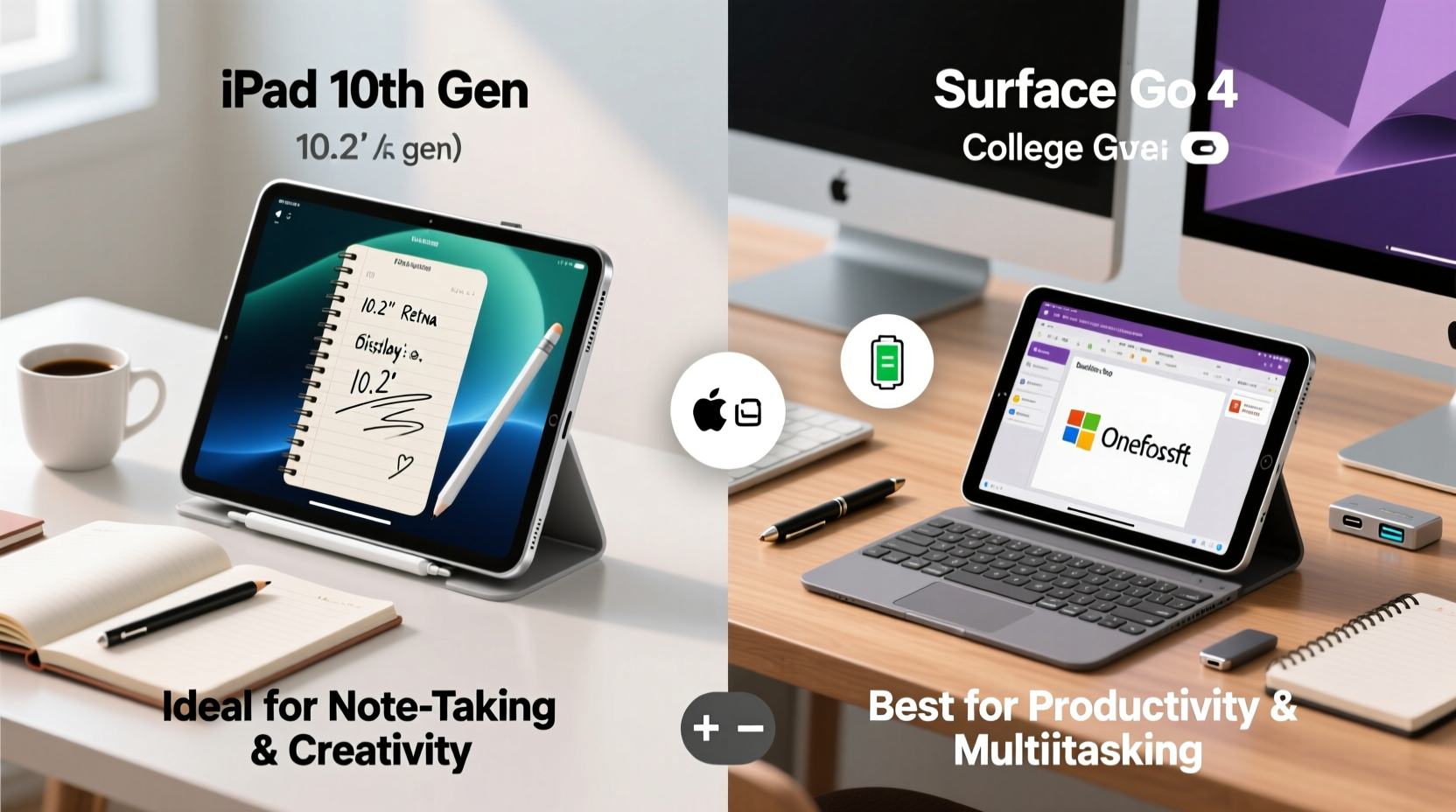
Both devices weigh in under 2 pounds, making them ideal companions for backpacks crammed with textbooks. The iPad 10th Gen weighs 1.03 pounds (470g), while the Surface Go 4 starts at 1.56 pounds (710g). That difference becomes noticeable after hours of holding a tablet during class or propping it up on a dorm desk.
The iPad’s sleek aluminum unibody feels modern and durable, especially with its full-laminated 10.9-inch Liquid Retina display. It lacks physical ports beyond USB-C, but its edge-to-edge screen maximizes viewing area in a compact footprint. In contrast, the Surface Go 4 features a slightly smaller 10.5-inch PixelSense touchscreen but includes a built-in adjustable kickstand and optional Type Cover attachment. This transforms it into a mini laptop setup—ideal for typing essays in the library.
While both devices are highly portable, the iPad wins on pure mobility. However, the Surface offers greater flexibility in form factor thanks to its detachable keyboard and Windows desktop interface.
Performance and Software: iOS vs Windows 11
This is where the fundamental difference lies. The iPad runs iPadOS, a mobile-first operating system optimized for touch, apps, and media consumption. The Surface Go 4 runs full Windows 11 Home (or Pro, depending on configuration), giving access to desktop applications like Microsoft Office, Chrome, Adobe Creative Suite, and specialized academic software.
The iPad 10th Gen uses Apple’s A14 Bionic chip—an older but still capable processor that handles web browsing, video streaming, and multitasking smoothly. However, iPadOS restricts true windowed multitasking compared to traditional laptops. Split View and Slide Over help, but running three or more apps simultaneously remains clunky.
In contrast, the Surface Go 4 comes with Intel® Processor N200 (quad-core, 3.70 GHz max) and options for 4GB, 8GB, or 16GB RAM. While not a powerhouse, this configuration supports real desktop workflows: open ten Chrome tabs, run Excel models, edit documents in Word, and attend Zoom calls—all without significant lag.
“Students in STEM fields often need access to engineering tools, coding environments, or statistical software that simply aren’t available on iPadOS.” — Dr. Laura Simmons, Educational Technology Coordinator at Northeastern University
If your coursework relies heavily on discipline-specific programs—like MATLAB, SPSS, AutoCAD, or Python IDEs—the Surface Go 4 is the only viable option. Even basic tasks like downloading .exe files or using university-provided software suites favor Windows compatibility.
Productivity Features: Note-Taking, Typing, and Multitasking
Note-taking is central to student life. The iPad shines here when paired with the first-generation Apple Pencil (sold separately). Its low latency and palm rejection make handwriting feel natural, especially in apps like GoodNotes or Notability. You can annotate PDFs, sketch diagrams, and convert handwriting to text efficiently.
The Surface Go 4 supports the Surface Pen (also sold separately) with 4,096 levels of pressure sensitivity. While accurate, some users report slight lag compared to Apple’s ecosystem. Where the Surface pulls ahead is integration with OneNote and Microsoft Whiteboard—deeply embedded into the Windows experience.
| Feature | iPad 10th Gen | Surface Go 4 |
|---|---|---|
| Stylus Support | Apple Pencil (1st gen) | Surface Pen (compatible) |
| Keyboard Option | Smart Keyboard Folio (separate) | Type Cover (separate) |
| Multitasking | Limited split-screen, no true desktop | Full window management, multiple desktops |
| File Management | Folded within Files app; limited control | Full File Explorer with drag-and-drop |
| Office App Experience | Touch-optimized but feature-limited | Full desktop versions of Word, Excel, PowerPoint |
For students who rely on heavy document editing, data analysis, or research writing, the Surface’s ability to run full desktop Office is a decisive advantage. On the iPad, even with a keyboard attached, file handling remains constrained by sandboxed apps and cloud dependency.
Battery Life and Real-World Usability
Apple claims up to 10 hours of battery life for the iPad 10th Gen, which holds true under mixed usage—web browsing, video playback, and light note-taking. The Surface Go 4 also advertises up to 10 hours, though real-world testing shows around 7–8 hours under typical academic loads, especially with Wi-Fi, brightness, and background apps active.
Charging differs too. The iPad uses USB-C but doesn’t support fast charging out of the box unless you upgrade your charger. The Surface Go 4 includes faster charging capabilities and maintains consistent power delivery through its proprietary connector or USB-C.
One overlooked aspect is audio quality. The iPad has stereo speakers with excellent clarity, great for watching lecture recordings or language practice. The Surface Go 4’s speakers are front-facing but tend to sound tinny at high volumes. Headphones are recommended for extended listening on either device.
Cost Analysis: Upfront Price vs Total Investment
At first glance, the iPad 10th Gen starts at $429 (Wi-Fi model), while the base Surface Go 4 begins at $599. That $170 difference seems significant—until you factor in essential accessories.
- iPad add-ons: Apple Pencil ($99), Smart Keyboard Folio ($179), case ($50)
- Surface add-ons: Type Cover (~$100), Surface Pen (~$100)
Once equipped for serious academic use, both devices land in a similar price range—between $700 and $800. However, the Surface includes Windows 11 and business-grade security features (like BitLocker encryption on Pro models), which may be required by certain universities or internships.
Additionally, many colleges offer discounted or free Microsoft 365 subscriptions, giving students access to premium Office apps, OneDrive storage, and Teams collaboration tools. While Apple provides iWork apps (Pages, Numbers, Keynote), their interoperability with PC-based systems can create formatting issues when submitting assignments.
Mini Case Study: Two Students, Two Choices
Alex, Biology Major – Chose the iPad 10th Gen
Alex takes extensive handwritten notes during lectures and values speed and simplicity. Using the Apple Pencil, she sketches cell structures and annotates lab reports directly on PDFs. She stores everything in iCloud and accesses materials across her iPhone and Mac at home. For her needs—light typing, visual learning, and mobility—the iPad covers all bases without unnecessary complexity.
Jamal, Computer Science Student – Went with Surface Go 4
Jamal needs to compile code, use VS Code, and remotely access Linux servers via SSH. He also writes technical documentation in Word and collaborates on group projects using shared network drives. The iPad couldn’t support his workflow. With the Surface Go 4, he runs full development tools, connects to campus networks securely, and uses dual monitors in the computer lab. Despite the heavier load, the device keeps pace with his academic demands.
Their experiences highlight a key truth: the best device depends not on specs alone, but on how you work.
Checklist: How to Choose Based on Your Needs
- Assess your primary tasks: Will you mostly take notes, read e-books, and browse? → iPad may suffice. Do you need full desktop software? → Lean toward Surface.
- Check department requirements: Some majors require specific Windows-only software. Confirm before purchasing.
- Factor in accessory costs: Include stylus, keyboard, and protective case in your budget.
- Test ergonomics: Try typing long-form on both devices. Consider comfort over time.
- Evaluate cloud vs local storage: iPad favors iCloud; Surface allows larger local storage and SD card expansion.
- Verify warranty and support: AppleCare+ and Microsoft Complete offer accidental damage protection—valuable in a dorm environment.
FAQ
Can I use the iPad for coding or programming classes?
Basic coding with Swift Playgrounds or web-based IDEs (like Replit or GitHub Codespaces) is possible, but advanced development requiring command-line tools, compilers, or debugging environments is impractical on iPadOS. For computer science curricula, a Windows or macOS machine is strongly recommended.
Is the Surface Go 4 too underpowered for college work?
It won’t replace a high-end laptop, but for word processing, spreadsheets, presentations, web research, and video conferencing, the Surface Go 4 performs reliably. Avoid resource-heavy tasks like 4K video editing or large dataset modeling. With 8GB RAM and SSD storage, it handles standard academic workloads effectively.
Which has better resale value?
iPads generally retain value better due to strong demand and longer software support (5–6 years of updates). Surface devices depreciate faster, partly due to shorter average update cycles and niche appeal. If you plan to sell after graduation, the iPad may offer a better return.
Final Verdict: Who Should Choose What?
The iPad 10th Gen is ideal for students in liberal arts, education, design, or health sciences who prioritize intuitive note-taking, media consumption, and seamless Apple ecosystem integration. It’s lighter, faster to wake and use, and excels in creative workflows involving touch and pen input.
The Surface Go 4 is the smarter choice for STEM, business, engineering, or pre-law students who depend on desktop software, file management, and institutional IT systems built around Windows. Its laptop-like functionality, expandable storage, and enterprise features make it a more versatile tool for complex academic demands.
Neither device is universally “better.” The decision hinges on your major, workflow preferences, and long-term tech needs. Evaluate what you’ll actually do each day—not just what the marketing says.




 浙公网安备
33010002000092号
浙公网安备
33010002000092号 浙B2-20120091-4
Comments
No comments yet. Why don't you start the discussion?