
When comparing tablets from 2017, Apple’s iPad (5th generation) and Samsung’s Galaxy Tab S2 stand as two of the most notable mid-range contenders of their era. While both have been succeeded by newer models, they still surface in secondhand markets and budget-conscious buyer conversations. But nearly a decade later, does the Galaxy Tab S2 hold up against Apple’s 2017 iPad? Or has time rendered Samsung’s offering obsolete? This deep dive examines build quality, performance, software support, app ecosystems, and real-world usability to determine which device still makes sense today — if either.
Design and Build Quality: A Tale of Two Philosophies
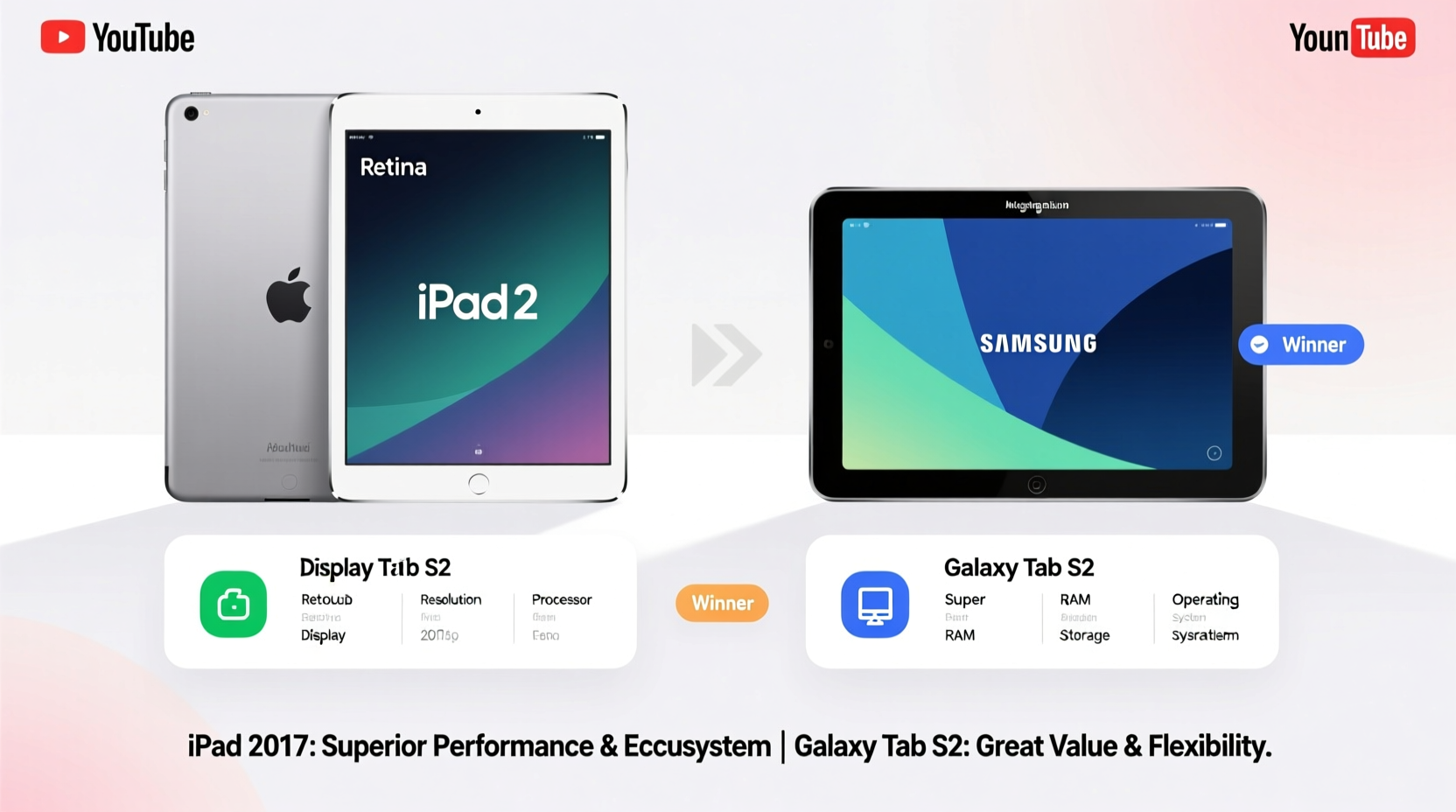
The 2017 iPad and Galaxy Tab S2 represent distinct design philosophies. Apple opted for a minimalist, functional approach: a thick bezel-laden aluminum unibody with a home button and no headphone jack (a controversial omission even then). Measuring 240 x 169.5 x 7.5 mm and weighing 469g (Wi-Fi model), it’s sturdy but not particularly sleek.
In contrast, the Galaxy Tab S2, released in 2015, was ahead of its time with an ultra-thin 5.6mm profile and symmetrical bezels. Its magnesium alloy frame made it feel premium, and at 389g (LTE version), it was significantly lighter than the iPad. The 9.7-inch model also featured a microSD slot — a rarity in iPads — allowing expandable storage.
Performance and Hardware: How Do They Hold Up?
Under the hood, these devices reflect different eras of mobile computing. The 2017 iPad runs on Apple’s A9 chip with 2GB RAM, a processor originally introduced in the iPhone 6s. Despite its age, iOS optimization allows it to handle basic tasks like web browsing, email, video streaming, and light gaming with surprising fluidity — especially compared to Android tablets of similar vintage.
The Galaxy Tab S2 uses Samsung’s Exynos 5 Octa 5433, paired with 3GB of RAM. On paper, that extra gigabyte should give it an advantage, but Android’s memory management and fragmentation issues often negate that benefit. Real-world usage shows noticeable lag when multitasking or switching between apps, especially after OS updates that weren’t fully optimized for the hardware.
Benchmarks from 2015–2017 showed the Tab S2 outperforming many contemporaries, but today, both devices struggle with modern web standards. JavaScript-heavy sites, HD video buffering, and complex apps like Google Docs or Zoom can cause stuttering on either tablet.
“Hardware longevity isn’t just about specs — it’s about how well the system manages resources over time. Apple’s tight integration gives older iPads a longer usable life.” — David Lin, Mobile Systems Analyst
Software Support and Ecosystem: The Deciding Factor
This is where the balance tips dramatically. Apple provided iOS updates to the 2017 iPad all the way through iOS 16 (released 2022), meaning it received nine years of security patches and feature upgrades — an exceptional lifespan for consumer electronics.
Samsung, on the other hand, ended major Android updates for the Tab S2 at Android 7.0 Nougat. Security patches ceased entirely by 2018. That means the device hasn’t seen meaningful software maintenance in over six years. Running outdated software exposes users to security vulnerabilities and limits access to current versions of essential apps.
The App Store also continues to support the 2017 iPad. Most modern productivity, entertainment, and education apps still run on this device, albeit sometimes in scaled-down forms. Meanwhile, the Play Store increasingly favors newer hardware; many apps now require Android 8.0 or higher, making installation impossible on the Tab S2.
App Compatibility Comparison (2024)
| App | iPad 2017 (iOS 16) | Galaxy Tab S2 (Android 7) |
|---|---|---|
| Zoom | ✅ Full support | ⚠️ Limited functionality, no updates |
| Google Drive | ✅ Works | ❌ No compatible version available |
| Netflix | ✅ HD streaming | ⚠️ SD only, frequent crashes |
| Microsoft Office | ✅ Full editing | ⚠️ View-only mode |
| Slack | ✅ Functional | ❌ Unsupported |
Real-World Use Case: Can Either Serve as a Daily Driver?
Consider Maria, a retired teacher who wanted a simple tablet for reading news, watching YouTube, and staying in touch via FaceTime and WhatsApp. She inherited a Galaxy Tab S2 from her son and tried using it for six months. Initially satisfied, she soon encountered problems: apps stopped updating, links wouldn’t load properly, and YouTube videos frequently buffer. After switching to a used 2017 iPad, she found the experience vastly improved — apps launched quickly, Safari handled multiple tabs, and she could finally join her book club’s Zoom meetings without crashing.
Maria’s story isn’t unique. For users seeking reliability over raw power, the 2017 iPad delivers a more consistent experience despite being “newer” by only two years. The ecosystem lock-in works in Apple’s favor here: continuity with iCloud, seamless updates, and long-term app support make the device far more viable in 2024.
Practical Checklist: Should You Buy or Keep Either Tablet?
Before purchasing or relying on either device in 2024, consider the following checklist:
- ✅ Does the device receive security updates? (iPad: yes until 2023; Tab S2: no since 2018)
- ✅ Can it run current versions of essential apps (email, browser, video calls)?
- ✅ Is there sufficient storage? (Tab S2 supports microSD; iPad does not)
- ✅ Is the battery health acceptable? (Both likely degraded after 7+ years)
- ✅ Are accessories still available? (Apple Pencil not supported; S Pen incompatible)
Frequently Asked Questions
Can the Galaxy Tab S2 be upgraded to a newer Android version?
No. Samsung did not provide official updates beyond Android 7.0 Nougat. While some custom ROMs exist (like LineageOS), they require technical expertise, void warranties, and may introduce instability or security risks.
Is the 2017 iPad still worth buying in 2024?
Only under very specific conditions: as a low-cost entry into the iOS ecosystem, for children’s educational use, or as a dedicated e-reader/media viewer. It lacks modern features like True Tone, fast charging, or app multitasking on par with current iPads.
Which tablet lasts longer on battery today?
In practice, neither excels. Original batteries have likely degraded. The iPad offers around 6–8 hours when new; the Tab S2 claimed 10 hours. With aged cells, expect 3–5 hours of mixed use. Replacing the battery is possible but often costs more than the device’s resale value.
Final Verdict: Is Apple the Only Way to Go?
If your goal is reliable, secure, and functional tablet use in 2024, the answer leans heavily toward yes — Apple’s 2017 iPad remains the only viable option between the two. Its extended software support, robust app compatibility, and smoother performance in daily tasks give it a decisive edge.
The Galaxy Tab S2, while innovative in its time, is now functionally obsolete. Without security patches or app support, it poses risks and limitations that outweigh its once-praised design. It might serve as a digital photo frame or offline media player, but little else.
That said, “Apple the only way to go” doesn’t mean the 2017 iPad is future-proof. Even this model will eventually lose support. For anyone depending on a tablet for work, communication, or learning, investing in a newer model — whether iPad, Samsung Galaxy Tab S series, or recent Android alternatives — is strongly advised.




 浙公网安备
33010002000092号
浙公网安备
33010002000092号 浙B2-20120091-4
Comments
No comments yet. Why don't you start the discussion?