
When choosing between the iPad Air and iPad Pro, many creatives face a critical question: Is the extra cost of the iPad Pro—and its more powerful M2 chip—actually justified for tasks like digital drawing and note-taking? The answer isn't always straightforward. While Apple markets the iPad Pro as the ultimate creative device, the iPad Air has quietly become a strong contender, especially for artists, students, and professionals who prioritize value without sacrificing core functionality.
This article breaks down the real-world differences between the two models, focusing specifically on performance, display quality, stylus compatibility, software capabilities, and long-term usability. By the end, you’ll have a clear understanding of whether the M2 chip delivers meaningful benefits or if the iPad Air is all you truly need.
Performance: M2 vs M1 – Does It Matter for Drawing?
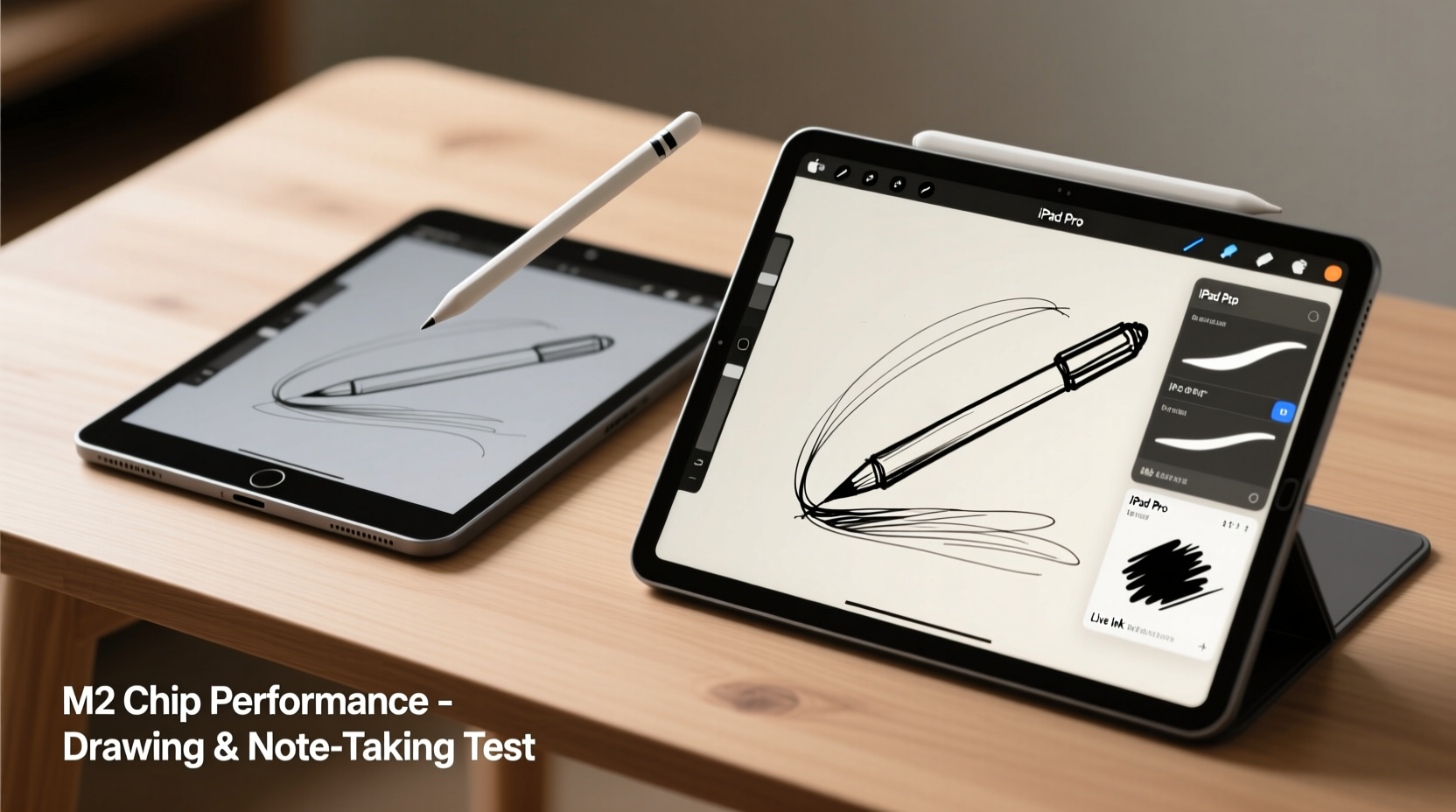
The iPad Pro features either the M1 or M2 chip, depending on the model year, while the iPad Air uses the M1. On paper, the M2 offers about 15–20% better CPU performance and up to 35% faster GPU speeds, particularly beneficial for 4K video editing, 3D modeling, and high-end gaming. But how does this translate when using apps like Procreate, GoodNotes, or Notability?
In everyday drawing scenarios—whether sketching, inking, or painting with standard brush sets—the M1 in the iPad Air handles everything smoothly. Even complex canvases with dozens of layers rarely cause lag. Procreate, one of the most demanding art apps, runs flawlessly on both devices under typical workloads. Only when pushing extreme layer counts (100+), using massive canvas sizes (8K+), or applying heavy filters in rapid succession might you notice a slight advantage on the M2.
Display Quality: OLED vs LCD – A Creative’s Perspective
One of the most significant hardware differences lies in the display. The latest iPad Pro models feature a Liquid Retina XDR display with mini-LED backlighting, offering deeper blacks, higher brightness (up to 1600 nits HDR), and superior contrast. The iPad Air uses a standard Liquid Retina display with full-lamination and P3 wide color, but it lacks the dynamic range and peak brightness of the Pro.
For digital artists, screen quality directly impacts color accuracy and visual comfort during long sessions. If you're doing professional illustration or color-critical work—such as preparing artwork for print or client presentation—the iPad Pro's display offers a tangible advantage. Artists working in low-light environments or needing precise tonal gradations will appreciate the reduced glare and improved shadow detail.
However, for casual drawing, journaling, or academic note-taking, the iPad Air’s screen is more than sufficient. Its anti-reflective coating, true-tone support, and excellent color reproduction ensure a comfortable experience across lighting conditions.
“The display difference becomes noticeable only after hours of focused creative work. For most users, it’s a luxury, not a necessity.” — Lena Torres, Digital Illustrator & iPad Workflow Consultant
Apple Pencil Compatibility and Latency
Both iPads fully support the second-generation Apple Pencil, which magnetically attaches for charging and pairing. More importantly, both offer ultra-low latency—around 9ms—with palm rejection and tilt sensitivity. This means your strokes feel immediate and natural, whether shading with the edge of a pencil or writing quickly in a meeting.
There is no measurable difference in Apple Pencil performance between the iPad Air and iPad Pro. Neither device introduces lag, jitter, or pressure inconsistency under normal use. Apps like Procreate, Concepts, and Affinity Designer treat both platforms equally when it comes to input responsiveness.
Where they diverge slightly is in optional accessories. The iPad Pro supports the newer Apple Pencil Hover feature (on M2 models with 12.9” display), allowing you to see your cursor before touching the screen—a small but useful aid for precision work. However, this feature remains limited to select apps and doesn’t significantly impact general note-taking or freehand drawing.
Real-World Use Comparison: Who Actually Needs the Pro?
To understand the practical implications, consider two realistic user profiles:
Case Study: Maya, Art Student at NYU
Maya uses her iPad daily for sketching, class notes, and creating digital portfolios. She works primarily in Procreate and GoodNotes, typically using canvases up to 4K resolution with 20–30 layers. Her workflow includes occasional time-lapse exports and PDF sharing with professors.
She started with an iPad Air (M1) and recently considered upgrading to the iPad Pro. After testing both side by side, she found no performance bottlenecks on the Air. The screen looked great in classroom lighting, and her Apple Pencil responded instantly. Ultimately, she decided against the upgrade, saving $400 that she used to buy additional software and reference books.
Case Study: David, Freelance Concept Artist
David creates high-resolution concept art for game studios, often working on large canvases (6K+) with hundreds of layers. He uses Procreate, Photoshop, and custom brushes that demand heavy GPU resources. He also edits client videos and streams his process live.
For him, the iPad Pro’s M2 chip and superior thermal management make a difference. During marathon sessions, the Pro maintains consistent performance without throttling, and the XDR display helps him judge lighting and contrast accurately. The extra RAM (16GB vs 8GB on Air) allows smoother multitasking between design and communication apps.
In David’s case, the iPad Pro isn’t overkill—it’s a productivity tool that justifies its price.
Detailed Feature Comparison
| Feature | iPad Air (M1/M2) | iPad Pro (M2) |
|---|---|---|
| Chipset | M1 (or M2 in latest 13\") | M2 (with 8/9-core GPU options) |
| RAM | 8GB | 8GB (11”), 16GB (12.9”) |
| Display Type | Liquid Retina (LCD) | Liquid Retina XDR (mini-LED) |
| Brightness (HDR) | 600 nits | 1600 nits (HDR) |
| Apple Pencil Support | Pencil 2nd gen | Pencil 2nd gen + Hover (select models) |
| Camera System | 12MP rear, 12MP ultrawide front | Pro camera system with LiDAR scanner |
| Audio | Stereo speakers (landscape) | Four-speaker system with studio-quality audio |
| Starting Price (11”) | $599 | $799 |
Note: As of 2024, the 13-inch iPad Air now features the M2 chip, narrowing the gap further. However, most Air configurations still ship with the M1, so verify the spec before purchasing.
Software Capabilities: Are You Paying for Unused Features?
iOS (now iPadOS) treats both devices nearly identically. Full-stage multitasking, external display support (via Stage Manager), and app compatibility are identical across both models. You can run the same versions of Procreate, Adobe Fresco, Notability, and Microsoft OneNote with no restrictions.
However, future-proofing is worth considering. Apple tends to extend support for Pro models longer, both in terms of OS updates and accessory integration. Features like enhanced AR experiences, advanced machine learning tools, or upcoming AI-powered drawing assistants may eventually favor devices with more processing headroom.
If you plan to keep your iPad for five years or more, the Pro’s extended lifecycle could be a deciding factor. But if you upgrade every 3–4 years, the iPad Air will remain capable throughout its lifespan.
Step-by-Step: How to Decide Which iPad Is Right for You
- Assess your primary use case: Are you drawing casually, taking notes, teaching, or doing professional artwork?
- List your essential apps: Check if they require specific hardware features (e.g., LiDAR for AR apps).
- Test canvas size needs: Do you regularly work above 4K resolution or with 50+ layers?
- Evaluate your budget: Can you justify a $200–$400 premium for marginal gains?
- Consider longevity: Will you resell in 3 years or keep it long-term?
- Try before you buy: Visit an Apple Store or borrow both models to compare screen quality and weight.
Checklist: iPad Air vs iPad Pro Decision Guide
- ✅ Need maximum performance for large files and multitasking? → Consider iPad Pro
- ✅ Working in HDR or color-critical environments? → iPad Pro preferred
- ✅ Mainly sketching, journaling, or student note-taking? → iPad Air sufficient
- ✅ Want best value with near-Pro features? → iPad Air is ideal
- ✅ Planning to connect external monitors frequently? → Both support it, but Pro handles larger outputs better
- ✅ Using advanced accessories (keyboard, trackpad, etc.)? → Both perform equally
Frequently Asked Questions
Is the M2 chip worth it for Procreate?
Only if you’re working on extremely large canvases (6K+), using hundreds of layers, or applying frequent filter-heavy edits. For most users, the M1 in the iPad Air delivers indistinguishable performance.
Can the iPad Air handle animation in Procreate?
Yes. Frame-by-frame animation up to HD resolution runs smoothly on the iPad Air. Performance drops only occur with very long timelines (100+ frames) or high frame rates (24fps+), where the iPad Pro’s extra thermal headroom helps maintain consistency.
Does the iPad Pro last longer than the Air?
Not necessarily in battery life—both offer around 10 hours of mixed use. However, the Pro may receive software updates for a slightly longer period due to its flagship status, potentially extending usable life by 6–12 months.
Final Verdict: Do You Really Need the M2 Chip?
No—most people don’t. For the vast majority of drawing and note-taking scenarios, the iPad Air offers 90% of the iPad Pro’s creative capability at a significantly lower price. The M2 chip brings real benefits, but they are concentrated in niche, high-intensity workflows rather than everyday creativity.
The iPad Air excels as a balanced device: lightweight, powerful enough, visually pleasing, and fully compatible with the entire Apple Pencil and Smart Keyboard ecosystem. Unless you’re a professional artist, designer, or educator with specific demands for screen quality, processing speed, or multitasking, the Air is not just “good enough”—it’s optimal.
Choosing the iPad Pro makes sense when you need the best possible display, future-proof specs, or plan to use your iPad as a laptop replacement. But if your goals are focused on personal expression, learning, or light-to-moderate creative work, spending extra on the M2 chip is unlikely to enhance your experience in any meaningful way.




 浙公网安备
33010002000092号
浙公网安备
33010002000092号 浙B2-20120091-4
Comments
No comments yet. Why don't you start the discussion?