
Apple’s iPad lineup has long been divided into tiers, with the iPad Air and iPad Pro sitting just below and above each other in terms of performance and price. For years, consumers have debated whether the jump from Air to Pro is worth it—especially when both devices now feature powerful chips like the M2. But if you're not editing 4K video or running professional design software, does that extra processing power matter? The answer isn’t as straightforward as “yes” or “no,” but rather depends on how you use your device, what you value in an experience, and how long you plan to keep it.
The iPad Pro, equipped with the M2 chip, promises desktop-class performance, advanced display technology, and enhanced camera systems. Meanwhile, the iPad Air, while slightly behind in specs, still runs the same operating system, supports the Apple Pencil and Magic Keyboard, and handles most tasks with ease. So when marketing pushes the Pro as the ultimate productivity machine, it's fair to ask: are casual users being sold more than they actually need?
Understanding the Real-World Impact of the M2 Chip
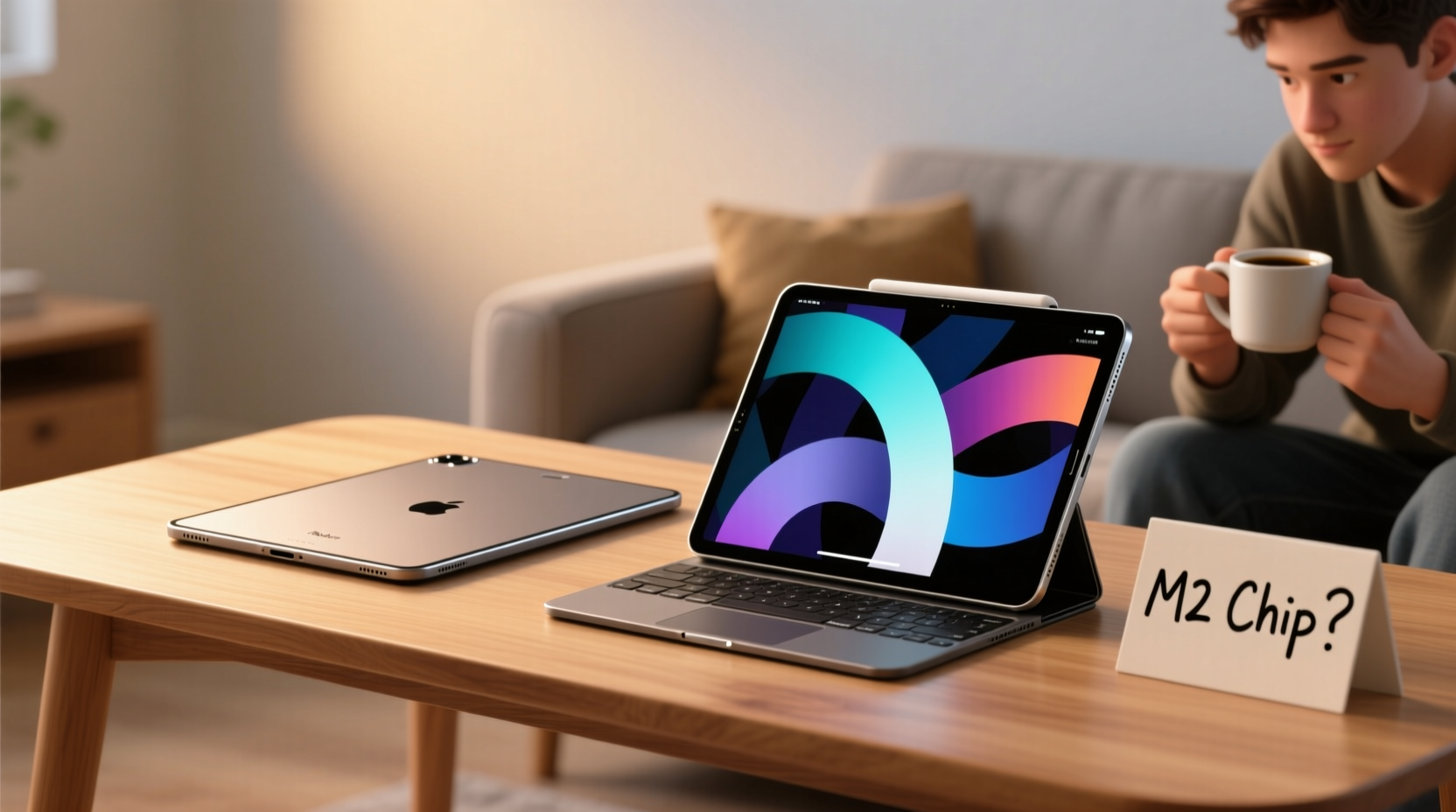
The M2 chip, first introduced in 2022, brought significant improvements over its predecessor—the M1—including faster CPU and GPU performance, better neural engine efficiency, and improved memory bandwidth. On paper, this translates to smoother multitasking, quicker app launches, and better handling of graphically intensive applications like video editing, 3D modeling, and high-end gaming.
But for the average user—someone who browses the web, checks email, watches streaming content, uses social media, reads e-books, and occasionally takes notes with an Apple Pencil—the difference between the M1 (in older models) or even the A14 Bionic (in earlier Airs) and the M2 is nearly imperceptible. iOS and iPadOS are optimized to run efficiently across hardware tiers, meaning apps load quickly and transitions remain fluid even on less powerful chips.
Consider this: Safari doesn’t run faster on an M2 iPad than on an M1 model when loading the same page. Neither does Netflix stream at higher quality because of the processor. The benefits of the M2 become apparent only under heavy workloads—like exporting large video files in Final Cut Pro, rendering complex illustrations in Procreate with hundreds of layers, or using multiple virtual desktops with demanding apps open simultaneously.
Key Differences Between iPad Air and iPad Pro
To understand whether the M2 matters, it helps to compare the full scope of differences—not just the chip, but also display, audio, connectivity, and accessories.
| Feature | iPad Air (5th Gen) | iPad Pro (M2, 11\" & 12.9\") |
|---|---|---|
| Chip | M1 (as of 2024 update) | M2 |
| Display | Liquid Retina, 60Hz, ~500 nits brightness | ProMotion (120Hz), up to 1600 nits (Mini-LED on 12.9\") |
| Cameras | 12MP rear, 12MP front (landscape) | 12MP + 10MP ultra-wide rear, LiDAR, 12MP front with Center Stage |
| Audio | Stereo speakers (top/bottom) | Four-speaker system with spatial audio support |
| Connectivity | USB-C (2nd gen), Wi-Fi 6, Bluetooth 5.0 | Thunderbolt/USB 4, Wi-Fi 6E, Bluetooth 5.3 |
| Face ID | No (Touch ID in top button) | Yes (portrait orientation compatible) |
| Accessories | Supports Apple Pencil (2nd gen), Magic Keyboard | Same, plus optional trackpad gestures and Studio Display compatibility |
The table reveals that the gap isn't just about processing power—it's about ecosystem integration and future-proofing. The Pro offers Thunderbolt ports, which allow for external monitor output and faster data transfer. Its ProMotion display makes scrolling and drawing feel significantly smoother. And Face ID adds convenience, especially when using the iPad in different orientations.
“For creatives, the iPad Pro isn’t just a tablet—it’s a portable workstation. But for most people, it’s like buying a sports car to drive to the grocery store.” — David Lin, Tech Analyst at Mobile Insights Group
Who Actually Benefits From the M2?
The M2 chip shines brightest in three key areas: creative professionals, mobile workers, and tech enthusiasts planning long-term ownership.
Creative professionals—graphic designers, illustrators, photographers, and video editors—leverage the M2’s power to handle large files, multitask between Adobe Suite apps, and export high-resolution content without lag. The combination of the M2, ample RAM (up to 16GB on Pro), and the ProMotion display creates a near-laptop experience.
Mobile professionals who rely on their iPad as a primary computing device benefit from features like Stage Manager, external display support, and fast file transfers via Thunderbolt. These capabilities turn the iPad Pro into a laptop replacement, especially when paired with the Magic Keyboard.
Tech-savvy users who keep devices for five years or more may find value in the M2’s longevity. Future iPadOS updates will likely introduce more demanding features, and having extra headroom ensures the device remains responsive well into the next decade.
However, for the **casual user**—defined as someone who uses their iPad primarily for entertainment, light productivity, and communication—the M2 delivers diminishing returns. The iPad Air already exceeds baseline performance needs. Apps launch instantly, videos play smoothly, and note-taking feels natural. Unless you’re consistently pushing the limits of what iPadOS can do, the Pro’s advantages are more theoretical than practical.
Real Example: Sarah’s Upgrade Dilemma
Sarah, a college student majoring in literature, had been using a 7th-gen iPad with an original Apple Pencil. Her usage was simple: reading PDFs, annotating textbooks, watching lectures, browsing Reddit, and taking handwritten notes during class. When her old iPad started slowing down, she considered upgrading.
She visited an Apple Store, where a sales associate recommended the 12.9-inch iPad Pro with M2, emphasizing its superior screen and speed. Impressed by the demo, she almost bought it—until she tested the iPad Air side by side. She opened her usual apps: Notability, Kindle, Safari, and YouTube. Both devices performed identically. The Air’s display looked sharp, and writing with the Pencil felt just as responsive.
She realized the Pro’s Mini-LED screen was overkill for indoor reading, and she wouldn’t use Face ID enough to justify losing Touch ID. After calculating the price difference—nearly $500—she chose the iPad Air. Two semesters later, she reports no performance issues and says she’s “more than satisfied” with her decision.
Checklist: Choosing Between iPad Air and iPad Pro
- ✅ Do you edit video, photos, or music regularly? → Lean toward iPad Pro
- ✅ Will you connect to an external monitor or use desktop-class workflows? → Pro offers Thunderbolt and Stage Manager advantages
- ✅ Is a brighter, smoother, more color-accurate display important for art or outdoor use? → Pro wins here
- ✅ Do you want Face ID for hands-free unlocking in various orientations? → Only available on Pro
- ✅ Are you on a budget and mainly use apps for reading, browsing, and light note-taking? → iPad Air is more than sufficient
- ✅ Do you plan to keep the device for 5+ years and want maximum future-proofing? → M2 gives longer relevance
- ✅ Do you prefer Touch ID in the power button over Face ID? → Air retains this feature
Long-Term Value and Resale Considerations
While the iPad Pro costs more upfront, it tends to hold its resale value better due to its premium positioning and longer software support expectations. An iPad Pro purchased today might still receive updates in 2030, whereas the Air, though similarly supported now, may be phased out slightly earlier as Apple prioritizes newer architectures.
Additionally, the Pro’s build quality and materials—such as its aluminum enclosure and tighter manufacturing tolerances—contribute to a perception of durability and prestige. This can translate into higher trade-in values down the line.
Still, the iPad Air is built to last. It uses the same aerospace-grade aluminum and meets the same environmental standards as the Pro. With proper care, it can easily serve a casual user for four to six years without feeling outdated.
Frequently Asked Questions
Can the iPad Air handle Apple Pencil and keyboard accessories?
Yes. The iPad Air fully supports the second-generation Apple Pencil (which magnetically attaches and charges) and the Magic Keyboard or any Bluetooth keyboard. You get the same handwriting recognition, markup functionality, and typing experience as on the Pro.
Is the M2 chip necessary for running iPadOS updates?
No. iPadOS is designed to run efficiently across multiple chipsets. While future versions may introduce features that benefit from more power, the M1-powered iPad Air will continue receiving updates for several years. There’s no indication Apple will limit OS access based on chip generation alone.
Does the iPad Pro battery last longer because of the M2?
Not significantly. Both devices offer around 10 hours of mixed usage. The M2 is more power-efficient than previous chips, but the Pro’s brighter display and additional components offset those gains. Real-world battery life is very similar between models.
Final Verdict: Do Casual Users Need the M2?
The short answer is no. Most casual users do not need the M2 chip in the iPad Pro. The iPad Air—with its M1 chip (as updated in 2024), excellent display, robust accessory support, and lower price point—delivers a seamless, enjoyable experience for everyday tasks.
The M2’s strengths lie in niche, high-performance scenarios that the majority of users never encounter. Unless you’re routinely working with large creative files, connecting to external displays, or demand the absolute best display and audio quality, the iPad Pro’s advantages are unlikely to impact your daily experience in any meaningful way.
That said, if budget allows and you appreciate premium design, smoother animations, and the peace of mind that comes with owning the most powerful iPad available, the upgrade can be justified. It’s not about necessity—it’s about preference.
“The best tech isn’t always the fastest. It’s the one that fits your life without friction.” — Kara Nguyen, Digital Lifestyle Coach
Conclusion: Make the Choice That Serves Your Life
Choosing between the iPad Air and iPad Pro shouldn’t come down to specs alone. It should reflect how you live, work, and play. The M2 chip is impressive, but raw power means little if it’s not being used. For casual users, the iPad Air strikes the perfect balance of performance, portability, and price.
Before spending extra on features you won’t utilize, ask yourself: What will I actually do with this device every day? Will I notice the difference? Can I invest that savings elsewhere—into accessories, apps, or experiences that enhance my life more directly?




 浙公网安备
33010002000092号
浙公网安备
33010002000092号 浙B2-20120091-4
Comments
No comments yet. Why don't you start the discussion?