
Digital artists today have more tools than ever to create on the go, but choosing the right device can make or break a workflow. Two popular options—the iPad Pro and the Microsoft Surface Go—offer compelling features at different price points and ecosystems. While both support styluses and creative applications, they differ significantly in operating system, processing power, app flexibility, and long-term usability. For artists who rely on precision, responsiveness, and software compatibility, understanding these differences is essential.
This comparison dives deep into real-world performance, creative tool integration, display quality, and ecosystem strengths to help digital artists make an informed decision based on their specific needs—whether that’s sketching on the couch, illustrating professionally in a studio, or animating between locations.
Display and Drawing Experience
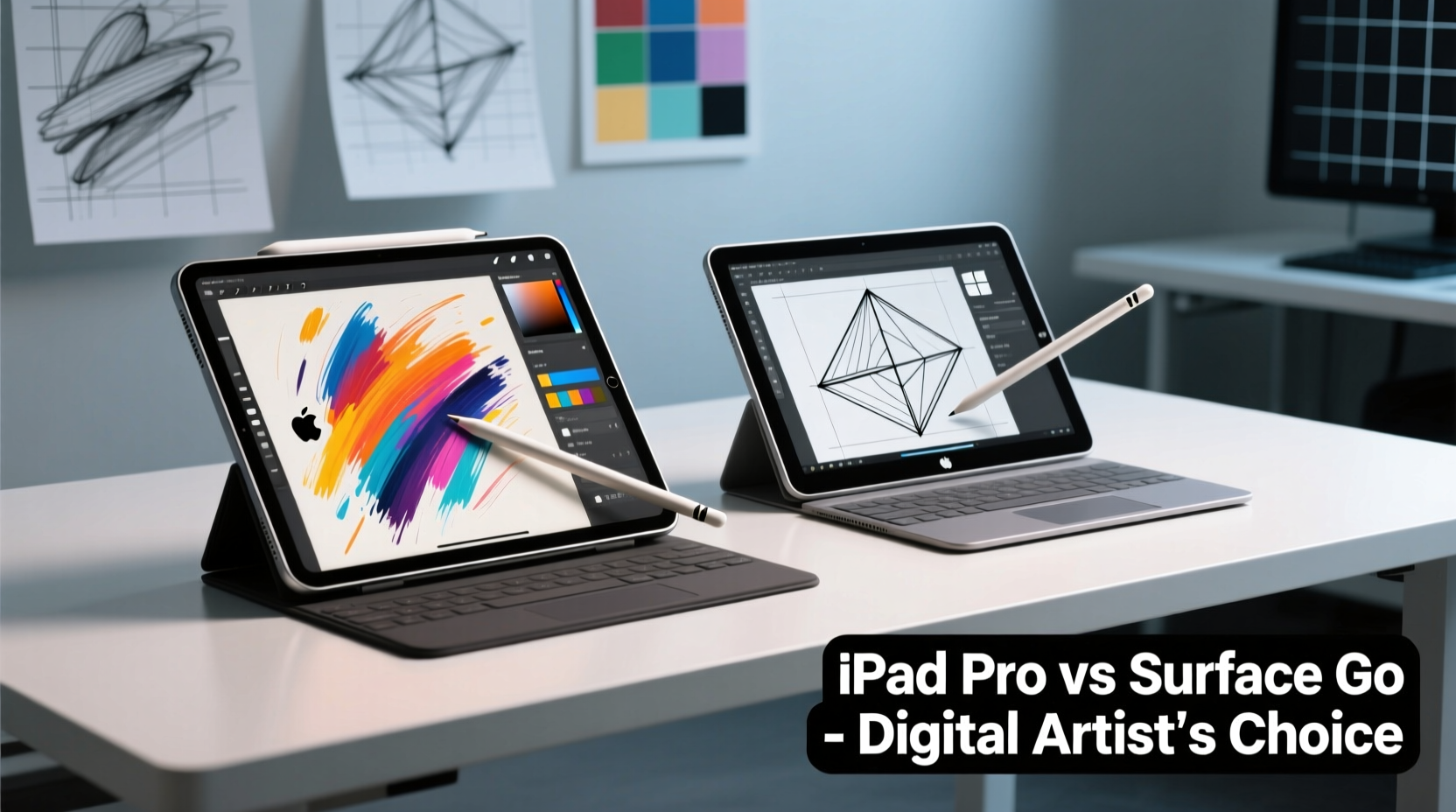
The screen is where art comes to life, so resolution, color accuracy, and touch responsiveness are critical. The iPad Pro leads with its Liquid Retina XDR display (on M-series models), offering up to 12.9 inches of ProMotion technology at 120Hz refresh rate. This means every stroke from the Apple Pencil feels fluid, with minimal lag and pixel-perfect precision. The anti-reflective coating and P3 wide color gamut ensure vibrant, true-to-life colors—ideal for professional illustration and photo editing.
In contrast, the Surface Go 3 features a 10.5-inch PixelSense Display with Full HD+ resolution (1920x1280) and a 60Hz refresh rate. While it delivers solid color reproduction and decent brightness, the lower refresh rate makes pen input feel slightly less responsive compared to the iPad Pro. Artists accustomed to high frame rates may notice a subtle \"catch\" during fast strokes.
Both devices support active styluses: the Apple Pencil (2nd gen) for iPad and the Surface Pen for the Go. The Apple Pencil magnetically attaches and charges seamlessly, offering pressure sensitivity, tilt detection, and near-zero latency. The Surface Pen also supports 4,096 levels of pressure and tilt, but requires AAAA batteries or recharging depending on model, and lacks automatic pairing convenience.
Performance and Creative Software Ecosystem
Hardware performance directly affects how smoothly complex files load, layers render, and effects apply. The iPad Pro runs on Apple’s M1 or M2 chip (depending on model), delivering desktop-class performance. This enables apps like Procreate, Adobe Fresco, and Affinity Designer to run without lag—even with hundreds of layers or 4K canvas sizes. Multitasking with Split View and Slide Over further enhances productivity.
The Surface Go 3, meanwhile, offers two processor options: Intel Pentium Gold 8505 or Intel Core i3-10100Y. Even the faster i3 version struggles with heavier creative workloads. RAM caps at 8GB, and storage is limited to 128GB eMMC or SSD. While sufficient for light Photoshop use or basic vector work in Illustrator, it stutters when handling large PSDs or multitasking between design tools.
Software availability is another key divergence. iPadOS hosts optimized creative apps such as Procreate (a favorite among illustrators), Concepts, and Tayasui Sketches—many designed specifically for touch-first workflows. However, full desktop-grade software like Adobe Photoshop or Premiere Pro isn’t available; instead, mobile versions offer reduced functionality.
The Surface Go runs full Windows 11 Home in S Mode (upgradeable), giving access to the entire suite of desktop creative software. Artists can install full versions of Photoshop, Clip Studio Paint, Blender, or DaVinci Resolve. This makes the Go far more versatile for those already embedded in the Windows creative pipeline.
“While the iPad excels in intuitive, gesture-driven creation, Windows remains unmatched in raw software flexibility.” — Lena Torres, Digital Art Educator and Illustrator
Portability and Battery Life
For artists working remotely—on commutes, in cafes, or traveling—the balance between size, weight, and endurance matters. The iPad Pro 12.9” weighs about 682g (Wi-Fi model), while the 11” version drops to 466g. Both are thinner and lighter than the Surface Go 3, which weighs approximately 544g—including the Type Cover, which must be purchased separately.
However, once you factor in accessories, the equation shifts. The iPad Pro requires a separate keyboard (like Magic Keyboard or Smart Keyboard Folio) for serious typing, adding cost and bulk. The Surface Go includes a built-in kickstand and optional detachable keyboard, making it function more like a mini laptop out of the box.
Battery life favors the iPad Pro, consistently achieving 8–10 hours of active drawing or video playback. The Surface Go manages around 7–9 hours under ideal conditions, but intensive tasks like rendering or animation reduce this significantly due to thermal throttling.
| Feature | iPad Pro | Surface Go 3 |
|---|---|---|
| Weight (base) | 466g – 682g | 544g (without cover) |
| Screen Size | 11” or 12.9” | 10.5” |
| Refresh Rate | 120Hz (ProMotion) | 60Hz |
| OS | iPadOS | Windows 11 |
| Palm Rejection | Excellent (hardware + software) | Good (varies by app) |
| Battery Life (active use) | 8–10 hrs | 6–8 hrs |
| Stylus Included? | No | No |
Workflow Integration and Expandability
Digital artists rarely work in isolation—they often transfer files, collaborate via cloud services, or connect to external monitors and drives. Here, the Surface Go has a clear edge. It includes a USB-C port, microSD card reader, and headphone jack. You can plug in external hard drives, MIDI controllers, or even a second monitor using standard adapters. File management through Windows Explorer is straightforward, allowing drag-and-drop between folders, apps, and devices.
The iPad Pro uses USB-C (on newer models), supporting external storage and some camera imports, but file navigation within iPadOS remains restrictive compared to desktop systems. While the Files app has improved, moving assets between apps often requires workarounds or third-party solutions. Additionally, iPadOS still lacks native support for multiple user accounts, limiting shared use in collaborative environments.
Cloud integration works well on both platforms, with seamless syncing via iCloud, OneDrive, Dropbox, or Google Drive. However, artists using Wacom tablets or specialized drivers may find Windows’ broader hardware compatibility more accommodating.
Real-World Use Case: Freelance Illustrator on the Move
Sophie Chen, a freelance concept artist based in Portland, tested both devices over a three-month project cycle. She used the iPad Pro primarily for client sketches and personal artwork in Procreate, praising its natural brush engine and battery longevity during travel. “I could draw for six hours straight on a flight with no issues,” she said.
However, when it came time to deliver final files in layered PSD format with custom fonts and effects, she switched back to her main Windows machine. “The Surface Go let me open those files directly and tweak them, which saved hours of re-exporting from mobile apps.”
Ultimately, Sophie found the iPad Pro superior for pure creation, but leaned on the Surface Go as a transitional tool when full software access was needed. “If I had to pick one, I’d take the iPad for creativity—but only if I have a desktop backup for finishing work.”
Choosing Based on Your Artistic Needs
Selecting between the iPad Pro and Surface Go depends less on specs and more on your creative process:
- Choose the iPad Pro if: You value a seamless drawing experience, use apps like Procreate or Adobe Fresco, prefer iOS ecosystem integration, and want maximum portability with top-tier display quality.
- Choose the Surface Go if: You need full Windows software (Photoshop, Illustrator, etc.), work across multiple file types, require USB peripherals, or want a lightweight laptop replacement with stylus support.
Consider this checklist before buying:
- Do you rely on desktop-only creative software? → Lean toward Surface Go.
- Is low-latency drawing your top priority? → iPad Pro wins.
- Will you use this device away from a desk most of the time? → iPad Pro offers better battery and instant-on functionality.
- Do you need expandable storage via SD card? → Surface Go supports microSD; iPad does not.
- Are you budget-conscious? → Surface Go starts lower (~$400), but iPad Pro pricing scales quickly with accessories.
Frequently Asked Questions
Can the Surface Go run Clip Studio Paint effectively?
Yes, the Surface Go can run Clip Studio Paint, including the EX version with multi-page support. However, performance degrades with large canvases or complex layer stacks. Artists should stick to smaller projects or simplified settings for smooth operation.
Is the Apple Pencil worth the extra cost?
For serious digital artists, yes. The Apple Pencil’s pressure sensitivity, tilt recognition, and near-instantaneous response set an industry benchmark. Many users report it feels closer to traditional media than any other stylus.
Which device lasts longer for artists?
The iPad Pro generally receives longer software support—Apple typically provides 5–6 years of OS updates. Microsoft supports the Surface Go for around 4 years. Hardware durability favors the iPad Pro’s aluminum unibody, though both devices benefit from protective cases.
Final Verdict and Next Steps
The iPad Pro and Microsoft Surface Go serve distinct roles in a digital artist’s toolkit. The iPad Pro shines as a dedicated creative canvas—an instrument optimized for inspiration, intuition, and immediacy. Its combination of powerful hardware, best-in-class display, and mature stylus integration makes it the preferred choice for illustrators, painters, and visual journalers.
The Surface Go, while less powerful, bridges the gap between tablet and laptop. It’s ideal for artists already invested in Windows-based workflows, students needing a school-ready device with drawing capabilities, or professionals who occasionally sketch but primarily edit on desktop software.
There’s no universal winner. Instead, think about your daily routine: Do you create first and refine later? Or do you need full control over every stage of production? Answer that, and your ideal device becomes clear.




 浙公网安备
33010002000092号
浙公网安备
33010002000092号 浙B2-20120091-4
Comments
No comments yet. Why don't you start the discussion?