
When choosing between an iPad and an iPhone 11, one question consistently arises: is the larger screen of the iPad truly beneficial, or does the compact convenience of the iPhone 11 outweigh it? Both devices share Apple’s ecosystem, performance standards, and design language, but they serve different roles in daily life. The answer isn’t universal—it depends on how you use technology, your lifestyle, and what you prioritize: portability or productivity.
The iPhone 11, released in 2019, features a 6.1-inch Liquid Retina display, while even the base iPad model offers at least a 10.2-inch screen. That’s nearly 70% more viewing area. But more screen space doesn’t automatically mean better value. Let’s break down where each device excels and whether upgrading to an iPad for that extra real estate makes sense.
Screen Size and Usability: More Than Just Inches
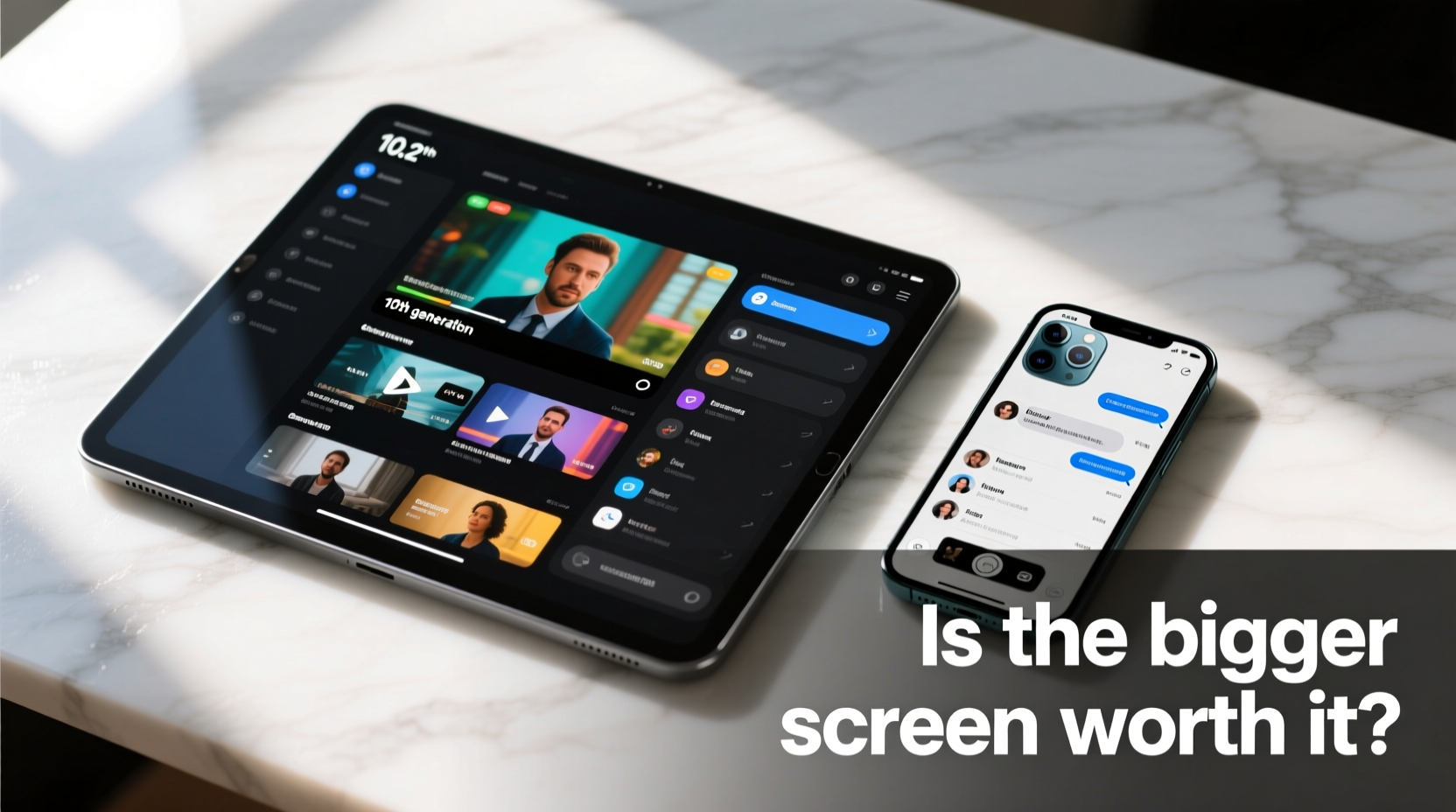
At first glance, the iPad’s screen seems like an obvious upgrade. With over 10 inches of display, it supports split-screen multitasking, full keyboard input, and immersive media consumption. It’s ideal for reading long articles, watching videos without squinting, or editing documents with ease.
In contrast, the iPhone 11’s 6.1-inch screen fits comfortably in one hand. You can reply to messages, check notifications, or take photos without shifting your grip. Its smaller footprint makes it perfect for quick interactions—unlocking doors via HomeKit, scanning tickets, or navigating city streets.
However, screen size affects more than just comfort. It influences how deeply you engage with content. On the iPad, browsing the web feels more desktop-like. You see more text, interact with multiple panes, and scroll less. On the iPhone 11, every tap must be precise; menus are stacked, and navigation is vertical by necessity.
Performance and Multitasking Capabilities
Both devices run on Apple’s A13 Bionic chip—the same processor found in the iPhone 11 Pro. This means raw speed is comparable. Apps launch quickly, games run smoothly, and Face ID (on supported iPads) works just as fast as on the iPhone.
But performance isn’t only about processing power. It’s also about how many tasks you can handle simultaneously. Here, the iPad pulls ahead. With Slide Over, Split View, and Picture in Picture, you can watch a tutorial while taking notes, compare prices across browsers, or keep a video call open beside a spreadsheet.
The iPhone 11 lacks native multitasking beyond basic background audio and limited picture-in-picture support. You can switch between apps quickly, but true side-by-side functionality isn’t possible. For users who juggle communication, research, and creation, this limitation becomes noticeable over time.
“Multitasking on iPad bridges the gap between smartphone convenience and laptop productivity.” — David Lin, Tech Analyst at MobileInsight Group
Portability vs. Productivity: Real-World Tradeoffs
The core decision comes down to tradeoffs. The iPhone 11 wins in portability. It slips into pockets, weighs under 6 ounces, and doubles as a high-quality camera. You’re far more likely to have it with you during commutes, workouts, or casual outings.
The iPad, even the lightweight version, requires a bag or dedicated carry solution. At around 1 pound, it’s not cumbersome, but it’s not spontaneous either. Yet once set up, it transforms into a mini workstation. Pair it with a Bluetooth keyboard or Apple Pencil, and it handles email drafting, sketching, coding, and remote learning with surprising efficiency.
Consider this scenario: you're working remotely from a café. With the iPhone 11, you can respond to urgent emails and join calls—but typing a report or reviewing spreadsheets is tedious. With the iPad, you connect a portable keyboard, open two apps at once, and finish the task efficiently. The screen enables sustained focus; the phone encourages brief bursts of attention.
Comparison Table: iPad vs iPhone 11 Key Features
| Feature | iPad (10.2\", 8th/9th Gen) | iPhone 11 |
|---|---|---|
| Display Size | 10.2 inches | 6.1 inches |
| Weight | ~487g (Wi-Fi model) | 194g |
| Processor | A13 Bionic (same as iPhone 11) | A13 Bionic |
| Multitasking | Split View, Slide Over, PiP | PiP only (limited) |
| Primary Use Case | Content creation, learning, media | Communication, photography, mobility |
| Battery Life | Up to 10 hours | Up to 17 hours video playback |
| Expandability | Supports external keyboards, Apple Pencil | Limited to cases and accessories |
Real Example: Student Life with iPad vs iPhone 11
Sophia, a university student majoring in journalism, initially relied solely on her iPhone 11 for class notes, readings, and assignments. She found herself constantly zooming in on PDFs, struggling to type essays, and missing details during online lectures due to the small screen.
After switching to an iPad with a Smart Keyboard Folio, her workflow improved dramatically. She used Notability to handwrite notes during lectures while recording audio. She opened research articles alongside her draft, cited sources faster, and submitted cleaner work. While she still used her iPhone 11 for messaging and commuting, the iPad became her academic hub.
For Sophia, the bigger screen wasn’t just “nice to have”—it was essential for academic success. Her experience underscores a broader truth: if your usage involves deep engagement with information, the iPad delivers tangible benefits.
When the iPhone 11 Is the Smarter Choice
Despite the iPad’s advantages, there are clear situations where the iPhone 11 remains superior. If your digital life revolves around staying connected—not creating—then simplicity wins.
- On-the-go communication: Texting, calling, and social media are optimized for single-handed use.
- Photography: The iPhone 11 has a dual-camera system with Night mode and excellent video stabilization—capabilities most base iPads lack entirely.
- Everyday convenience: Wallet, Apple Pay, Find My, and Health all integrate seamlessly because the phone is always within reach.
You don’t need a large screen to check the weather, control smart home devices, or track fitness goals. In these contexts, the iPhone 11 isn’t just adequate—it’s optimal.
FAQ: Common Questions About iPad vs iPhone 11
Can I replace my laptop with an iPad instead of using an iPhone 11?
For light productivity—writing, browsing, presentations, and note-taking—a newer iPad with a keyboard can effectively replace a laptop. However, for advanced tasks like video editing, coding in complex environments, or using specialized software, a traditional computer is still necessary. The iPhone 11 is not designed to function as a laptop replacement.
Is the iPad worth it if I already own an iPhone 11?
Yes, if you regularly find yourself wanting more screen space for reading, studying, drawing, or multitasking. Many users own both: the iPhone for mobility and the iPad for deeper engagement. They complement rather than compete.
Does the bigger screen drain battery faster?
While the iPad has a larger battery, its screen consumes more power. However, Apple optimizes both devices well. The iPad typically lasts around 10 hours of mixed use, while the iPhone 11 offers slightly longer video playback but less sustained multitasking stamina. In practice, both deliver reliable all-day performance under normal conditions.
Final Verdict: Is the Bigger Screen Worth It?
The answer hinges on intent. If your goal is constant connectivity, instant access, and mobility, the iPhone 11’s compact design is unmatched. But if you seek a device that enhances focus, enables creativity, and supports extended interaction with digital content, the iPad’s larger screen offers meaningful value.
Think of it this way: the iPhone 11 keeps you informed; the iPad helps you do something with that information. One informs, the other empowers.
For students, remote workers, artists, and lifelong learners, the iPad’s screen isn’t just bigger—it’s more capable. For everyone else, the iPhone 11 remains a powerful, pocket-sized companion that excels at immediacy.
“Choosing between iPad and iPhone isn’t about specs—it’s about how you want to spend your time.” — Lena Park, Digital Lifestyle Coach
Take Action Today
Assess your last week of tech use. How much time did you spend passively scrolling versus actively creating? Did you ever wish you could see more on screen or work on two things at once? If so, the iPad may be a worthwhile investment. If your needs center on speed, access, and simplicity, stick with the iPhone 11—and use it brilliantly.




 浙公网安备
33010002000092号
浙公网安备
33010002000092号 浙B2-20120091-4
Comments
No comments yet. Why don't you start the discussion?