
In a world where mobility defines productivity and entertainment, tablets have evolved from luxury gadgets into essential tools. Apple’s iPad, Samsung’s Galaxy Tab series, and Microsoft’s Surface lineup dominate the market—each promising versatility, power, and seamless integration. But with overlapping features and premium price tags, how do you know which one is actually worth the investment? The answer depends on how you use technology, not just what specs look impressive on paper.
This comparison cuts through marketing claims to examine real-world performance, ecosystem strengths, software capabilities, and long-term usability across three major platforms. Whether you're a student, creative professional, or remote worker, understanding the nuances between these devices can save time, money, and frustration.
Design and Build: Form Meets Function
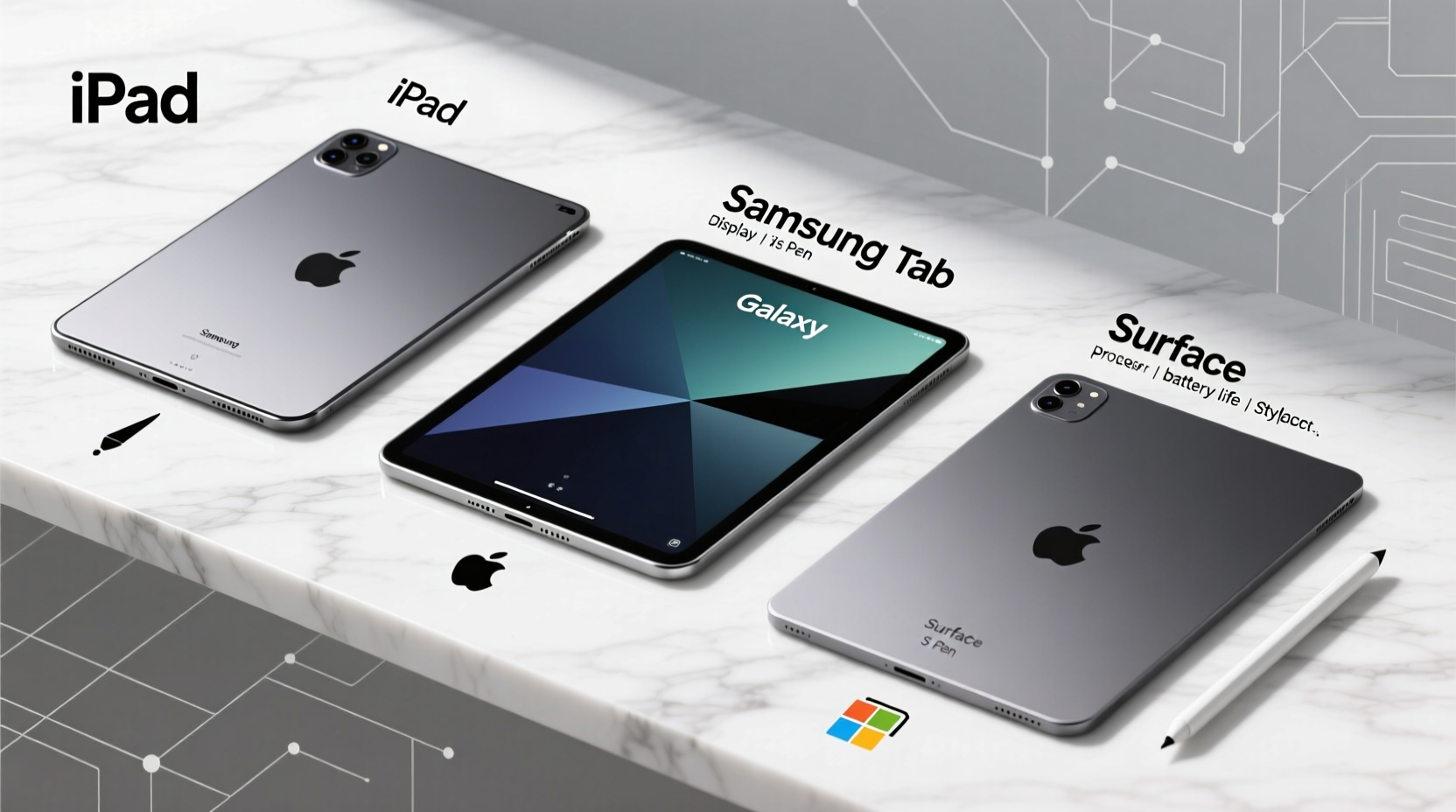
All three brands deliver sleek, modern designs, but their philosophies differ significantly. The iPad emphasizes minimalism and portability. Most models are lightweight, with slim bezels and aluminum unibody construction that feels premium in hand. Its design prioritizes media consumption and touch-first interaction.
Samsung Galaxy Tabs strike a balance between Android flexibility and high-end materials. Models like the Galaxy Tab S9 feature glass backs and metal frames, supporting both DeX desktop mode and S Pen input. They’re slightly heavier than iPads but offer more customization options for accessories and multitasking.
The Microsoft Surface stands apart as a hybrid device. With full Windows 11, detachable keyboards, and precision trackpads, it functions like a laptop first. Devices such as the Surface Pro 9 come with kickstands and support Surface Pen and Type Cover combos, making them ideal for users who need desktop-level functionality on the go.
Ecosystem Integration: Where Your Data Lives Matters
Your existing tech ecosystem plays a decisive role in which tablet performs best for you.
- iPad excels within the Apple universe. Handoff, AirDrop, Universal Clipboard, and iCloud sync make transitions between iPhone, Mac, and iPad effortless. If you own an iPhone, the continuity experience alone—like answering calls or continuing messages—is unmatched.
- Samsung Tab integrates tightly with Galaxy phones via Quick Share, Link to Windows, and Smart Switch. While not as seamless as Apple’s ecosystem, Samsung offers strong cross-device features, especially when paired with a Galaxy smartphone.
- Surface thrives in Windows and Microsoft 365 environments. For business users relying on Outlook, Teams, OneDrive, and Office apps, the Surface provides native support and full desktop-grade functionality. It also pairs well with Xbox and other Microsoft services.
“The best tablet isn’t always the most powerful—it’s the one that works quietly in the background of your digital life.” — Lena Park, Tech Integration Consultant
Performance and Software Capabilities
Raw hardware matters less than how software leverages it. Here's how each platform handles key tasks:
| Device | Operating System | App Ecosystem | Productivity Tools | Desktop-Class Apps? |
|---|---|---|---|---|
| iPad (M1/M2) | iOS/iPadOS | Extensive, optimized for touch | Good (Pages, Keynote, third-party apps) | Limited (no full desktop apps) |
| Samsung Tab S9/S10 | Android (with One UI) | Large Google Play library | Fair (DeX improves multitasking) | No, but DeX offers partial desktop interface |
| Surface Pro 9 | Windows 11 | Full desktop + Microsoft Store | Excellent (full Office suite, Adobe, CAD) | Yes |
iPadOS has matured with Stage Manager, external display support, and improved file handling—but it still lacks true desktop-class applications. You can edit a PowerPoint presentation, but complex macros or VBA scripts won’t run. Similarly, while Samsung’s DeX mode brings a windowed environment, many Android apps aren’t designed for mouse or keyboard inputs, limiting efficiency.
Only the Surface runs full desktop software natively. Need to use Excel with Power Query, run Visual Studio Code, or edit video in DaVinci Resolve? The Surface handles it. This makes it indispensable for professionals in engineering, finance, programming, and content creation.
Real-World Use Case: Who Should Choose What?
Consider Sarah, a freelance graphic designer working remotely. She uses Adobe Illustrator, Photoshop, and Zoom daily. Her client meetings require screen sharing and quick edits. Initially, she bought an iPad Pro with Apple Pencil, attracted by its vibrant display and stylus accuracy. However, she found herself constantly switching to her MacBook because file management was cumbersome and certain plugins weren’t supported in mobile versions of Adobe apps.
After switching to a Surface Pro 9, she gained direct access to full Creative Cloud apps, used her Wacom pen seamlessly, and connected to dual monitors at her co-working space. Though heavier than the iPad, the trade-off in workflow efficiency was immediate and substantial.
In contrast, James, a college student studying literature, uses his iPad Air primarily for reading PDFs, taking handwritten notes with GoodNotes, and watching lectures. He values battery life (often exceeding 10 hours), instant wake-up, and the ability to quickly jot ideas during class. For him, the iPad’s simplicity and app optimization outweigh the lack of desktop software.
Choosing Based on Primary Use
- Media & Casual Use: iPad leads with superior app quality, longer update cycles, and excellent speakers.
- Hybrid Work & Creativity: Surface wins if you need real desktop power; Samsung Tab competes with strong stylus support and DeX mode.
- Android Enthusiasts / Multitaskers: Galaxy Tab offers deeper customization and better split-screen flexibility than iPadOS.
Battery Life, Updates, and Longevity
Apple consistently delivers longer software support—up to 5–6 years of OS updates for newer iPads. This extends resale value and reduces e-waste. Samsung offers about 4 years of major Android updates and 5 years of security patches on flagship Tabs, which is improving but still trails Apple.
Microsoft provides 4–5 years of Windows updates depending on model and processor, but driver and firmware support varies. Battery longevity is generally good across all three, though Surface devices tend to drain faster under heavy loads due to active cooling and higher-performance components.
Checklist: How to Pick Your Tablet
- ✅ Do you already use iPhone? → iPad likely integrates best.
- ✅ Do you rely on full Windows programs? → Surface is the only viable option.
- ✅ Do you want maximum app variety and sideloading freedom? → Android (Samsung) gives more control.
- ✅ Will you be typing documents daily? → Test keyboard add-ons; Surface has best physical typing experience.
- ✅ Is portability critical? → iPad and Galaxy Tab are lighter than most Surfaces.
- ✅ Are you budget-conscious? → iPad mini or Galaxy Tab S9 FE offer premium features at lower cost.
FAQ
Can I replace my laptop with one of these tablets?
You can—if you choose the Surface. While iPad and Galaxy Tab support keyboards and multitasking, they don’t run full desktop operating systems. The Surface Pro series is explicitly designed as a laptop replacement, complete with USB-C, Thunderbolt, and full x64 application support.
Which tablet has the best stylus experience?
All three offer excellent styluses: Apple Pencil (2nd gen), Samsung S Pen, and Microsoft Surface Pen. The Apple Pencil leads in latency and palm rejection for artists. The S Pen comes included with most high-end Tabs and supports air gestures. The Surface Pen is precise and pressure-sensitive but sold separately.
Are accessories expensive across platforms?
Yes, and this affects total cost. An iPad base model may start at $599, but adding a Magic Keyboard ($299) and Apple Pencil ($129) nearly doubles the price. Samsung often includes the S Pen. Surface Type Covers range from $129–$179, making them relatively affordable compared to Apple’s ecosystem pricing.
Final Verdict: Which Tablet Is Worth the Hype?
The iPad remains the gold standard for user experience, app quality, and ecosystem harmony—ideal for students, casual users, and creatives focused on drawing or note-taking. The Samsung Galaxy Tab delivers the most flexible Android experience, especially for those invested in Samsung’s ecosystem or wanting a middle ground between phone and PC.
But if you're serious about replacing a laptop, handling complex workflows, or running specialized software, the Microsoft Surface is the only true productivity powerhouse among the three. It’s not just a tablet with ambitions—it’s a computer that happens to be portable.
Rather than chasing hype, align your choice with actual usage patterns. A device that fits your habits will feel indispensable; one that doesn’t, no matter how advanced, becomes shelfware.




 浙公网安备
33010002000092号
浙公网安备
33010002000092号 浙B2-20120091-4
Comments
No comments yet. Why don't you start the discussion?