
In an era where smartphones are more powerful than ever, it's natural to wonder: can a device that fits in your pocket truly compete with a dedicated gaming console like the Xbox 360? The iPhone 11, released in 2019, was a powerhouse for its time—boasting advanced processing, high-resolution displays, and robust software support. But how does it stack up against a full-fledged home entertainment system designed specifically for immersive gaming? This isn’t just about specs; it’s about what each device can *actually* deliver when you press “start.”
The answer isn’t binary. While the iPhone 11 excels in portability and app-based gaming, the Xbox 360—despite being older—offers experiences rooted in controller ergonomics, big-screen immersion, and deep game libraries. Let’s explore this head-to-head from multiple angles.
Processing Power and Hardware Comparison
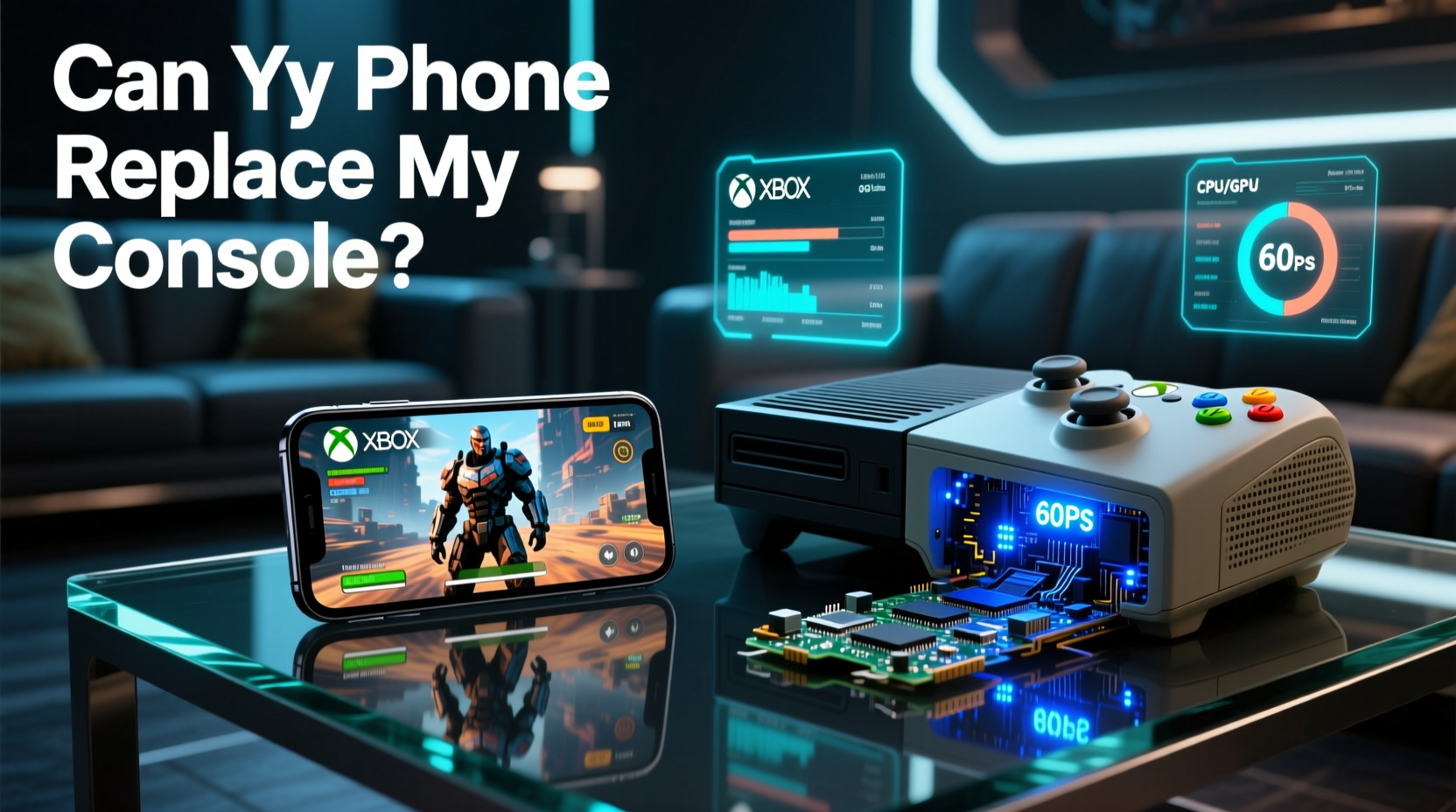
At first glance, comparing a smartphone to a console seems unfair—the architectures differ fundamentally. The iPhone 11 runs on Apple’s A13 Bionic chip, built on a 7nm process with six cores (two performance, four efficiency). It handles AI tasks, machine learning, and graphics rendering at speeds that were unthinkable in mobile devices just five years prior.
Meanwhile, the Xbox 360, launched in 2005, uses a custom IBM PowerPC tri-core processor clocked at 3.2 GHz and an ATI GPU capable of rendering HD graphics up to 720p or 1080i. Its RAM is limited to 512MB GDDR3, shared across system and video functions. By modern standards, this is modest—but remember, it was engineered for sustained output on large TVs with dedicated cooling and power supply.
Performance Breakdown
| Feature | iPhone 11 | Xbox 360 |
|---|---|---|
| Processor | A13 Bionic (6-core) | IBM PowerPC Tri-Core @ 3.2GHz |
| Graphics | Apple-designed 4-core GPU | ATI Xenos (240MHz, 10MB eDRAM) |
| RAM | 4GB LPDDR4X | 512MB GDDR3 (shared) |
| Storage | 64/128/256GB flash | 20GB–250GB HDD (varies by model) |
| Display Output | 1792×828 (Liquid Retina) | Up to 1080i via HDMI/component |
| Game Medium | App Store downloads | DVDs + digital marketplace |
The iPhone 11 clearly outpaces the Xbox 360 in raw computational benchmarks. However, the console’s hardware was optimized for continuous gameplay sessions, surround sound integration, and TV-level visual fidelity. Mobile GPUs are efficient but not built for hours of high-frame-rate rendering without thermal throttling.
Gaming Experience: Control, Immersion, and Interface
This is where the divide becomes most apparent. Gaming isn’t only about processing—it’s about interaction. The Xbox 360 offers physical dual analog sticks, triggers, D-pads, and face buttons laid out for comfort during extended play. Titles like *Halo 3*, *Gears of War*, and *Forza Motorsport* were crafted around this input method.
The iPhone 11 relies on touch controls. Even with third-party Bluetooth controllers like the Backbone or Razer Kishi, iOS games rarely match the depth or responsiveness of native console titles. Touch interfaces work well for casual games (*Monument Valley*, *Alto’s Odyssey*), puzzle apps, or hyper-casual hits like *Among Us*. But try playing a fast-paced shooter using virtual joysticks—you’ll quickly notice latency, lack of tactile feedback, and finger obstruction.
“Touchscreens have improved dramatically, but they still can’t replicate the precision and muscle memory built into physical controls.” — David Liu, Game Design Instructor at NYU Game Center
Screen Size and Audio Environment
Immersive gaming depends heavily on sensory scale. Playing *Red Dead Redemption* on a 6.1-inch screen versus a 55-inch TV changes everything—from environmental detail visibility to emotional engagement. Add in surround sound systems compatible with the Xbox 360, and the gap widens further.
The iPhone 11 has excellent stereo speakers and supports spatial audio through headphones, but it lacks the room-filling presence of a living-room setup. You're trading cinematic scope for convenience.
Game Library and Longevity
The Xbox 360 boasts over 2,000 retail titles, many considered classics today. Its backward compatibility program even allows select original Xbox games to run. Microsoft’s ecosystem includes achievements, cloud saves, and multiplayer matchmaking via Xbox Live—a mature online infrastructure.
iOS gaming is vast too, with hundreds of thousands of titles on the App Store. Yet, the business model differs drastically. Many top-grossing games rely on microtransactions (*Clash Royale*, *Call of Duty: Mobile*) or subscriptions (Apple Arcade). Few offer the narrative depth or replay value of a full console RPG or action-adventure title.
Mini Case Study: Playing \"Assassin’s Creed II\"
Consider *Assassin’s Creed II*—available on both platforms, though in different forms. On Xbox 360, it’s a full-length, open-world experience with voice acting, complex combat, and intricate parkour mechanics across Renaissance Italy. On iPhone, the version is simplified: shorter missions, reduced textures, and touch-centric UI adjustments. It’s recognizable, but not equivalent.
If your goal is authentic, long-form storytelling with rich gameplay loops, the console remains unmatched—even a decade later.
Can the iPhone 11 Replace the Xbox 360?
Let’s be clear: the iPhone 11 cannot *fully* replace the Xbox 360 as a primary gaming platform—if you define gaming as deep, engaging, long-session experiences. But it *can* complement it.
- Portability wins: Play during commutes, waits, or downtime.
- Better battery life for short bursts: Up to 3 hours of continuous gaming vs. the 360’s constant plug-in requirement.
- Lower entry cost: Most iOS games are cheaper or free; no need for additional hardware beyond the phone.
- Cloud gaming bridge: Services like Xbox Cloud Gaming (xCloud) now allow streaming Xbox titles to iPhone—effectively turning it into a remote display.
Checklist: Maximizing iPhone 11 as a Gaming Device
- Install a mobile gaming controller (e.g., Backbone One).
- Subscribe to Apple Arcade for premium ad-free games.
- Enable Low Latency Mode in Settings > Accessibility > Motion.
- Use AirPods Pro or wired headphones for immersive audio.
- Stream Xbox games via Xbox Cloud Gaming (beta available on Safari).
- Close background apps before launching intensive games.
- Keep iOS updated for optimal game optimization.
Frequently Asked Questions
Can I play Xbox 360 games directly on my iPhone 11?
No, not natively. The iPhone doesn’t support Xbox 360 discs or direct file execution. However, some titles have been remastered for iOS (like *Minecraft* or *Geometry Wars*), and others can be streamed via Xbox Cloud Gaming if available.
Is the iPhone 11 good for gaming in 2024?
Yes, especially for mobile-first titles. While newer iPhones offer better performance, the A13 chip still handles demanding games smoothly. With Apple Arcade and cloud services, it remains a viable handheld option.
Does cloud gaming make consoles obsolete?
Not yet. Streaming requires consistent high-speed internet and introduces input lag. For competitive or fast-response games, local hardware still provides superior reliability and quality.
Conclusion: Purpose Defines Performance
The iPhone 11 and Xbox 360 serve different roles. One is a portable multitasker with impressive gaming capabilities; the other is a legacy entertainment hub built for couch co-op, epic campaigns, and social play. Asking whether the phone can “do what the console does” misses the point—each excels in its context.
Instead of replacement, think synergy. Use your iPhone 11 for quick sessions, travel gaming, or cloud-streamed console content. Keep the Xbox 360—or upgrade to a modern alternative—for nights when you want to lose yourself in another world on the big screen.




 浙公网安备
33010002000092号
浙公网安备
33010002000092号 浙B2-20120091-4
Comments
No comments yet. Why don't you start the discussion?