
When Apple released the iPhone 11 in 2019, it positioned the device as a significant step up from the iPhone XR—especially in photography. For users still relying on the XR, the question remains: is upgrading to the iPhone 11 truly worth it just for the camera improvements? The answer depends on how you use your phone to capture moments, what kind of lighting conditions you typically shoot in, and whether dual-lens flexibility matters to your creative process.
The iPhone XR was praised for delivering flagship-level photo quality with just a single rear camera. But the iPhone 11 introduced a second ultra-wide lens, improved low-light performance, and smarter software processing. These changes weren’t just incremental—they represented a shift in how Apple approached mobile photography for mainstream users.
Dual Camera System: Flexibility Beyond Zoom
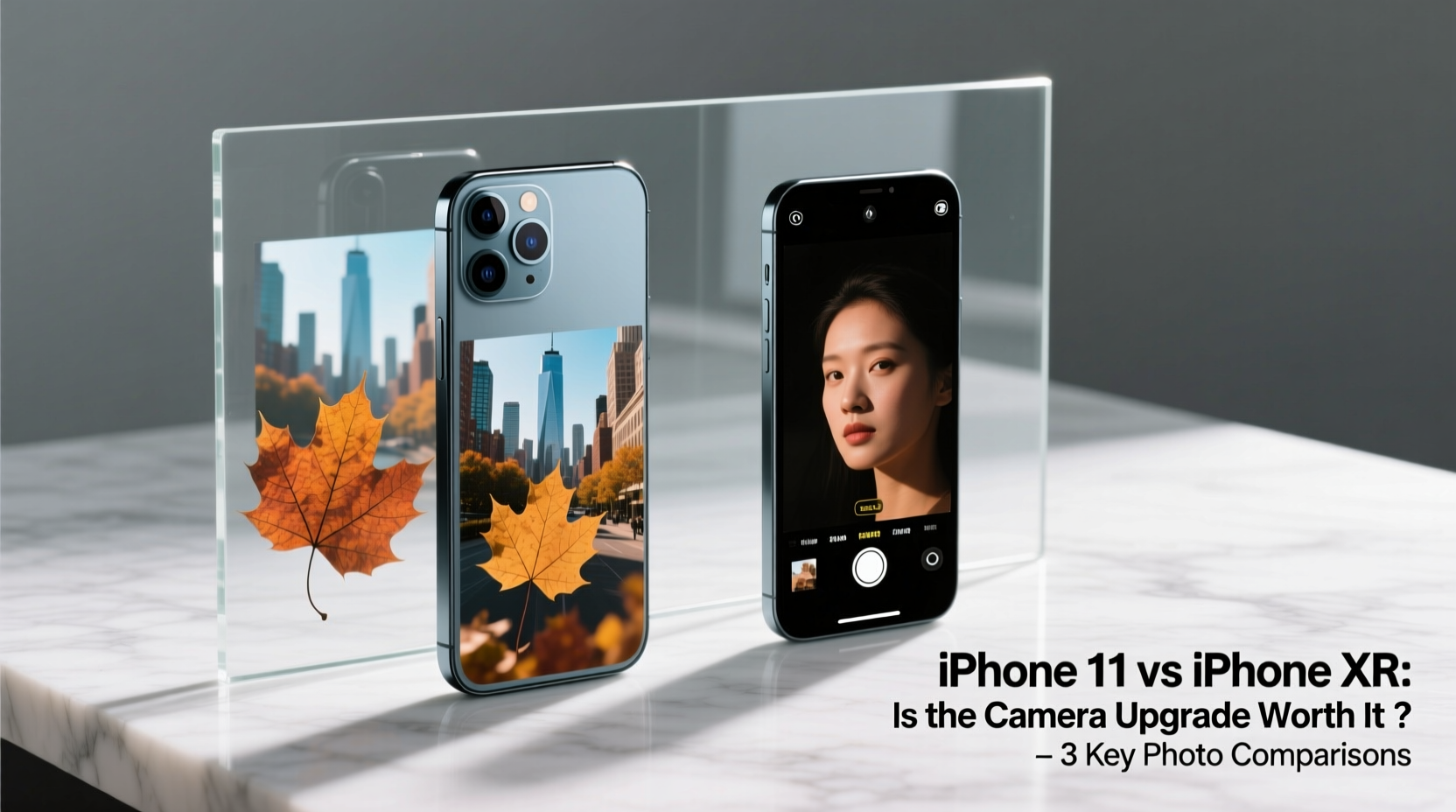
The most obvious hardware difference between the iPhone 11 and XR is the addition of a second rear camera. The iPhone XR features one 12MP wide-angle lens (f/1.8 aperture), while the iPhone 11 adds a 12MP ultra-wide lens (f/2.4). This isn’t just about zoom—it’s about composition.
The ultra-wide lens allows photographers to fit more into a frame without stepping back. This is especially useful in tight spaces like small rooms, crowded events, or scenic landscapes where stepping further isn’t an option. You can switch between lenses seamlessly in the Camera app, preserving framing options that weren’t available on the XR.
While the XR relied on digital zoom and cropping to simulate wider views, the iPhone 11 captures genuine ultra-wide images optically. This means better edge clarity, less distortion, and higher detail retention—even when shooting at full resolution.
Low-Light Performance and Night Mode
One of the standout software-hardware upgrades in the iPhone 11 is Night Mode. Introduced with iOS 13, this feature automatically activates in dim lighting conditions and uses multi-frame exposure stacking to brighten shadows, reduce noise, and preserve color accuracy—all without requiring a flash.
The iPhone XR lacks Night Mode entirely. In dark environments—such as indoor dinners, evening walks, or concerts—the XR often produces grainy, underexposed photos with poor dynamic range. The iPhone 11, by contrast, stabilizes the image using sensor-shift algorithms and extends exposure time intelligently, resulting in cleaner, brighter shots even in near-darkness.
“Night Mode changed the game for smartphone photography. It turns previously unusable scenes into shareable memories.” — David Kim, Mobile Photography Instructor at SF Media Arts
This improvement alone makes the upgrade compelling for users who frequently take photos after sunset or in poorly lit interiors. The combination of a slightly larger sensor, improved optical image stabilization, and computational photography gives the iPhone 11 a clear edge.
Image Quality Comparison: Side-by-Side Analysis
| Feature | iPhone XR | iPhone 11 |
|---|---|---|
| Rear Cameras | 1x 12MP Wide (f/1.8) | 1x 12MP Wide (f/1.8), 1x 12MP Ultra-Wide (f/2.4) |
| Night Mode | No | Yes (auto-detects low light) |
| Digital Zoom | 5x | 5x (with better base resolution due to dual input) |
| Portrait Mode | Limited to people (software-based depth) | People + objects; improved edge detection |
| Smart HDR | Basic Smart HDR | Advanced Smart HDR with deeper tone mapping |
| Video Recording | 4K up to 60fps | 4K up to 60fps + extended dynamic range |
As shown above, the iPhone 11 improves upon nearly every imaging metric. Even though both phones share the same primary sensor size, the 11 benefits from next-generation image signal processing and machine learning enhancements that refine texture detail and skin tones.
Real-World Example: Family Event Photography
Sarah, a parent in Austin, Texas, used her iPhone XR to document her child’s birthday party held indoors during late afternoon. With limited natural light and colorful decorations casting mixed shadows, many of her photos came out blurry or overly dark. Faces were often lost in shadow, and attempts to edit them later resulted in excessive noise.
After upgrading to the iPhone 11, she noticed immediate improvements. During a subsequent family dinner in a dimly lit restaurant, Night Mode activated automatically. The resulting images showed balanced exposure, accurate skin tones, and minimal grain. She also used the ultra-wide lens to capture group shots without needing to squeeze everyone into a narrow frame.
For users like Sarah, whose smartphones are their primary cameras, the iPhone 11’s advancements translate directly into more reliable, higher-quality memories.
Actionable Tips for Maximizing Camera Performance
- Enable Grid Lines: Go to Settings > Camera > Grid to help compose balanced shots using the rule of thirds.
- Tap to Focus and Adjust Exposure: Press and hold on your subject until “AE/AF Lock” appears to maintain consistent brightness and focus.
- Use the Volume Button as Shutter: Great for stability when holding the phone with two hands.
- Switch Lenses Before Shooting: Don’t rely on post-crop zoom; select the ultra-wide lens upfront if you need the broader view.
- Let Night Mode Work: Keep your hand steady when the moon icon appears—you’ll see a countdown timer indicating exposure duration.
Frequently Asked Questions
Can the iPhone XR get Night Mode through a software update?
No. Despite running the same iOS versions, the iPhone XR does not support Night Mode due to hardware limitations, including lack of advanced motion coprocessors and sensor capabilities required for long-exposure stabilization.
Is the ultra-wide lens lower quality than the main lens?
Yes, slightly. The ultra-wide lens has a smaller aperture (f/2.4) and captures less light, so images may appear noisier in low light. However, in daylight or well-lit settings, the difference in sharpness and color fidelity is minimal.
Does Portrait Mode work better on the iPhone 11?
Yes. The dual-camera system enables depth mapping beyond facial recognition, allowing Portrait Mode to work on objects and pets. Edge detection is also more accurate, reducing halo effects around hair and glasses.
Final Verdict: Is the Upgrade Worth It for Photos?
If photography plays a central role in how you use your phone, then yes—the upgrade from iPhone XR to iPhone 11 is absolutely worth it. The addition of Night Mode alone addresses one of the biggest pain points in mobile photography: capturing usable images in low light. Combine that with the creative freedom of the ultra-wide lens and improved Smart HDR processing, and you have a noticeably superior camera experience.
However, if you primarily take photos in bright daylight, rarely shoot at night, and don’t mind editing or cropping later, the differences may feel subtle. In those cases, the upgrade might be more about future-proofing than immediate gains.
Still, considering that both devices offer similar build quality, battery life, and display performance, the camera becomes the decisive differentiator. For anyone serious about getting the most out of their mobile photography—without carrying additional gear—the iPhone 11 delivers tangible, everyday value over the XR.




 浙公网安备
33010002000092号
浙公网安备
33010002000092号 浙B2-20120091-4
Comments
No comments yet. Why don't you start the discussion?