
The iPhone 12 and iPhone 12 Pro were released side by side in late 2020, sharing nearly identical designs, dimensions, and display sizes. At first glance, their 6.1-inch Super Retina XDR OLED panels appear indistinguishable. This has led many users and third-party repair shops to assume that screen replacements between the two models are interchangeable. But is that actually true—and more importantly, if you proceed with a cross-model replacement, are you setting yourself up for long-term regrets?
The short answer: while the physical dimensions and connectors match, allowing an iPhone 12 screen to fit on a 12 Pro (and vice versa), doing so introduces hidden complications that can degrade performance, disable features, and even trigger software warnings. What seems like a simple, cost-effective fix could lead to lasting issues.
Physical Compatibility vs. Functional Reality
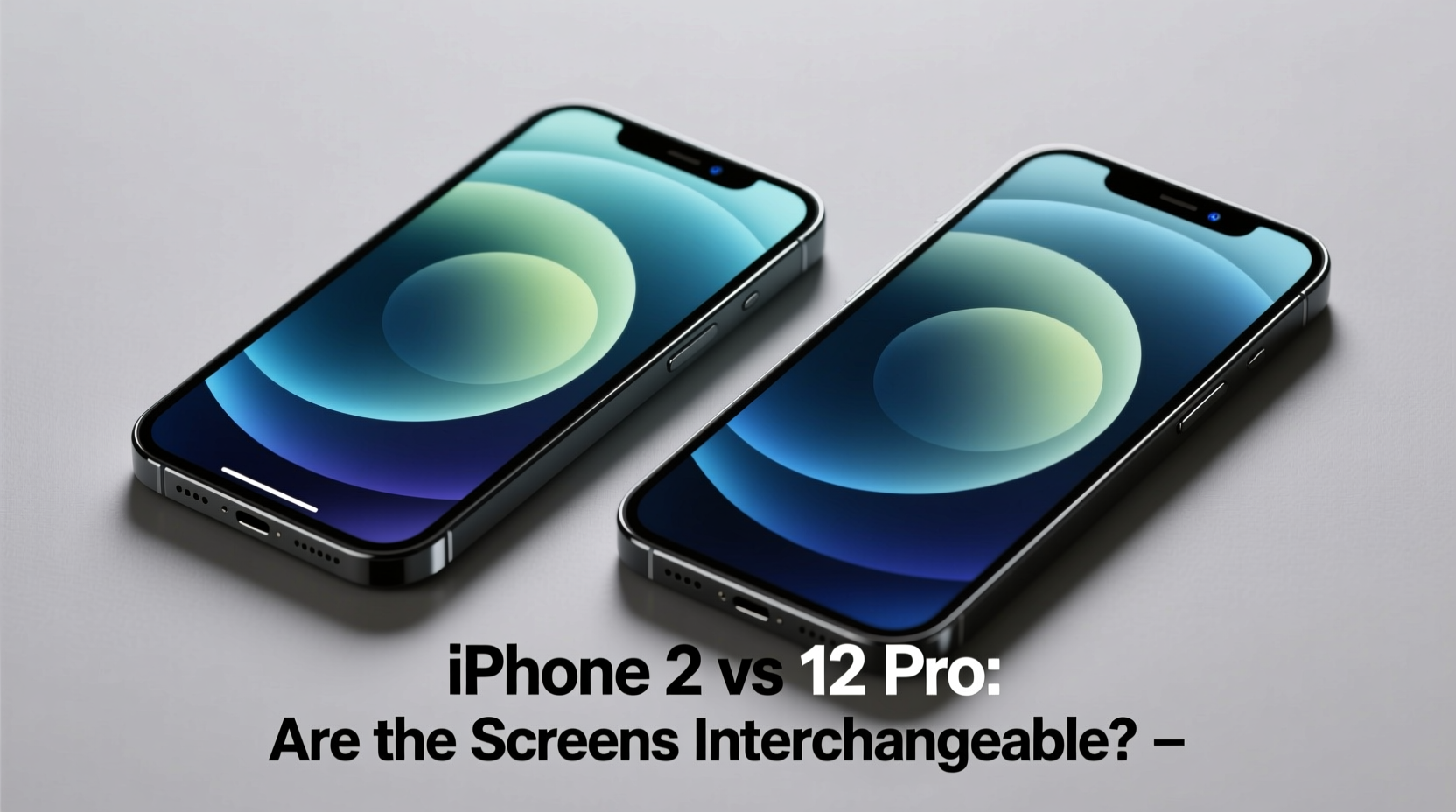
Apple designed the iPhone 12 and 12 Pro with shared chassis architecture. Both devices measure 146.7 x 71.5 x 7.4 mm and use the same size front glass, digitizer, and OLED panel. The flex cables and connector layouts are also identical, meaning a screen from one model will physically attach to the other without modification.
This mechanical compatibility has fueled the myth that the screens are fully interchangeable. However, hardware similarity doesn’t guarantee functional parity. Subtle differences in calibration, internal components, and firmware dependencies mean that swapping screens across models—even within the same generation—can have unintended consequences.
Key Differences Between iPhone 12 and 12 Pro Screens
While the displays look the same, Apple applies different quality control, color calibration, and manufacturing tolerances depending on the model tier. These variations may seem minor, but they matter when integrated into a tightly controlled ecosystem like iOS.
- Color Accuracy & Calibration: The iPhone 12 Pro receives stricter factory calibration for color consistency, especially important for photographers and creatives. A standard iPhone 12 screen may not meet the same standards, leading to visible shifts in white balance or gamma.
- Firmware Pairing: Starting with the iPhone 11 series, Apple introduced component-level serial pairing. While not as strictly enforced on displays as it is on batteries or cameras, some units do store calibration data tied to the original screen.
- True Tone Behavior: True Tone relies on ambient light sensors and preloaded display profiles. Swapping in a non-matching screen can disrupt how smoothly the feature adjusts, resulting in inconsistent warmth transitions.
“Even with identical specs, Apple treats Pro and non-Pro displays differently behind the scenes. A mismatched screen might work—but not as intended.” — David Chen, Senior Mobile Repair Technician, iFix Solutions
What Happens After a Cross-Model Screen Swap?
Many users report that after installing an iPhone 12 screen on a 12 Pro (or vice versa), the device powers on and appears normal. Touch response, brightness, and resolution all function. But deeper inspection often reveals subtle flaws:
- Inconsistent color temperature across brightness levels
- Reduced peak brightness during HDR playback
- Unresponsive True Tone adjustments
- iOS warning messages about “Unable to verify this iPhone has a genuine display”
The last point is particularly concerning. Since iOS 15.2, Apple added system alerts for non-genuine or mismatched displays. If the logic board detects a screen that doesn’t match expected calibration signatures or serial data, it may display a persistent banner in Settings, reducing consumer confidence in the device’s integrity—even if performance seems fine.
Real-World Example: A Photographer’s Regret
Mark, a freelance photographer in Portland, dropped his iPhone 12 Pro and cracked the screen. His local repair shop offered a “genuine-quality” replacement at half the price of an Apple Store fix. The technician claimed it was interchangeable with the iPhone 12 and installed a screen sourced from a trade-in unit.
Initially, everything seemed fine. But within days, Mark noticed that his photo previews looked cooler than expected. Editing on the go became unreliable because colors shifted when he switched lighting environments. Worse, after an iOS update, a message appeared: “This iPhone has a display that isn’t certified by Apple.”
He visited an Apple Store for diagnostics. Though the phone functioned, the technician confirmed the screen wasn’t properly paired and couldn’t be recalibrated. Apple refused to service the device until the original-spec display was reinstalled. Mark ultimately paid full price for a second repair—this time using Apple-certified parts.
Comparison: iPhone 12 vs. 12 Pro Display After Swap
| Feature | Original Setup | After Cross-Swap |
|---|---|---|
| Physical Fit | Perfect | Perfect |
| Touch Sensitivity | Fully responsive | Generally preserved |
| Color Accuracy | Factory calibrated | Potentially skewed; may lack Pro-grade tuning |
| True Tone Functionality | Smooth adjustment | Erratic or disabled |
| iOS Genuine Part Warning | No alert | Likely to appear post-update |
| Long-Term Reliability | Apple-supported | Risk of future software blocks or degradation |
Step-by-Step: How to Avoid Regret When Replacing Your Screen
- Confirm your exact model: Check Settings > General > About to verify whether you own an iPhone 12 or 12 Pro. Even small differences matter.
- Ask for model-specific parts: When visiting a repair shop, explicitly request a screen assembly labeled for your exact device.
- Avoid generic “compatible” listings: Online marketplaces often sell “iPhone 12/12 Pro compatible” screens. These may work initially but lack proper calibration data.
- Prefer Apple Authorized Providers: These technicians use genuine Apple parts and proprietary tools to maintain calibration and pairing.
- Test thoroughly after repair: Check True Tone, auto-brightness, color balance, and touch accuracy under various lighting conditions.
- Monitor for software alerts: Wait for a few days and check Settings for any notifications about non-genuine components.
Frequently Asked Questions
Can I downgrade or remove the “non-genuine display” warning?
No. Once iOS detects a mismatched display, the warning remains permanently unless replaced with a properly authenticated screen. There is no software workaround approved by Apple.
Does using an iPhone 12 screen on a 12 Pro void my warranty?
If your device is still under warranty, any unauthorized repair—including screen swaps with non-genuine parts—will void coverage. Even out-of-warranty, Apple may refuse future services due to component mismatches.
Are OEM screens from拆机件 (used donor phones) safe to use?
Used screens from donor phones may be genuine but carry risks: unknown usage history, potential micro-damage, and lack of recalibration. They may also trigger the same warnings if not properly paired.
Conclusion: Proceed with Caution—or Don’t Proceed at All
The temptation to save money or time by swapping iPhone 12 and 12 Pro screens is understandable. The physical compatibility makes it seem harmless. But beneath the surface, Apple’s ecosystem relies on precision integration between hardware and software. Compromising on display authenticity can result in degraded visual fidelity, persistent error messages, and reduced resale value.
If you value consistent performance, accurate color reproduction, and peace of mind, stick to model-specific, genuine Apple parts. The slight cost difference today could prevent costly regrets tomorrow. Whether you're repairing your own device or trusting a technician, insist on transparency and compatibility. Your iPhone deserves more than a quick fix—it deserves the right fix.




 浙公网安备
33010002000092号
浙公网安备
33010002000092号 浙B2-20120091-4
Comments
No comments yet. Why don't you start the discussion?