
The iPhone 12 was Apple’s first lineup to support 5G, marking a significant leap in connectivity. With faster download speeds and improved streaming quality, 5G promised a next-generation mobile experience. However, many users quickly noticed a downside: rapid battery drain. If your iPhone 12 seems to lose charge alarmingly fast when using 5G, you’re not alone. The question becomes: Is it worth switching back to 4G to preserve battery life? The answer depends on how you use your phone, your network environment, and what you value most—speed or endurance.
Why 5G Drains iPhone 12 Battery Faster
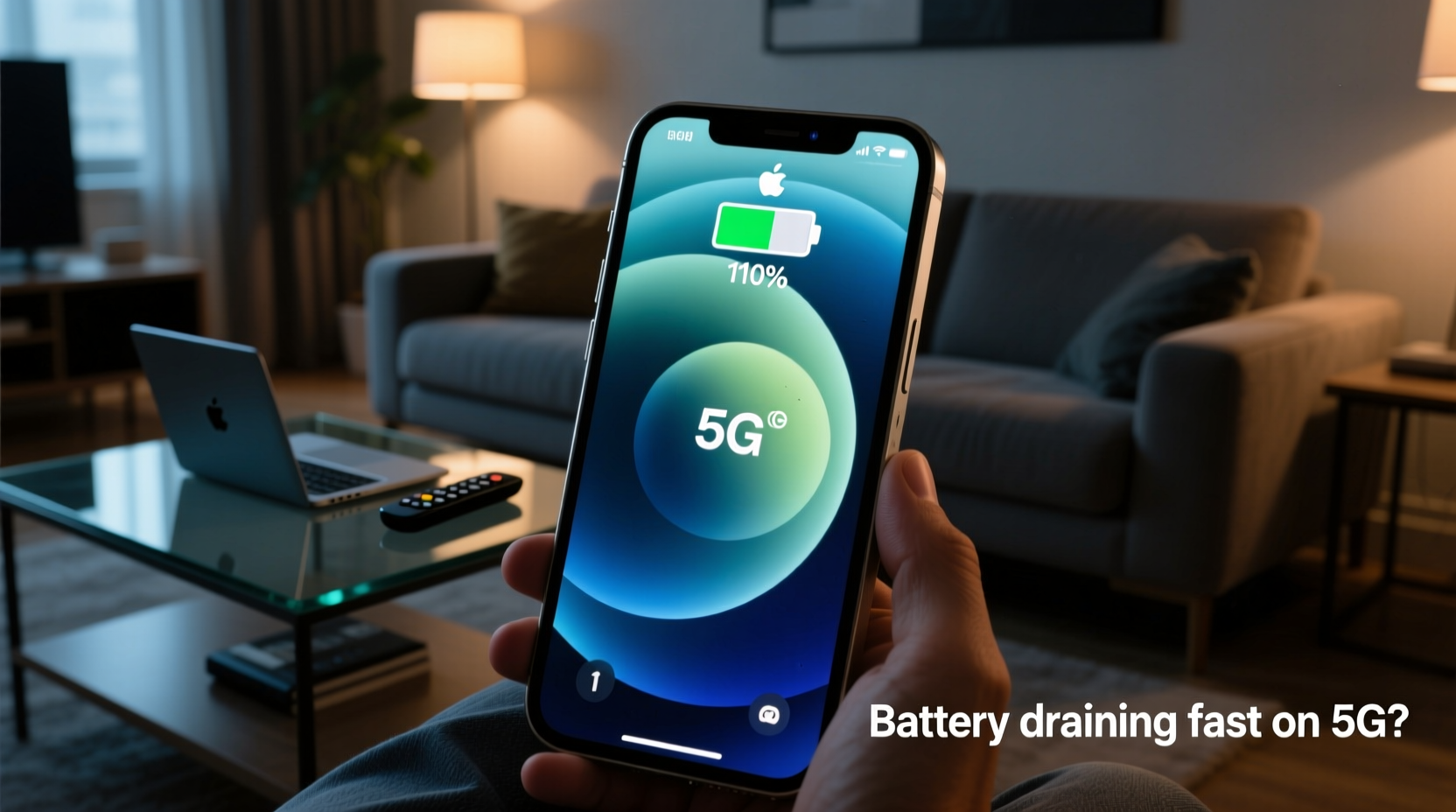
5G technology operates on higher-frequency bands than 4G LTE, enabling faster data transfer but requiring more power to maintain a stable connection. The iPhone 12’s modem must work harder to search for and lock onto 5G signals, especially in areas with spotty coverage. This constant signal negotiation increases energy consumption significantly.
Apple implemented a feature called “Smart Data Mode” to mitigate this issue. It automatically switches between 5G and LTE based on usage. For example, when you're browsing email or reading articles, the phone may drop to LTE. But during video calls or large downloads, it jumps back to 5G. While helpful, Smart Data Mode doesn’t eliminate battery strain entirely—especially if you frequently stream HD content or play online games.
“5G modems are inherently more power-hungry. Even with optimization, sustained high-bandwidth usage will impact battery life.” — Dr. Lin Zhao, Wireless Network Engineer at MIT Mobile Lab
Battery Impact: 5G vs. 4G in Real-World Use
To understand the real difference, consider a typical day of mixed usage: social media, messaging, music streaming, navigation, and occasional video playback. In tests conducted by independent reviewers, the iPhone 12 showed a 15–20% reduction in battery life when locked to 5G compared to staying on LTE.
| Network Mode | Average Screen-On Time | Battery Drop per Hour (Active Use) | Data Speed (Download) |
|---|---|---|---|
| 5G (Auto/Smart Mode) | 6 hours 12 minutes | 17% | 180 Mbps |
| 5G (Locked On) | 5 hours 30 minutes | 20% | 220 Mbps |
| 4G LTE Only | 7 hours 45 minutes | 12% | 45 Mbps |
The numbers speak clearly: disabling 5G can extend usable time by over an hour under heavy conditions. For users who rely on their phones throughout the day without easy access to charging, that extra battery could be crucial.
When Switching to 4G Makes Sense
Not every user needs maximum speed all the time. Here are practical scenarios where reverting to 4G delivers tangible benefits:
- Long trips without charging access: On flights, road trips, or outdoor adventures, preserving battery takes priority over download speed.
- Light usage patterns: If you mainly check messages, browse news, and listen to podcasts, 4G is more than sufficient.
- Poor 5G coverage: In rural areas or inside buildings with weak signal, the iPhone 12 may constantly toggle between networks, accelerating battery drain.
- Overnight or background use: When downloading updates or syncing photos, LTE performs just as well—with less power cost.
In these cases, the marginal benefit of 5G doesn't justify the energy expense. Switching to 4G isn't a downgrade—it's a strategic choice for efficiency.
Step-by-Step: How to Switch from 5G to 4G on iPhone 12
Changing your network mode is simple and reversible. Follow these steps to manually control your connection type:
- Open the Settings app.
- Tap Cellular.
- Select Cellular Data Options.
- Tap Voice & Data.
- Choose one of the following:
- LTE: Disables 5G completely. Uses only 4G LTE.
- Auto (Recommended): Enables Smart Data Mode. Balances speed and battery.
- 5G On: Forces 5G even when not needed. Maximizes speed, minimizes battery.
- 5G Auto: Default setting. Allows dynamic switching.
You can switch back anytime. Many users adopt a hybrid approach—using LTE during work hours or travel, then re-enabling 5G at home for faster downloads.
Mini Case Study: Sarah’s Commute Fix
Sarah, a project manager in Chicago, relied on her iPhone 12 Pro for emails, calendar alerts, and transit maps during her two-hour daily commute. She noticed her battery often dropped below 20% by mid-afternoon, forcing her to carry a portable charger.
After reading about 5G battery impact, she switched her network mode from “5G On” to “LTE” during weekdays. Over the next week, her average battery at 5 PM improved from 18% to 43%. She didn’t miss the speed boost—most of her apps loaded just as quickly on LTE—and valued the peace of mind from not worrying about shutdowns.
On weekends, she switched back to 5G Auto for streaming movies on her iPad via hotspot. Her balanced approach gave her both longevity and flexibility.
Checklist: Optimize iPhone 12 Battery with 5G Smarts
- ✅ Assess your daily data needs—do you actually use high-speed 5G?
- ✅ Test battery life in LTE vs. 5G over a full day.
- ✅ Use “5G Auto” instead of “5G On” unless speed is critical.
- ✅ Switch to LTE manually during long outings or low-coverage zones.
- ✅ Monitor battery usage in Settings > Battery to spot 5G-related drain.
- ✅ Re-enable 5G selectively—for large downloads or live video uploads.
FAQ: Common Questions About iPhone 12 and 5G Battery
Does turning off 5G improve iPhone 12 battery life?
Yes. Independent tests and user reports confirm that disabling 5G or using LTE-only mode can extend battery life by 1.5 to 2 hours under normal use. The improvement is even greater in areas with unstable 5G coverage.
Can I still get good internet speed on 4G?
Absolutely. Modern LTE networks offer average download speeds between 25–50 Mbps in urban areas—enough for HD video streaming, video calls, and fast web browsing. Unless you're downloading large files frequently, the difference in real-world performance is minimal.
Will Apple fix 5G battery drain in future updates?
Apple has already optimized 5G power management through iOS updates and Smart Data Mode. Further improvements are likely as modem efficiency evolves. The iPhone 13 and later models show better 5G battery handling due to hardware refinements, suggesting ongoing progress.
Conclusion: Balance Speed and Stamina
The iPhone 12’s 5G capability is impressive, but it comes at a cost. If you're experiencing fast battery drain, switching to 4G isn’t surrendering to outdated tech—it’s making a smart, informed decision about how you want your phone to perform. For many users, the extra speed simply isn’t necessary enough to justify sacrificing half a day’s battery.
Use 5G when it matters: downloading apps, uploading videos, or live-streaming events. Lean on LTE when conserving power is more important. With manual control and awareness, you can tailor your iPhone’s behavior to match your lifestyle—not the other way around.




 浙公网安备
33010002000092号
浙公网安备
33010002000092号 浙B2-20120091-4
Comments
No comments yet. Why don't you start the discussion?