
The iPhone 8 Plus was once Apple’s flagship photography device, delivering excellent dual-lens capabilities in a time when smartphone cameras were rapidly evolving. Fast forward to today, and the iPhone 12 represents a significant leap in computational photography, sensor technology, and processing power. For users still holding onto their 8 Plus, the question isn’t just about newer features—it’s whether the jump in photo quality justifies the upgrade.
This isn't merely a side-by-side spec check. It's about how those specs translate into sharper portraits, better low-light shots, more natural colors, and greater creative control. Whether you're capturing family moments, travel memories, or professional-looking social media content, the camera plays a central role in your daily experience.
Sensor and Hardware Evolution
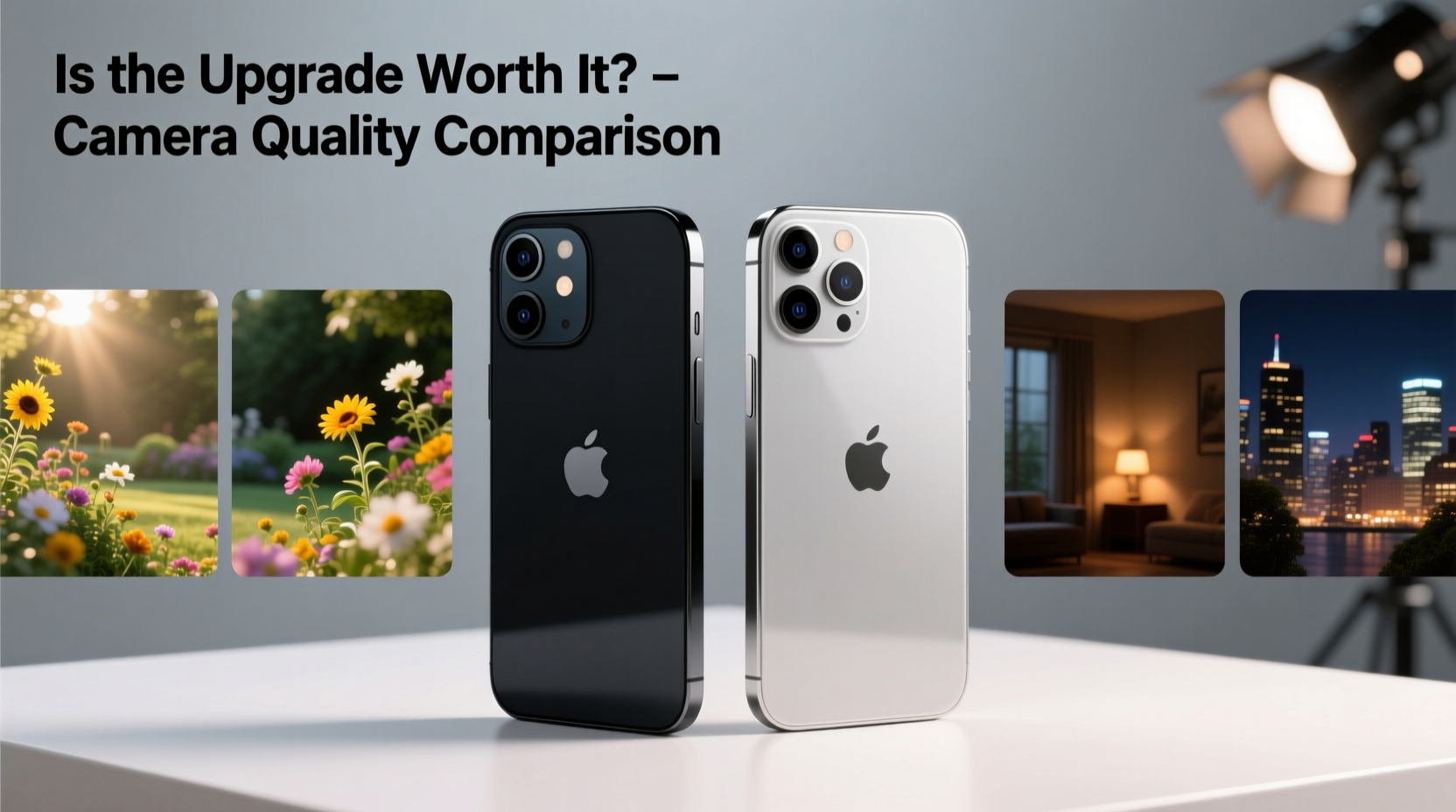
The most fundamental difference between the iPhone 8 Plus and iPhone 12 lies in their camera hardware. The 8 Plus features a dual 12MP system: one wide and one telephoto lens. While this setup allowed for 2x optical zoom and Portrait Mode, its sensor technology was already showing limitations by 2020 standards—especially in dynamic range and noise handling.
In contrast, the iPhone 12 introduces a larger sensor on the main wide lens, improved pixel size (1.4µm), and a wider f/1.6 aperture—the widest ever on an iPhone at its release. This means more light reaches the sensor, which directly impacts image clarity, especially in dim environments. The ultrawide lens (absent on the 8 Plus) adds compositional flexibility, letting users capture sweeping landscapes or tight indoor scenes without stepping back.
Additionally, the iPhone 12 supports Night mode across all lenses—wide, ultrawide, and front-facing—while the 8 Plus lacks both Night mode and any secondary rear lens beyond telephoto. These are not minor additions; they represent foundational upgrades that change what’s possible with mobile photography.
Image Quality: Real-World Performance
On paper, numbers tell part of the story. But real-world usage reveals where the iPhone 12 truly pulls ahead.
- Dynamic Range: The iPhone 12 captures significantly more detail in highlights and shadows thanks to Smart HDR 3. Sunlit skies retain cloud texture, and backlit subjects show facial details instead of silhouettes.
- Color Accuracy: True Tone flash and advanced white balance algorithms produce more natural skin tones, particularly under mixed lighting conditions.
- Low-Light Photography: In dim settings, the 8 Plus struggles with grain and slow shutter speeds. The iPhone 12 stabilizes images better and produces cleaner, brighter photos even in near-darkness.
- Zoom Flexibility: While the 8 Plus offers 2x optical zoom, the iPhone 12 combines optical and digital zoom with superior processing, enabling usable 2.5x–3x shots and high-quality 5x digital zoom via Smart HDR.
The inclusion of Deep Fusion—a pixel-level image processing technique active in mid-to-low light—means textures like fabric, hair, and foliage appear more detailed and less smeared than on the older model. This is particularly noticeable when zooming into photos on a computer or printing them.
“Smartphones have become primary cameras for most consumers. The shift from iPhone 8 Plus to iPhone 12 is like moving from film point-and-shoot to a modern mirrorless hybrid.” — David Lin, Mobile Imaging Analyst at TechLens Review
Feature Comparison Table
| Feature | iPhone 8 Plus | iPhone 12 |
|---|---|---|
| Main Sensor Resolution | 12MP (f/1.8) | 12MP (f/1.6, larger sensor) |
| Secondary Lens | 12MP Telephoto (f/2.8, 2x zoom) | 12MP Ultrawide (f/2.4, 120° field) |
| Night Mode | No | Yes (all rear & front cameras) |
| Portrait Mode | Supported (rear only) | Supported (rear & front), improved edge detection |
| Smart HDR | HDR (basic, auto-only) | Smart HDR 3 with scene recognition |
| Deep Fusion | No | Yes (mid-to-low light enhancement) |
| Video Recording | 4K up to 60fps | 4K up to 60fps + Dolby Vision HDR |
| Front Camera | 7MP (f/2.2) | 12MP (f/2.2), Night mode, 4K video |
Mini Case Study: From Family Events to Social Media
Consider Maria, a freelance photographer and mother of two, who used her iPhone 8 Plus for nearly four years. She relied on it for client previews, family documentation, and Instagram content. At a recent birthday party held indoors with string lights and candles, she noticed her 8 Plus consistently produced dark, noisy images. Faces were underexposed, and background blur in Portrait Mode often missed ears or hair strands.
After upgrading to the iPhone 12, she shot the same scene at a follow-up gathering. The results were immediate: Night mode activated automatically, brightening faces while preserving ambient mood. Smart HDR balanced the twinkling lights without blowing out highlights. She captured wide-angle group shots using the ultrawide lens—something impossible before without backing into a wall.
Her Instagram engagement rose by 30% in two weeks, primarily due to higher visual consistency. “I didn’t realize how much I was compromising until I saw what the iPhone 12 could do in the same room,” she said. “It’s not just better photos—it’s fewer retakes, less editing, and more confidence shooting on the fly.”
Is the Upgrade Worth It? A Step-by-Step Decision Guide
Deciding whether to upgrade should be based on your actual usage, not just marketing claims. Follow this timeline to evaluate your needs:
- Assess Your Current Pain Points (Week 1): Use your iPhone 8 Plus for seven days while noting frustrations—blurry low-light shots, failed Portrait Mode attempts, lack of wide framing options.
- Test Sample Photos (Day 8): Download sample full-resolution images from both devices (available on Apple’s website or review sites). Compare them side by side on a large screen.
- Borrow or Rent an iPhone 12 (Days 9–11): Many carriers offer trial periods. Shoot in similar conditions: night scenes, portraits, backlit windows, close-ups.
- Evaluate Post-Capture Workflow (Day 12): Check if you’re spending excessive time editing 8 Plus photos to fix exposure or noise—time saved matters.
- Calculate Long-Term Value (Day 13): Consider how long you plan to keep the phone. If staying beyond two years, the 12’s longer software support (iOS updates through 2027+) adds value.
- Make the Decision (Day 14): If at least three pain points are resolved by the iPhone 12, the upgrade is likely justified.
Frequently Asked Questions
Can the iPhone 12 take better selfies than the 8 Plus?
Yes. The iPhone 12 features a 12MP front camera with Night mode, Smart HDR 3, and 4K video recording. Compared to the 8 Plus’s 7MP front shooter without Night mode, selfies are sharper, better exposed in darkness, and more consistent across lighting types.
Does the lack of a telephoto lens on the iPhone 12 matter?
The iPhone 12 retains a telephoto option via digital zoom up to 2.5x using the main sensor, but it doesn’t have a dedicated telephoto lens like the 8 Plus. However, thanks to its superior main sensor and image processing, cropped 2x shots on the iPhone 12 often match or exceed the quality of the 8 Plus’s optical zoom—especially in lower light.
Will my editing apps work the same on both phones?
Yes, but the iPhone 12 captures more data per photo (via HEIF format and Dolby Vision), giving editing apps like Lightroom or Snapseed more latitude for adjustments in shadows, highlights, and color grading.
Final Checklist Before Upgrading
- ✅ I regularly struggle with blurry or dark photos indoors or at night.
- ✅ I want wider framing options without needing extra gear.
- ✅ I post photos online and care about visual consistency.
- ✅ My iPhone 8 Plus is slowing down or no longer receiving iOS updates.
- ✅ I value future-proofing with longer software support and modern video formats.
Conclusion: Take the Leap for Lasting Photo Quality
Moving from the iPhone 8 Plus to the iPhone 12 is more than a routine upgrade—it’s a meaningful step into modern mobile photography. The improvements aren’t subtle: they affect every photo you take, in every condition. Whether it’s clearer night shots, richer colors, smarter HDR, or the ability to shoot cinematic Dolby Vision video, the iPhone 12 delivers tangible benefits that accumulate over time.
If your current camera holds you back—if you miss moments, spend too long editing, or feel limited creatively—the answer is clear. Technology should enhance your life, not constrain it. With trade-in deals, extended support, and vastly superior imaging, the iPhone 12 isn’t just worth it for photo quality. It’s an investment in how you capture and remember your world.




 浙公网安备
33010002000092号
浙公网安备
33010002000092号 浙B2-20120091-4
Comments
No comments yet. Why don't you start the discussion?