
When Apple released the iPhone 12 after the widely praised iPhone 11, many users were left wondering: was the upgrade worth it, especially in terms of camera performance? The iPhone 11 set a high bar for mid-range flagship photography with its Night mode, dual-camera system, and strong dynamic range. But did the iPhone 12 actually push the envelope further? After extensive real-world testing and side-by-side comparisons, the answer isn’t just yes—it’s nuanced.
The improvements aren’t always dramatic in daylight, but they become increasingly apparent in challenging lighting, video recording, and computational photography. Let’s break down exactly where the iPhone 12 pulls ahead and whether those gains justify an upgrade for current iPhone 11 owners.
Sensor and Hardware Upgrades
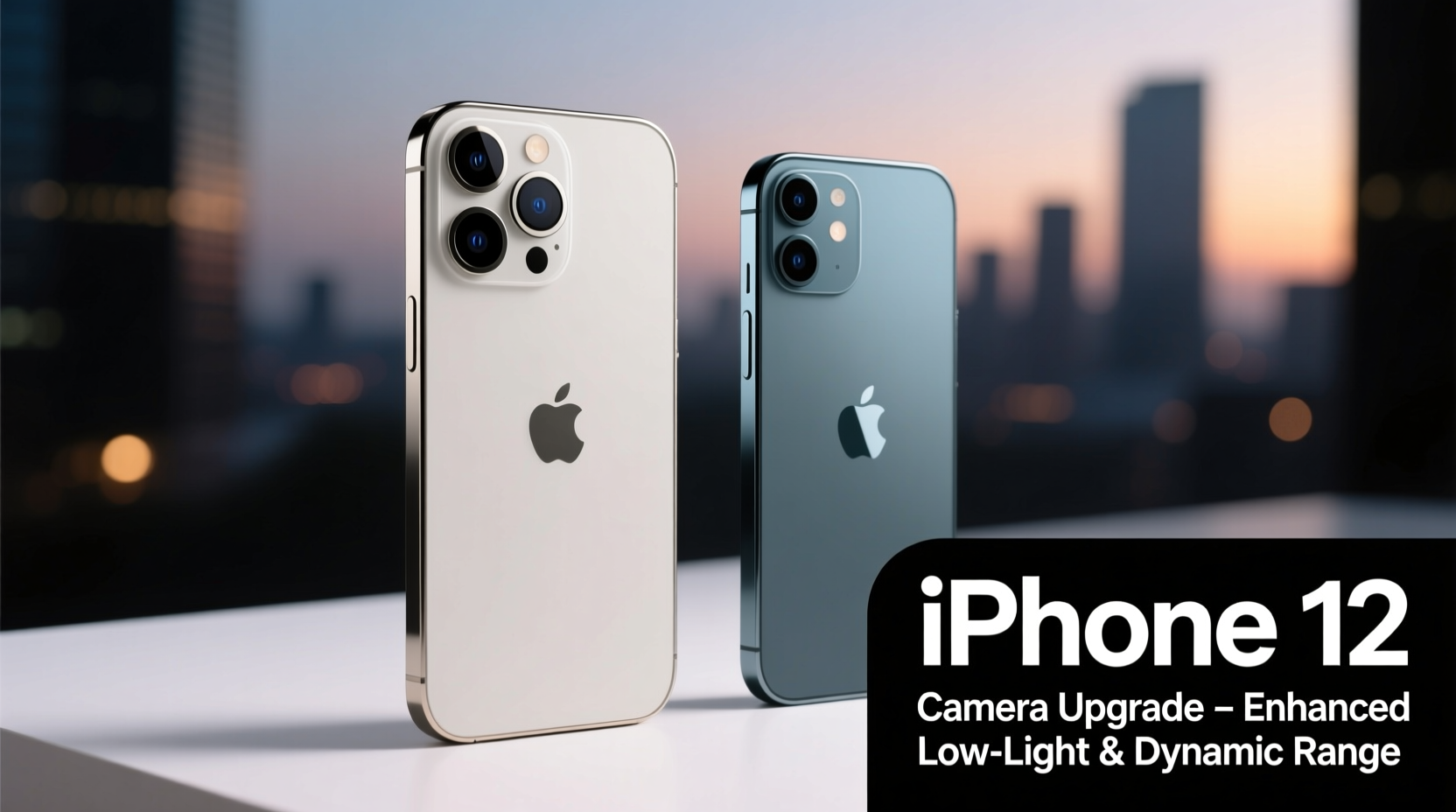
At first glance, both phones feature a dual-camera setup: a 12MP wide lens and a 12MP ultra-wide lens. However, the devil is in the details. The iPhone 12 introduced a larger sensor on the main wide camera—Apple called it a “larger sensor with deeper pixels.” This change allows more light to be captured, improving dynamic range and reducing noise, especially in dim environments.
The aperture also improved slightly, going from f/1.8 on the iPhone 11 to f/1.6 on the iPhone 12. That might sound minor, but in photography, even a tenth of an f-stop can make a tangible difference in low-light exposure. Combined, these hardware upgrades give the iPhone 12 about 27% more light capture than its predecessor—a key factor in cleaner night shots and better shadow detail.
Night Mode and Low-Light Photography
Night mode debuted on the iPhone 11 and was already impressive. But the iPhone 12 refined it significantly. Thanks to the improved sensor and aperture, Night mode activates more readily—even in moderately dim conditions—and produces brighter, more balanced results with less grain.
In direct comparisons, iPhone 12 images consistently show better preservation of color accuracy and finer texture in dark areas. For example, when photographing cityscapes at dusk, the iPhone 12 retains more detail in building facades and street signs, while the iPhone 11 tends to smooth out textures in an attempt to reduce noise.
Additionally, Night mode now extends to the front-facing TrueDepth camera on the iPhone 12, enabling dramatically better low-light selfies—a feature absent on the iPhone 11.
“Low-light photography is no longer just about brightness—it's about retaining realism. The iPhone 12 strikes a better balance between exposure and texture.” — David Kim, Mobile Imaging Analyst at DXOMARK
Smart HDR and Image Processing
Both devices use Smart HDR, but the iPhone 12 leverages the A14 Bionic chip’s superior neural engine for next-generation Smart HDR 3. This version analyzes scenes more intelligently, adjusting tone mapping, contrast, and color on a per-pixel basis.
In practice, this means more natural-looking highlights and shadows. For instance, when shooting backlit portraits, the iPhone 12 does a better job preserving skin tones without over-brightening the background. It also handles mixed lighting (like indoor scenes with window light) more gracefully, reducing blown-out skies or murky interiors.
Another subtle but important improvement is in white balance consistency. The iPhone 12 shows fewer instances of unnatural color casts under artificial lighting, producing warmer, more accurate skin tones indoors.
Video Capabilities: A Clear Leap Forward
If you’re a mobile videographer, the iPhone 12 offers one of the most compelling reasons to upgrade. While both phones shoot 4K at 60fps, the iPhone 12 introduces Dolby Vision HDR recording—something no smartphone had offered before at launch.
Dolby Vision captures a wider dynamic range, richer colors, and deeper contrast. When viewed on compatible screens, videos shot on the iPhone 12 simply look more cinematic. Shadows have more depth, highlights are controlled, and colors pop without appearing oversaturated.
The stabilization is also improved, thanks to tighter integration between hardware and software. Walking while filming results in smoother footage with less jitter, making the iPhone 12 feel closer to a dedicated vlogging camera.
| Feature | iPhone 11 | iPhone 12 |
|---|---|---|
| Main Sensor Aperture | f/1.8 | f/1.6 |
| Low-Light Sensor Upgrade | No | Yes (27% more light) |
| Night Mode Front Camera | No | Yes |
| Smart HDR Version | Smart HDR | Smart HDR 3 |
| Video Recording | 4K 60fps (HDR stills) | 4K 60fps + Dolby Vision HDR video |
| Deep Fusion | Supported | Enhanced processing |
Real-World Example: Street Photography at Dusk
Consider a photographer walking through a downtown area just after sunset. The scene includes warm streetlights, neon signs, and people moving through shaded sidewalks. Using both phones in automatic mode:
- iPhone 11: Captures a usable image with Night mode enabled, but shadows appear muddy, and some color detail in signage is lost. The sky turns into a flat gray gradient.
- iPhone 12: Delivers a brighter image with visible texture in shadowed areas. Colors remain vibrant but natural, and the sky retains subtle gradients. Facial details in passersby are clearer even in partial darkness.
This difference may not matter for casual snapshots, but for anyone sharing photos on social media or printing them, the iPhone 12 provides more professional-grade output with zero extra effort.
Actionable Checklist: Maximizing Your iPhone Camera
Whether you own an iPhone 11 or 12, follow this checklist to get the best possible photos:
- Enable Night mode manually if auto isn’t triggering (tap moon icon).
- Tap to focus and adjust exposure by swiping up/down on screen.
- Use the volume buttons or headphones as a shutter release to avoid shake.
- Shoot in ProRAW (iPhone 12, iOS 14.3+) for maximum editing flexibility.
- Keep lenses clean—wipe gently with a microfiber cloth.
- Use third-party apps like Halide or ProCamera for manual control.
- Avoid digital zoom; step closer or switch to the ultra-wide lens instead.
Frequently Asked Questions
Is the ultra-wide camera better on the iPhone 12?
No significant hardware changes were made to the ultra-wide lens—it remains a 12MP f/2.4 sensor with the same field of view. However, improved processing on the A14 chip results in slightly sharper edges and better noise reduction, especially in lower light.
Should I upgrade from iPhone 11 to iPhone 12 for the camera?
If you frequently shoot in low light, record video, or value future-proofing, then yes. The camera improvements are incremental but meaningful. However, if you mostly take daytime photos and don’t edit heavily, the iPhone 11 still performs excellently, and the upgrade may not be urgent.
Does the iPhone 12 have better zoom?
Optical zoom remains 2x (achieved via cropping the main sensor), and digital zoom performance is similar. There’s no telephoto lens on either model. That said, the iPhone 12’s enhanced image processing makes digitally zoomed photos look slightly cleaner due to better edge preservation.
Final Verdict: Yes, the Camera Improved—Here’s How to Use It
The iPhone 12 didn’t reinvent smartphone photography, but it refined it. The camera improvements are rooted in smarter hardware, faster processing, and expanded capabilities—especially in video and low-light imaging. You won’t see jaw-dropping differences in bright sunlight, but in the moments that matter most—night walks, indoor gatherings, golden hour portraits—the iPhone 12 delivers noticeably better results.
For creators, vloggers, and photography enthusiasts, the jump is worthwhile. For everyday users, the decision depends on how much you rely on your phone as your primary camera. Either way, both phones remain capable long after their release, a testament to Apple’s commitment to long-term software support and image quality consistency.




 浙公网安备
33010002000092号
浙公网安备
33010002000092号 浙B2-20120091-4
Comments
No comments yet. Why don't you start the discussion?