
When Apple introduced the iPhone 13 series in 2021, one feature stood out from the rest: Cinematic Mode. Marketed as a revolutionary tool for mobile filmmakers, it promised depth-of-field effects, automatic focus transitions, and a film-like aesthetic typically reserved for high-end cameras. But nearly three years later, the question remains—does this feature deliver meaningful value, or is it just clever marketing wrapped in technical jargon?
To answer that, we need to look beyond the glossy ads and examine how Cinematic Mode performs in real-world conditions compared to standard video recording on the same device.
What Exactly Is Cinematic Mode?
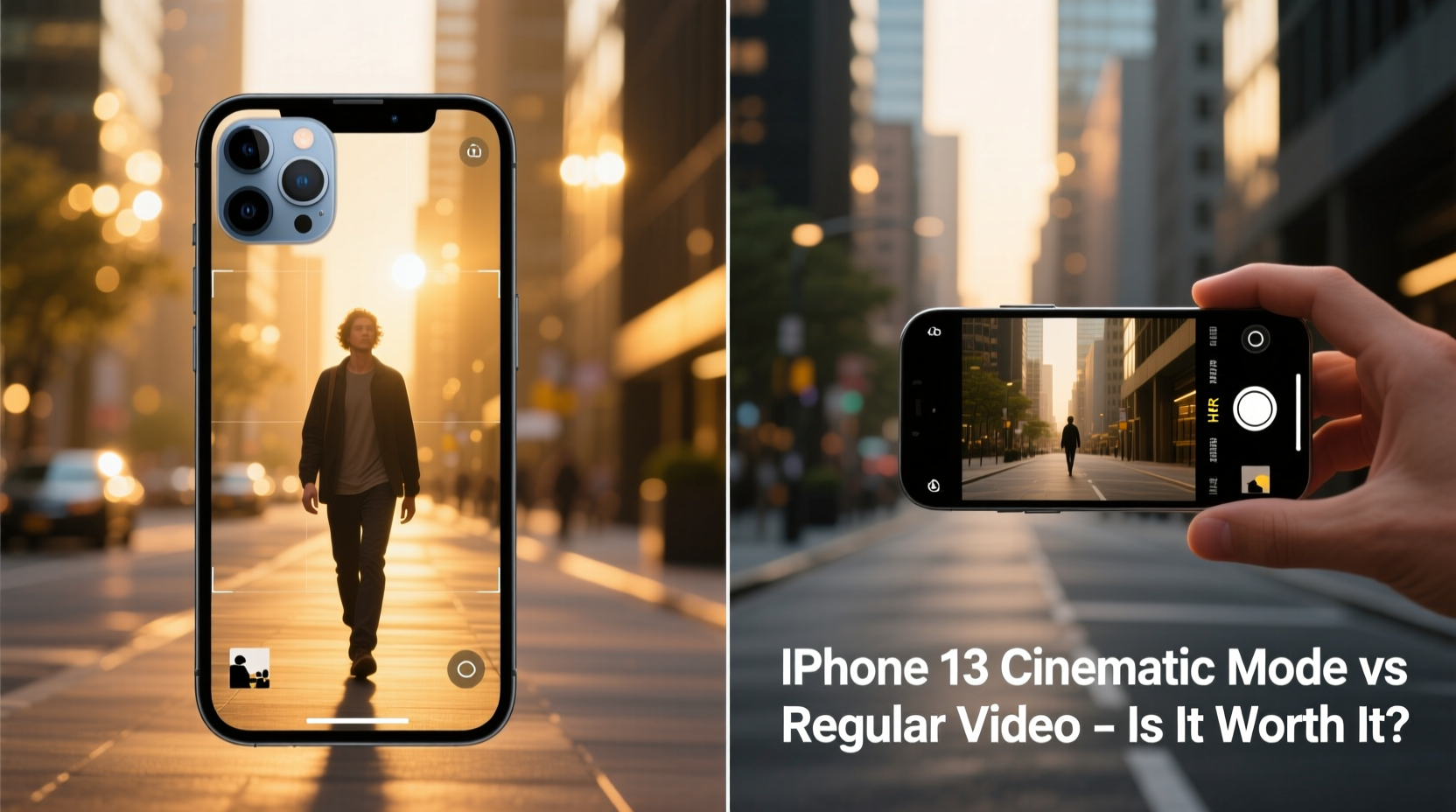
Cinematic Mode on the iPhone 13 uses machine learning and dual-camera data (on models with multiple rear lenses) to simulate shallow depth of field, similar to what you’d get with a DSLR or cinema camera using a wide aperture. It records spatial information during video capture, allowing users to adjust focus points after recording—a feature known as post-capture refocusing.
Unlike traditional video, which locks focus at the time of shooting, Cinematic Mode anticipates when a subject is entering the frame and automatically shifts focus between people or objects. This mimics the “rack focus” technique used in professional filmmaking, where attention moves smoothly from one subject to another.
The mode operates at 1080p resolution and 30fps, which is lower than the 4K 60fps available in standard video mode. This trade-off raises immediate questions about quality versus effect.
Performance Comparison: Cinematic Mode vs Regular Video
| Feature | Cinematic Mode | Regular Video (iPhone 13) |
|---|---|---|
| Resolution | 1080p | Up to 4K at 60fps |
| Framerate | 30fps | 24/30/60fps |
| Depth Effect | Simulated bokeh with dynamic focus shift | No background blur unless using Portrait mode (photos only) |
| Post-Capture Editing | Adjust focus point and depth strength in Photos app | Limited to brightness, color, and stabilization |
| Low-Light Performance | Moderate; blur can become inconsistent | Excellent with Smart HDR and Night mode |
| File Size | ~350MB per minute | ~170MB per minute (1080p), ~400MB (4K) |
The table reveals a core tension: Cinematic Mode sacrifices resolution and compression efficiency for aesthetic effects. While the bokeh and focus transitions are impressive in controlled environments, they don’t always hold up under movement, poor lighting, or complex scenes.
Real-World Testing: A Mini Case Study
Jamal, a freelance content creator based in Austin, used his iPhone 13 Pro daily for client testimonials and social media reels. For two weeks, he shot identical scenes—interviews in cafes, walk-and-talk segments in parks, and product close-ups—using both Cinematic Mode and standard 1080p video.
In well-lit indoor settings with static subjects, Cinematic Mode delivered smooth, natural-looking focus pulls that impressed clients. However, during outdoor shoots with wind movement or when a second person entered the frame unexpectedly, the autofocus often hesitated or jumped awkwardly. In contrast, regular video remained stable, retained sharper detail, and was easier to edit in third-party software like Premiere Rush.
“It’s beautiful when it works,” Jamal said. “But I can’t rely on it for fast-paced shoots. I end up switching back to regular video 70% of the time.”
“We’re seeing computational photography push into videography, but there’s still a gap between simulation and optical control.” — Dr. Lena Torres, Imaging Technology Researcher at MIT Media Lab
Is It Worth the Hype? Breaking Down the Value
The truth is nuanced. Cinematic Mode isn’t a gimmick—it’s a legitimate technological advancement. The ability to change focus after recording is something even professional-grade cameras didn’t offer until recently. But its practicality depends heavily on your use case.
For casual users filming birthday parties or family moments, the automatic focus transitions can add emotional weight to videos. For creators aiming for polished content, the limitations become apparent quickly: no 4K support, inconsistent edge detection, and large file sizes that eat up storage.
Moreover, Cinematic Mode is not supported in all editing apps. If you export footage to platforms like YouTube or TikTok, the depth metadata may be lost, flattening the video to a standard look. You're essentially betting on future compatibility, which is uncertain.
Step-by-Step Guide to Getting the Most Out of Cinematic Mode
- Enable Cinematic Mode in the Camera app by swiping to the dedicated mode or selecting it from the top menu.
- Tap to set initial focus before recording—this helps the AI understand your intended subject.
- Keep movements slow and deliberate; rapid pans or shaky hands disrupt depth mapping.
- Use adequate lighting, especially directional light, to help the phone distinguish subject from background.
- Edit afterward in the Photos app: tap the video, then \"Edit,\" and adjust the focus point timeline manually.
- Export wisely: Choose \"Keep All Data\" when sharing to preserve depth effects if the platform supports it.
This process requires intentionality. Unlike regular video, which thrives on spontaneity, Cinematic Mode rewards planning and patience.
Checklist: When to Use Cinematic Mode (and When Not To)
- ✅ Use it for: One-on-one interviews, romantic clips, voiceovers with visual shifts, Instagram Stories with emotional impact.
- ✅ Avoid it for: Action shots, group scenes with frequent movement, low-light environments, or when 4K output is required.
- ✅ Editable focus needed? Yes → Use Cinematic Mode. No → Stick to regular video.
- ✅ Sharing directly to social media? Confirm platform support first—many compress or strip depth data.
- ✅ Need long recording times? Be mindful—Cinematic Mode consumes storage faster due to higher bitrate encoding.
Frequently Asked Questions
Can I turn on Cinematic Mode for front-facing selfies?
Yes. The TrueDepth camera enables Cinematic Mode in selfie videos, making it ideal for vloggers who want soft background blur while speaking to the camera.
Why can't I edit the focus on my Mac or PC?
Apple’s depth editing tools are currently exclusive to iOS and iPadOS. On desktop, the video plays as a flat 1080p clip unless imported into Final Cut Pro, which supports the format via specific plugins.
Does Cinematic Mode work with older iPhones?
No. It requires A15 Bionic chip or later and advanced camera system data fusion. Only iPhone 13 and newer models support it, including iPhone SE (3rd gen).
Conclusion: Beyond the Hype
Cinematic Mode isn’t a magic button that turns every iPhone user into Spielberg. It’s an experimental feature—one that shows where smartphone video is headed, rather than where it currently stands. For select scenarios, it adds a layer of sophistication previously unavailable in mobile devices. But for everyday reliability, resolution, and flexibility, regular video still wins.
The real value lies in understanding its strengths and limitations. Used thoughtfully, Cinematic Mode can elevate personal storytelling. Relying on it blindly leads to frustration and compromised quality.




 浙公网安备
33010002000092号
浙公网安备
33010002000092号 浙B2-20120091-4
Comments
No comments yet. Why don't you start the discussion?